ComMarker B4 20W vs ComMarker B6 MOPA 30W
Spec-by-spec breakdown of the ComMarker B4 20W and the ComMarker B6 MOPA 30W: scores, pricing, cutting performance, software, and what each machine is really best at.
8.5
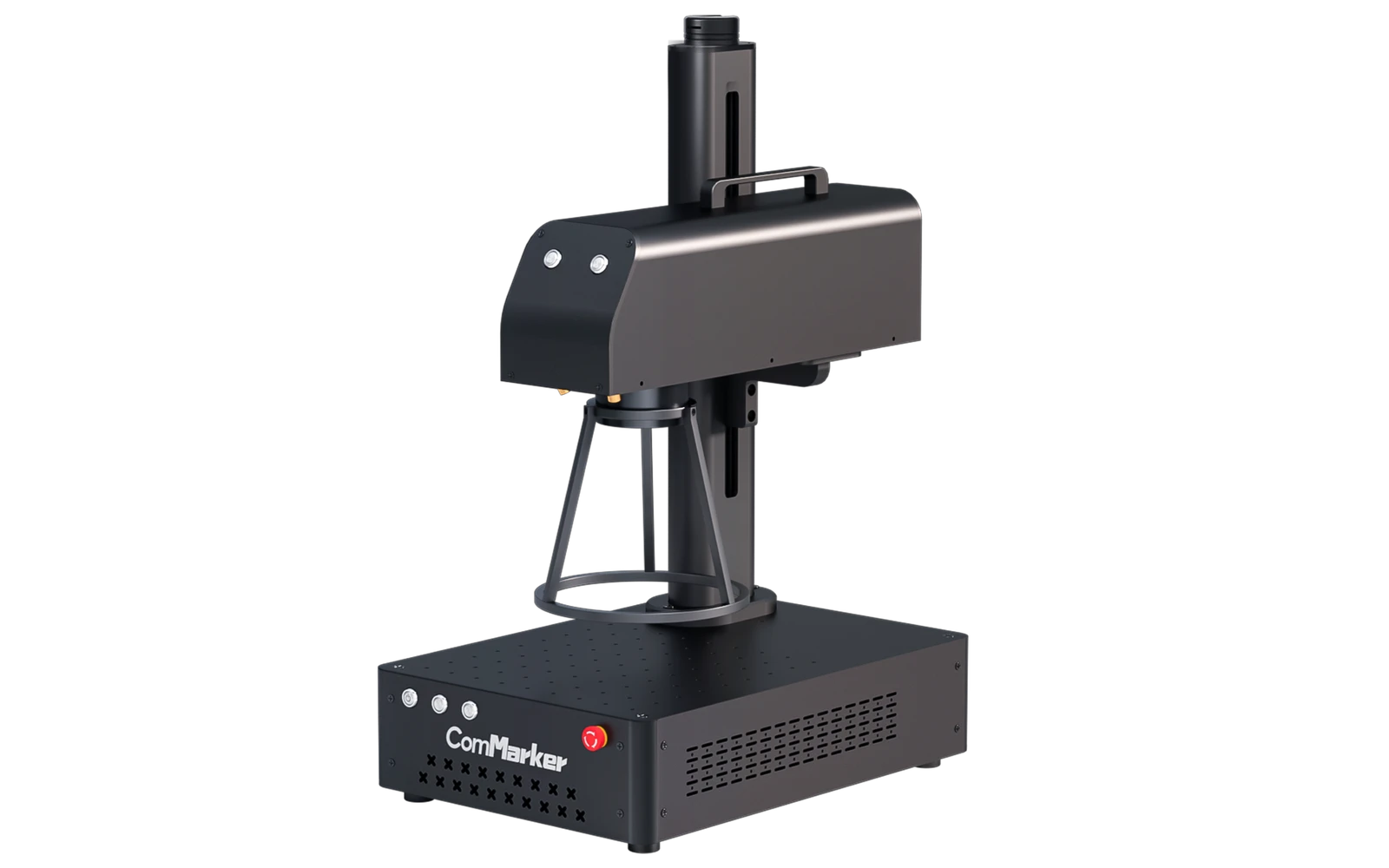
ComMarker B4 20WComMarker · Fiber
The ComMarker B4 is a popular entry-level fiber galvo engraver for jewelry, tools, and metal gifts. Marks stainless, aluminum, and brass without spray. Small marking field: not a cutter for wood or acrylic.
View full profile →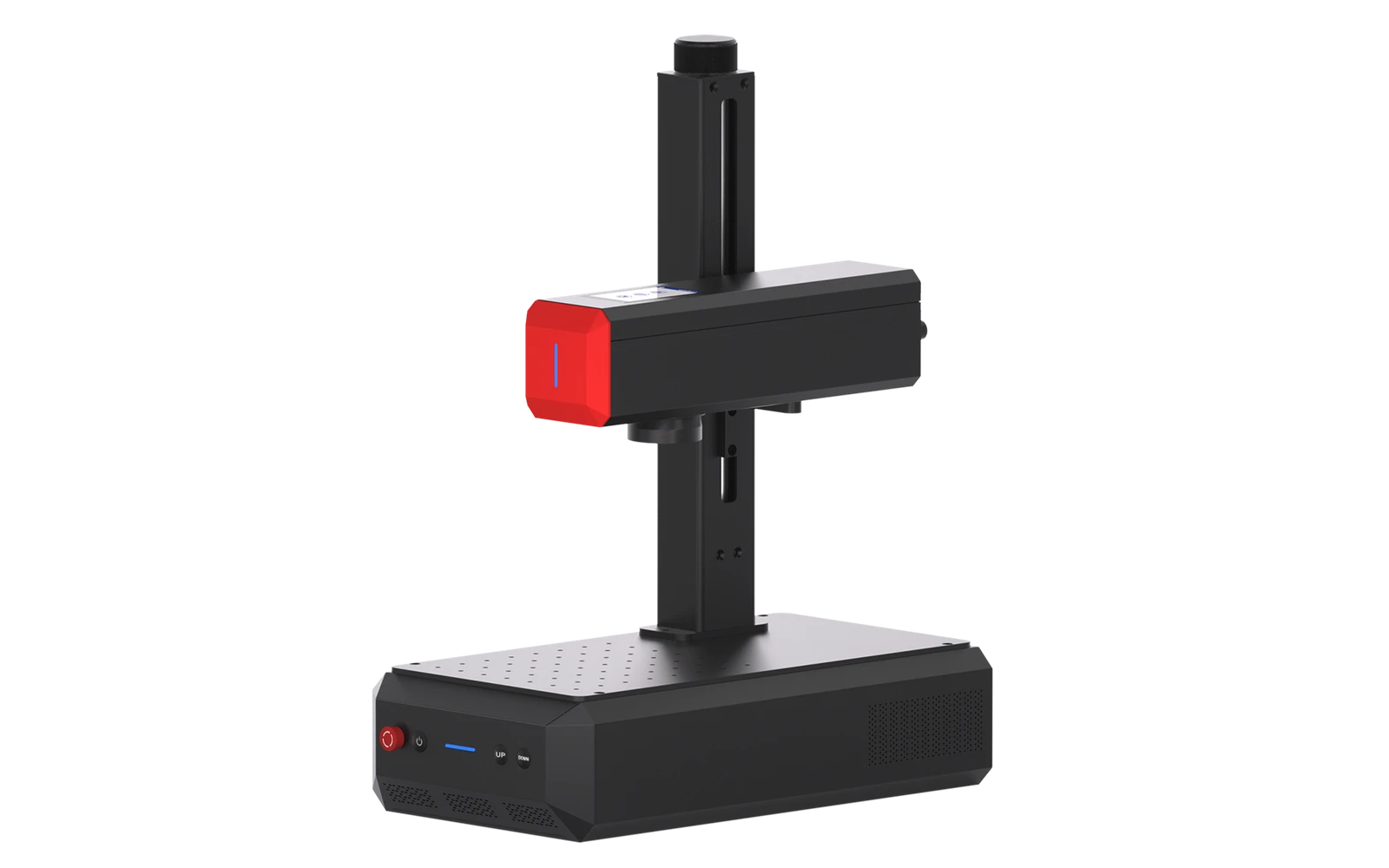
8.5
ComMarker B6 MOPA 30WComMarker · Fiber
ComMarker B6 adds MOPA fiber for color effects on stainless and finer control on deep metal engraving. Step up from B4 for shops that need color marking or faster production.
View full profile →Our verdict
ComMarker B4 20W
3 spec wins
ComMarker B4 20W wins on
ComMarker B6 MOPA 30W
3 spec wins
ComMarker B6 MOPA 30W wins on
Overall, it's a tie — both score 8.5 in our database.
| Spec | ComMarker B4 20W | ComMarker B6 MOPA 30W |
|---|---|---|
| Overview | ||
| Brand | ComMarker | ComMarker |
| Laser type | Fiber | Fiber |
| Main focus | Best for marking, logos, and detail work | Best for marking, logos, and detail work |
| Main objective | Affordable fiber marking for metal personalization and small business | MOPA fiber marking with color on stainless and production metal work |
| Best for |
|
|
| Scores | ||
| Score | 8.5 | 8.5 |
| Value score | Best8.9 | 8.5 |
| Ease of use | Best8.4 | 8.3 |
| Capability | 8.4 | 8.4 |
| Build quality | 8.3 | Best8.5 |
| Pricing | ||
| Price | Best $1,299 – $1,899 1.195 € – 1.747 € | $2,499 – $3,499 2.299 € – 3.219 € |
| Hardware | ||
| Power | 20W fiber | Best30W MOPA fiber |
| Work area | 110 × 110 mm typical marking area | Best150 × 150 mm typical |
| Precision | 0.01 mm | 0.01 mm |
| Real-world performance | ||
| Sample engrave | Filled logo on stainless steel plate ~2–5 min · 10 × 10 cm (4 × 4 in) | Filled logo on stainless steel plate ~2–4 min · 10 × 10 cm (4 × 4 in) |
| Sample cut | Laser cutting Not a cutter | Laser cutting Not a cutter |
| Spot size | ~0.02 mm fiber spot | ~0.02 mm MOPA spot |
| Max speed | 7,000 mm/s | 7,000 mm/s |
| Materials | ||
| Engraves |
|
|
| Cuts | — | — |
| Cannot do |
|
|
| Software & connectivity | ||
| Software | ComMarker, LightBurn, EZCAD | ComMarker, LightBurn, EZCAD |
| Connectivity | USB, Ethernet | USB, Ethernet |
| Verdict | ||
| TL;DR | The ComMarker B4 is a popular entry-level fiber galvo engraver for jewelry, tools, and metal gifts. Marks stainless, aluminum, and brass without spray. Small marking field: not a cutter for wood or acrylic. | ComMarker B6 adds MOPA fiber for color effects on stainless and finer control on deep metal engraving. Step up from B4 for shops that need color marking or faster production. |
| Pros |
|
|
| Cons |
|
|
“Best” highlights the strongest spec on paper for that row only — not an overall buying recommendation.
Frequently asked questions
Which is better: ComMarker B4 20W or ComMarker B6 MOPA 30W?
They are tied in our database: both score 8.5/10 overall. The right pick depends on which specs matter most for your projects — the table above breaks it down.
Which is cheaper: ComMarker B4 20W or ComMarker B6 MOPA 30W?
The ComMarker B4 20W is the more affordable option, starting around $1,299, versus $2,499 for the ComMarker B6 MOPA 30W.
Which is better for a beginner: ComMarker B4 20W or ComMarker B6 MOPA 30W?
The ComMarker B4 20W is the easier machine to start with: it scores 8.4/10 for ease of use, versus 8.3/10 for the ComMarker B6 MOPA 30W.
What is the main difference between the ComMarker B4 20W and the ComMarker B6 MOPA 30W?
The ComMarker B4 20W is a Fiber laser geared toward engraving, while the ComMarker B6 MOPA 30W is a Fiber laser geared toward engraving. That difference drives most of the gaps you see in the comparison table.