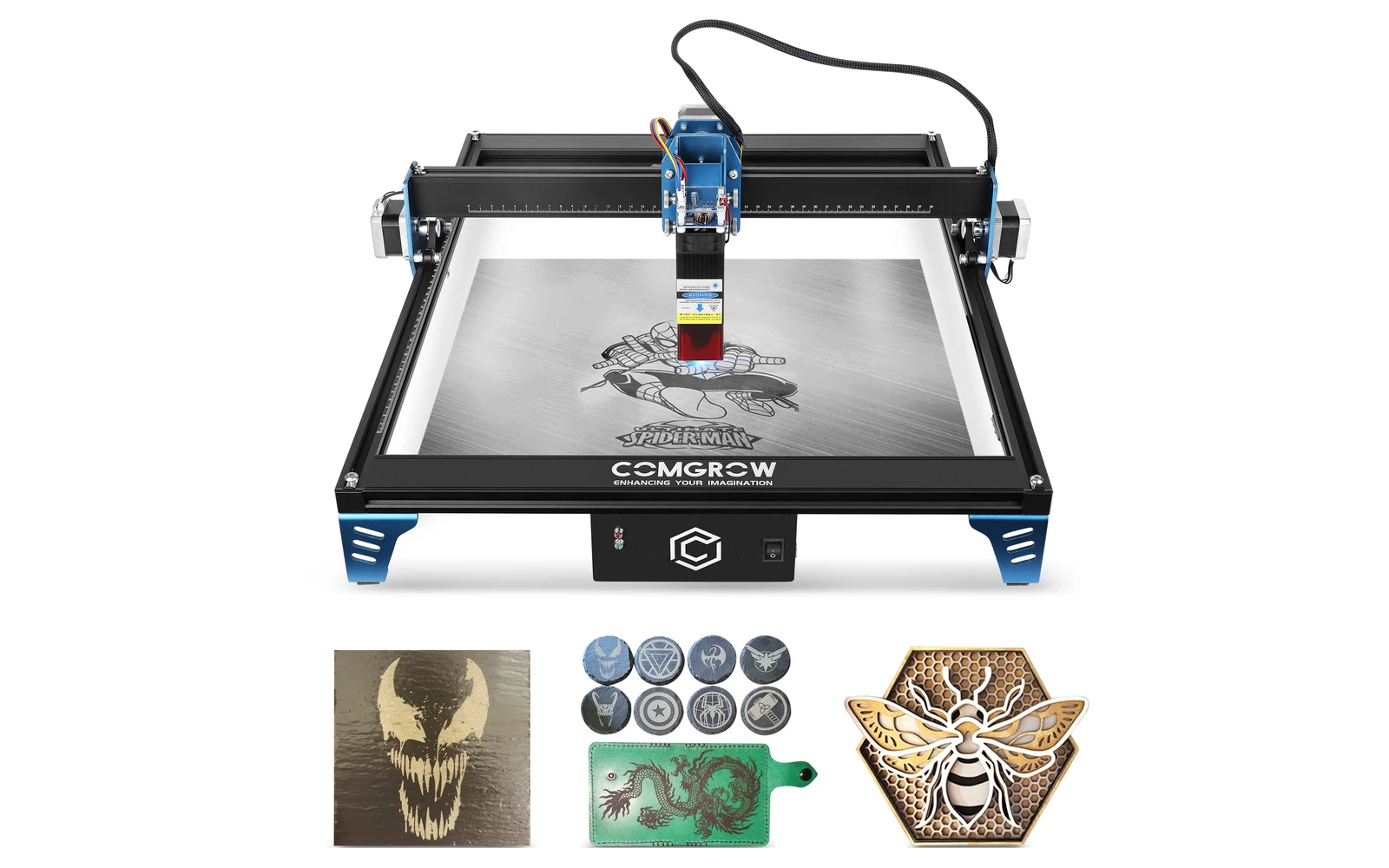
3 manufacturer photos · 1 / 3
Comgrow · Diode
Comgrow Z1 · 10W
10W Budget Comgrow diode: often bundled with 3D printer deals
All Comgrow models →Add to compare →
Last updated How we evaluate
Choose a power option
Details below update for the selected power option.
Showing specs for: 10W
TL;DR
Comgrow Z1 10W is the 10W SKU on the Comgrow comgrow z1 line. Comgrow's Z1 targets entry-level buyers, often sold alongside Ender 3D printers. Verify optical power on the listing: do not assume combined-watt marketing.
Best for
What makes this machine stand out
Hardware and workflow features worth understanding before you buy : not just wattage on a label.
The balanced Z1
About a third shorter engraving and cutting times than the 5W in our benchmark, for roughly $40 more.
Top module in Comgrow's manual
Comgrow's Z1 manual lists 1.6W, 5W and 10W laser options: the 10W is the strongest one the brand documents itself.
Our verdict
Ideal if you
Z1 10W fits casual engravers who want faster fills than 5W on a tight Comgrow deal.
Skip if you
Businesses quoting cut-outs should buy 20W tier. Compare Sculpfun S9 on sale before committing.
Pros
- About a third faster than the 5W in our benchmark: ~18–28 min for a 10 × 10 cm photo, ~9–15 min for a 3 mm basswood square
- The highest power listed in Comgrow's own Z1 manual (1.6W, 5W and 10W options)
- $219–299, about $40 above the 5W
Cons
- Still slow on cutting: 2–3 mm/s on 3 mm wood in our tests, so multi-pass beyond 3 mm
- Slightly wider spot than the 5W (~0.09 mm vs ~0.08 mm), so photos are a touch softer
- Comgrow publishes no per-thickness cutting chart: you will need your own test grids
What this machine is for
High-quality hobby and light-business engraving with light, slow cutting
10W module · Comgrow Z1
Laser spot size
~0.09 mm spot
Motion precision: 0.01 mm
Sample engrave job
~18–28 min
10 × 10 cm (4 × 4 in)
Sample cut job
~9–15 min
10 × 10 cm (4 × 4 in)
Reference benchmark: same job size on every machine so you can compare times fairly. Times are estimates for the reference job above; your design complexity and settings will change them.
Materials
- · Wood
- · Leather
- · Slate
Accessories & add-ons
Typical inclusions and add-ons for this profile : confirm your SKU.
- Optional
Enclosure / cabinet
Third-party enclosure improves smoke control and safety
- Recommended
Laser safety glasses
~450 nm diode: OD rated for your wavelength
- Recommended
Fire extinguisher
Editorial guidance : not a live parts list. See also: Ventilation setup · Safety basics
Practical notes
Beginner notes
This profile is the 10W SKU on Comgrow Z1. Read the TL;DR and benchmarks above, then compare other power options via the chips before buying.
Pro tips
Run material test grids at engraving speeds first. Add air assist for light cuts. If cut jobs exceed ~30% of your week, open the higher-watt profile on this site and compare times.
Pro / technical specsRaw numbers for experienced users comparing machines.
- Max speed (spec)
- 200 mm/s
- Avg engrave speed
- 9–21 mm/s fill
- Avg cut speed
- 2–3 mm/s on 3 mm wood
Common questions
How thick can the Comgrow Z1 10W cut?
Comgrow gives no official thickness per pass. Our profile lists thin basswood with multiple passes, plus paper, card and fabric; our 3 mm basswood test square takes ~9–15 min at 2–3 mm/s. Treat 3 mm as the comfortable limit and test anything thicker on scrap first.
Is the Z1 10W good for photo engraving?
Yes for gifts and small batches. Our benchmark puts a 10 × 10 cm filled photo at ~18–28 min, against ~28–43 min on the 5W, with fill speeds of 9–21 mm/s. Lower the speed rather than raising power on light woods to avoid scorching.
Z1 10W or Z1 20W: which one fits a small side business?
If you mostly engrave and cut only card or 3 mm wood, the 10W ($219–299) is the better value. If cut pieces are part of your orders, the 20W listing ($279–379) cuts our 3 mm test square in ~6–10 min and reaches 8 mm basswood; check its optical rating first, since Comgrow's own Z1 manual only lists modules up to 10W.
Alternatives to the Comgrow Z1 10W
Machines in the same space, picked from our database by type, price, and score.
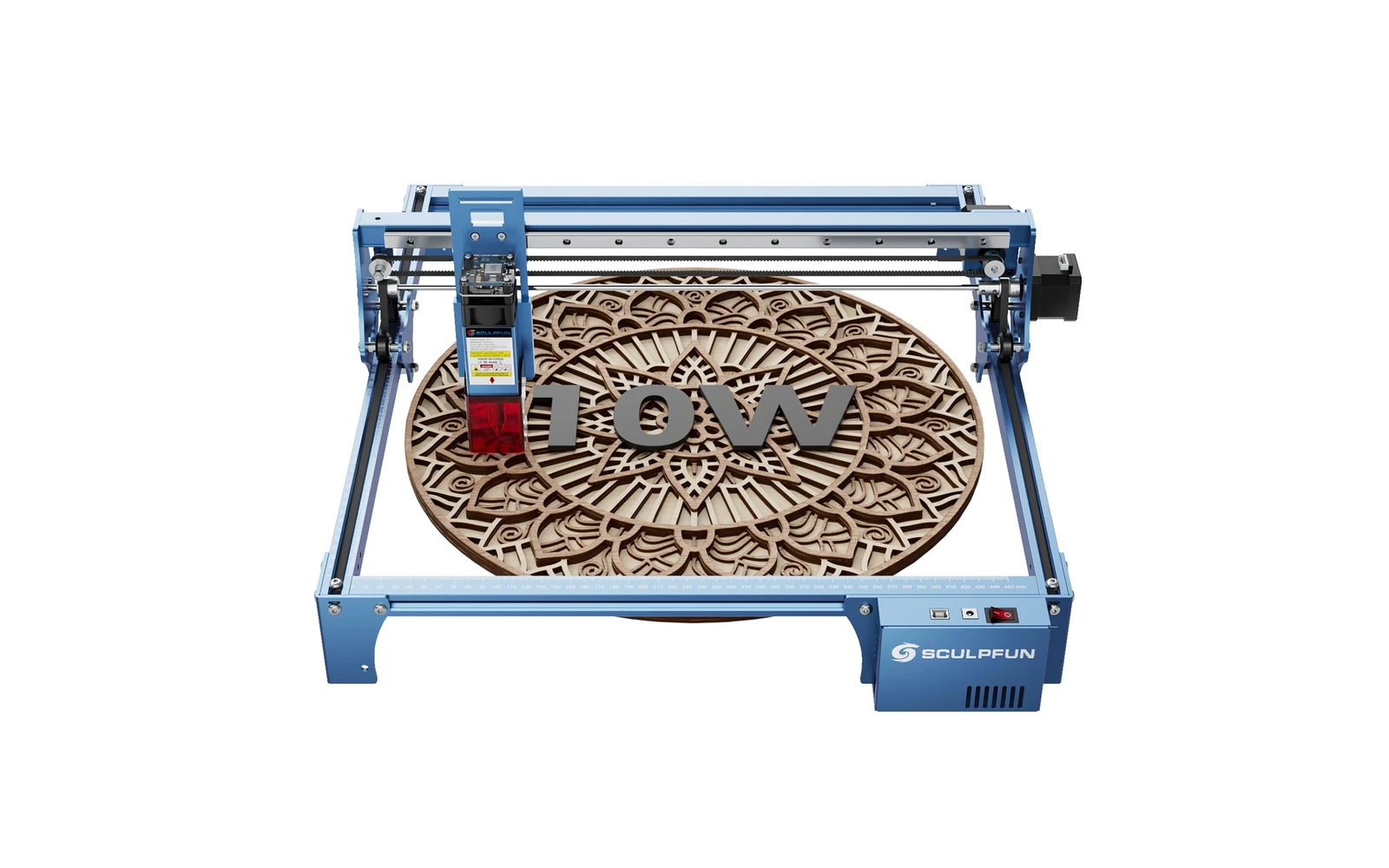
Sculpfun · Diode · $270
Sculpfun S10 10W (2022) is a mid-size open-frame engraver with a sturdier industrial frame than S9, ~385 mm work area, and detachable laser cover. Positioned between budget S9 and S30 families for makers who want better rigidity without Ultra pricing.
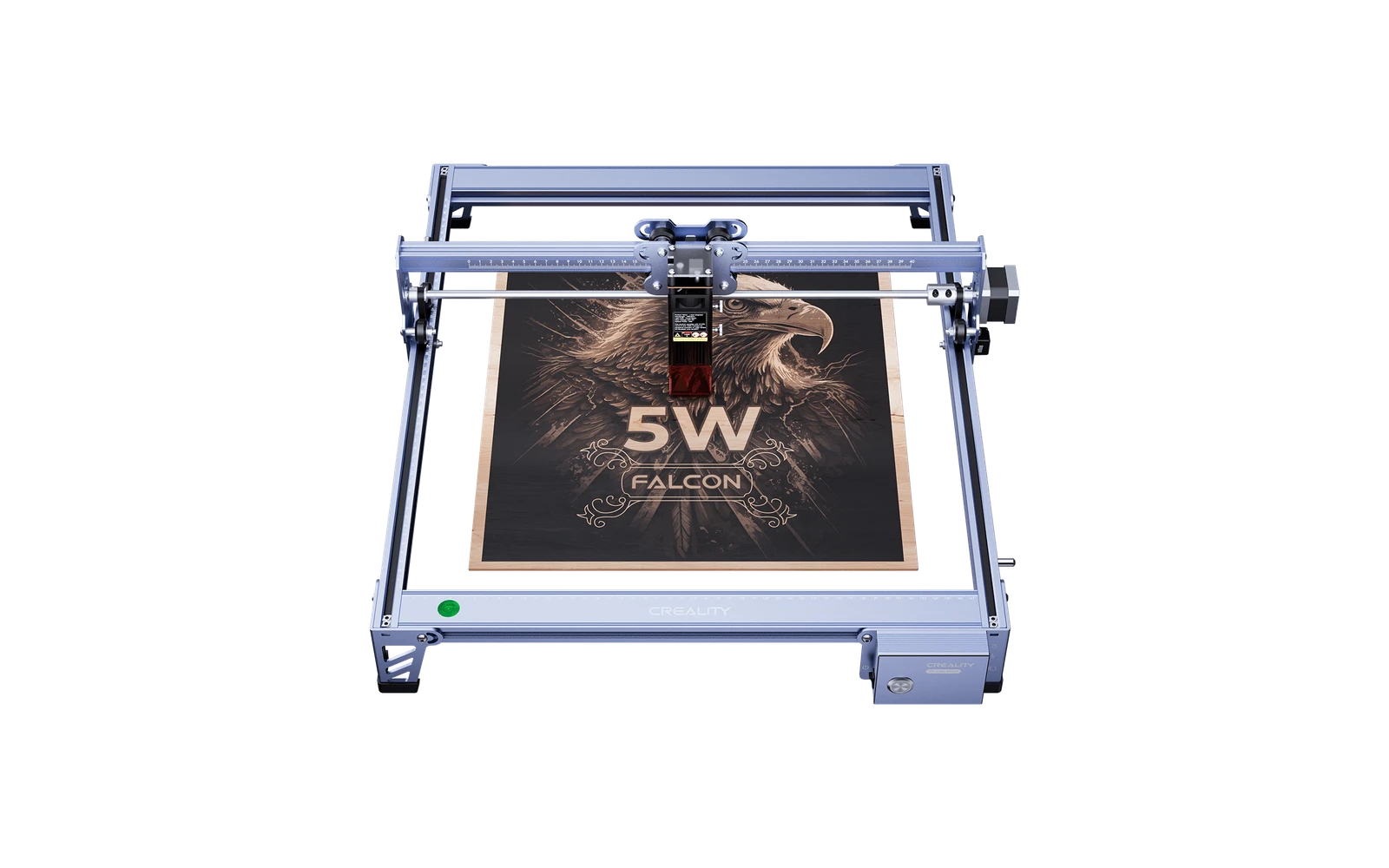
Creality · Diode · $119
Creality Falcon 5W is the 5W version of the CR-Laser Falcon: the same 400 × 415 mm open frame as the Falcon 10W with half the laser power. Fine for engraving and thin crafts at a very low price; cutting is slow.
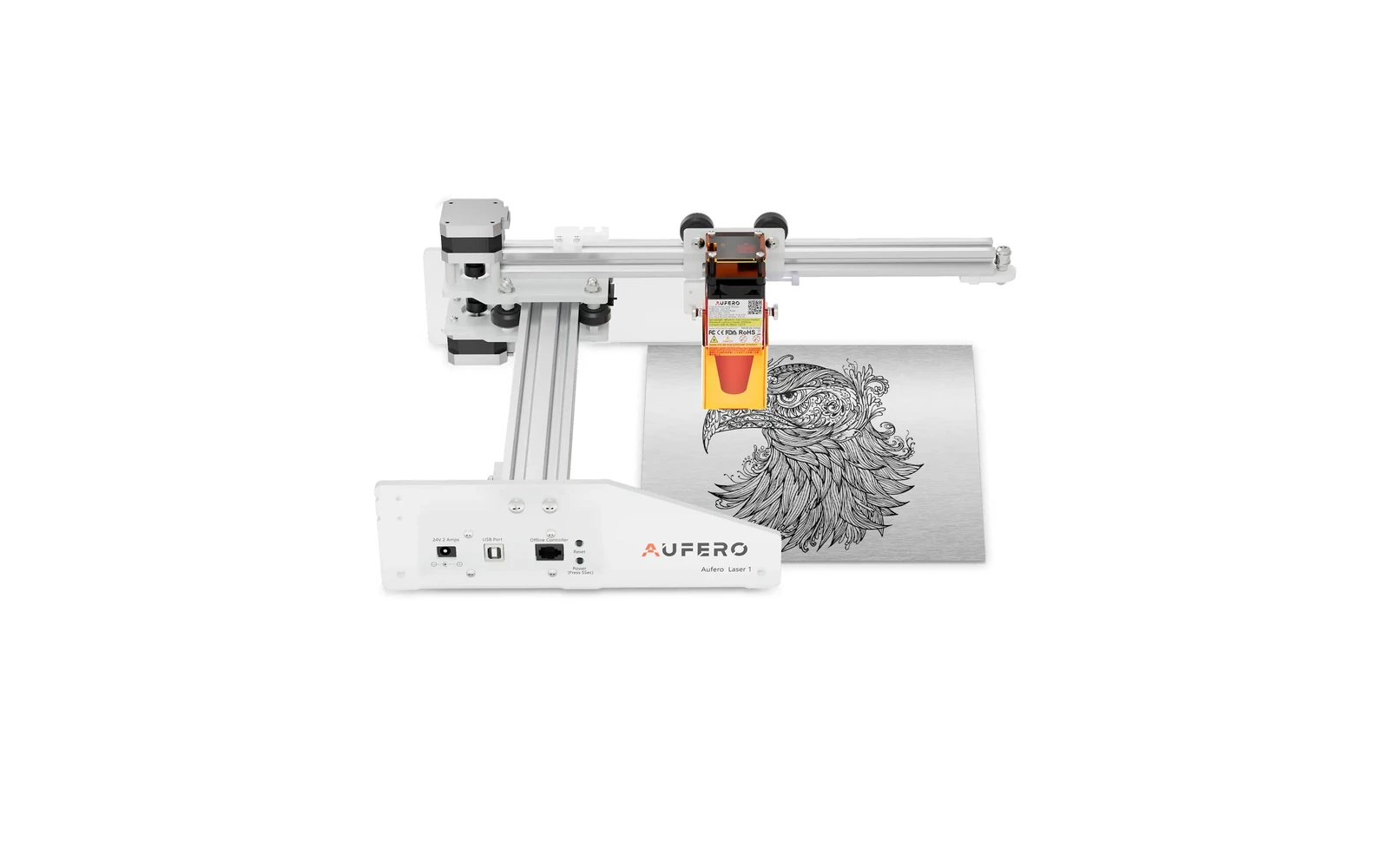
Ortur · Diode · $130 – $210
The Aufero AL1 is Ortur's compact diode line for small work areas and portable setups. Lower power than LM3 or H10, but easier to fit on a crowded desk. Best for light engraving: not a cutting workhorse.