4 manufacturer photos · 1 / 4
ComMarker · Uv
ComMarker Omni X UV · 6W
Desktop UV laser for glass, plastic, and fine detail
All ComMarker models →Add to compare →
Last updated How we evaluate
Released August 2024
Choose a power option
Details below update for the selected power option.
Showing specs for: 6W
TL;DR
ComMarker Omni X uses UV wavelength for cold marking on glass, some plastics, and delicate materials without as much heat damage as fiber or CO₂. Slower than fiber on metal: different tool for different materials.
Best for
What makes this machine stand out
Hardware and workflow features worth understanding before you buy : not just wattage on a label.
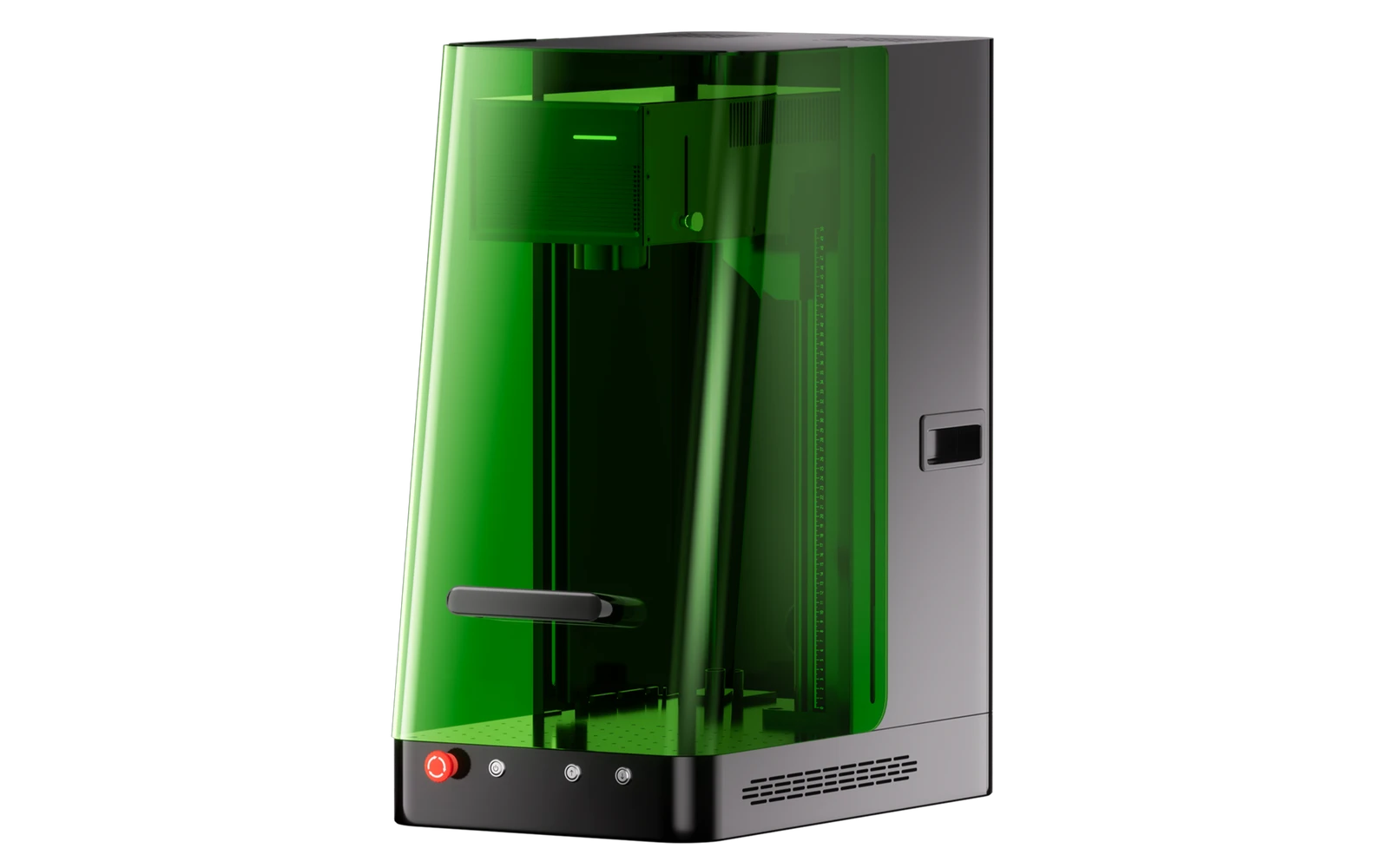
Class 1 enclosed UV
Fully enclosed with OD 5+ shielding, a door sensor that pauses the job and a safety key. It can run in an office, a retail counter or a classroom without separate laser protection for bystanders.
Contained dust and fumes
ComMarker claims 99.72% dust isolation inside the enclosure, and an external fume extractor can be connected for filtration. A practical point when engraving plastics, leather or food items indoors.
Our verdict
Ideal if you
ComMarker Omni X UV targets glass, films, and heat-sensitive plastics: profitable when you already sell those jobs, not for casual UV experiments.
Skip if you
Poor first-laser purchase. No wood or metal cutting. Confirm the module material list before buying the chassis.
Pros
- Class 1 enclosure with OD 5+ shielding, door sensor and safety key: no goggles needed in normal use
- ComMarker claims 99.72% dust isolation inside the enclosure, useful when engraving plastics in a shared room
- LiDAR autofocus and a 235 mm maximum processing height for tall objects
Cons
- $300 more than the open-frame Omni XE for the same laser options
- 32 kg and 515 × 320 × 655 mm: heavier and taller than the Omni XE (20 kg)
- From $3,599 for the 6W basic bundle (ComMarker store, Oct 2026), far above diode lasers that also engrave wood and leather
What this machine is for
Detailed engraving on organics and coated metal: occasional thin cuts only
Engraving-first desktop diode for makers who prioritize mark quality over cut speed
Laser spot size
~0.02 mm spot
Motion precision: 0.01 mm
Sample engrave job
~6–12 min
10 × 10 cm (4 × 4 in)
Sample cut job
Not a cutter
Reference benchmark: same job size on every machine so you can compare times fairly. Times are estimates for the reference job above; your design complexity and settings will change them.
Materials
- · Glass
- · Acrylic (some colors)
- · Plastics
- · Leather (light)
- · Paper
Accessories & add-ons
Typical inclusions and add-ons for this profile : confirm your SKU.
- Optional
Enclosure / cabinet
Third-party enclosure improves smoke control and safety
- Recommended
Laser safety glasses
~450 nm diode: OD rated for your wavelength
- Recommended
Fire extinguisher
Editorial guidance : not a live parts list. See also: Ventilation setup · Safety basics
Practical notes
Beginner notes
This profile is the 6W base version on ComMarker Omni X UV. Read the TL;DR and benchmarks above, then compare other power options via the chips before buying.
Pro tips
UV on glass: low power test tiles and fixturing matter more than speed. Keep dedicated presets away from fiber jobs. Confirm material compatibility with ComMarker before quoting UV gift lines.
Pro / technical specsRaw numbers for experienced users comparing machines.
- Max speed (spec)
- 10,000 mm/s
- Avg engrave speed
- 100–400 mm/s
- Avg cut speed
- N/A
Common questions
Omni X or Omni XE: what is the difference?
Both use the same 355 nm UV source options (6W or 12W), the same 10,000 mm/s galvo, LiDAR autofocus and work areas, according to ComMarker's spec pages. The Omni X is the enclosed version: Class 1 laser safety, OD 5+ shielding, door sensor and safety key, 32 kg. The Omni XE is rated Class 4, weighs 20 kg and costs $300 less. Pick the X if it will run in a shared room, a shop counter or near children.
6W or 12W Omni X?
ComMarker lists the Omni X basic bundle at $3,599 (6W) or $5,999 (12W) in October 2026. The 12W gets a 250 × 250 mm field instead of 150 × 150 mm and more multi-pass cutting capacity: 12 mm basswood, 10 mm acrylic and 1 mm stainless, against 8 mm, 6 mm and 0.6 mm for the 6W. A 12W upgrade kit is also sold separately for $3,499.
Can the Omni X mark metal?
Yes: ComMarker lists stainless steel, aluminum, brass, gold and silver, and UV leaves fine, low-heat marks. For deep engraving or high-volume metal work a fiber laser is faster and cheaper per part. The Omni X earns its place on glass, crystal (including 3D internal engraving), plastics and heat-sensitive items.
Alternatives to the ComMarker Omni X UV
Machines in the same space, picked from our database by type, price, and score.
ComMarker · UV · $1,499 – $2,199
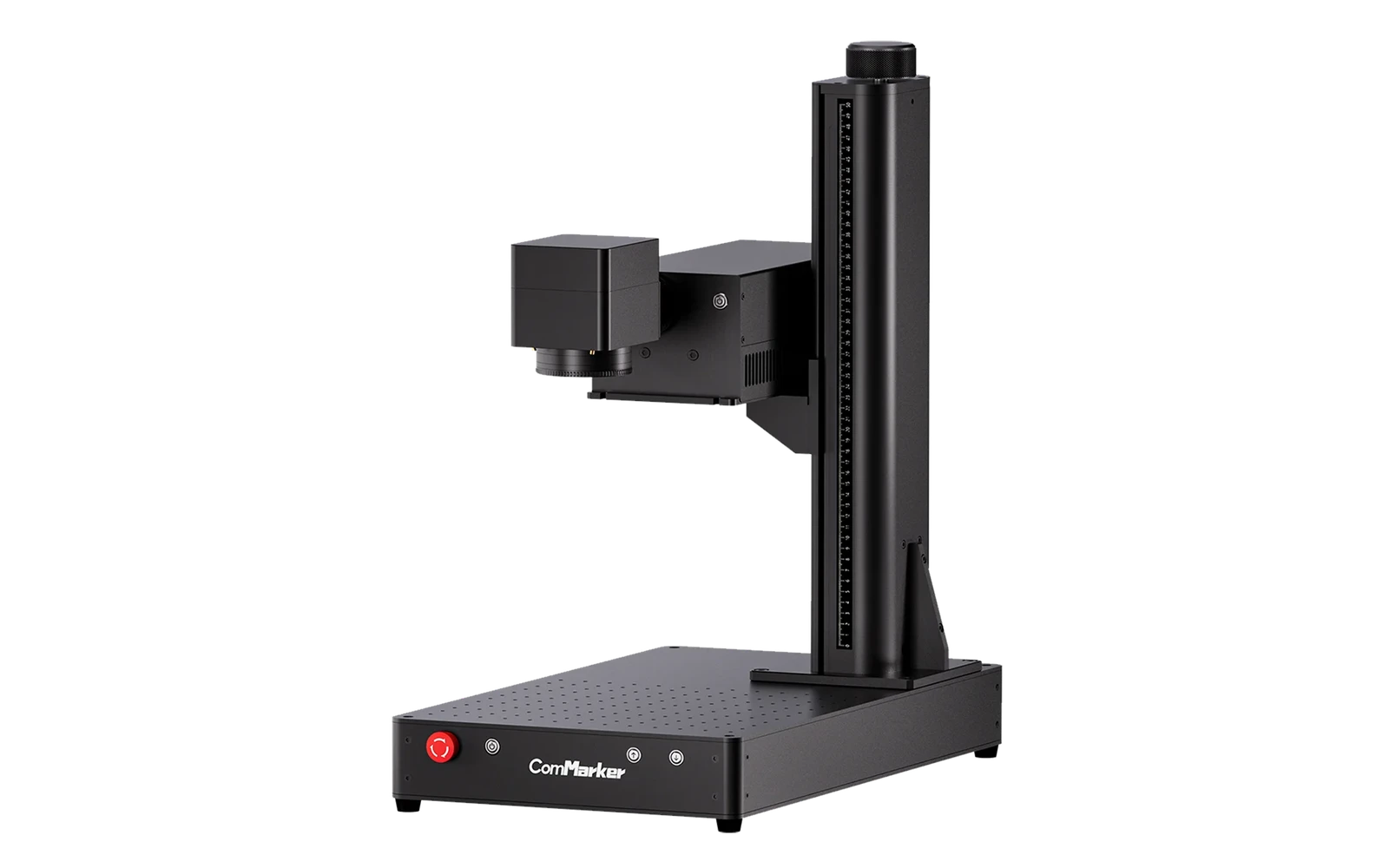
ComMarker Omni 1 is the more compact UV line for makers entering glass and plastic marking. Same caveats as all UV: material testing, eye protection, and realistic speed expectations.
Monport · UV · $3,190 – $3,390
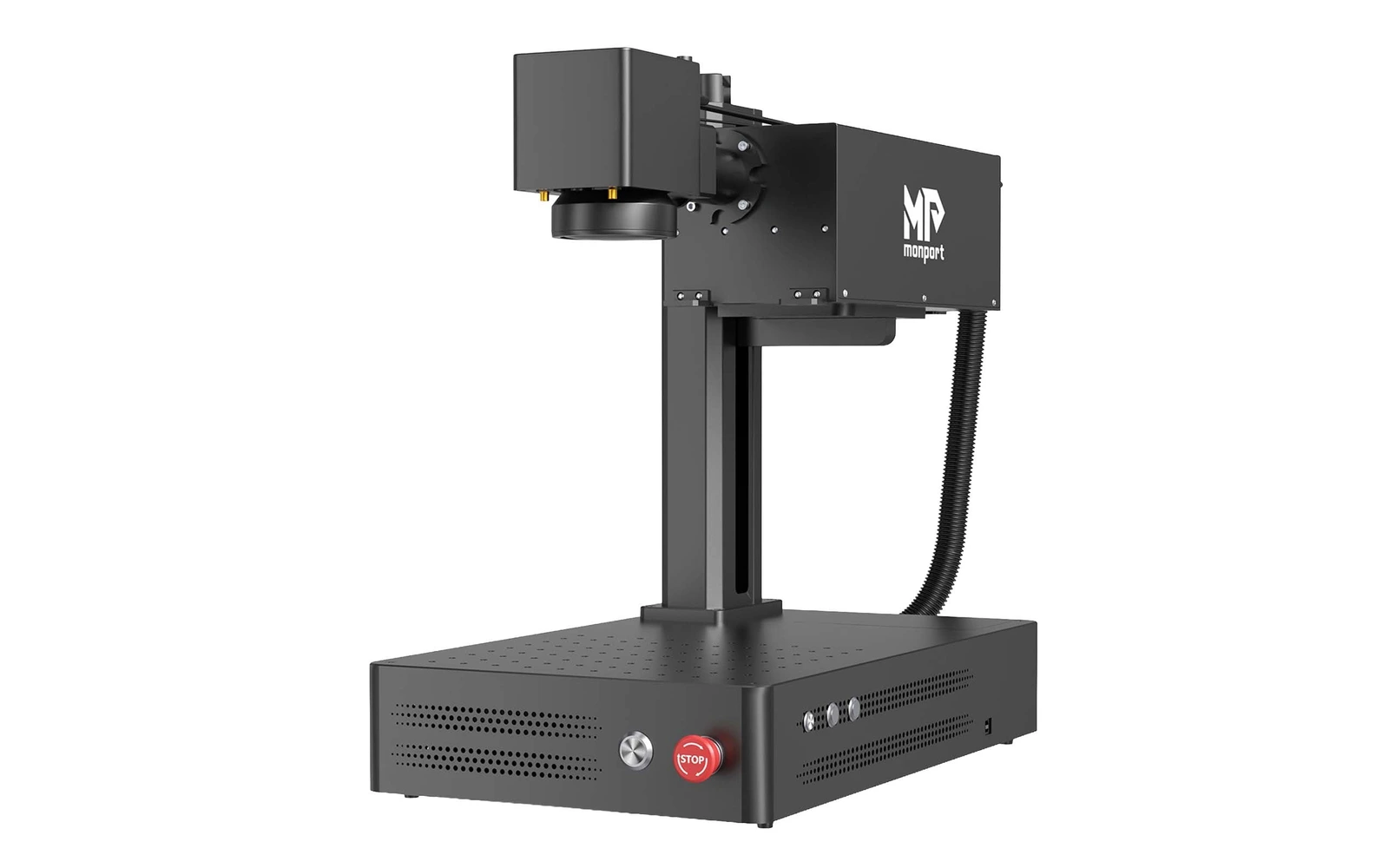
The UV Pro 6W is the entry tier of Monport's 3D inner-engraving UV galvo, listed in September 2026: 355 nm, 10,000 mm/s, 10–150 kHz, a 70 × 70 mm lens for 3D work (Monport lists a 150 × 150 mm processing area), an electric Z lift, a foot pedal and a separate water chiller in the package. $3,190 on Monport's store in October 2026 and available immediately. Manual focus, no camera, no enclosure; no independent review yet.
LaserPecker · UV · $3,000 – $5,500
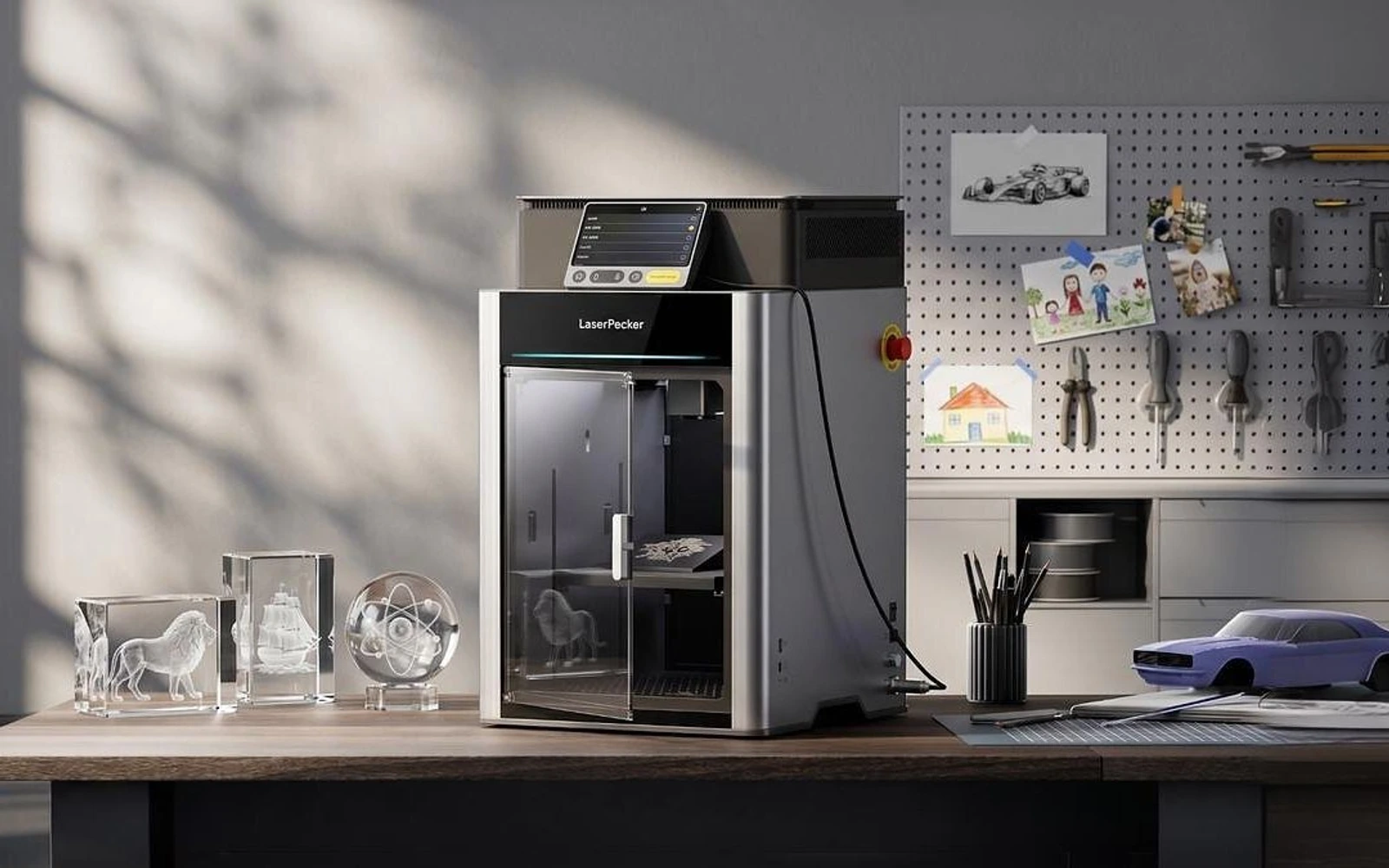
The U1 is a LaserPecker UV engraver shown at IFA in Berlin in September 2026 and not yet on sale. It comes in 5W and 10W UV versions; LaserPecker says the 10W cuts glass and engraves deeper. The pitch is automation: sensor-based auto-focus that finds crystal for inner engraving, surface scanning for curved objects, and a single lens for inner and surface work, in a Class 1 enclosure. LaserPecker plans sales on its own website in Q4 2026. Price, work area, wavelength and speed are not published yet, and everything may change before launch.