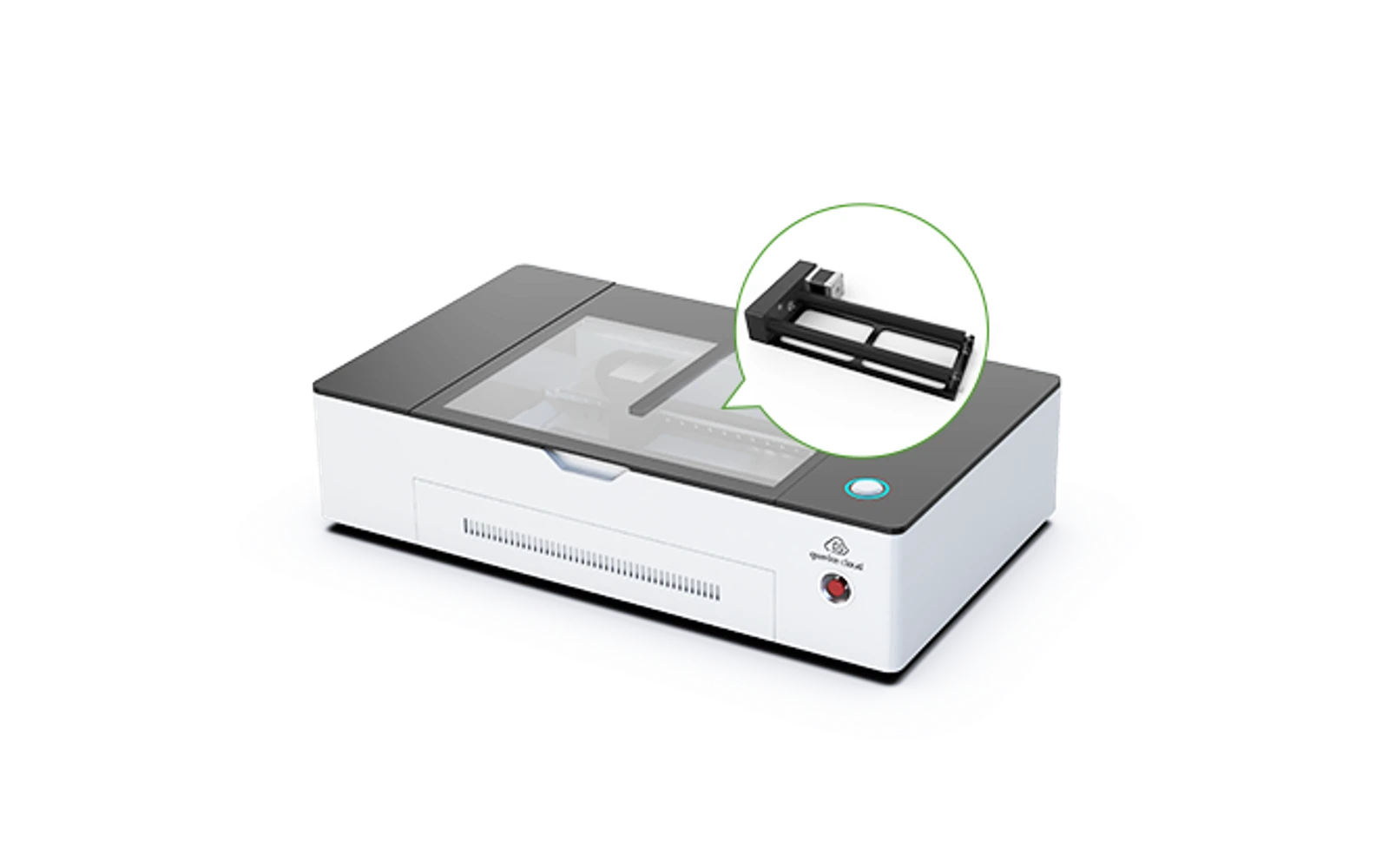
4 manufacturer photos · 1 / 4
Gweike · CO₂
Gweike Cloud 50W
Gweike Cloud 50W CO₂: compact desktop CO₂ with rotary option
All Gweike models →Add to compare →
Last updated How we evaluate
Released August 2023
TL;DR
Gweike Cloud 50W is the lower-power Cloud CO₂ desktop cutter: acrylic, wood, and leather at a smaller price than Cloud 55W/Pro, still enclosed-class workflow with rotary bundles common.
Best for
What makes this machine stand out
Hardware and workflow features worth understanding before you buy : not just wattage on a label.
Real CO₂ cutting
A glass-tube CO₂ laser cuts cast acrylic and thick soft woods in ways diodes cannot match at the same price tier. Budget for outdoor exhaust or serious filtration : the cutting advantage is real, the ventilation homework is too.
LightBurn compatible
LightBurn support means advanced layers, camera tools, and workflows many makers outgrow the stock app with. Confirm your exact controller board before assuming full features : some machines need a paid license separately.
Our verdict
Ideal if you
Gweike Cloud is built for acrylic signage, thick wood, and shop production once exhaust is sorted. 50W adds headroom on panels and multi-pass jobs.
Skip if you
Avoid without ducting, for occasional gifts only, or if budget ignores tube replacement, power, and floor space. Bare metal without an IR accessory stays out of scope.
Pros
- Strong on acrylic and wood versus diodes on the same budget tier
- Integrated cabinet helps contain the beam and everyday smoke versus open-frame diodes
- Software listed on the profile: test your workflow (LightBurn or maker app) on scrap first
Cons
- Ventilation to the outside is mandatory for regular cutting, not an optional upgrade
- Tube life and replacement cost are part of the true ownership budget
What this machine is for
Entry Gweike Cloud CO₂ without 55W pricing
Desktop CO₂ cutting and engraving for crafts.
Laser spot size
~0.08 mm spot
Motion precision: 0.01 mm
Sample engrave job
~6–10 min
10 × 10 cm (4 × 4 in)
Sample cut job
~3–5 min
10 × 10 cm (4 × 4 in)
Reference benchmark: same job size on every machine so you can compare times fairly. Times are estimates for the reference job above; your design complexity and settings will change them.
Materials
- · Acrylic
- · Wood
- · Leather
- · Glass (coated)
Accessories & add-ons
Typical inclusions and add-ons for this profile : confirm your SKU.
- Included
Enclosure / cabinet
- Optional
Laser safety glasses
CO₂ wavelength: match OD rating for 10.6 µm if required by manual
- Recommended
Fire extinguisher
Editorial guidance : not a live parts list. See also: Ventilation setup · Safety basics
Practical notes
Beginner notes
This profile covers Gweike Cloud 50W. Read the TL;DR and benchmarks before buying, then compare nearby models on the Compare page.
Pro tips
Rotary Pro bundles are popular for tumblers: confirm included accessories.
Pro / technical specsRaw numbers for experienced users comparing machines.
- Max speed (spec)
- 300 mm/s
- Avg engrave speed
- 60–150 mm/s fill
- Avg cut speed
- Acrylic and wood
Alternatives to the Gweike Cloud 50W
Machines in the same space, picked from our database by type, price, and score.
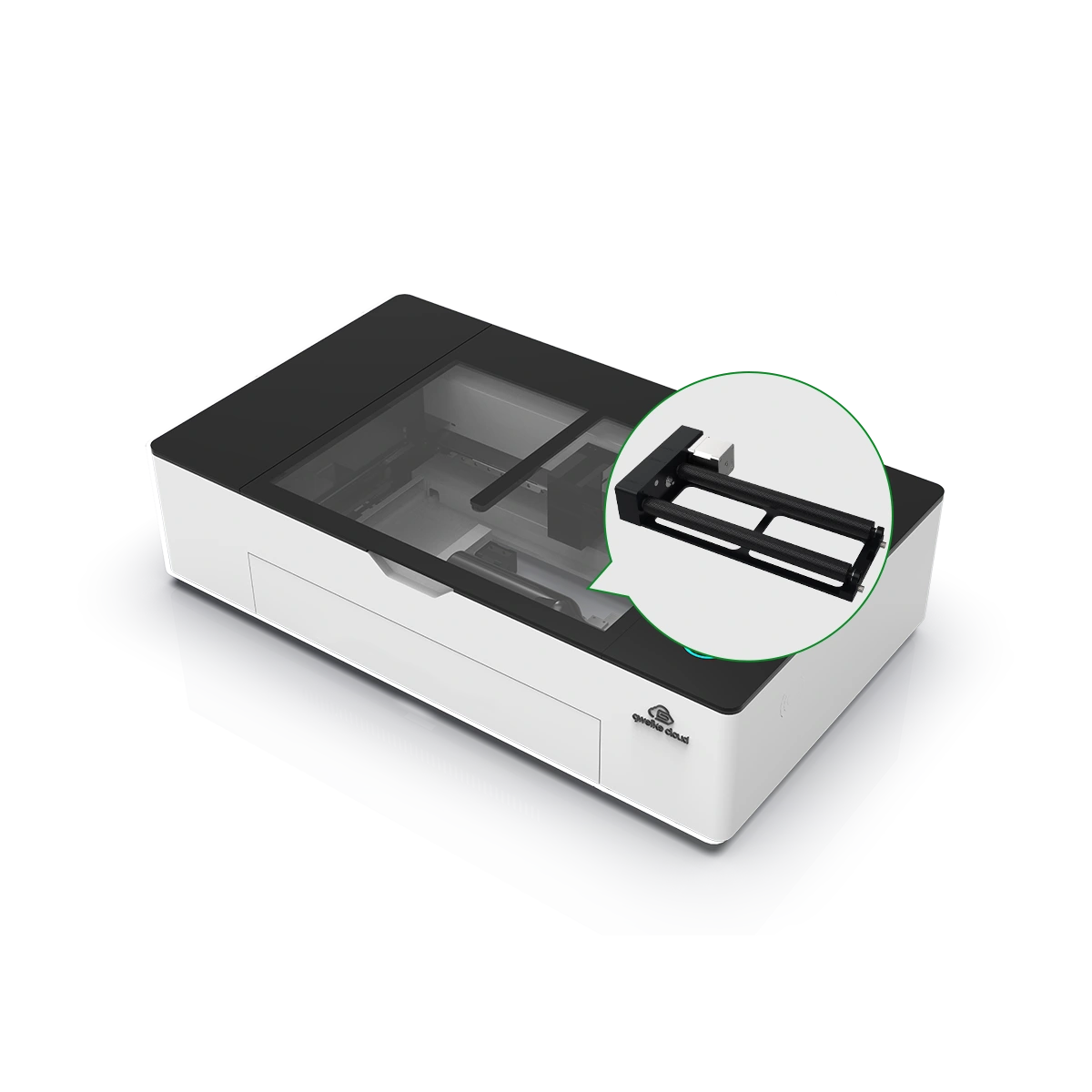
Gweike · CO₂ · $2,499 – $3,999
Gweike Cloud 55W is a CO₂ desktop in the Gweike Cloud line with app/cloud features and rotary options. Alternative to Cloud Pro II listings: verify exact tube wattage and bed size on your SKU.
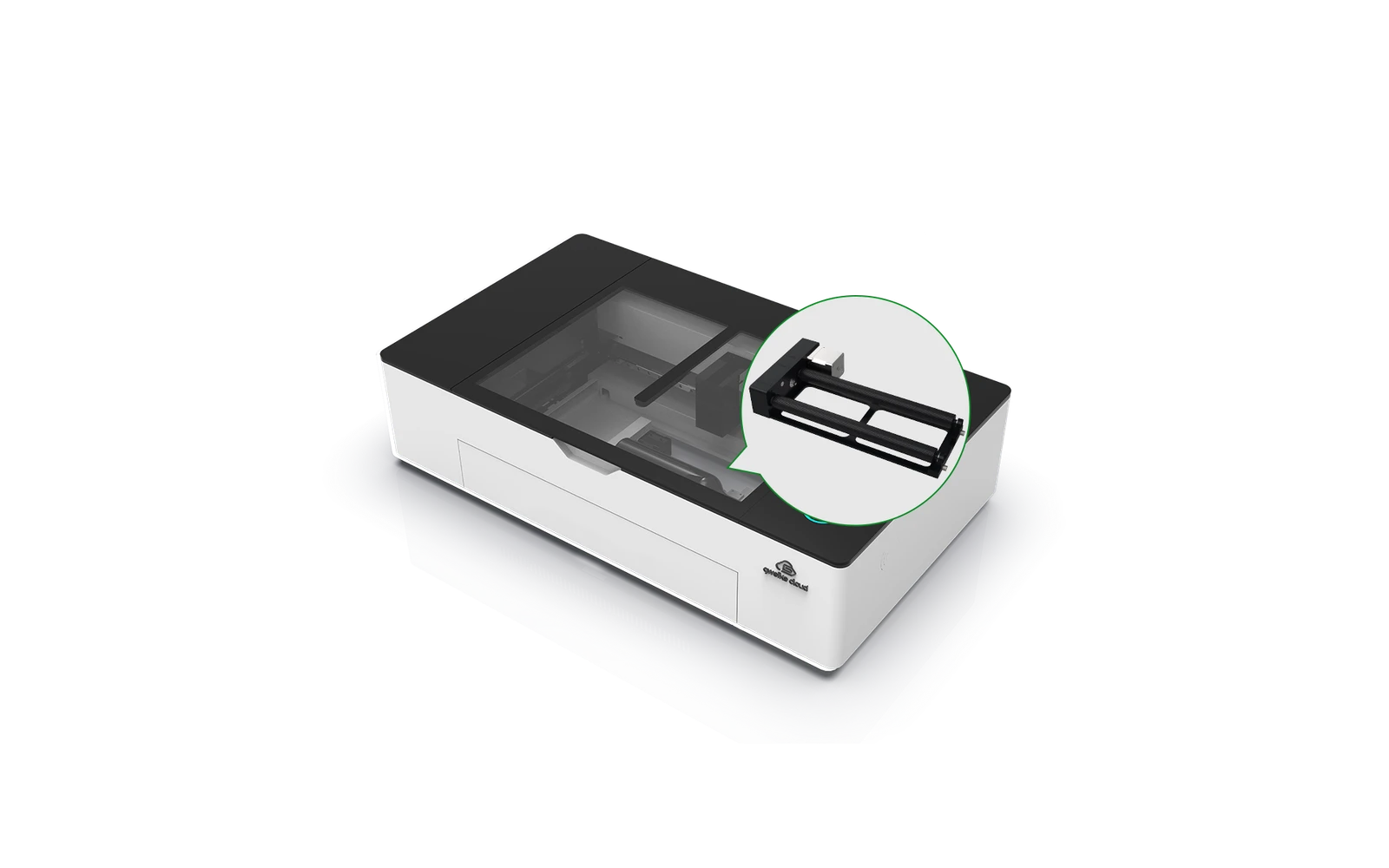
Gweike · CO₂ · $1,659 – $2,539
Gweike Cloud Pro offers enclosed CO₂ cutting with cloud features and competitive pricing vs xTool P2. Good mid-premium CO₂ if you want LightBurn and community support. Verify local warranty before buying.
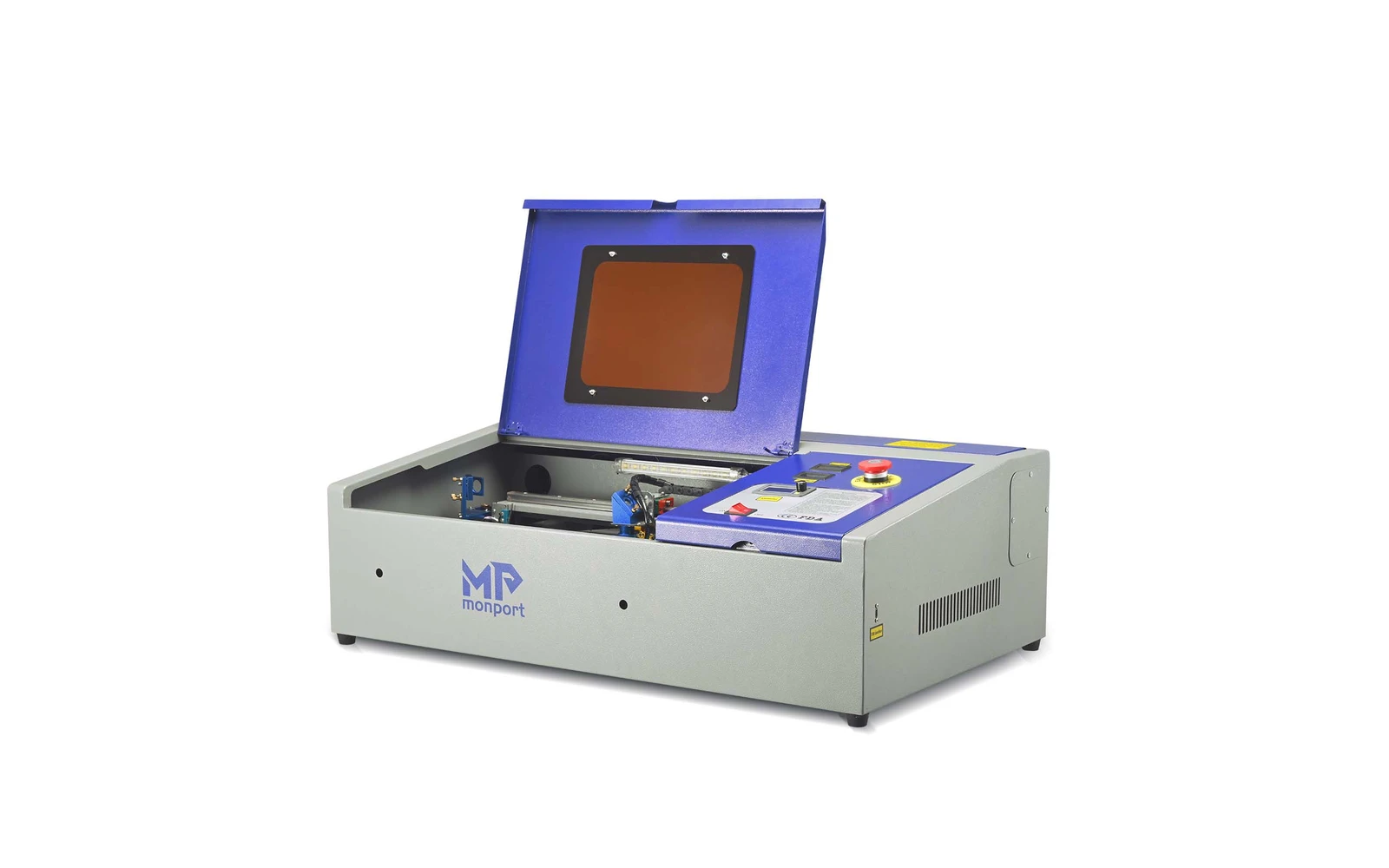
Monport · CO₂ · $600 – $1,230
Monport's 40W desktop CO₂ sits alongside OMTech K40 class with often better out-of-box experience. Entry CO₂ for acrylic and wood. Ventilation and learning still required.