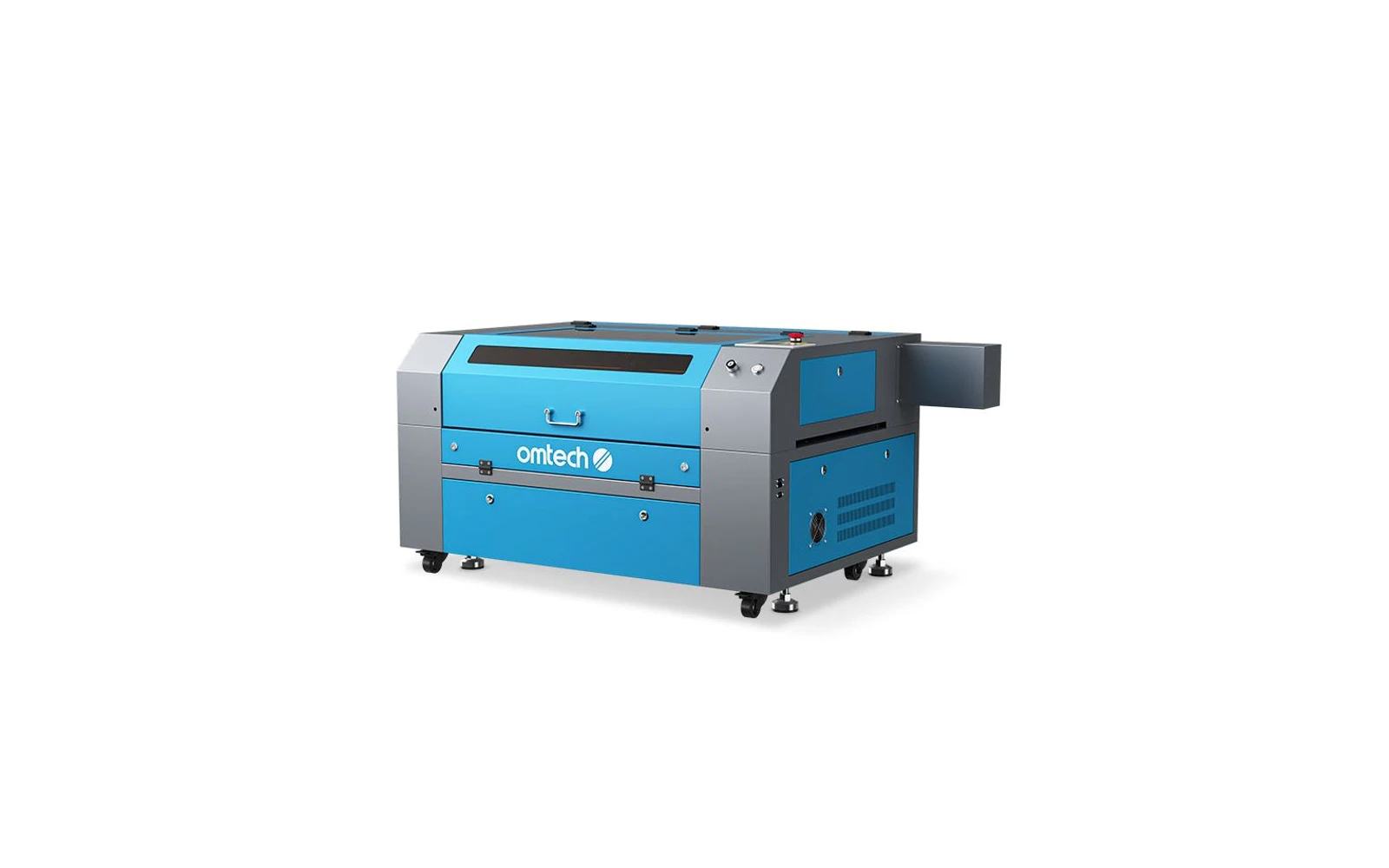
4 manufacturer photos · 1 / 4
OMTech · CO₂
OMTech 80W CO₂
Workhorse CO₂ for shops that outgrew 40W: large bed, real production speed
All OMTech models →Add to compare →
Last updated How we evaluate
Released June 2020
Discontinued
OMTech no longer sells this machine new. We keep the profile online because it still turns up used and as a reference point.
TL;DR
OMTech's 80W desktop/floor CO₂ machines target sign shops and serious makers who need faster cuts on thick acrylic and wood. More power, larger beds, and higher price than K40 class. Expect setup, ventilation, and maintenance: not plug-and-play.
Best for
What makes this machine stand out
Hardware and workflow features worth understanding before you buy : not just wattage on a label.
Fully enclosed cabinet
A closed cabinet with interlocks means the beam stays inside during normal use : closer to Class 1 workflow than an open-frame diode where safety glasses and discipline are doing all the work. Ventilation still matters, but smoke and noise are easier to manage.
Real CO₂ cutting
A glass-tube CO₂ laser cuts cast acrylic and thick soft woods in ways diodes cannot match at the same price tier. Budget for outdoor exhaust or serious filtration : the cutting advantage is real, the ventilation homework is too.
LightBurn compatible
LightBurn support means advanced layers, camera tools, and workflows many makers outgrow the stock app with. Confirm your exact controller board before assuming full features : some machines need a paid license separately.
Our verdict
Ideal if you
OMTech CO₂ is built for acrylic signage, thick wood, and shop production once exhaust is sorted. 80W adds headroom on panels and multi-pass jobs.
Skip if you
Avoid without ducting, for occasional gifts only, or if budget ignores tube replacement, power, and floor space. Bare metal without an IR accessory stays out of scope.
Pros
- Strong on acrylic and wood versus diodes on the same budget tier
- Integrated cabinet helps contain the beam and everyday smoke versus open-frame diodes
- Software listed on the profile: test your workflow (LightBurn or maker app) on scrap first
Cons
- Ventilation to the outside is mandatory for regular cutting, not an optional upgrade
- Tube life and replacement cost are part of the true ownership budget
What this machine is for
High-power CO₂ production for sign shops cutting thick acrylic & wood daily
Production CO₂ laser for sign making and thick material cutting in dedicated workshop spaces.
Laser spot size
~0.15 mm CO₂ spot
Motion precision: 0.01 mm
Sample engrave job
~4–6 min
10 × 10 cm (4 × 4 in)
Sample cut job
~1–3 min
10 × 10 cm (4 × 4 in)
Reference benchmark: same job size on every machine so you can compare times fairly. Times are estimates for the reference job above; your design complexity and settings will change them.
Materials
- · Wood
- · Acrylic
- · Leather
- · Glass
- · Rubber
- · Anodized aluminum
Accessories & add-ons
Typical inclusions and add-ons for this profile : confirm your SKU.
- Included
Enclosure / cabinet
- Optional
Laser safety glasses
CO₂ wavelength: match OD rating for 10.6 µm if required by manual
- Recommended
Fire extinguisher
Editorial guidance : not a live parts list. See also: Ventilation setup · Safety basics
Practical notes
Beginner notes
This profile covers OMTech 80W CO₂. Read the TL;DR and benchmarks before buying, then compare nearby models on the Compare page.
Pro tips
Install ammeter and water flow sensor early. Keep spare mirrors and lens: production downtime costs more than parts.
Pro / technical specsRaw numbers for experienced users comparing machines.
- Max speed (spec)
- 600 mm/s
- Avg engrave speed
- 180–350 mm/s fill
- Avg cut speed
- 20–55 mm/s on 6 mm acrylic
Common questions
What should I check before buying a used OMTech 80W?
Start with the tube: ask for its age or hours, look for cracks, cloudy coolant or scale inside the glass, and watch a test cut at moderate power. A worn tube cuts weakly even at high current, and a new 80W tube costs about $380–460 on OMTech's store (Oct 2026). Check the cooling next: a working chiller or pump, clean hoses and a water flow sensor that stops the laser when the water stops. Fire a test pulse at each mirror to check the alignment, and inspect the lens and mirrors for burns. Finally, confirm the controller powers up and reads files over USB or Ethernet, and that the seller hands over the RDWorks software or that the board is supported by LightBurn.
Alternatives to the OMTech 80W CO₂
Machines in the same space, picked from our database by type, price, and score.
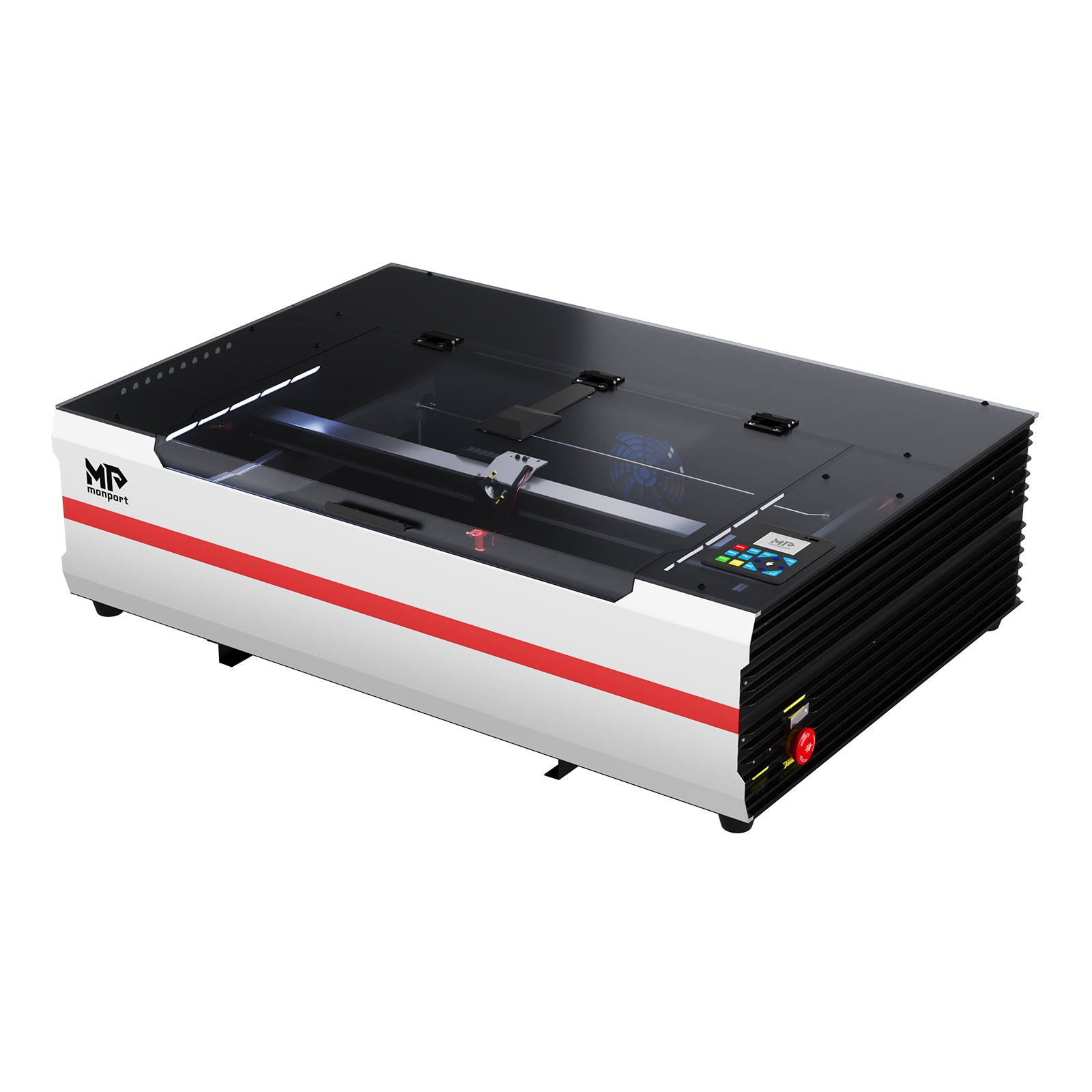
Monport · CO₂ · $1,800 – $2,800
Monport sits between budget K40 machines and premium enclosed CO₂ like xTool P2. The 55W desktop models offer real cutting power with improved build quality and optional autofocus. Still needs ventilation, but closer to 'business ready' than a stock K40.
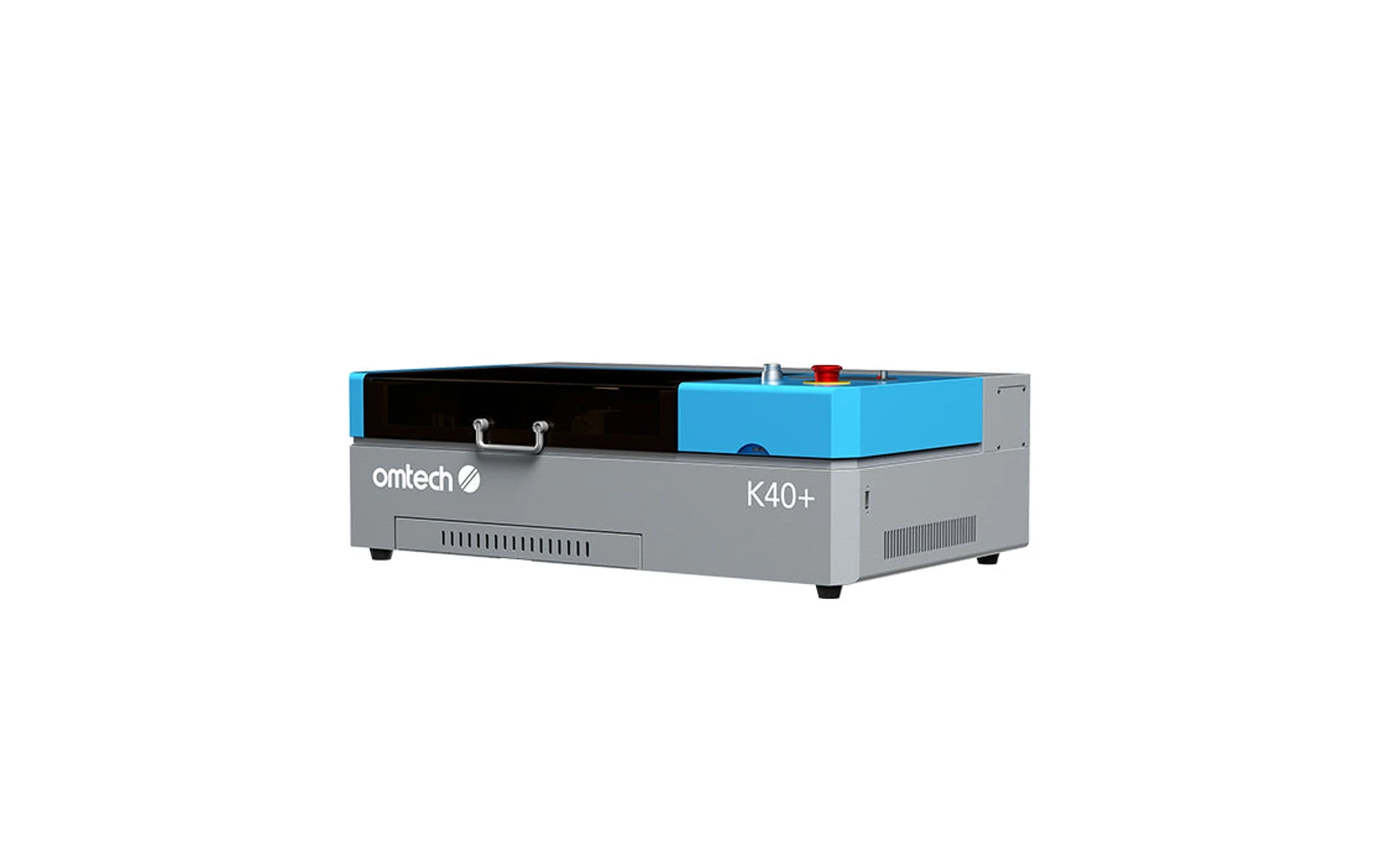
OMTech · CO₂ · $600 – $1,000
The modern evolution of the famous K40. Real CO₂ cutting power at the lowest CO₂ price point. Excellent value if you enjoy upgrading and fixing things. Wrong choice if you want plug-and-play out of the box.
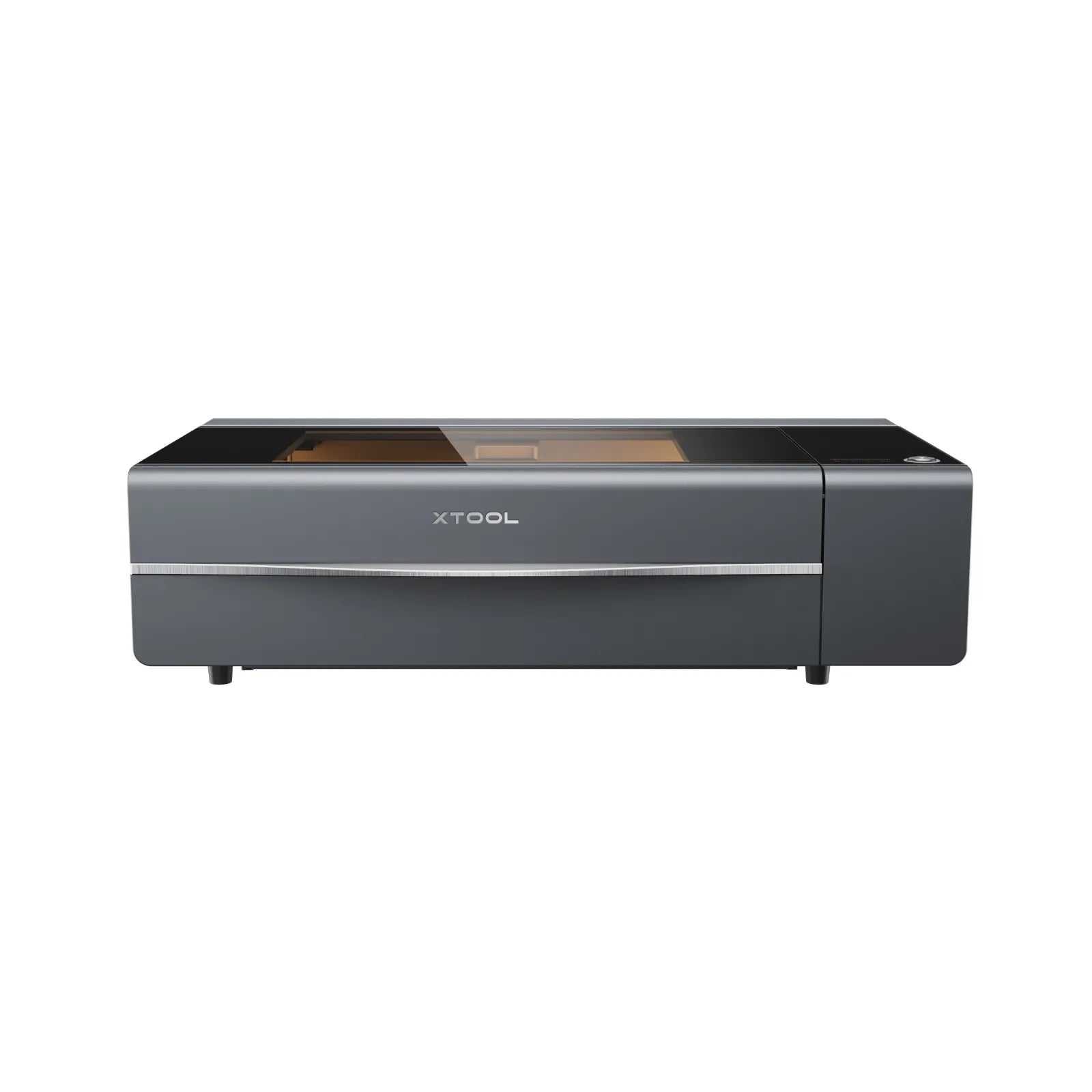
xTool · CO₂ · $2,999 – $5,069
The P2S refines the original P2 with better software and autofocus. Same 55W CO₂ class for acrylic and wood production. Still xTool's main enclosed CO₂ below the P3 flagship: choose P3 if you need 80W and automation; P2S if 55W and budget fit.