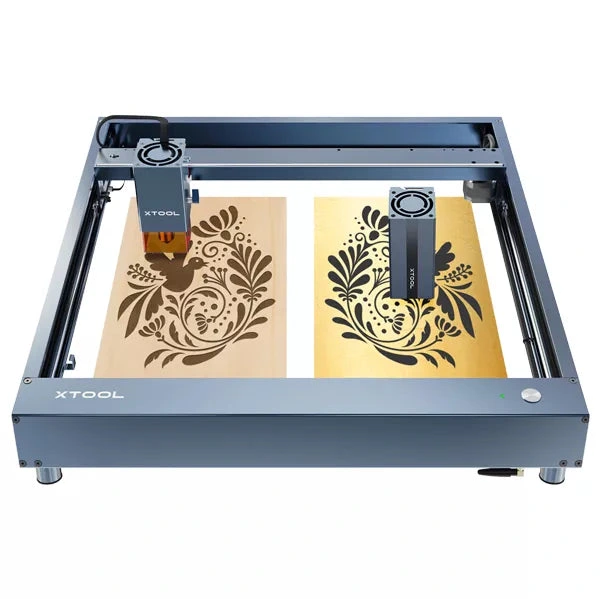
xTool · Diode
xTool D1 Pro · 5W diode
5W engraving-first module on xTool's open-frame D1 Pro rail
All xTool models →Add to compare →
Last updated How we evaluate
Released June 2022
Discontinued
xTool no longer sells this machine new. We keep the profile online because it still turns up used and as a reference point.
Choose installed module
Details below match the selected module.
Showing module: 5W diode
TL;DR
The 5W D1 Pro module is xTool's engraving-first head on the open-frame D1 rail: fine marks on wood, leather, and coated metal with occasional thin cuts. Swap to 10W–40W modules later on the same chassis.
Best for
What makes this machine stand out
Hardware and workflow features worth understanding before you buy : not just wattage on a label.
Made for detail
With a spot of about 0.06 mm, the 5W head draws fine lines and photo dithering cleanly on wood, leather and coated metal.
Large frame, low cost
The D1 Pro frame offers 430 × 390 mm of work area, which a used 5W unit brings at a fraction of the price of newer machines.
Our verdict
Ideal if you
The 5W diode module on xTool D1 Pro is right when you mostly engrave wood, leather, and slate and should not pay for cut watts you will not use weekly. Same chassis, upgrade path later.
Skip if you
Skip this module if you cut 3 mm+ stock daily: open the 10W, 20W or 40W profile. Cast acrylic and bare metal without spray stay frustrating on diode.
Pros
- Fine spot (about 0.06 mm) for detailed photo and line engraving
- Lowest price of the D1 Pro modules, especially on the used market
- Large 430 × 390 mm frame for big engraving jobs at a small-laser price
Cons
- Cutting stops at card and about 3 mm basswood in several passes
- Slow fills: about 25–36 min for a 10 × 10 cm photo in our benchmark
- Discontinued: buy used, and check parts availability first
What this machine is for
Detailed engraving on organics and coated metal: occasional thin cuts only
5W module · xTool D1 Pro
Laser spot size
~0.06 mm spot
Motion precision: 0.01 mm
Sample engrave job
~25–36 min
10 × 10 cm (4 × 4 in)
Sample cut job
~15–22 min
10 × 10 cm (4 × 4 in)
Reference benchmark: same job size on every machine so you can compare times fairly. Times are estimates for the reference job above; your design complexity and settings will change them.
Materials
- · Wood
- · Leather
- · Slate
- · Anodized aluminum
- · Stainless steel (with coating spray)
- · Ceramic
Accessories & add-ons
Typical inclusions and add-ons for this profile : confirm your SKU.
- Optional
Enclosure / cabinet
Third-party enclosure improves smoke control and safety
- Recommended
Laser safety glasses
~450 nm diode: OD rated for your wavelength
- Recommended
Fire extinguisher
Editorial guidance : not a live parts list. See also: Ventilation setup · Safety basics
Practical notes
Beginner notes
This profile is the 5W SKU on xTool D1 Pro. Read the TL;DR and benchmarks above, then compare other modules via the chips before buying.
Pro tips
Optimize for engraving: lower DPI on photos, higher scan speed on line art after test burns. Air assist still helps clarity. Compare benchmark times on the next module before assuming you need more power.
Pro / technical specsRaw numbers for experienced users comparing machines.
- Max speed (spec)
- 400 mm/s
- Avg engrave speed
- 2–4 mm/s fill
- Avg cut speed
- 2–3 mm/s on 3 mm wood
Common questions
What can the D1 Pro 5W cut?
Very little: paper, card, felt and up to about 3 mm basswood in several passes, per our materials list. A 10 × 10 cm square in 3 mm basswood took about 15–22 min in our benchmark. It is an engraving module.
Is a D1 Pro 5W still worth buying?
The D1 Pro line is discontinued, so the 5W is a used purchase. Well below the $499–$699 it sold for new, it is a capable fine-detail engraver on a large 430 × 390 mm frame. Check the module, belts and focus before buying, and confirm that spare parts are still available.
D1 Pro 5W or 10W?
Choose the 5W only for engraving (photos on wood, leather, coated metal) at the lowest price. If you want to cut 3–5 mm plywood for ornaments or boxes, the 10W is much quicker (17–24 min against 25–36 min for a 10 × 10 cm photo in our benchmark) and typically cost about $100 more new.
Alternatives to the xTool D1 Pro 5W
Machines in the same space, picked from our database by type, price, and score.
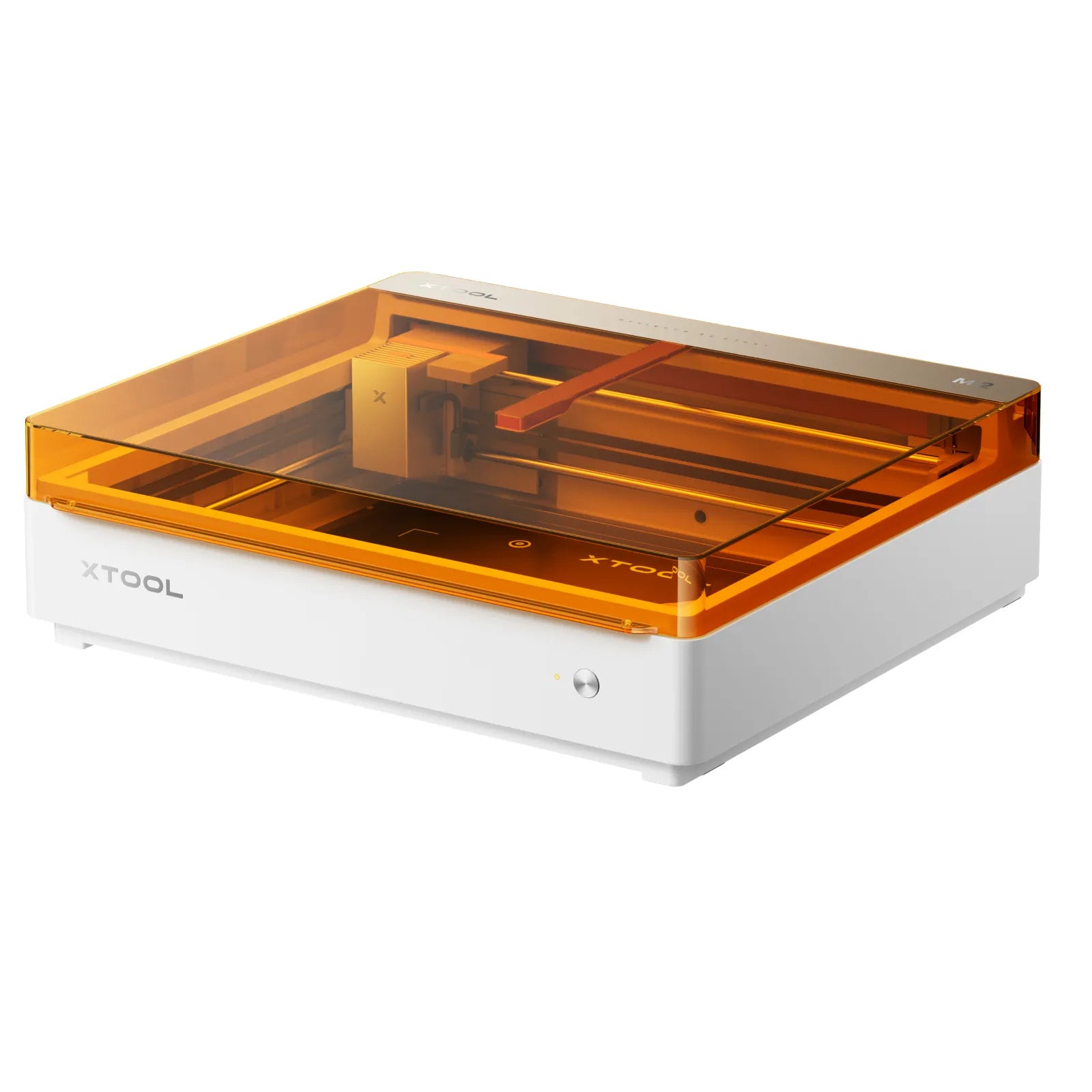
xTool · Diode · $499 – $1,229
Launched May 2026, the M2 packs laser engraving, cutting, and integrated inkjet color printing into one enclosed desktop at $599. Built for everyday crafters and Etsy sellers who want color + laser without a pro CO₂ budget: not a metal-marking or production cutter.
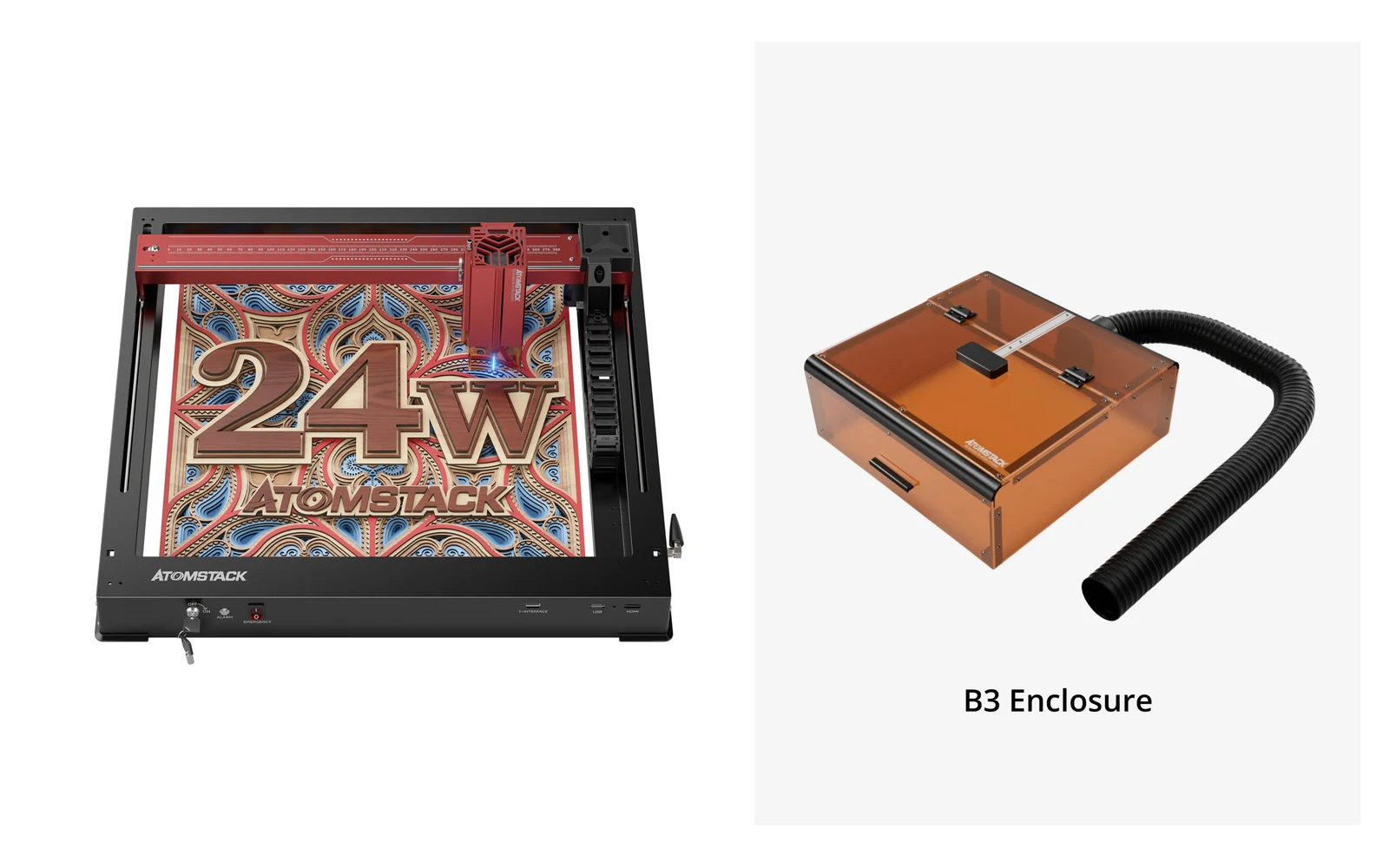
Atomstack · Diode · $459 – $1,119
AtomStack A24 Pro is a 24W diode engraver and cutter (four 6W diodes) built on a unibody frame you set up in minutes. The 360 × 280 mm bed is small for this power class, but the optional conveyor stretches it to 360 × 800 mm. Diode only: for metal marking, Atomstack sells a separate A24 Pro 1064nm fiber version.
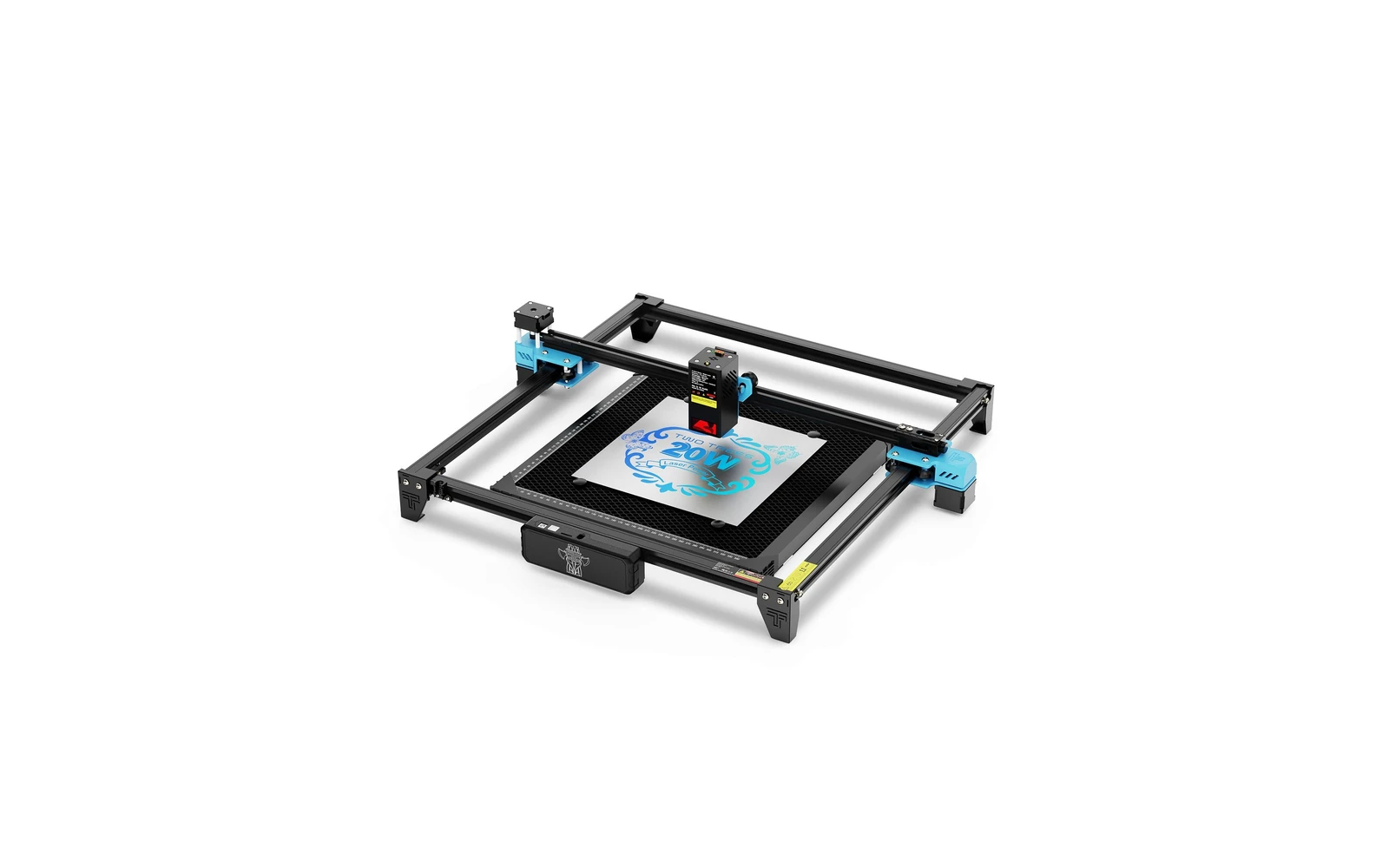
TwoTrees · Diode · $399 – $684
TwoTrees TTS-20 Pro 20W is a 20W open-frame in the TTS line with rotary and riser bundle options. Budget alternative to TTS-55 Pro: good for 20W without paying for 40W class.