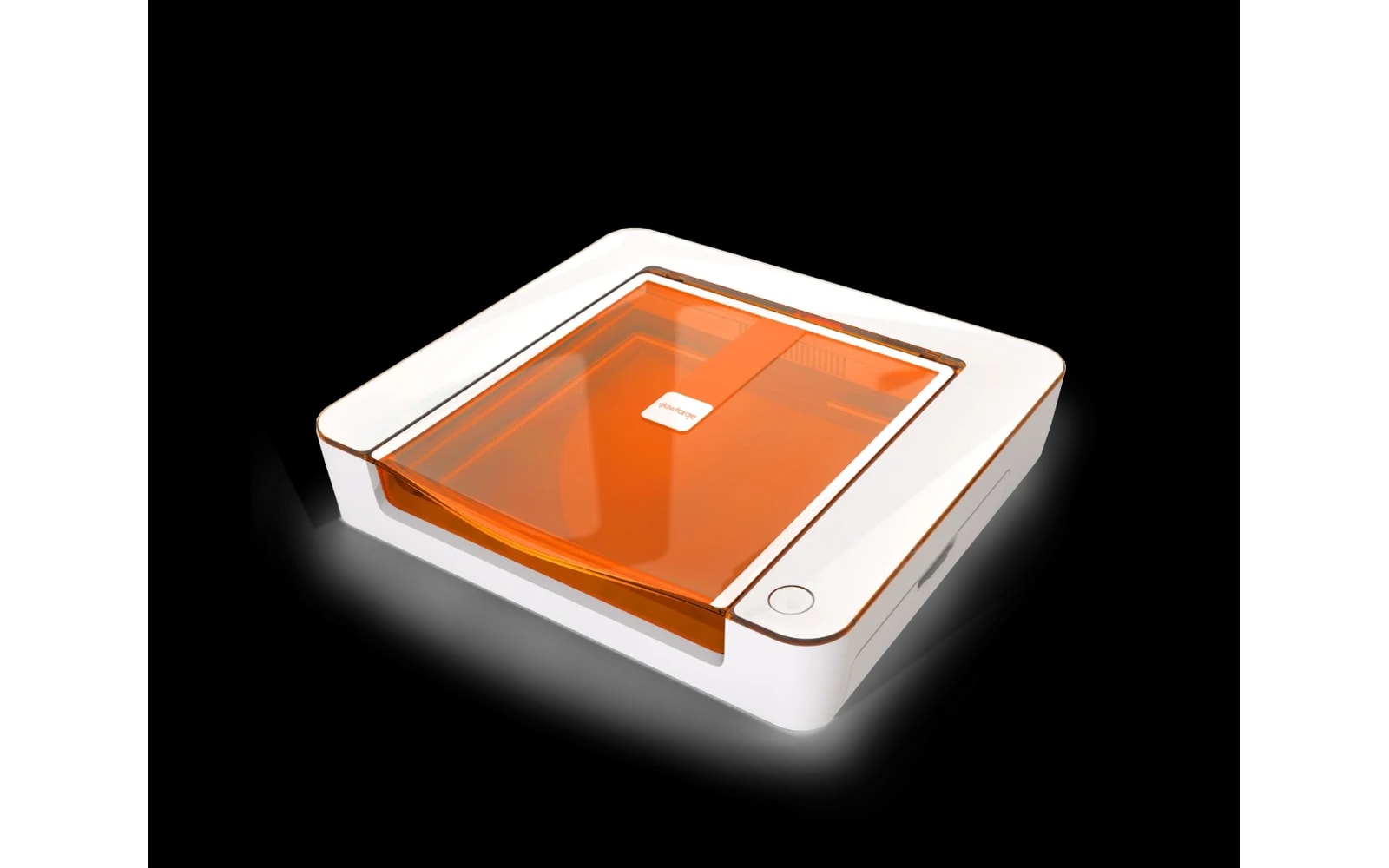
4 manufacturer photos · 1 / 4
Glowforge · CO₂
Glowforge Aura
Consumer-friendly CO₂ laser with the simplest setup — at a subscription cost
Last updated How we evaluate
Released October 2023
What this machine is for
Easiest CO₂ setup for crafters who want zero tinkering
Reference benchmark same job size on every machine so you can compare times fairly.
Laser spot size
~0.2 mm CO₂ spot
Smaller spot = finer detail (frame motion is usually the same across tiers)
Motion precision: 0.025 mm
Sample engrave job
~6–9 min
Filled photo or logo on birch plywood
10 × 10 cm (4 × 4 in)
Sample cut job
~3–5 min
Simple square cut-out from 3 mm basswood
10 × 10 cm (4 × 4 in)
Times are estimates for the reference job above; your design complexity and settings will change them.
TL;DR
Glowforge's compact CO₂ laser designed for crafters. Easy software, quick setup, and decent cutting for thin materials. The catch: premium hardware price plus required subscription for full features, and a smaller work area than xTool P2.
What this machine is for
Simple CO₂ cutting and engraving for crafters who prioritize ease of use over power and cost efficiency.
Best for
Materials
Engraves
- · Wood
- · Leather
- · Acrylic
- · Paper
- · Fabric
- · Anodized aluminum
Cuts
- · Thin wood (~6 mm max)
- · Thin acrylic
- · Leather
- · Paper
Cannot do
- · Thick acrylic/wood like 55W CO₂
- · Bare metal marking
- · Large format work
- · Offline / advanced workflows without subscription
Pros
- ✓Easiest software experience in the category
- ✓Compact footprint for a CO₂ machine
- ✓Material presets reduce trial-and-error
- ✓Brand recognition helps when selling craft products
- ✓Decent support for non-technical users
Cons
- ✗Subscription required for full features — ongoing cost
- ✗Small work area vs. price
- ✗Less power than desktop CO₂ machines like xTool P2
- ✗Cloud-dependent — needs internet for most jobs
- ✗Closed ecosystem — limited LightBurn/advanced control
Beginner notes
Great if you hate tinkering and want to cut thin craft materials today. Bad value if you are technical and willing to learn LightBurn — an xTool D1 Pro or used K40 gives more capability per dollar.
Pro tips
Factor subscription cost over 2–3 years into your budget. Proofgrade materials are convenient but expensive — third-party plywood works with testing. Aura is craft-scale, not sign-shop scale.
Pro / technical specs
Raw numbers for experienced users comparing machines.
- Laser spot size
- ~0.2 mm CO₂ spot
- Max speed (spec)
- 300 mm/s
- Avg engrave speed
- 100–200 mm/s fill
- Avg cut speed
- 8–20 mm/s on 3 mm plywood
- Motion precision
- 0.025 mm