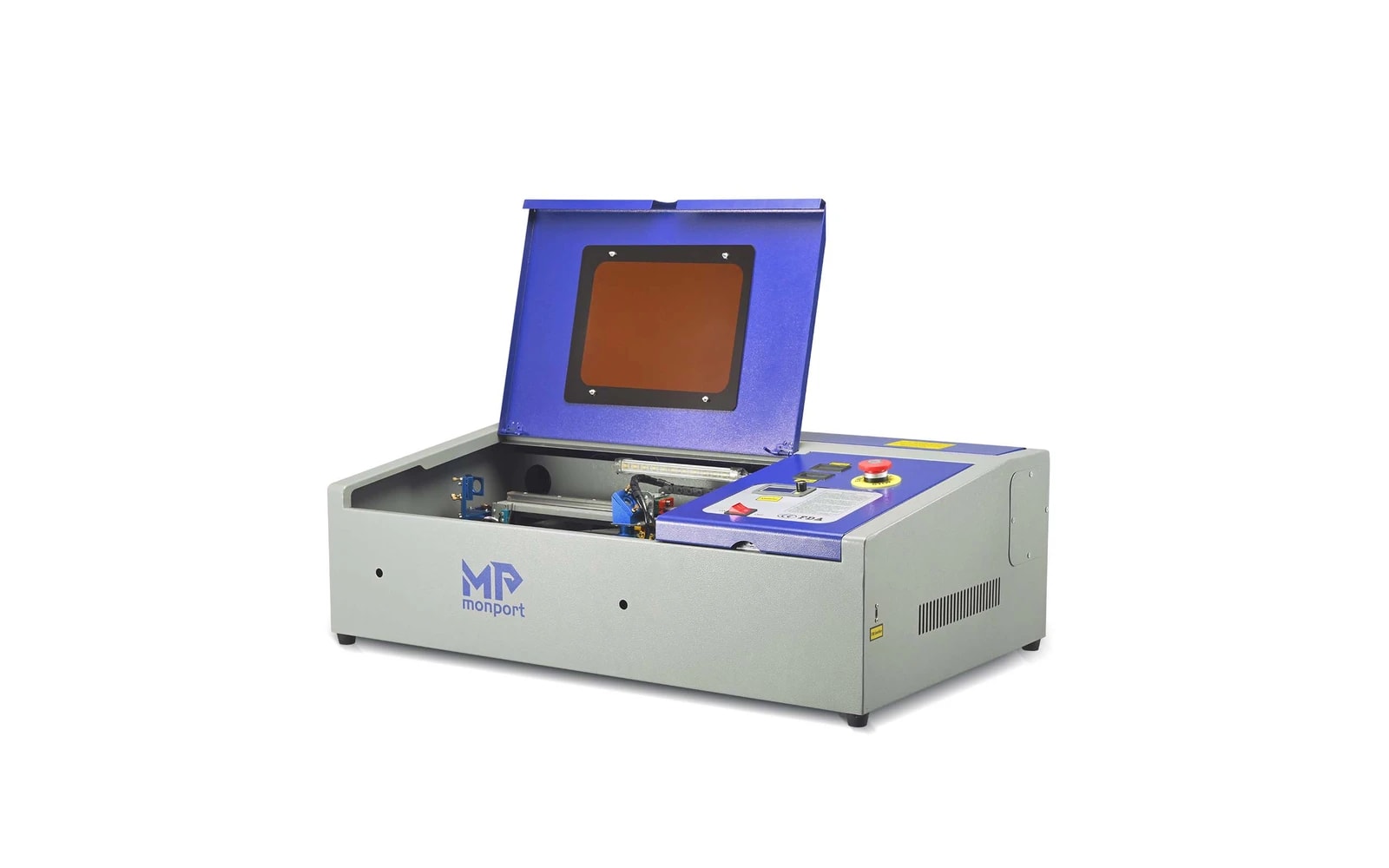
3 manufacturer photos · 1 / 3
Monport · CO₂
Monport 40W CO₂
K40-class alternative with Monport build quality and support
Last updated How we evaluate
Released January 2022
What this machine is for
Entry CO₂ cutting with fewer mandatory mods than classic K40
Reference benchmark same job size on every machine so you can compare times fairly.
Laser spot size
~0.2 mm CO₂ spot
Smaller spot = finer detail (frame motion is usually the same across tiers)
Motion precision: 0.01 mm
Sample engrave job
~6–9 min
Filled photo or logo on birch plywood
10 × 10 cm (4 × 4 in)
Sample cut job
~3–5 min
Simple square cut-out from 3 mm acrylic
10 × 10 cm (4 × 4 in)
Times are estimates for the reference job above; your design complexity and settings will change them.
TL;DR
Monport's 40W desktop CO₂ sits alongside OMTech K40 class with often better out-of-box experience. Entry CO₂ for acrylic and wood. Ventilation and learning still required.
What this machine is for
Budget desktop CO₂ for learning acrylic and wood cutting.
Best for
Materials
Engraves
- · Wood
- · Acrylic
- · Leather
- · Glass
- · Rubber
Cuts
- · Acrylic up to ~8 mm
- · Wood up to ~8 mm
- · Leather
Cannot do
- · Bare metal
- · Large panels (small bed)
- · Plug-and-play without learning
Pros
- ✓Better QA than cheapest K40 clones
- ✓LightBurn ready
- ✓Upgrade path to 55W Monport
- ✓Good value entry CO₂
Cons
- ✗Small work area
- ✗Ventilation mandatory
- ✗Water cooling maintenance
- ✗Not enclosed
Beginner notes
Compare with OMTech 40W on price and bed size. Both need exhaust planning.
Pro tips
Upgrade exhaust fan early. Keep spare mirrors clean.
Pro / technical specs
Raw numbers for experienced users comparing machines.
- Laser spot size
- ~0.2 mm CO₂ spot
- Max speed (spec)
- 400 mm/s
- Avg engrave speed
- 120–240 mm/s fill
- Avg cut speed
- 10–28 mm/s on 3 mm acrylic
- Motion precision
- 0.01 mm