3 manufacturer photos · 1 / 3
Monport · CO₂
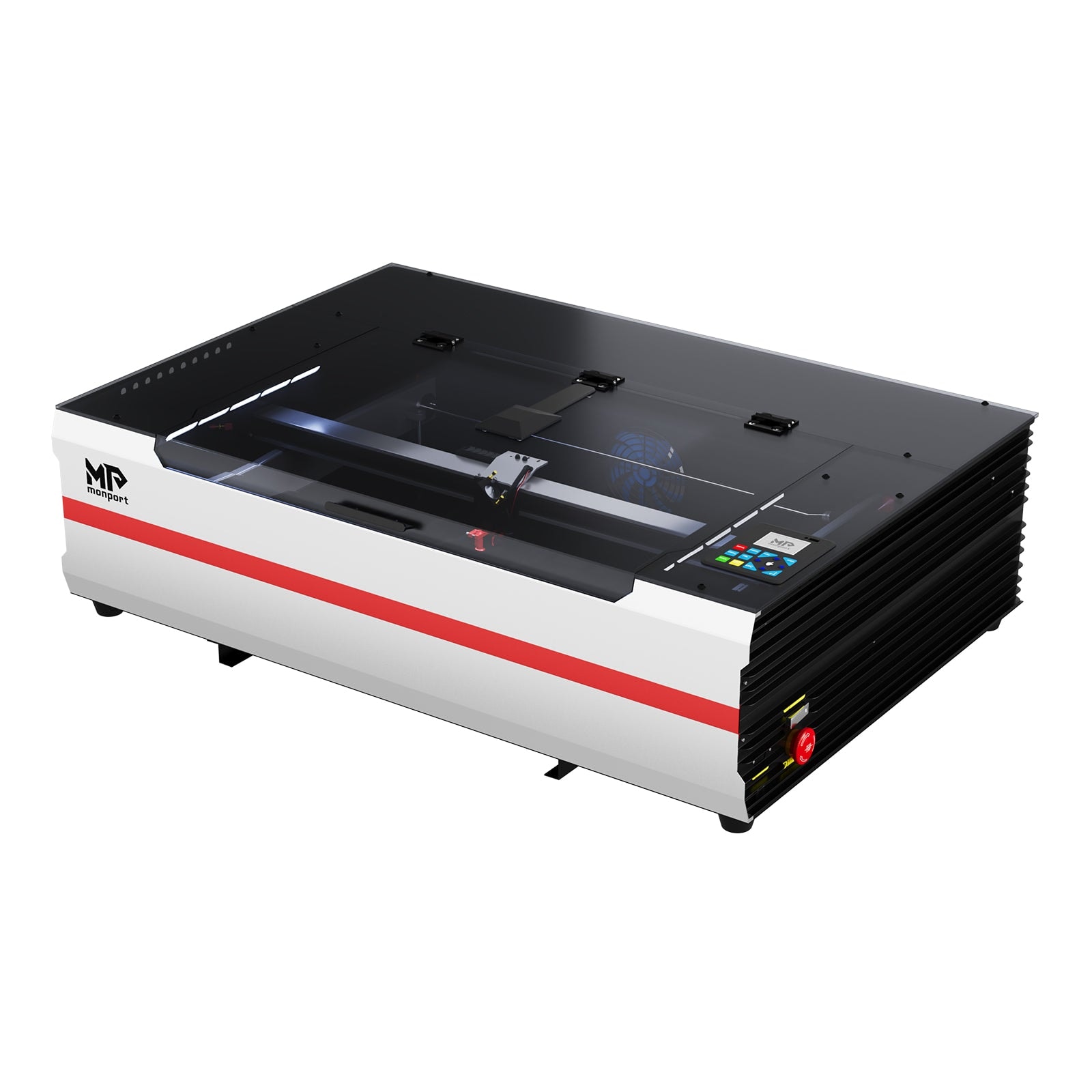
Monport 55W CO₂
Mid-range CO₂ with better finish than K40 — less tinkering required
Last updated How we evaluate
Released April 2023
What this machine is for
Mid-range CO₂ production for signs, acrylic & wood shops
Reference benchmark same job size on every machine so you can compare times fairly.
Laser spot size
~0.15 mm CO₂ spot
Smaller spot = finer detail (frame motion is usually the same across tiers)
Motion precision: 0.01 mm
Sample engrave job
~4–7 min
Filled photo or logo on birch plywood
10 × 10 cm (4 × 4 in)
Sample cut job
~2–3 min
Simple square cut-out from 3 mm acrylic
10 × 10 cm (4 × 4 in)
Times are estimates for the reference job above; your design complexity and settings will change them.
TL;DR
Monport sits between budget K40 machines and premium enclosed CO₂ like xTool P2. The 55W desktop models offer real cutting power with improved build quality and optional autofocus. Still needs ventilation, but closer to 'business ready' than a stock K40.
What this machine is for
Mid-range CO₂ production for sign makers and Etsy sellers outgrowing K40-class machines.
Best for
Materials
Engraves
- · Wood
- · Acrylic
- · Leather
- · Glass
- · Rubber
- · Anodized aluminum
Cuts
- · Acrylic up to ~12 mm
- · Wood up to ~15 mm
- · Leather
- · Fabric
Cannot do
- · Bare metal marking
- · Zero ventilation setups
- · Plug-and-play without any learning curve
Pros
- ✓More power and bed size than K40 class for growing businesses
- ✓Better fit and finish than bare-bones K40 units
- ✓LightBurn compatible out of the box on most models
- ✓Autofocus option saves time on varied material thickness
- ✓Strong value in the mid CO₂ segment
Cons
- ✗Still requires external ventilation planning
- ✗Not fully enclosed on most desktop models
- ✗Support experience varies by region
- ✗Heavier and louder than diode machines
- ✗Not as polished as xTool P2 enclosed experience
Beginner notes
Step up from K40 when you need more bed, more power, and fewer mandatory mods. Step up to xTool P2 when enclosure, camera, and minimal setup matter more than price.
Pro tips
Budget for exhaust fan upgrade if stock ventilation feels weak. Run a ramp test after delivery to verify focus across the bed. Keep tube cooling water clean — CO₂ tubes fail early with poor maintenance.
Pro / technical specs
Raw numbers for experienced users comparing machines.
- Laser spot size
- ~0.15 mm CO₂ spot
- Max speed (spec)
- 500 mm/s
- Avg engrave speed
- 150–300 mm/s fill
- Avg cut speed
- 15–45 mm/s on 3 mm acrylic
- Motion precision
- 0.01 mm
Common questions
Monport 55W vs OMTech 40W K40 class?
Monport typically offers more power, larger bed, and better out-of-box experience. OMTech K40 is cheaper if you enjoy modding. Monport is the 'grow up from K40' pick.
Do I need water cooling?
Yes. CO₂ glass tubes require a water chiller or continuous cooling loop. Never run the tube without proper cooling — minutes of dry operation can destroy it.