xTool F1 vs xTool F2 Ultra
Spec-by-spec breakdown of the xTool F1 and the xTool F2 Ultra: scores, pricing, cutting performance, software, and what each machine is really best at.
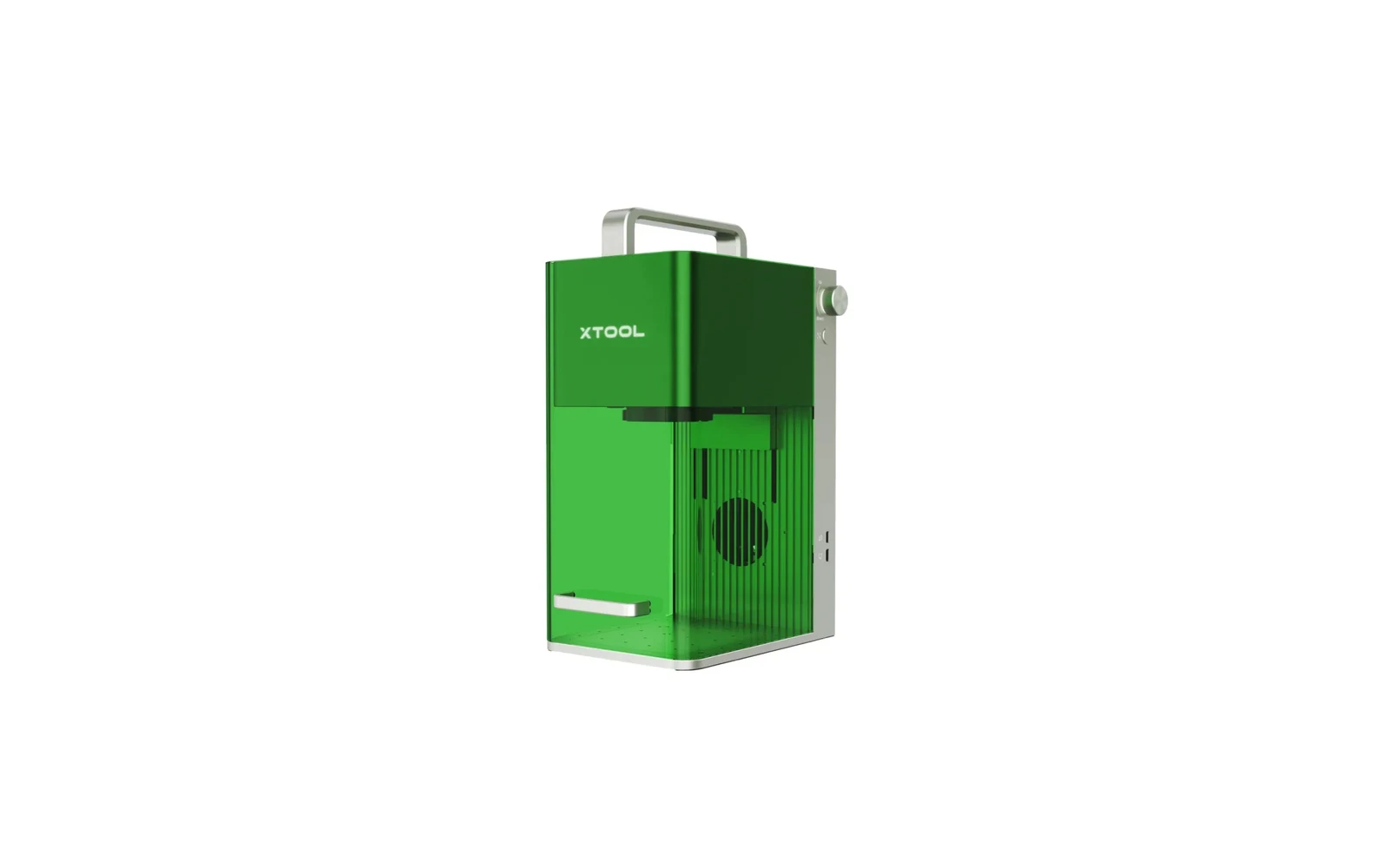
8.4
xTool F1xTool · Hybrid
The F1 started the compact dual-laser category. Slower than F1 Ultra but often cheaper on sale. Still a metal-marking specialist with small bed: not a general workshop laser.
View full profile →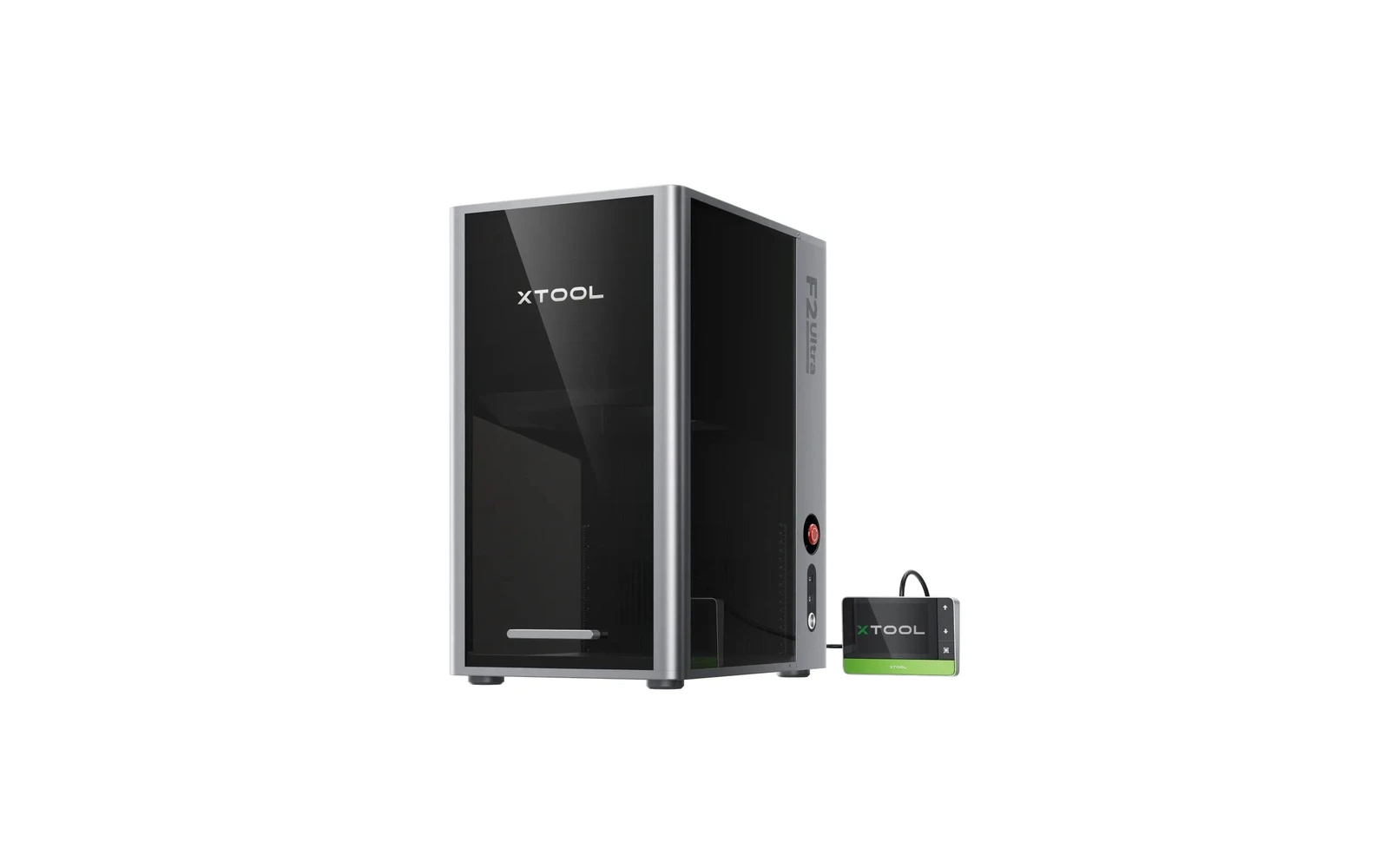
8.4
xTool F2 UltraxTool · Hybrid
xTool's flagship desktop dual laser: 60W MOPA fiber for color and deep metal marking, plus a 40W diode for wood and leather, in an enclosed 220 × 220 mm machine. Fast and precise, but priced for small businesses, not hobby use.
View full profile →Our verdict
xTool F1
2 spec wins
xTool F1 wins on
xTool F2 Ultra
7 spec wins
xTool F2 Ultra wins on
Overall, it's a tie — both score 8.4 in our database.
| Spec | xTool F1 | xTool F2 Ultra |
|---|---|---|
| Overview | ||
| Brand | xTool | xTool |
| Laser type | Hybrid (IR + diode) | Hybrid (fiber + diode) |
| Main focus | Best for marking, logos, and detail work | Best for marking, logos, and detail work |
| Main objective | Compact metal marking plus light diode engraving for small items | High-speed compact metal marking plus bonus diode for wood & leather |
| Best for |
|
|
| Scores | ||
| Score | 8.4 | 8.4 |
| Value score | Best7.6 | 7.0 |
| Ease of use | 8.8 | Best9.1 |
| Capability | 8.4 | 8.4 |
| Build quality | 8.8 | Best9.2 |
| Pricing | ||
| Price | Best $2,499 – $2,999 2.299 € – 2.759 € No longer sold new (Oct 2026); last known price | $4,299 – $6,969 3.955 € – 6.411 € Official xTool store, Oct 2026: $4,299 MOPA-only, $5,299 dual laser, up to $6,969 for the deluxe bundle |
| Hardware | ||
| Power | 10W diode + 2W IR (1064 nm) | Best60W MOPA fiber + 40W diode |
| Work area | 115 × 115 mm | Best220 × 220 mm |
| Precision | 0.01 mm | Best0.00199 mm |
| Real-world performance | ||
| Sample engrave | Filled logo on stainless steel plate ~4–8 min · 10 × 10 cm (4 × 4 in) | Filled logo on stainless steel plate ~2–5 min · 10 × 10 cm (4 × 4 in) |
| Sample cut | Laser cutting Not a cutter | Laser cutting Not a cutter |
| Spot size | ~0.03 mm (IR) | ~0.02 mm fiber spot |
| Max speed | 4,000 mm/s | 15,000 mm/s |
| Materials | ||
| Engraves |
| Best
|
| Cuts |
|
|
| Cannot do |
|
|
| Software & connectivity | ||
| Software | xTool Creative Space, LightBurn | xTool Creative Space, LightBurn |
| Connectivity | Wi-Fi, USB | Wi-Fi, USB |
| Verdict | ||
| TL;DR | The F1 started the compact dual-laser category. Slower than F1 Ultra but often cheaper on sale. Still a metal-marking specialist with small bed: not a general workshop laser. | xTool's flagship desktop dual laser: 60W MOPA fiber for color and deep metal marking, plus a 40W diode for wood and leather, in an enclosed 220 × 220 mm machine. Fast and precise, but priced for small businesses, not hobby use. |
| Pros |
| Best
|
| Cons |
|
|
“Best” highlights the strongest spec on paper for that row only — not an overall buying recommendation.
Frequently asked questions
Which is better: xTool F1 or xTool F2 Ultra?
They are tied in our database: both score 8.4/10 overall. The right pick depends on which specs matter most for your projects — the table above breaks it down.
Which is cheaper: xTool F1 or xTool F2 Ultra?
The xTool F1 is the more affordable option, starting around $2,499, versus $4,299 for the xTool F2 Ultra.
Which is better for a beginner: xTool F1 or xTool F2 Ultra?
The xTool F2 Ultra is the easier machine to start with: it scores 9.1/10 for ease of use, versus 8.8/10 for the xTool F1.
What is the main difference between the xTool F1 and the xTool F2 Ultra?
The xTool F1 is a Hybrid laser geared toward engraving, while the xTool F2 Ultra is a Hybrid laser geared toward engraving. That difference drives most of the gaps you see in the comparison table.