5 manufacturer photos · 1 / 5
Acmer · Diode
Acmer K1 · 3.5W
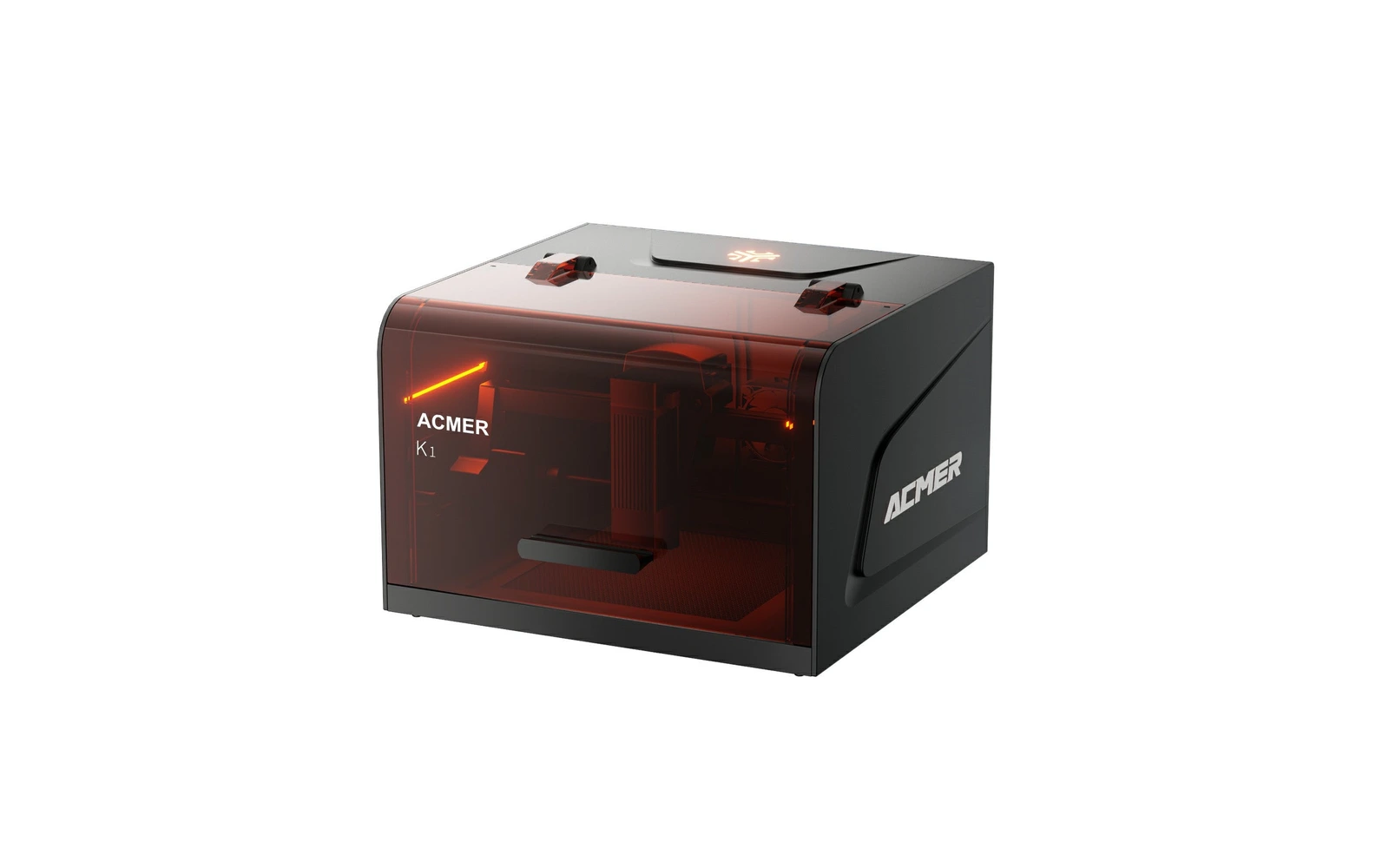
Entry K1: an enclosed 2.4 kg mini diode for engraving small objects under $200
All Acmer models →Add to compare →
Last updated How we evaluate
Released September 2025
Choose a power option
Details below update for the selected power option.
Showing specs for: 3.5W
TL;DR
The K1 3.5W is the cheapest version of Acmer's enclosed mini engraver still in stock in October 2026: a 150 × 150 mm area in a 2.4 kg box with lid and tilt sensors and an exhaust fan, for $199.99. It is an engraver first: wood, leather, paper and dark acrylic. Acmer's chart gives up to 8 mm of plywood, without stating the number of passes; in practice, cutting is slow and limited to thin material.
Best for
What makes this machine stand out
Hardware and workflow features worth understanding before you buy : not just wattage on a label.
Enclosed for under $200
Lid sensor, tilt sensor and exhaust fan in a closed 2.4 kg box sold $199.99 on Acmer's store.
Open software choice
Works with ACMER Studio, LightBurn and LaserGRBL, so you can keep the same software if you move to a bigger laser.
Our verdict
Ideal if you
The 3.5W is the lowest-cost way into an enclosed laser in Acmer's range: a closed box with safety sensors and an exhaust fan for under $200, which suits a first laser at home for paper, leather and wooden gifts.
Skip if you
Engraving is slow and cutting is limited to thin material with many passes. For $30 more, the 7W does almost everything better; the 3.5W only makes sense if every dollar counts and you will not cut.
Pros
- Enclosed box with lid and tilt sensors for $199.99
- Plenty for engraving paper, card, leather and wooden gifts
- Same box and software as the more powerful versions, with LightBurn support
Cons
- Slow: about 25–35 min for a 10 × 10 cm photo on plywood in our benchmark profile
- Cutting 3 mm wood takes several passes, about 15–25 min for a 10 × 10 cm square
- No camera, Wi-Fi or auto-focus
What this machine is for
Safe, low-cost engraving of small objects at home
3.5W module · Acmer K1
Laser spot size
0.08 × 0.08 mm
Motion precision: 0.01 mm
Sample engrave job
~25–35 min
10 × 10 cm (4 × 4 in)
Sample cut job
~15–25 min
10 × 10 cm (4 × 4 in)
Reference benchmark: same job size on every machine so you can compare times fairly. Times are estimates for the reference job above; your design complexity and settings will change them.
Materials
- · Wood & plywood
- · Paper & card
- · Leather
- · Dark acrylic
- · Cork & bamboo
- · Coated metal
Accessories & add-ons
Typical inclusions and add-ons for this profile : confirm your SKU.
- Included
Enclosure / cabinet
- Optional
Laser safety glasses
Still useful when servicing or with lid open
- Recommended
Fire extinguisher
Editorial guidance : not a live parts list. See also: Ventilation setup · Safety basics
Practical notes
Beginner notes
This profile is the 3.5W version of the Acmer K1. Compare it with the 7W: pick the 3.5W only if you will engrave and almost never cut; for $30 more, the 7W engraves faster and cuts thin wood. The box, area and software are identical.
Pro tips
Use high power and moderate speed for dark, even engraving on wood, and keep cutting for paper, card and felt. Vent the exhaust hose outside even for short jobs.
Pro / technical specsRaw numbers for experienced users comparing machines.
- Max speed (spec)
- 167 mm/s (10,000 mm/min)
- Avg engrave speed
- 40–80 mm/s
- Avg cut speed
- 1–3 mm/s
Common questions
Is the K1 3.5W enough for a beginner?
For engraving small objects, yes: wood, leather, paper and dark acrylic within 150 × 150 mm. If you hope to cut plywood shapes, take the 7W or 12W: the 3.5W cuts thin wood only with many slow passes.
K1 3.5W or K1 7W?
Only $30 apart ($199.99 against $229.99 on Acmer's store, October 2026). The 7W engraves a 10 × 10 cm photo faster (about 18–26 min against 25–35 min in our benchmark profile) and cuts thin wood in reasonable time. For most buyers, the 7W is worth the difference.
What about the K1 2.5W?
Acmer lists a 2.5W version at $179.99, but it was out of stock in October 2026. With even less power, it would only suit light engraving.
Alternatives to the Acmer K1 3.5W
Machines in the same space, picked from our database by type, price, and score.
Acmer · Diode · $169
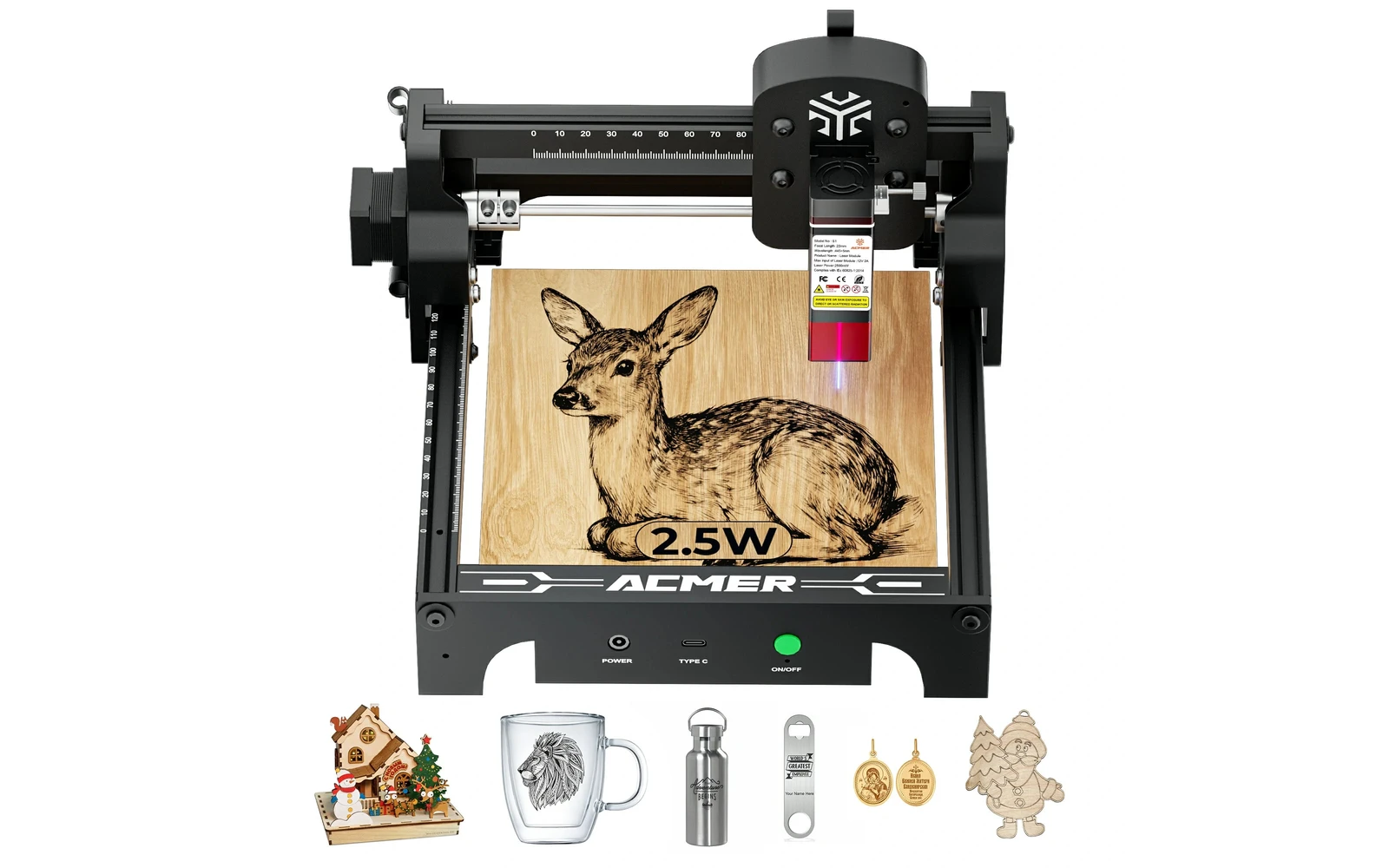
Acmer S1 is a mini portable engraver (2.5–6W tiers) for stamps, small gifts, and travel. Not a workshop machine: complements a larger laser rather than replacing one.
Creality · Diode · $269 – $299
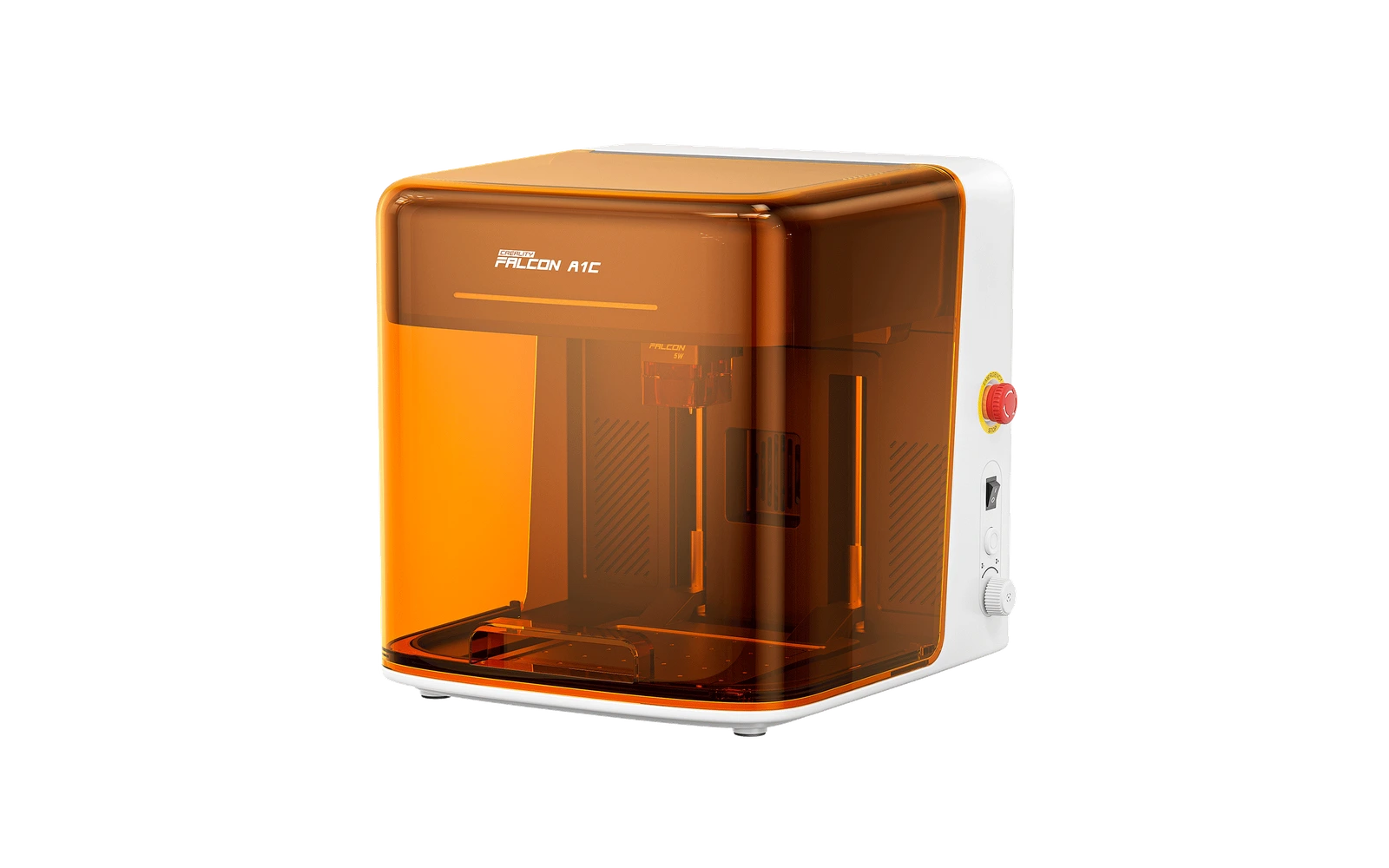
The Falcon A1C 5W puts Creality's 5W diode in the same closed Class 1 box as the 10W: 150 × 150 mm bed, motorized lifting platform, auto-focus. It is an engraving machine first: cork, bamboo, leather, slate and plywood look sharp, but cutting is limited to card and thin wood. The 10W module can be added later.
Sculpfun · Diode · $270
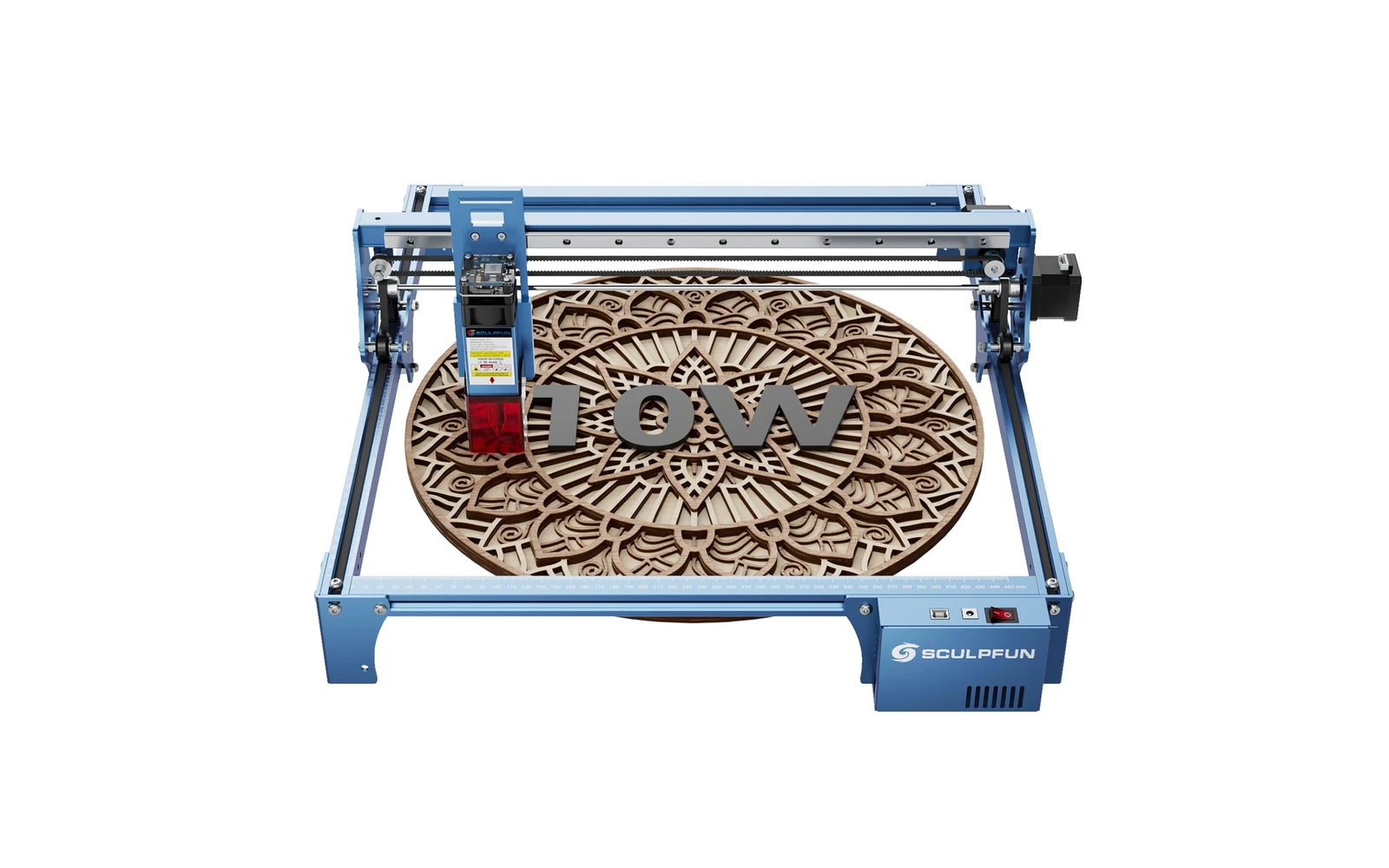
Sculpfun S10 10W (2022) is a mid-size open-frame engraver with a sturdier industrial frame than S9, ~385 mm work area, and detachable laser cover. Positioned between budget S9 and S30 families for makers who want better rigidity without Ultra pricing.