3 manufacturer photos · 1 / 3
WeCreat · Diode
WeCreat Vision
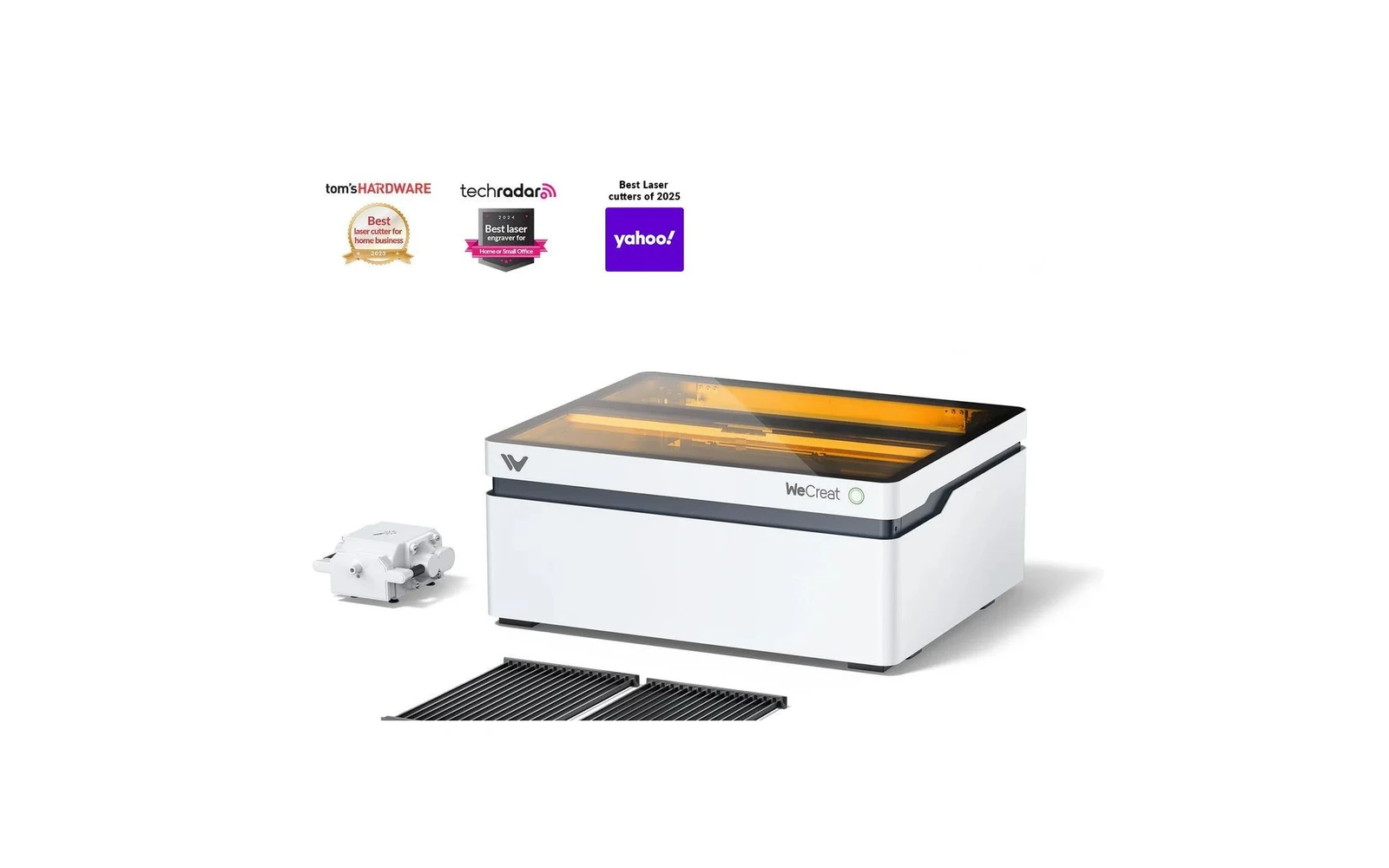
AI-assisted enclosed diode with live preview: beginner-friendly smart laser
All WeCreat models →Add to compare →
Last updated How we evaluate
Released July 2024
TL;DR
WeCreat's enclosed diode laser adds a camera and AI features for material detection and visual preview. Appealing for beginners who want guidance. Core laser performance is comparable to other enclosed diodes: you pay for the smart features.
Compare the WeCreat Vision to…
Popular side-by-side matchups with full specs, scores, and an honest verdict.
Best for
What makes this machine stand out
Hardware and workflow features worth understanding before you buy : not just wattage on a label.
Enclosed + alignment camera
This machine pairs a closed cabinet with a live alignment camera : still uncommon on hobby diodes. You see the job on screen before firing, which saves ruined plywood on batch Etsy work, and the enclosure contains smoke and accidental beam exposure far better than an open frame on the same desk.
LightBurn compatible
LightBurn support means advanced layers, camera tools, and workflows many makers outgrow the stock app with. Confirm your exact controller board before assuming full features : some machines need a paid license separately.
Our verdict
Ideal if you
WeCreat Vision 20W is the versatile hobby / side-business SKU: clean engraving and light wood or leather cuts with comparable benchmarks on Maker Atlas.
Skip if you
Not a CO₂ replacement for clear acrylic or heavy thick-stock production.
Pros
- Everyday engrave and light cut mix: typical 6 mm basswood in several passes
- Integrated cabinet helps contain the beam and everyday smoke versus open-frame diodes
- Software on the profile: trial your workflow on scrap before production
Cons
- Clear cast acrylic and thick production cutting still favor CO₂, not diode power alone
- Confirm optical wattage on the listing before you buy
What this machine is for
AI-guided enclosed engraving for visual, beginner-friendly workflow
Smart enclosed diode laser for beginners who want visual guidance and filtered home operation.
Laser spot size
~0.08 mm spot
Motion precision: 0.01 mm
Sample engrave job
~9–14 min
10 × 10 cm (4 × 4 in)
Sample cut job
~5–7 min
10 × 10 cm (4 × 4 in)
Reference benchmark: same job size on every machine so you can compare times fairly. Times are estimates for the reference job above; your design complexity and settings will change them.
Materials
- · Wood
- · Leather
- · Slate
- · Anodized aluminum
- · Stainless (with spray)
Accessories & add-ons
Typical inclusions and add-ons for this profile : confirm your SKU.
- Included
Enclosure / cabinet
- Optional
Laser safety glasses
Still useful when servicing or with lid open
- Recommended
Fire extinguisher
Editorial guidance : not a live parts list. See also: Ventilation setup · Safety basics
Practical notes
Beginner notes
This profile covers WeCreat Vision. Read the TL;DR and benchmarks before buying, then compare nearby models on the Compare page.
Pro tips
Use camera preview for batch placement but still run test cards for new materials: AI presets are starting points, not gospel. LightBurn unlocks more control when you outgrow the stock app.
Pro / technical specsRaw numbers for experienced users comparing machines.
- Max speed (spec)
- 600 mm/s
- Avg engrave speed
- 75–160 mm/s fill
- Avg cut speed
- 4–10 mm/s on 3 mm wood
Common questions
Is the AI feature actually useful?
For beginners, yes: it speeds up first projects and reduces alignment errors. Pros will likely ignore it and use LightBurn with manual settings.
WeCreat vs xTool S1?
Similar enclosed diode category. xTool has a larger community and longer track record. WeCreat competes on AI/camera UX. Choose xTool for ecosystem; WeCreat if the smart preview appeals to you.
Alternatives to the WeCreat Vision
Machines in the same space, picked from our database by type, price, and score.
xTool · Diode · $1,299 – $2,599
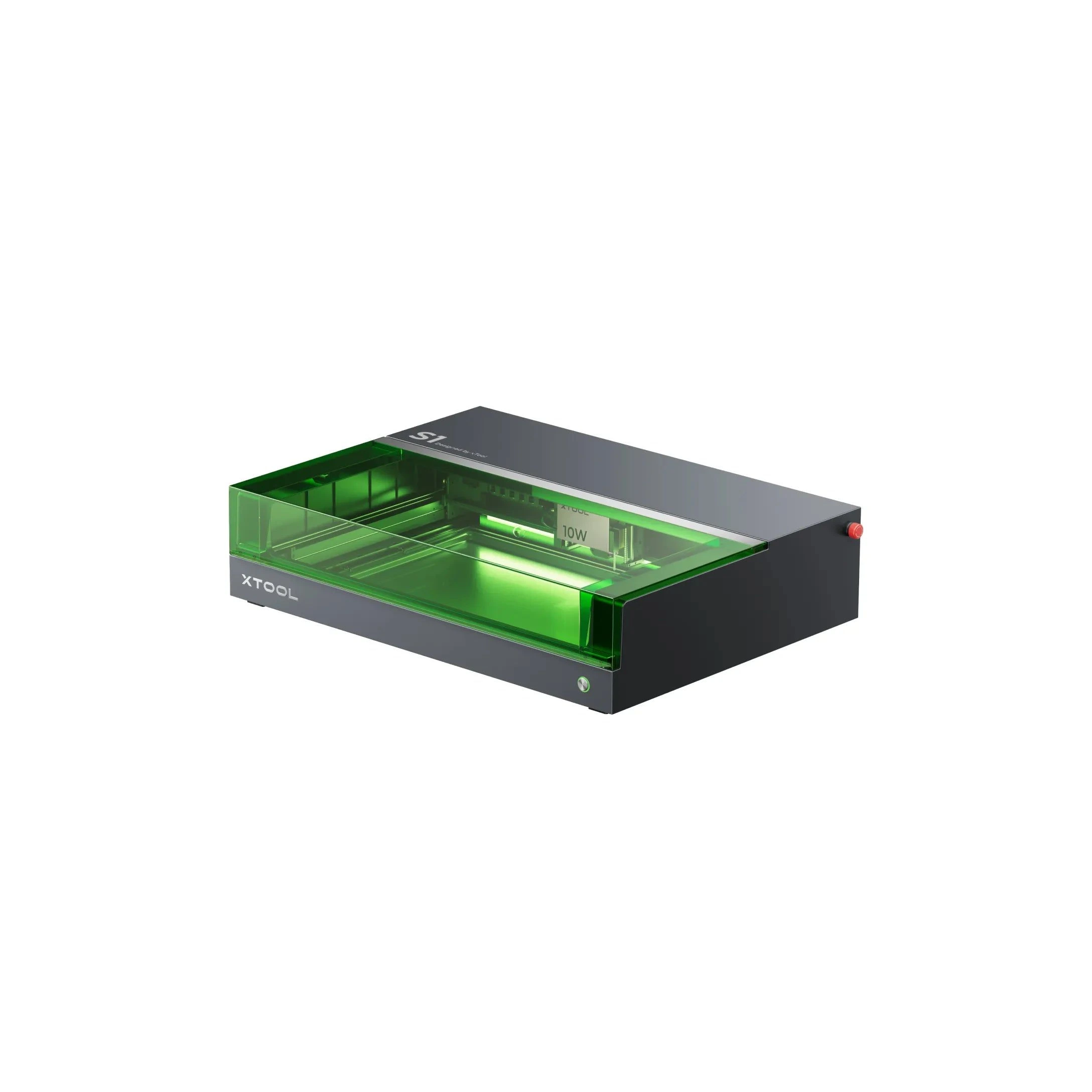
The 20W S1 is the value pick in xTool's enclosed diode line: same cabinet and filters as the 40W, but less cut depth on thick wood. Buy this if safety matters and you mostly engrave.
Acmer · Diode · $1,149 – $2,069
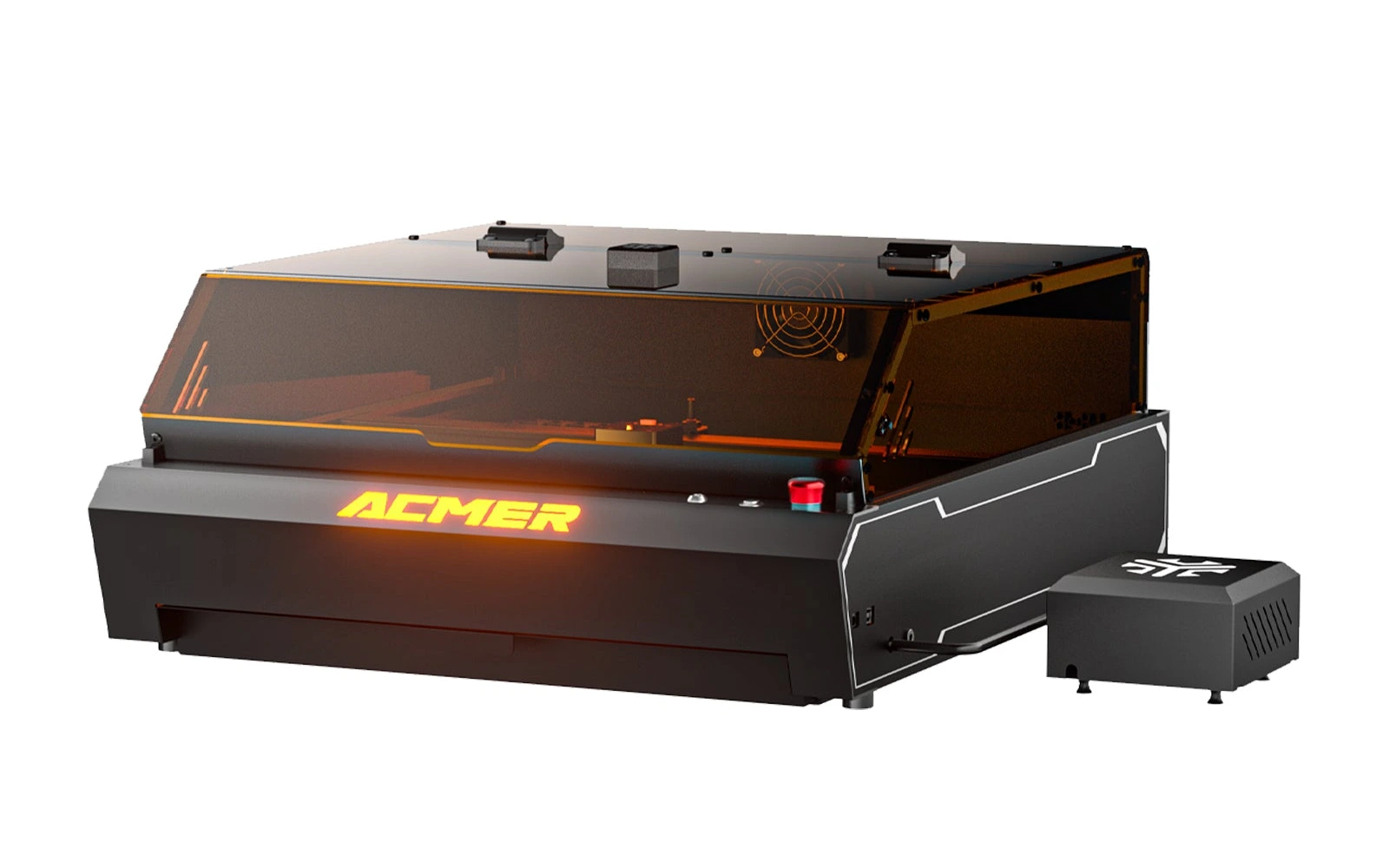
The P3 48W is the cutting version of Acmer's enclosed P3: a Class 1 cabinet with a CoreXY gantry, 800 mm/s, a camera covering the whole bed and 30 L/min air assist. Its module switches between 24W and 48W, and Acmer rates it for 18 mm plywood and 18 mm black acrylic in one pass. At $1,149 for the Basic Pack (October 2026) it undercuts xTool's enclosed 40W by about $550; the trade-offs are a weaker included exhaust fan and software that reviewers call basic.
Sculpfun · Diode · $1,149 – $2,316
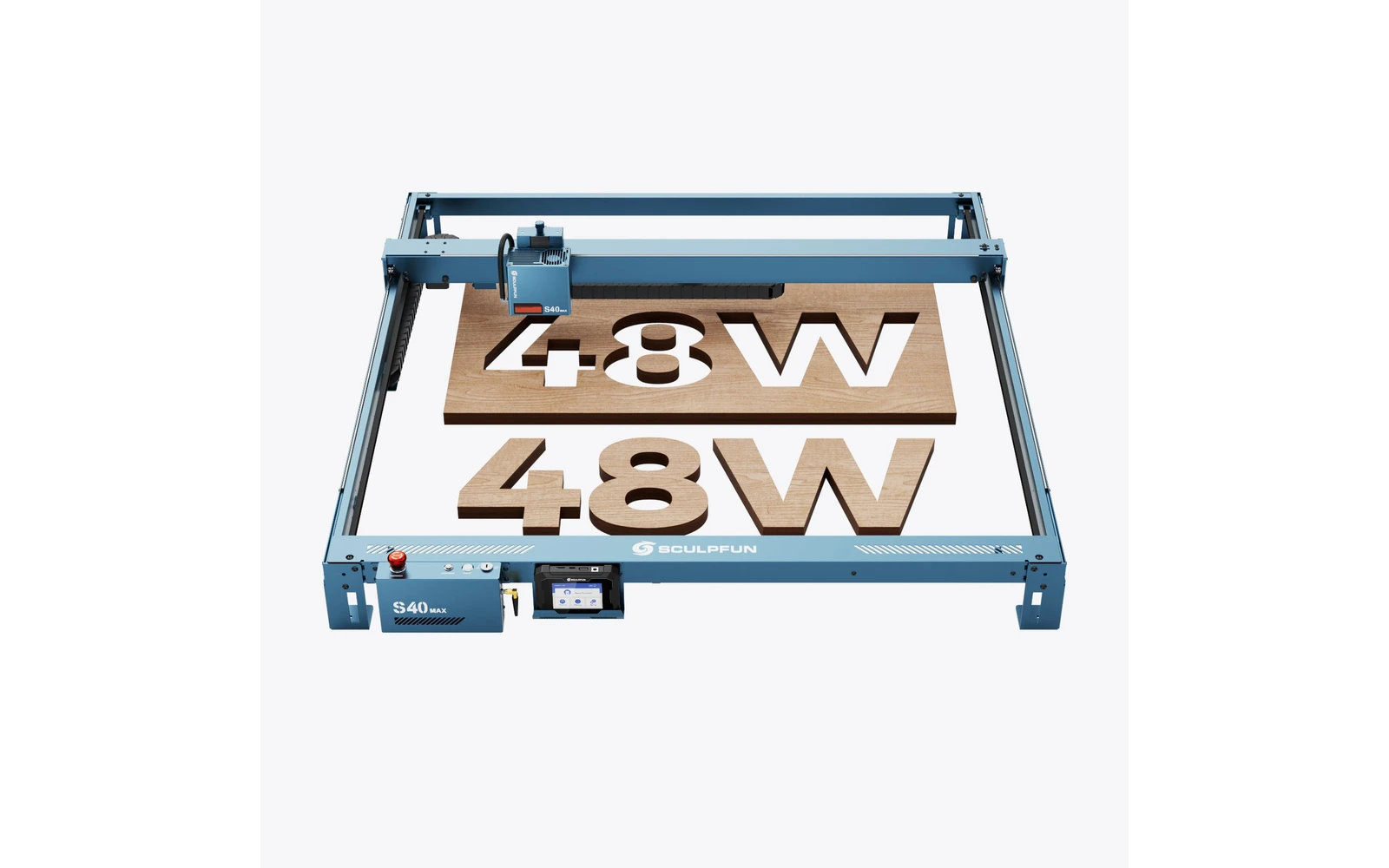
The S40 MAX (2025) targets makers who outgrew 400 mm frames: 830×800 mm work area, 48W optical power, auto-focus, and Wi-Fi via TS1 screen. Built for sign panels and batch cutting: verify shipping weight and workshop space before ordering.