xTool · Diode (diode + IR)
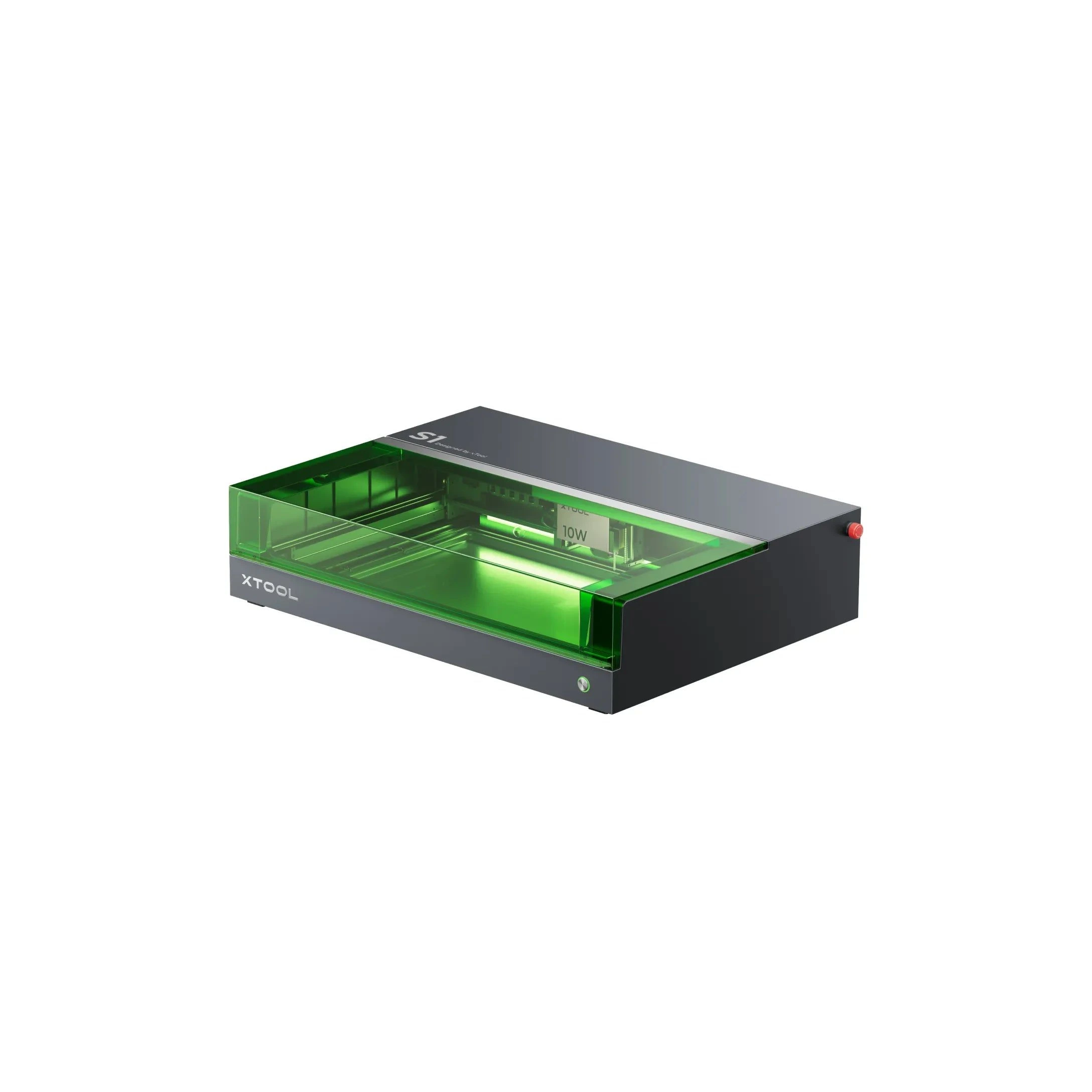
xTool S1 · 20W diode
Enclosed 20W diode: safer home engraving with moderate cutting
All xTool models →Add to compare →
Last updated How we evaluate
Released October 2023
Choose installed module
Details below match the selected module.
Showing module: 20W diode
TL;DR
The 20W S1 is the value pick in xTool's enclosed diode line: same cabinet and filters as the 40W, but less cut depth on thick wood. Buy this if safety matters and you mostly engrave.
Compare the xTool S1 20W to…
Popular side-by-side matchups with full specs, scores, and an honest verdict.
Best for
What makes this machine stand out
Hardware and workflow features worth understanding before you buy : not just wattage on a label.
10 mm basswood in one pass
xTool rates the 20W head for 10 mm basswood plywood and 8 mm black acrylic in a single pass, enough for boxes, ornaments and dark acrylic lettering.
Lowest-priced S1 bundle
The 20W Basic bundle was $1,299 on xTool's US store in October 2026 and keeps the full S1 cabinet, safety features and LightBurn support.
Our verdict
Ideal if you
The 20W S1 is the sweet spot for apartment makers who want enclosure safety without paying for 40W cut headroom. You keep xTool's guided software, optional filter packs, and the same upgrade path as heavier SKUs. For coasters, leather, slate, and filled photos, the job quality matches the 40W module when you run sensible speeds.
Skip if you
Thick hardwood, fast sign cutting, and clear acrylic production still push you toward the 40W head or a CO₂ machine. Photo work at gallery-grade density can take longer than on a dedicated low-watt engraving module. Budget for filter replacements or window ducting if you cut daily.
Pros
- Balanced head: 10 mm basswood plywood and 8 mm black acrylic in one pass (xTool rating)
- Spot of 0.08 × 0.06 mm per xTool keeps photo and text detail sharp
- Cheapest S1 bundle on xTool's US store in October 2026 ($1,299 Basic)
Cons
- Dense hardwoods such as beech, oak and bamboo need several passes
- About 9 mm/s on 3 mm basswood: batch cutting takes noticeably longer than on the top head
- Clear acrylic is out of reach, as with every diode
What this machine is for
Everyday engraving plus reliable light cutting on wood, leather, and dark acrylic
20W module · xTool S1
Laser spot size
~0.07 mm spot
Motion precision: 0.01 mm
Sample engrave job
~9–14 min
10 × 10 cm (4 × 4 in)
Sample cut job
~5–8 min
10 × 10 cm (4 × 4 in)
Reference benchmark: same job size on every machine so you can compare times fairly. Times are estimates for the reference job above; your design complexity and settings will change them.
Materials
- · Wood
- · Leather
- · Slate
- · Anodized aluminum
- · Stainless (with spray)
Accessories & add-ons
Typical inclusions and add-ons for this profile : confirm your SKU.
- Included
Enclosure / cabinet
- Optional
Laser safety glasses
Still useful when servicing or with lid open
- Recommended
Fire extinguisher
Editorial guidance : not a live parts list. See also: Ventilation setup · Safety basics
Practical notes
Beginner notes
This profile is the 20W SKU on xTool S1. Read the TL;DR and benchmarks above, then compare other modules via the chips before buying.
Pro tips
Use air assist for cuts, lower scan speed for photo engraving. Multiple passes at moderate speed beat one aggressive pass. Check the flagship tier’s cut benchmark if you quote production times to customers.
Pro / technical specsRaw numbers for experienced users comparing machines.
- Max speed (spec)
- 600 mm/s
- Avg engrave speed
- 22–49 mm/s fill
- Avg cut speed
- 2–3 mm/s on 3 mm wood
Common questions
What can the xTool S1 20W cut in one pass?
xTool rates the 20W head for 10 mm basswood plywood, 10 mm cherry or walnut and 8 mm black acrylic in one pass, and 9 mm/s on 3 mm basswood. Expect those figures with air assist and a clean, flat sheet. In our benchmark a 10 × 10 cm square in 3 mm basswood took about 5–8 min.
S1 20W or 40W: which one should I buy?
Take the 20W if most jobs are engraving (coasters, leather, slate, photos) with occasional cuts up to about 6 mm. Take the 40W if you cut signs, boxes or 10 mm stock every week: xTool rates it 15 mm basswood plywood in one pass and 15 mm/s on 3 mm. On xTool's US store the Basic bundles were $1,299 and $1,699 in October 2026, a $400 gap.
Can I add the 40W head to a 20W S1 later?
Yes. The heads swap on the same cabinet, and xTool sold the 40W module alone for $1,099 in October 2026. That is about $700 more than the bundle gap, so if you already expect to cut thick wood, buying the 40W upfront is cheaper.
Alternatives to the xTool S1 20W
Machines in the same space, picked from our database by type, price, and score.
xTool · CO₂ · $3,399 – $6,609
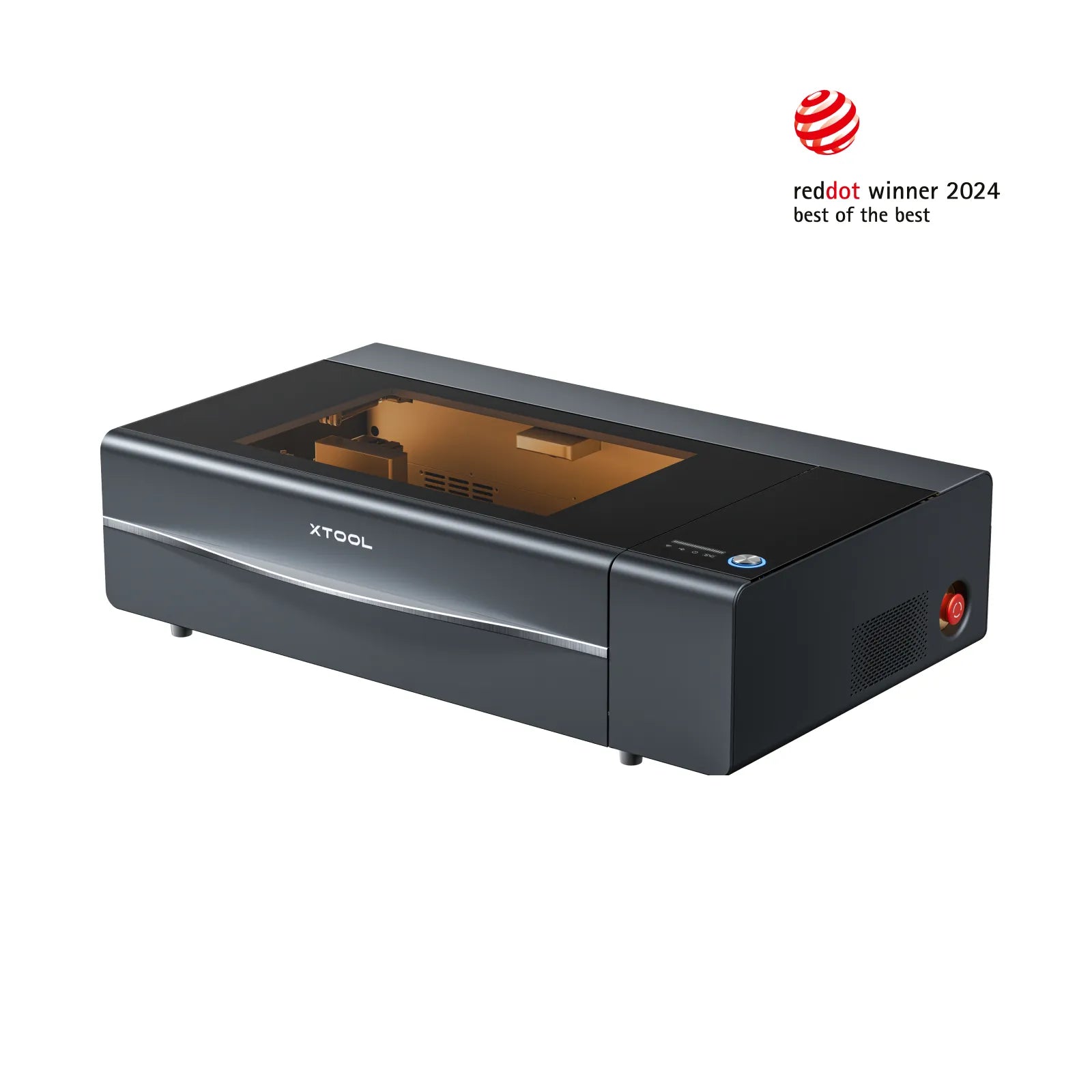
The xTool P2 is a 55W enclosed CO₂ laser with a large work area and camera alignment. It cuts acrylic and wood far better than any diode laser. Expensive, but the closest thing to a 'set up and run a small shop' desktop machine.
Glowforge · Diode · $999
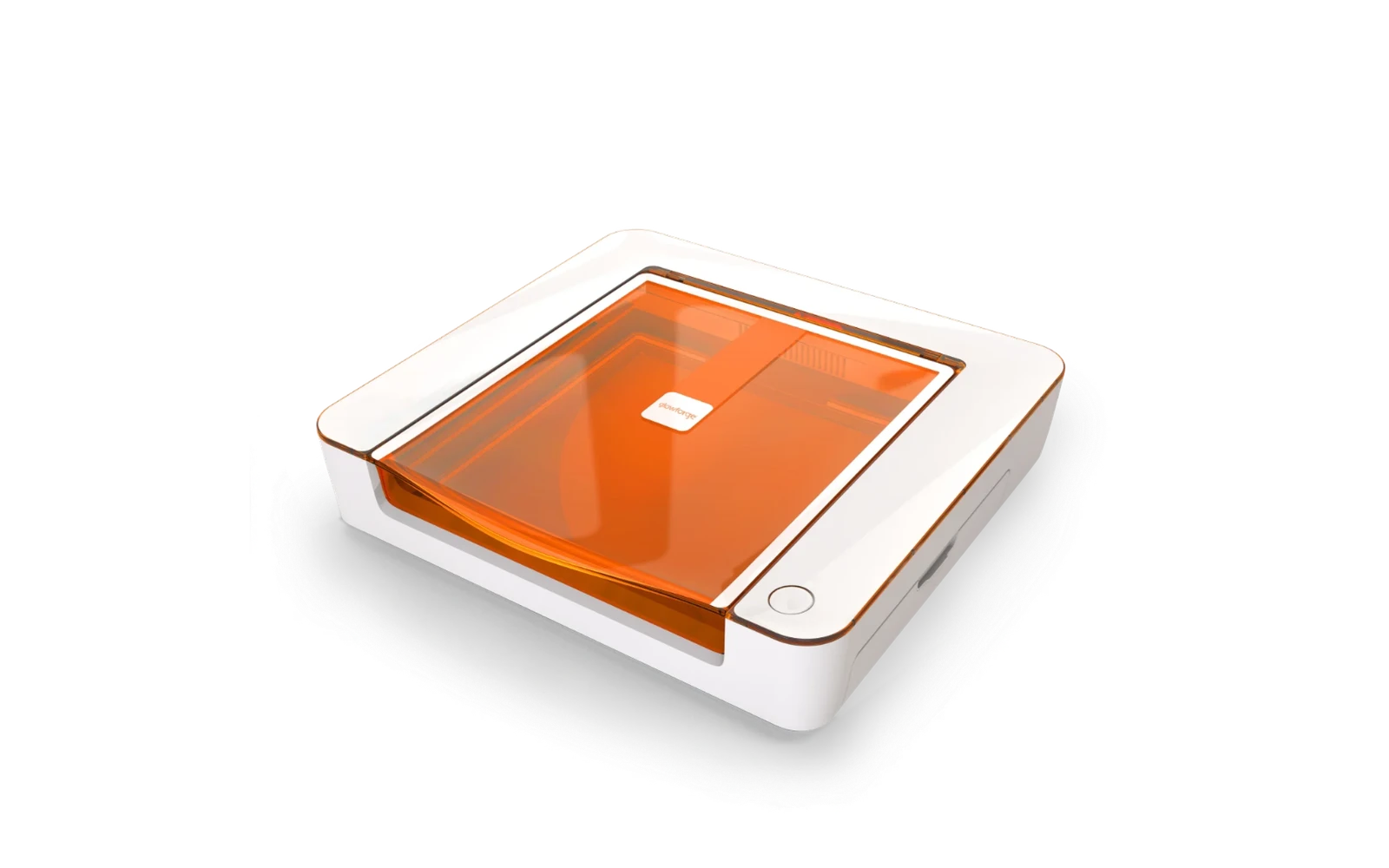
Glowforge's compact 6W diode Craft Laser for crafters. Easy software, autofocus, quick setup and a Passthrough slot for long projects, but cutting is limited to thin materials. The catch: a cloud-based app (optional Premium subscription from $20/mo) and far less power than CO₂ machines like the xTool P2S.
xTool · Diode · $699 – $899
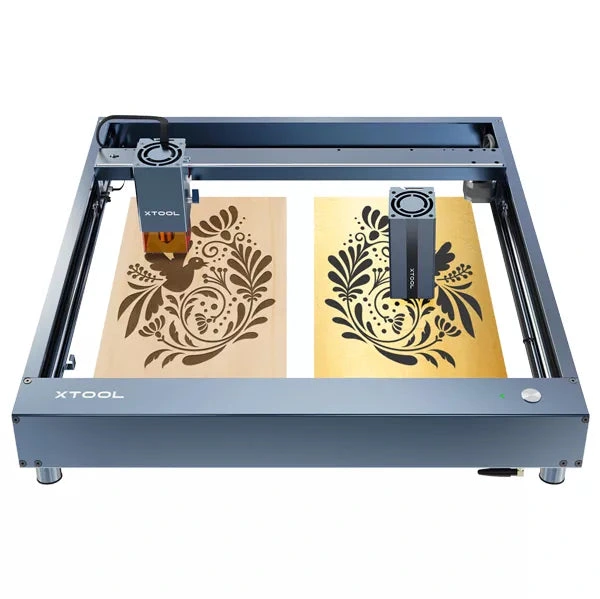
The 20W D1 Pro module is xTool's most popular open-frame head: mixed engraving and light cutting on the large D1 bed. Verify optical power on the listing; swap to 40W later if cut jobs dominate.