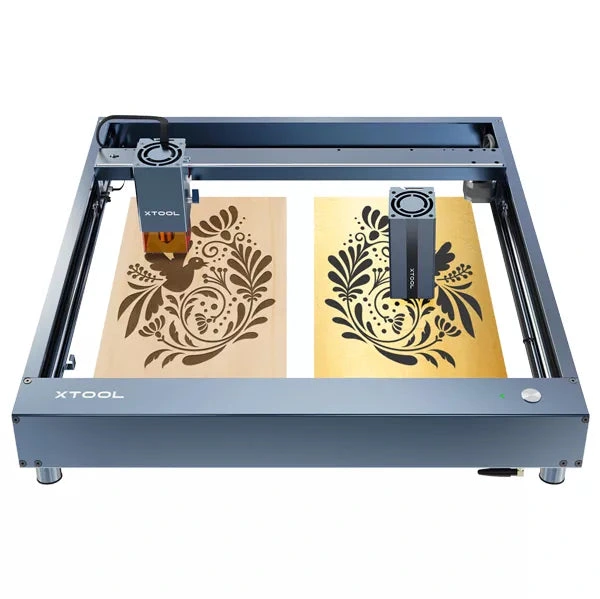
xTool · Diode
xTool D1 Pro · 20W diode
20W balanced module: xTool's most popular D1 Pro head
All xTool models →Add to compare →
Last updated How we evaluate
Released June 2022
Discontinued
xTool no longer sells this machine new. We keep the profile online because it still turns up used and as a reference point.
Choose installed module
Details below match the selected module.
Showing module: 20W diode
TL;DR
The 20W D1 Pro module is xTool's most popular open-frame head: mixed engraving and light cutting on the large D1 bed. Verify optical power on the listing; swap to 40W later if cut jobs dominate.
Compare the xTool D1 Pro 20W to…
Popular side-by-side matchups with full specs, scores, and an honest verdict.
Best for
What makes this machine stand out
Hardware and workflow features worth understanding before you buy : not just wattage on a label.
10 mm plywood in one pass
xTool rates the 20W head for 10 mm basswood plywood and 8 mm solid wood in a single pass, which covers most box, sign and ornament work.
Opaque coloured acrylic
xTool's tests show 5 mm acrylic cut in one pass in black, red, orange, yellow and light green, not only black.
Our verdict
Ideal if you
The 20W diode module balances engraving and light cutting on xTool D1 Pro: the most versatile SKU before stepping up to a stronger head.
Skip if you
If thick cutting dominates your week, compare 40W. Verify which module is in the box: same chassis, different heads.
Pros
- 10 mm basswood plywood and 8 mm solid wood in one pass (xTool rating)
- Cuts 5 mm opaque acrylic in black and several colours (xTool test)
- Large community and shared material settings: the D1 Pro head most owners used
Cons
- Dense hardwoods (beech, cherry, bamboo) need several passes
- Open frame: goggles, ventilation and a fire-safe surface are up to you
- Discontinued: buy used and check parts availability
What this machine is for
Everyday engraving plus reliable light cutting on wood, leather, and dark acrylic
20W module · xTool D1 Pro
Laser spot size
~0.07 mm spot
Motion precision: 0.01 mm
Sample engrave job
~11–15 min
10 × 10 cm (4 × 4 in)
Sample cut job
~6–9 min
10 × 10 cm (4 × 4 in)
Reference benchmark: same job size on every machine so you can compare times fairly. Times are estimates for the reference job above; your design complexity and settings will change them.
Materials
- · Wood
- · Leather
- · Slate
- · Anodized aluminum
- · Stainless steel (with coating spray)
- · Ceramic
Accessories & add-ons
Typical inclusions and add-ons for this profile : confirm your SKU.
- Optional
Enclosure / cabinet
Third-party enclosure improves smoke control and safety
- Recommended
Laser safety glasses
~450 nm diode: OD rated for your wavelength
- Recommended
Fire extinguisher
Editorial guidance : not a live parts list. See also: Ventilation setup · Safety basics
Practical notes
Beginner notes
This profile is the 20W SKU on xTool D1 Pro. Read the TL;DR and benchmarks above, then compare other modules via the chips before buying.
Pro tips
Use air assist for cuts, lower scan speed for photo engraving. Multiple passes at moderate speed beat one aggressive pass. Check the flagship tier’s cut benchmark if you quote production times to customers.
Pro / technical specsRaw numbers for experienced users comparing machines.
- Max speed (spec)
- 400 mm/s
- Avg engrave speed
- 22–49 mm/s fill
- Avg cut speed
- 2–3 mm/s on 3 mm wood
Common questions
What does the D1 Pro 20W cut in one pass?
xTool rates it for 10 mm basswood plywood and 8 mm solid wood in one pass, and 5 mm acrylic in several opaque colours (black, red, orange, yellow, light green). Denser hardwoods such as beech, cherry and bamboo need several passes.
D1 Pro 20W or 40W?
The 20W covers most hobby and Etsy work: plywood boxes, ornaments, dark acrylic. The 40W made sense for regular 10–15 mm cuts and faster batches, but sold at about $999 against $699–$899 for the 20W. With the line discontinued, compare used prices rather than the original gap.
Is a used D1 Pro 20W still a good buy?
It was the most popular D1 Pro head, so used units and community settings are easy to find. Check laser output on a test cut (xTool's own test cut a 5 mm basswood square in about one minute at full power), the lens and the frame's squareness. xTool no longer sells the D1 Pro new.
Alternatives to the xTool D1 Pro 20W
Machines in the same space, picked from our database by type, price, and score.
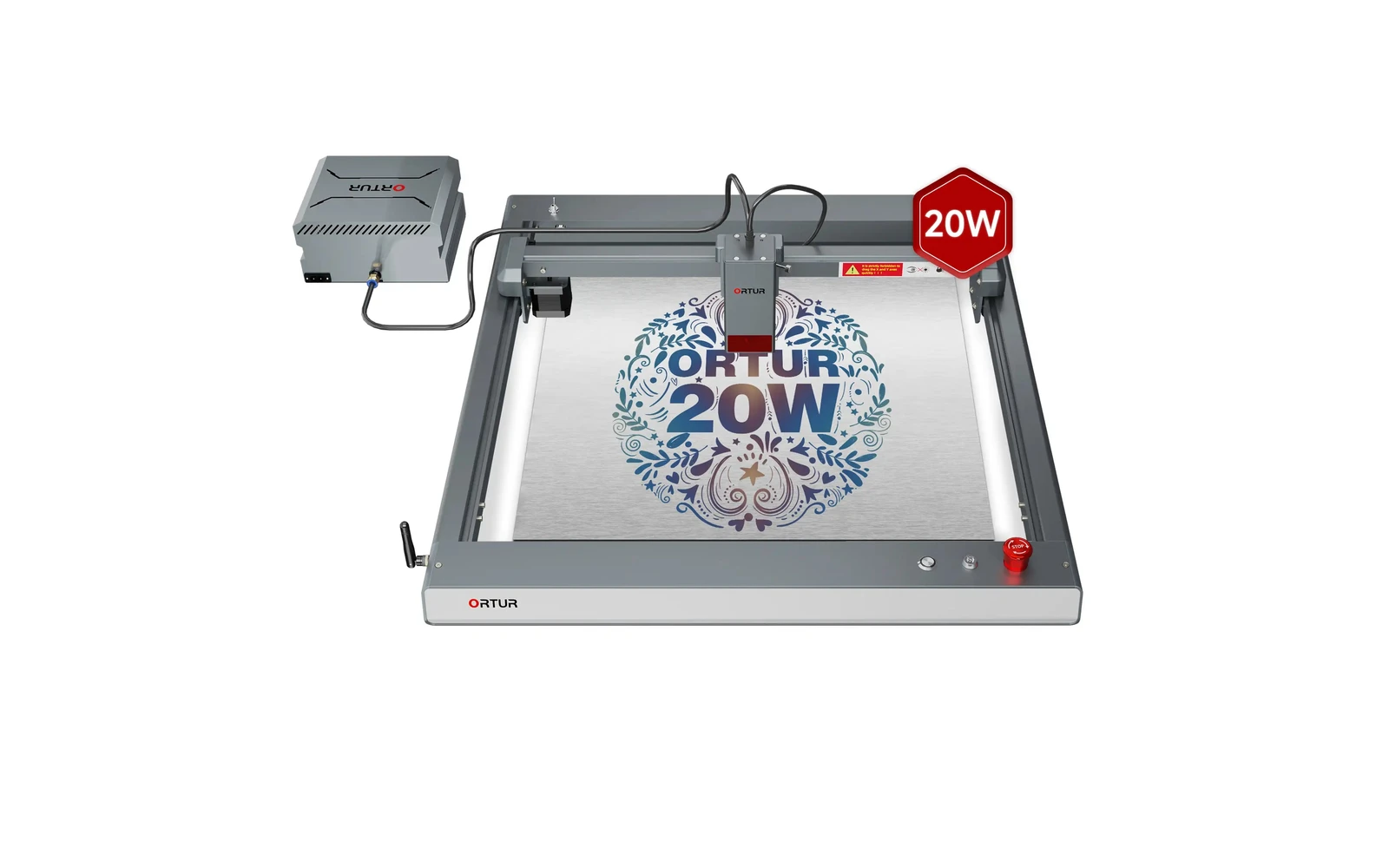
Ortur · Diode · $140 – $1,740
The 20W LM3 is the configuration most buyers mean when they say 'Laser Master 3'. Strong engraving, light cutting, huge community: verify you are not accidentally ordering the 10W SKU.
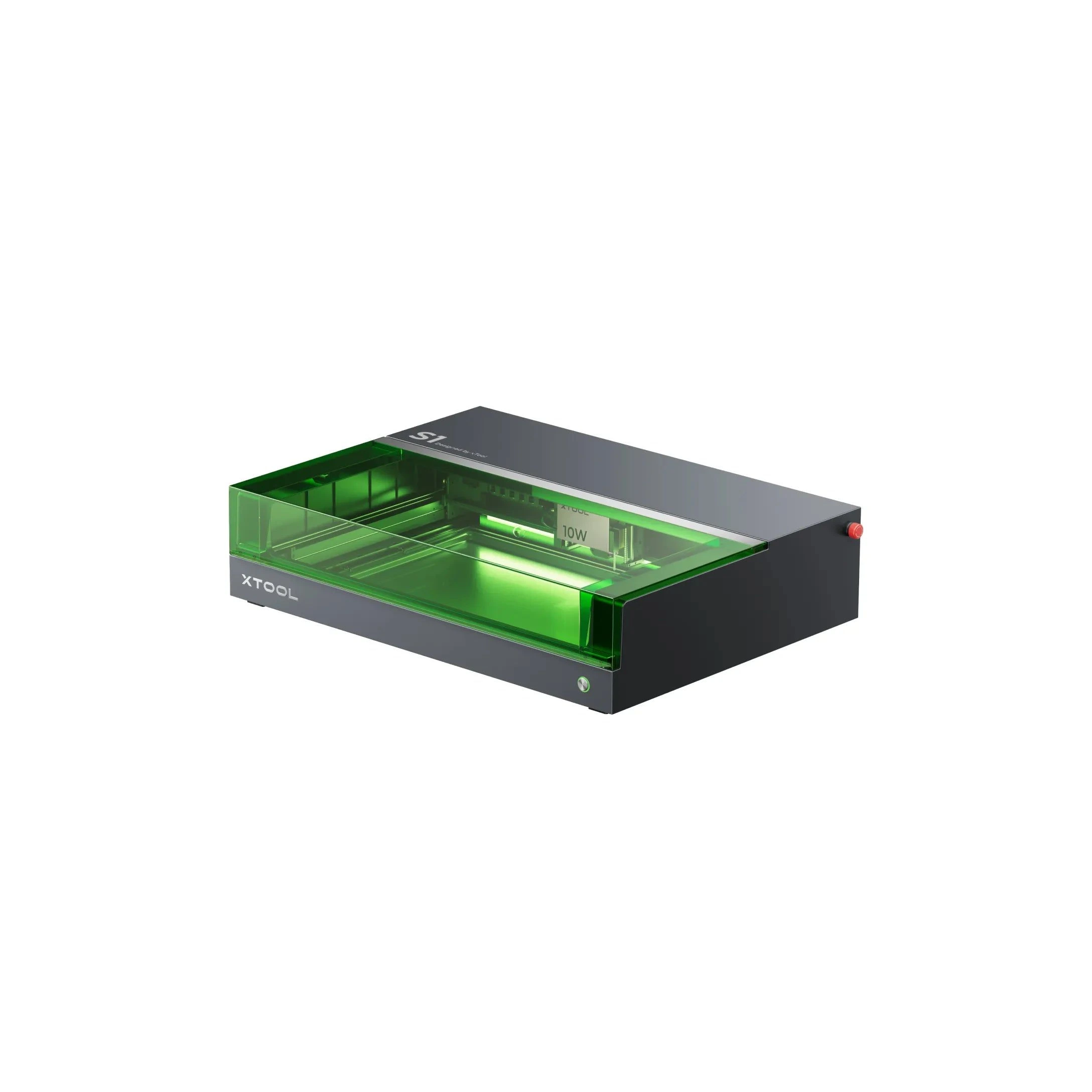
xTool · Diode · $1,299 – $2,599
The 20W S1 is the value pick in xTool's enclosed diode line: same cabinet and filters as the 40W, but less cut depth on thick wood. Buy this if safety matters and you mostly engrave.
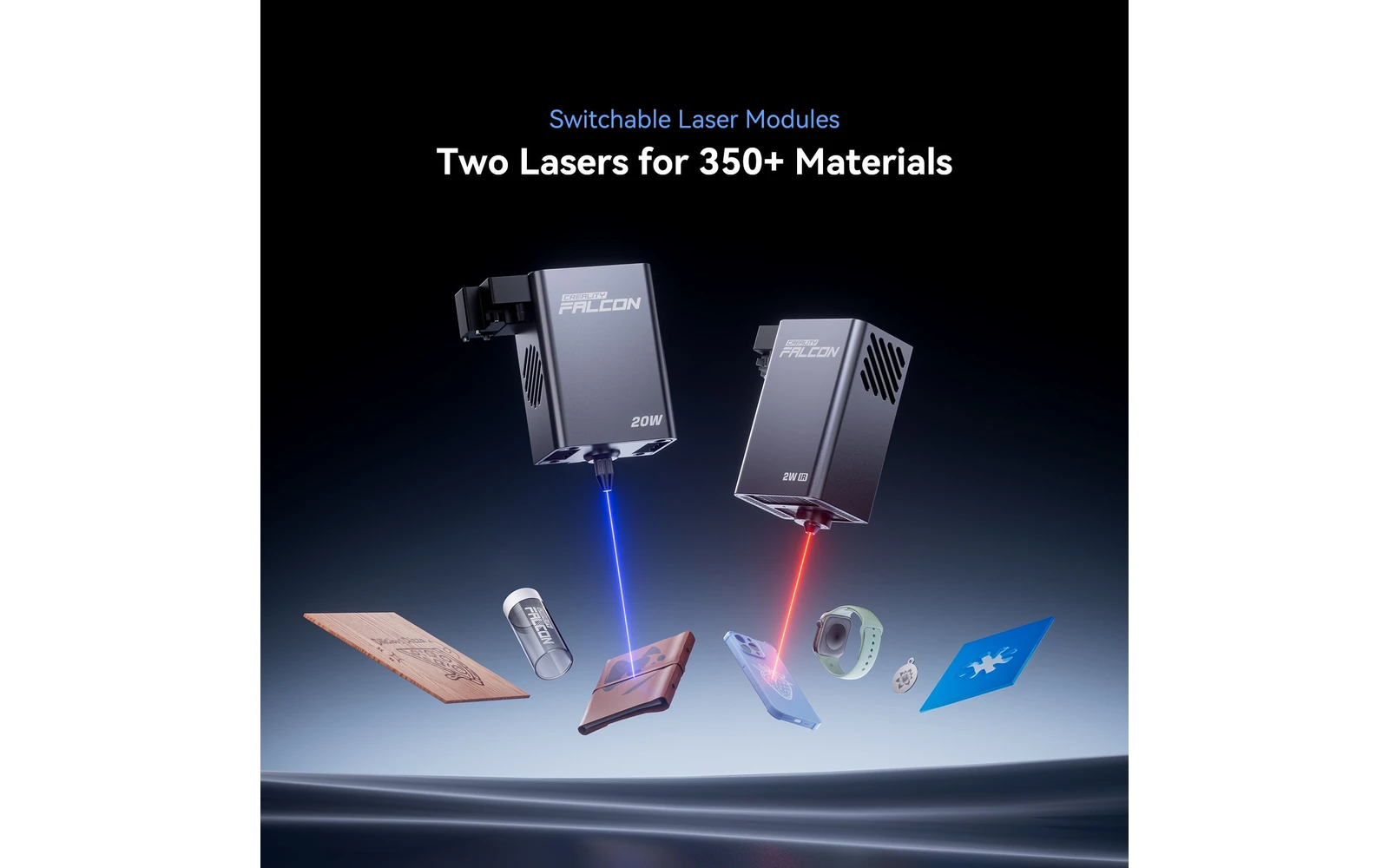
Creality · Hybrid · $1,099 – $1,299
Creality Falcon A1 Pro 20W adds a dual-laser setup in an enclosed chassis for faster engraving and some metal/plastic marking. Middle ground between A1 10W and the open Falcon 2 Pro 40W line.