4 manufacturer photos · 1 / 4
Creality · Hybrid (diode + IR)
Creality Falcon A1 Pro · 20W
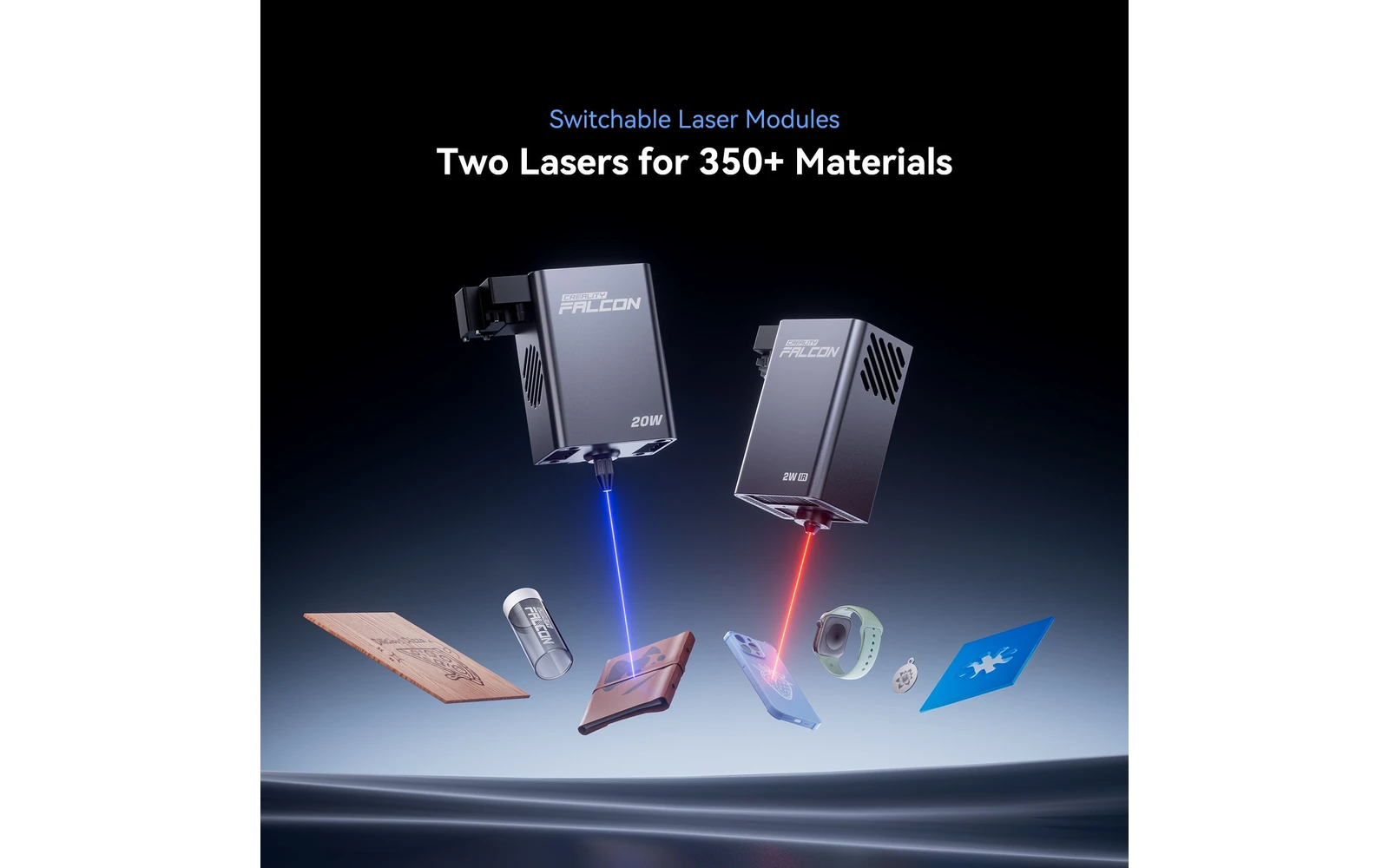
Enclosed dual-source A1 Pro: diode plus infrared for more materials
All Creality models →Add to compare →
Last updated How we evaluate
Released August 2024
Choose a power option
Details below update for the selected power option.
Showing specs for: 20W
Diode + infrared in one enclosure
A1 Pro combines a high-power diode with an infrared source for expanded material support inside the enclosed chassis.
- 20W diode
- Infrared marking
Listed as hybrid because two laser technologies share one machine, not because you pick 10W vs 40W on the same diode head. Modules vs hybrid vs power tiers →
TL;DR
Creality Falcon A1 Pro 20W adds a dual-laser setup in an enclosed chassis for faster engraving and some metal/plastic marking. Middle ground between A1 10W and the open Falcon 2 Pro 40W line.
Compare the Creality Falcon A1 Pro 20W to…
Popular side-by-side matchups with full specs, scores, and an honest verdict.
Best for
What makes this machine stand out
Hardware and workflow features worth understanding before you buy : not just wattage on a label.
Diode and infrared in one box
The 20W diode cuts and engraves wood, leather and dark acrylic; the 2W infrared head marks bare metals and plastics in the same enclosure.
AI visual auto-focus
Creality's visual auto-focus sets the focal height for each object, which saves manual measuring when you engrave items of different thicknesses.
Our verdict
Ideal if you
Creality Falcon A1 Pro 20W is the versatile hobby / side-business SKU: clean engraving and light wood or leather cuts with comparable benchmarks on Maker Atlas.
Skip if you
Not a CO₂ replacement for clear acrylic or heavy thick-stock production.
Pros
- Two lasers: a 20W blue diode for cutting and a 2W infrared for bare metal and plastics
- Cuts 10 mm basswood and 8 mm black acrylic per Creality's spec
- More safety sensors (flame detection, tilt stop, airflow monitoring) plus built-in air assist
Cons
- About twice the price of the entry A1 ($1,099 on Creality's store, October 2026)
- Infrared module inclusion depends on the bundle: check before buying
- Infrared marks are shallow: not a replacement for a fiber laser
What this machine is for
Everyday engraving plus reliable light cutting on wood, leather, and dark acrylic
20W module · Creality Falcon A1 Pro
Laser spot size
~0.08 mm spot
Motion precision: 0.01 mm
Sample engrave job
~8–12 min
10 × 10 cm (4 × 4 in)
Sample cut job
~4–7 min
10 × 10 cm (4 × 4 in)
Reference benchmark: same job size on every machine so you can compare times fairly. Times are estimates for the reference job above; your design complexity and settings will change them.
Materials
- · Wood
- · Leather
- · Plastic
- · Some metals
- · Anodized aluminum
Accessories & add-ons
Typical inclusions and add-ons for this profile : confirm your SKU.
- Included
Enclosure / cabinet
- Optional
Laser safety glasses
Still useful when servicing or with lid open
- Recommended
Fire extinguisher
Editorial guidance : not a live parts list. See also: Ventilation setup · Safety basics
Practical notes
Beginner notes
This profile is the 20W SKU on Creality Falcon A1 Pro. Read the TL;DR and benchmarks above, then compare other power options via the chips before buying.
Pro tips
Use air assist for cuts, lower scan speed for photo engraving. Multiple passes at moderate speed beat one aggressive pass. Check the flagship tier’s cut benchmark if you quote production times to customers.
Pro / technical specsRaw numbers for experienced users comparing machines.
- Max speed (spec)
- 600 mm/s
- Avg engrave speed
- 60–150 mm/s fill
- Avg cut speed
- 4–10 mm/s on 3 mm wood
Common questions
How thick can the Falcon A1 Pro cut?
Creality's spec, quoted in CNX Software's review, lists 10 mm basswood and 8 mm black acrylic; thicker stock needs several passes. In our benchmark a 10 × 10 cm square in 3 mm basswood took about 4–7 min.
What does the 2W infrared laser add?
Marking on bare stainless steel, other metals and many plastics, which the blue diode cannot do without spray. It is meant for fine marks on tags, tumblers and tools, not deep engraving. Creality's listing says module inclusion depends on the bundle, so check that the infrared head is in the kit you buy.
A1 Pro or A1 10W: which one?
The A1 Pro costs about twice as much ($1,099 against $549 on Creality's store, October 2026). It is the right pick if you need metal marking, AI auto-focus on objects of different heights, or 6–10 mm cuts. For engraving gifts on wood and leather, the A1 10W does the job for half the price.
Alternatives to the Creality Falcon A1 Pro 20W
Machines in the same space, picked from our database by type, price, and score.
xTool · Diode · $699 – $899
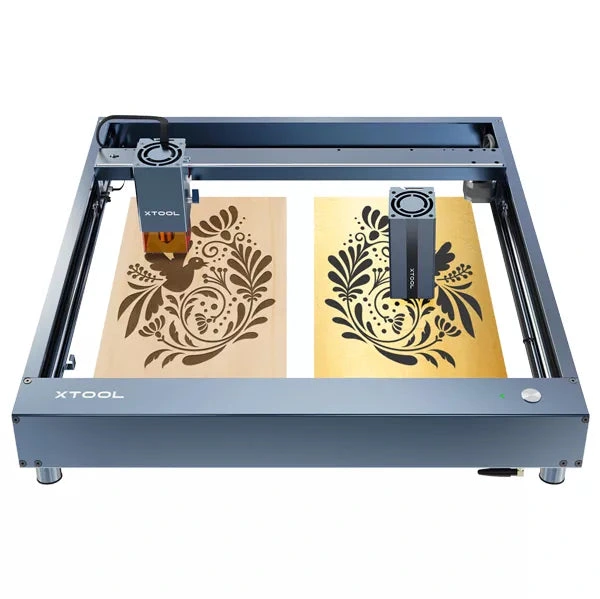
The 20W D1 Pro module is xTool's most popular open-frame head: mixed engraving and light cutting on the large D1 bed. Verify optical power on the listing; swap to 40W later if cut jobs dominate.
Creality · Diode · $899 – $1,599
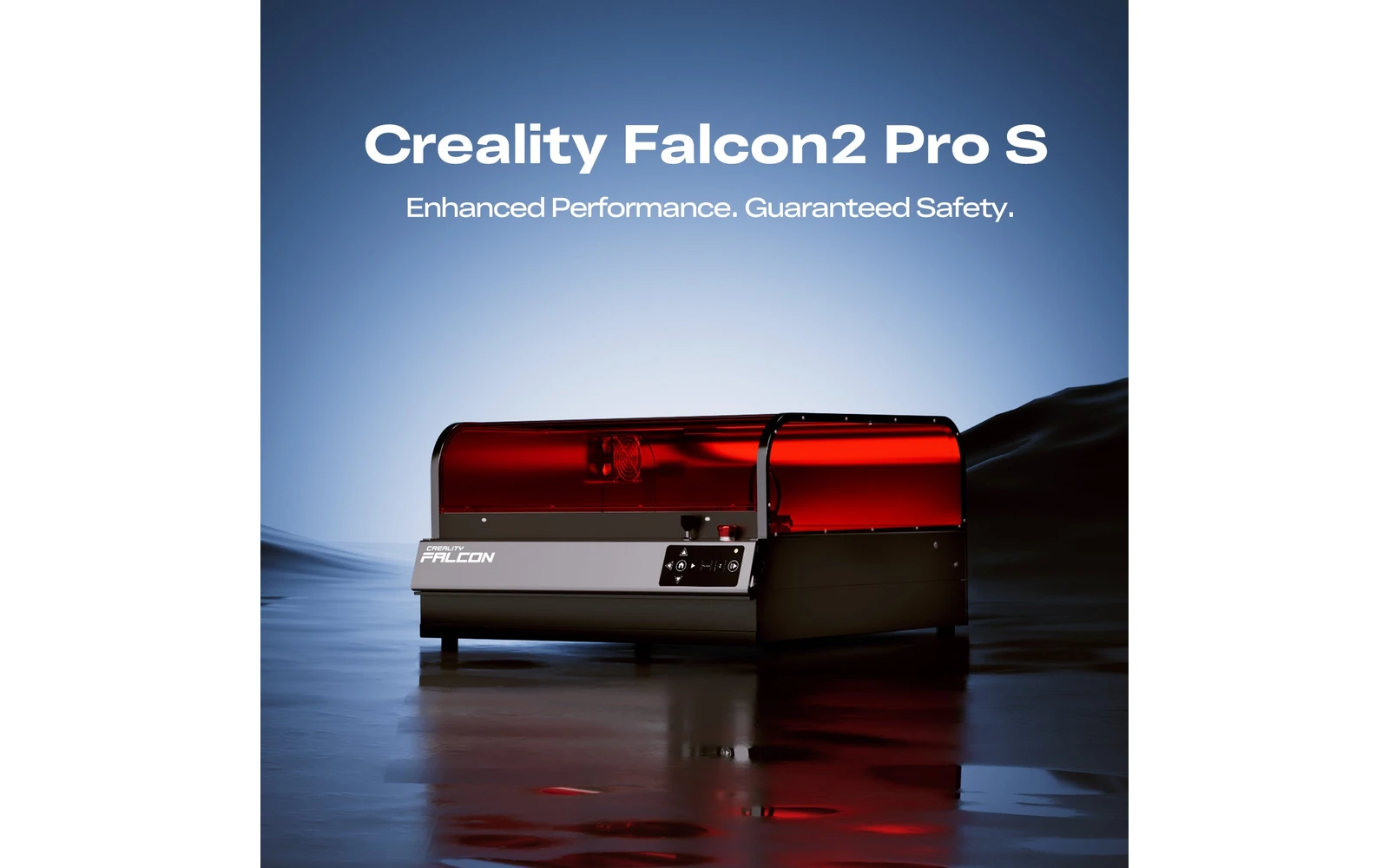
The 22W version of Creality's enclosed Falcon2 Pro: a Class 1 cabinet with air assist that engraves wood and leather cleanly and cuts thin plywood. The sensible entry point to an enclosed diode if you do not need fast thick cuts.
xTool · Hybrid · $2,999 – $4,659
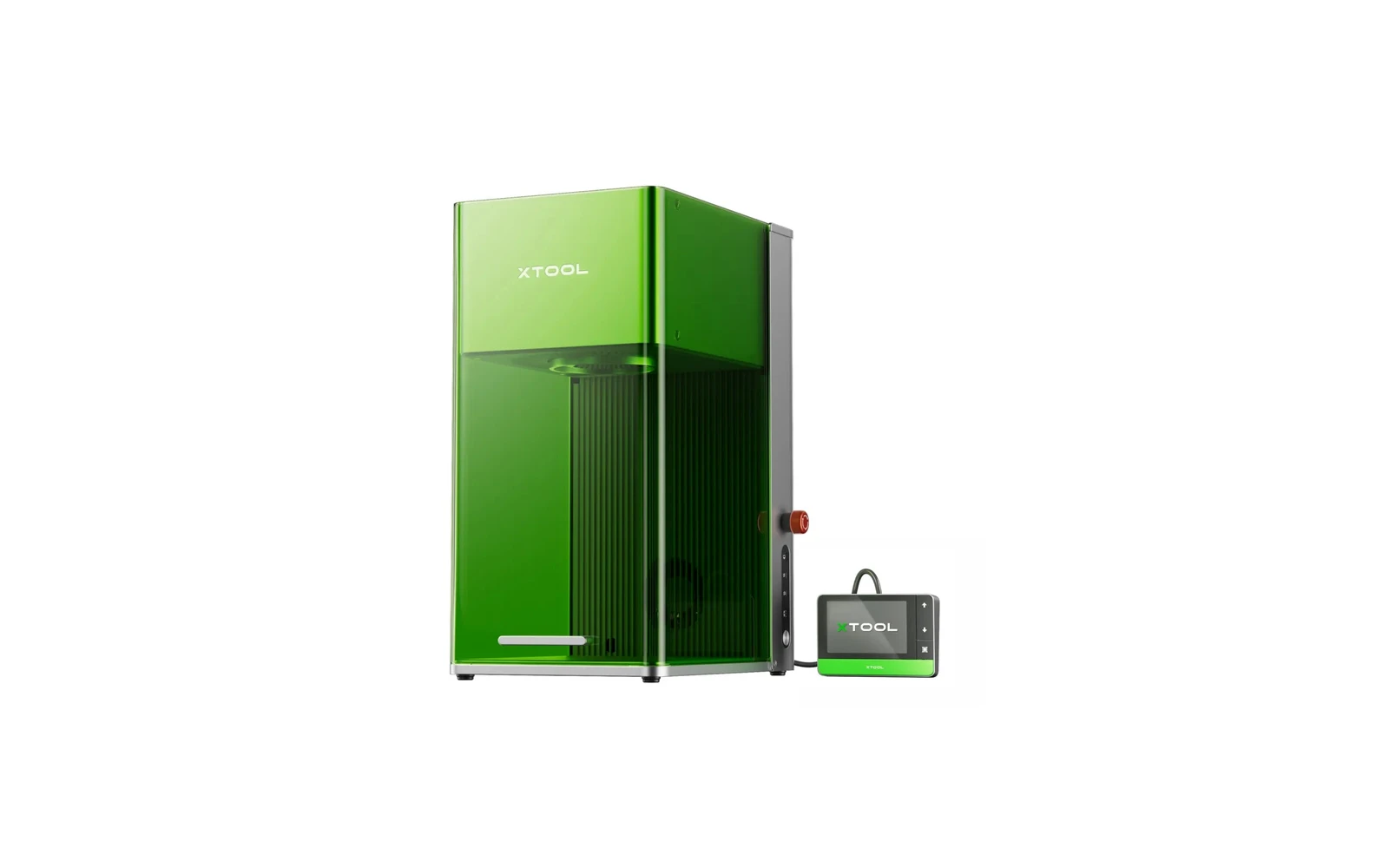
A compact desktop machine combining a 20W fiber laser and 20W diode. The fiber module marks bare metal: stainless steel, aluminum, brass: without spray. Ideal for jewelry, knives, and metal gifts. Premium price for a small work area.