4 manufacturer photos · 1 / 4
xTool · CO₂ (CO₂ + IR)
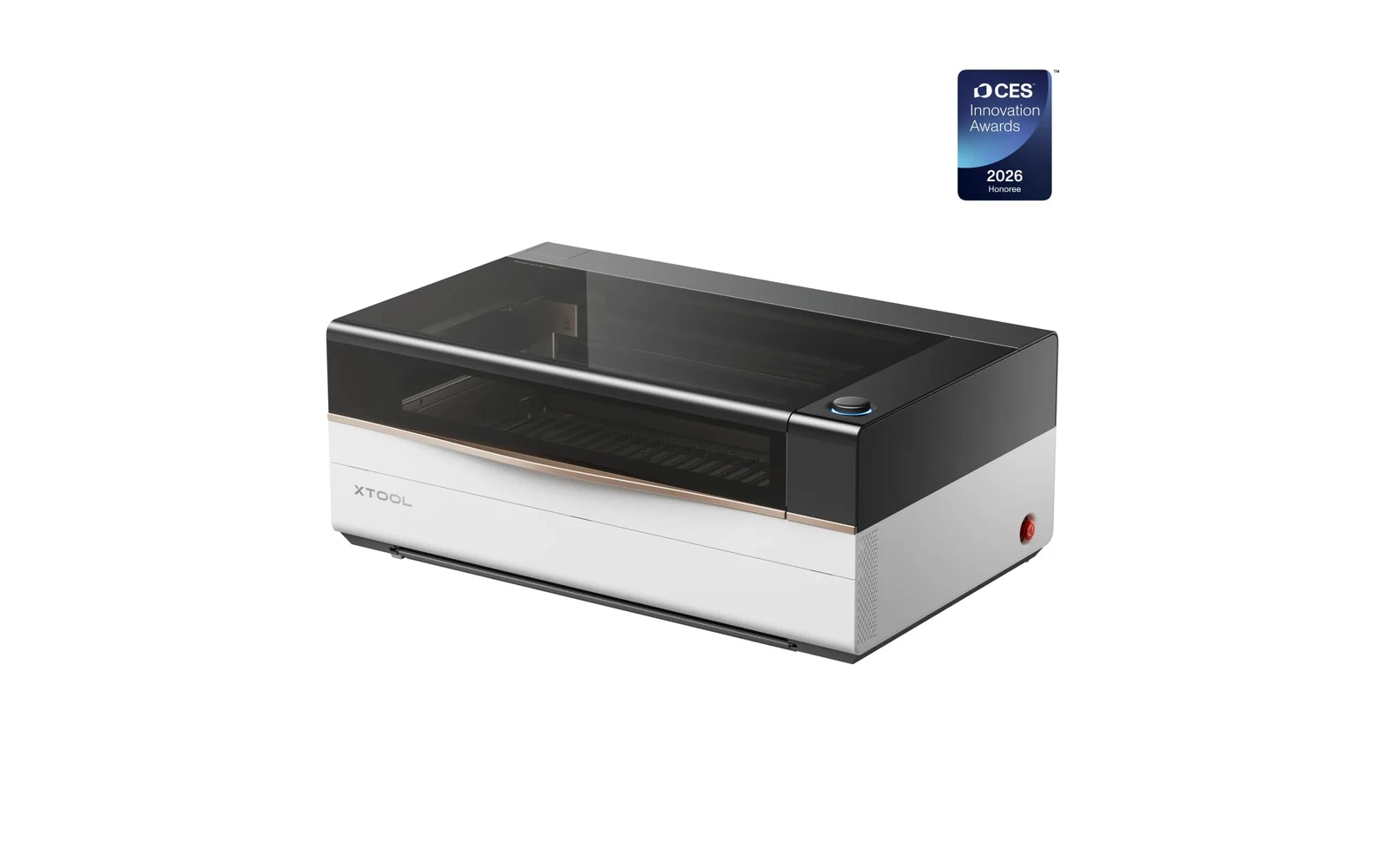
xTool P3 · 80W CO₂
2025 flagship 80W CO₂: ACS automation, huge bed, optional IR for metal
All xTool models →Add to compare →
Last updated How we evaluate
Released August 2025
Choose installed module
Details below match the selected module.
Showing module: 80W CO₂
TL;DR
xTool P3 (August 2025) replaces the P2/P2S as the company's CO₂ flagship: 80W tube, 915×458 mm bed, integrated chiller, fire suppression, and ACS™ automation (cameras, LiDAR autofocus, AI nesting). Optional 5W IR module adds bare-metal marking. From ~$5,999: built for shops outgrowing diode lasers.
Best for
What makes this machine stand out
Hardware and workflow features worth understanding before you buy : not just wattage on a label.
Cuts clear acrylic
The 80W CO₂ wavelength is absorbed by clear acrylic, so the P3 cuts transparent sheet with polished edges, a job diode lasers cannot do.
Chiller and fire suppression built in
The cooling and fire suppression are part of the machine, so there is no separate water chiller to buy and plumb.
915 × 458 mm bed
The 36 × 18 in bed takes large sheets and batches of small parts in one job.
Our verdict
Ideal if you
xTool P3 is built for acrylic signage, thick wood, and shop production once exhaust is sorted. 80W adds headroom on panels and multi-pass jobs.
Skip if you
Avoid without ducting, for occasional gifts only, or if budget ignores tube replacement, power, and floor space. Bare metal without an IR accessory stays out of scope.
Pros
- Cuts clear and coloured acrylic, which no diode machine can do
- Large 915 × 458 mm bed for full sheets and batch production
- Integrated chiller and fire suppression replace kit a CO₂ setup normally needs separately
Cons
- Base unit around $6,999: a business purchase rather than a hobby one
- Ducting to the outside is required for regular cutting
- The glass tube is a consumable: budget its replacement over the years
What this machine is for
Automated 80W CO₂ production for sign shops and serious small businesses
80W CO₂ module · xTool P3
Laser spot size
~0.15 mm CO₂ spot
Motion precision: 0.01 mm
Sample engrave job
~3–5 min
10 × 10 cm (4 × 4 in)
Sample cut job
~1–2 min
10 × 10 cm (4 × 4 in)
Reference benchmark: same job size on every machine so you can compare times fairly. Times are estimates for the reference job above; your design complexity and settings will change them.
Materials
- · Wood
- · Acrylic
- · Leather
- · Glass
- · Stone
- · Rubber
- · Anodized aluminum
- · Stainless (with optional IR module)
Accessories & add-ons
Typical inclusions and add-ons for this profile : confirm your SKU.
- Included
Enclosure / cabinet
- Optional
Laser safety glasses
CO₂ wavelength: match OD rating for 10.6 µm if required by manual
- Recommended
Fire extinguisher
Editorial guidance : not a live parts list. See also: Ventilation setup · Safety basics
Practical notes
Beginner notes
This profile is the 80W SKU on xTool P3. Read the TL;DR and benchmarks above, then compare other modules via the chips before buying.
Pro tips
Plan exhaust before delivery. Run material tests on the full bed: large beds need focus calibration at corners. Price the IR module only if metal is a regular revenue line.
Pro / technical specsRaw numbers for experienced users comparing machines.
- Max speed (spec)
- 1,200 mm/s
- Avg engrave speed
- 200–400 mm/s fill
- Avg cut speed
- 20–50 mm/s on 3 mm acrylic
Common questions
How thick can the xTool P3 cut?
xTool claims up to about 25 mm acrylic and 20 mm basswood, which at the top end usually means several passes. In our benchmark a 10 × 10 cm square in 3 mm acrylic took about 1–2 min, at 20–50 mm/s. Unlike a diode, the 80W CO₂ tube also cuts clear acrylic.
How much does the xTool P3 cost?
The base unit listed at about $6,999 in the US in 2026 (retailers and Tom's Hardware's review). Bundles with the conveyor feeder, AutoLift and the IR module reach about $10,459. Budget extra for ducting to the outside and, over the years, a replacement tube.
P3 alone or with the 5W IR module?
Take the P3 alone if your work is wood, acrylic, leather and coated metal. Add the IR module only if bare stainless or aluminium marking is recurring paid work: the CO₂ tube cannot mark bare metal, while the IR module does it on the same bed without a second machine, for roughly $1,299 to $1,899 depending on the bundle.
Alternatives to the xTool P3 80W
Machines in the same space, picked from our database by type, price, and score.
xTool · CO₂ · $2,999 – $5,069
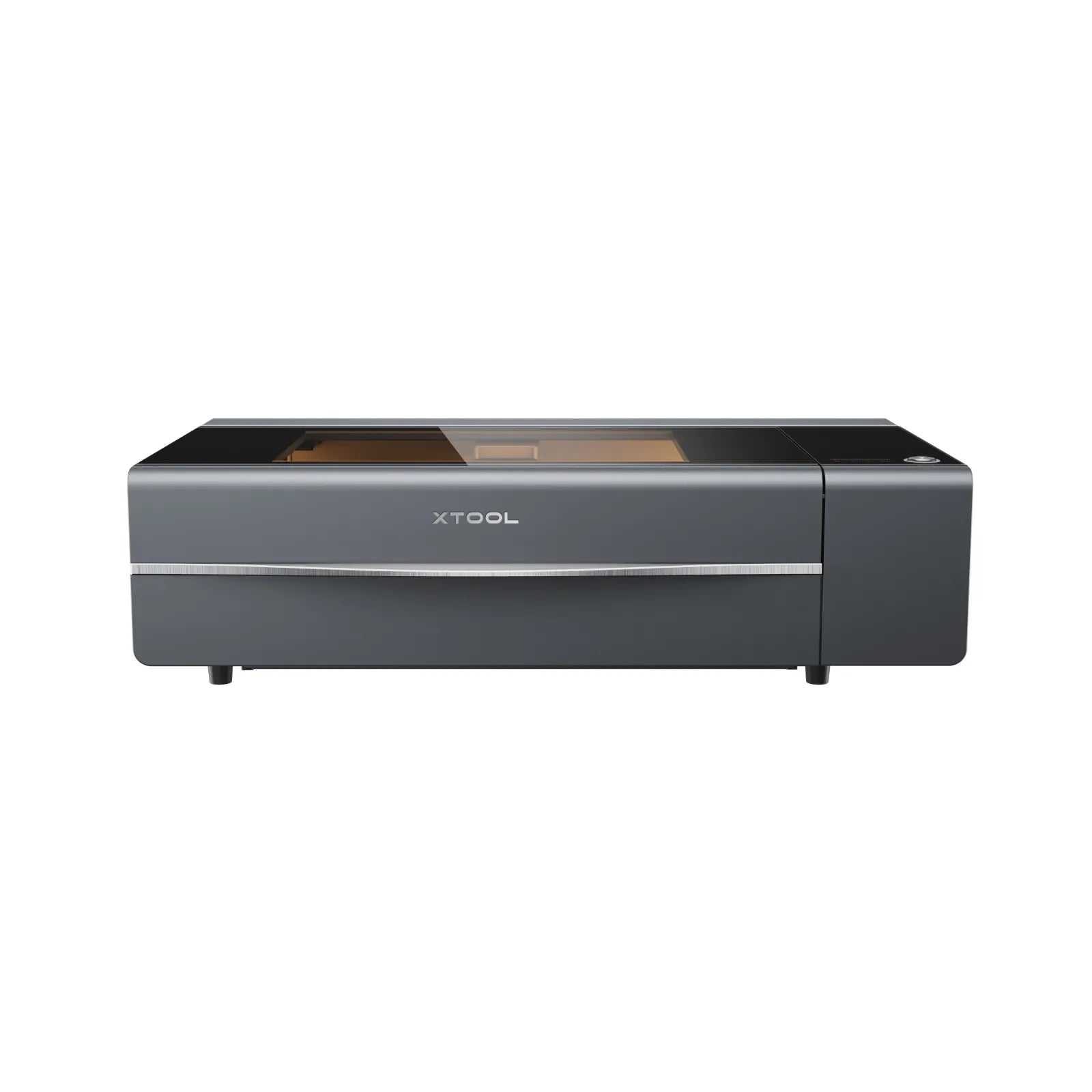
The P2S refines the original P2 with better software and autofocus. Same 55W CO₂ class for acrylic and wood production. Still xTool's main enclosed CO₂ below the P3 flagship: choose P3 if you need 80W and automation; P2S if 55W and budget fit.
OMTech · CO₂ · $3,000 – $3,500
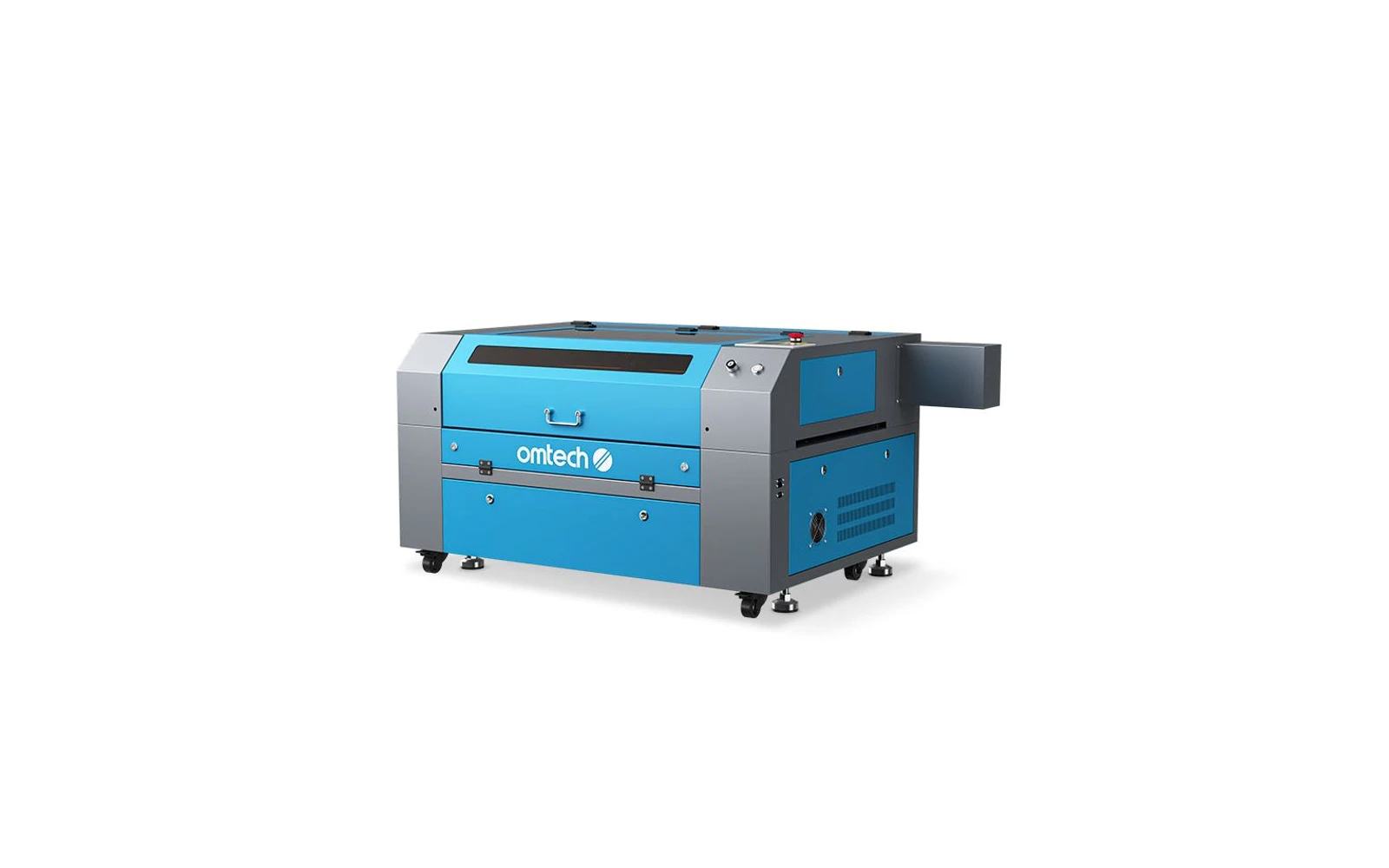
OMTech's 80W desktop/floor CO₂ machines target sign shops and serious makers who need faster cuts on thick acrylic and wood. More power, larger beds, and higher price than K40 class. Expect setup, ventilation, and maintenance: not plug-and-play.
Monport · CO₂ · $1,800 – $2,800
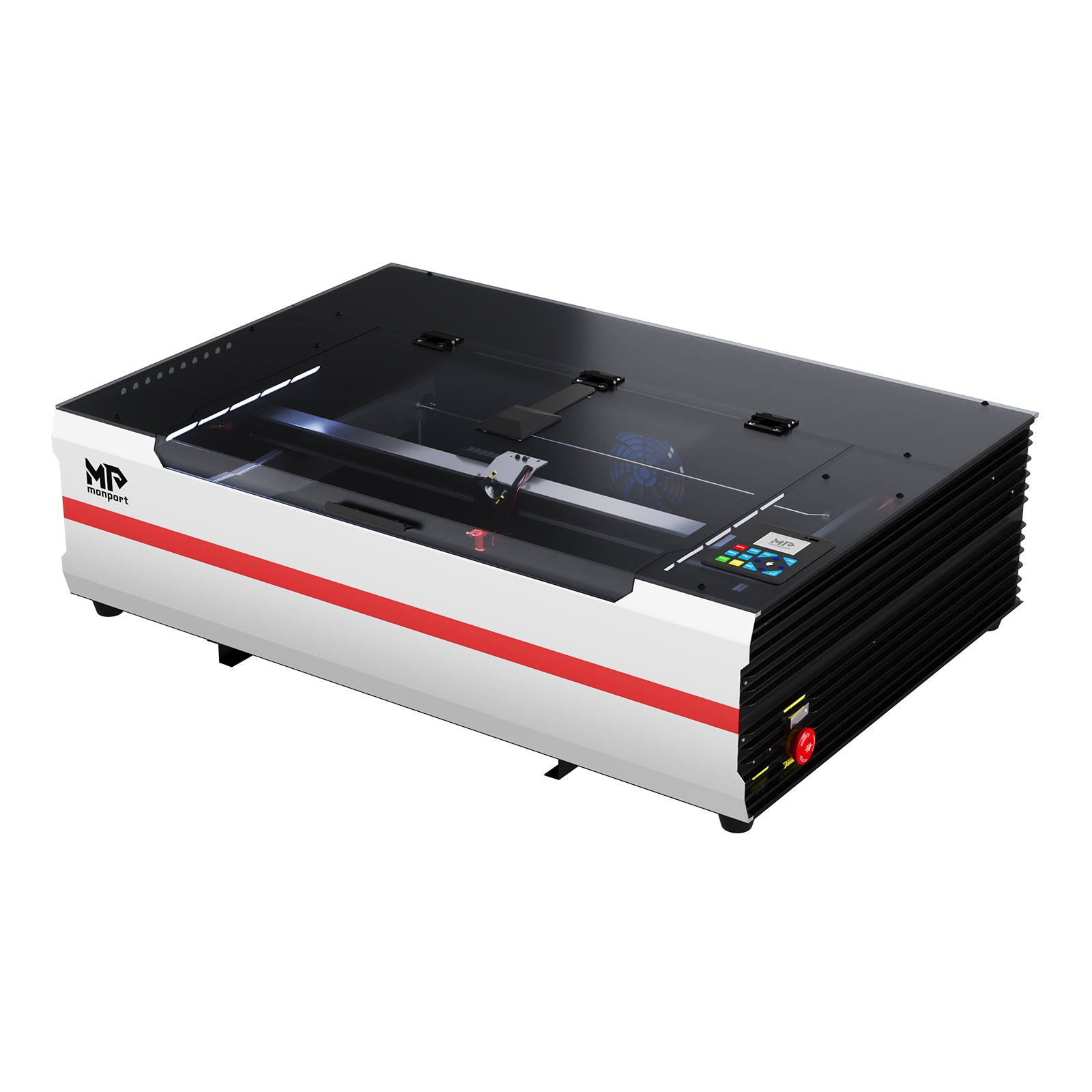
Monport sits between budget K40 machines and premium enclosed CO₂ like xTool P2. The 55W desktop models offer real cutting power with improved build quality and optional autofocus. Still needs ventilation, but closer to 'business ready' than a stock K40.