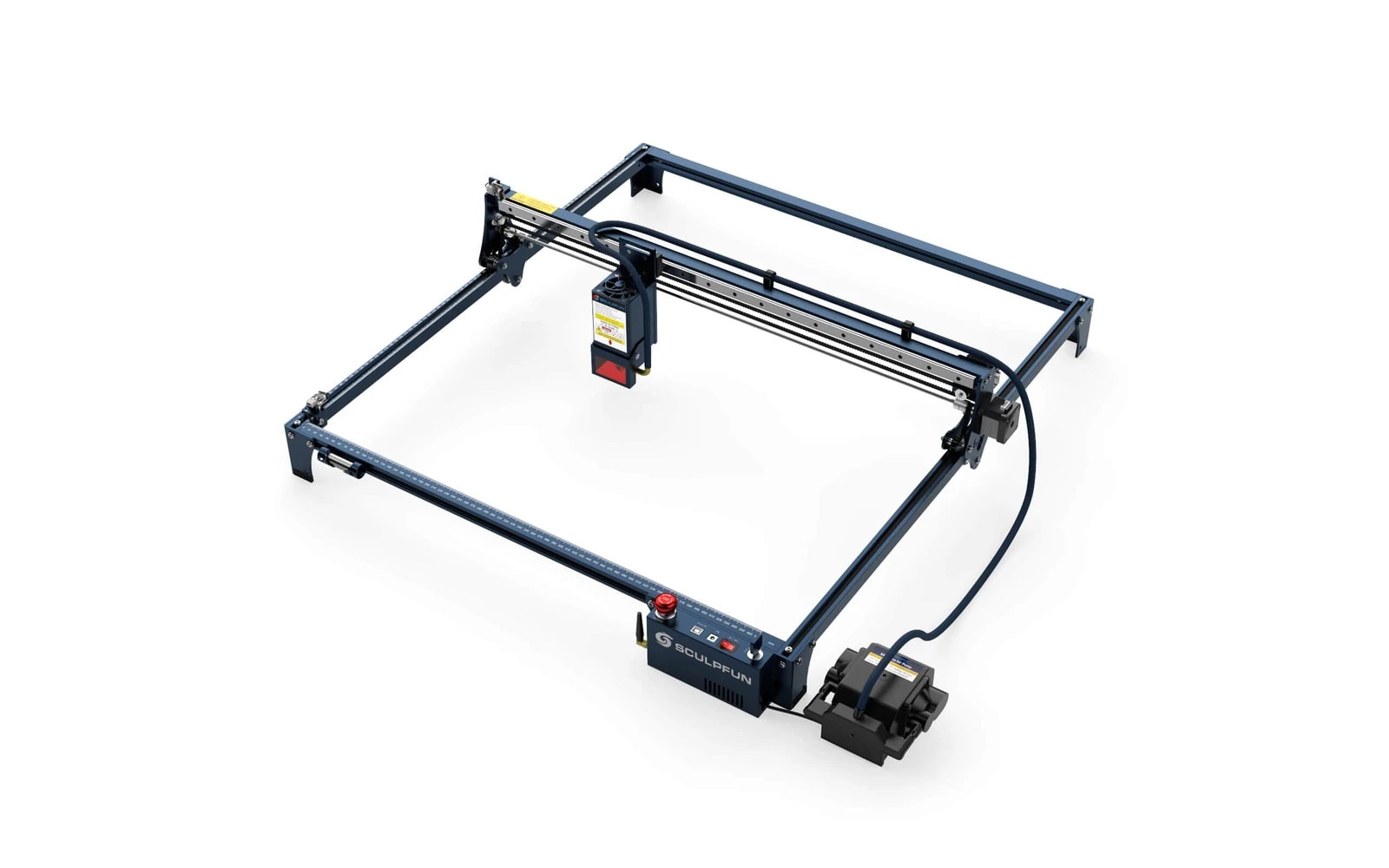
4 manufacturer photos · 1 / 4
Sculpfun · Diode
Sculpfun S30 Ultra
Entry S30 Ultra frame — engraving-first, light cutting
Last updated How we evaluate
Released March 2023
Choose a power option
Details below update for the selected power option.
Showing specs for: 10W
TL;DR
The 10W S30 Ultra uses the same rigid frame as higher-power models but targets makers who mainly engrave wood, leather, and slate. Expect slower cuts and thinner material limits than the 20W or 22W versions.
What this machine is for
Mid-range hobby diode laser focused on engraving and moderate cutting of organic materials.
Best for
Materials
Engraves
- · Wood
- · Leather
- · Slate
- · Anodized aluminum
- · Stainless (with spray)
Cuts
- · Basswood (up to 5 mm)
- · Paper
- · Fabric
- · Thin leather
Cannot do
- · Clear acrylic
- · Thick acrylic sheets
- · Bare metal
- · Glass engraving (reliably)
Pros
- ✓Strong cut performance in the diode class
- ✓Sturdy frame reduces flex at higher speeds
- ✓Good value between Ortur and xTool
- ✓Wide accessory ecosystem (rotary, extension kits)
- ✓Active user base with tested settings
Cons
- ✗Open frame — full safety responsibility on you
- ✗USB-only on many configs (no Wi-Fi)
- ✗Support and documentation less polished than xTool
- ✗Still a diode — manage expectations vs. CO₂
- ✗Assembly and squaring require patience
- ✗10W limits cutting vs 20W/22W siblings — verify SKU before buying
Beginner notes
Pick the 10W only if engraving is 90% of your work. If you might cut 6–8 mm wood later, buy the 20W or 22W variant instead.
Pro tips
Sculpfun publishes material test cards — use them. Multiple slow passes beat one fast pass for cut quality. Extension kits are useful but check frame rigidity before going oversized.
Pro / technical specs
Raw numbers for experienced users comparing machines.
- Laser spot size
- ~0.07 mm spot
- Max speed (spec)
- 167 mm/s
- Avg engrave speed
- 18–37 mm/s fill
- Avg cut speed
- 2–4 mm/s on 3–6 mm wood
- Motion precision
- 0.01 mm