Sculpfun S30 Ultra 22W vs Creality Falcon2 22W
Spec-by-spec breakdown of the Sculpfun S30 Ultra 22W and the Creality Falcon2 22W: scores, pricing, cutting performance, software, and what each machine is really best at.
7.9
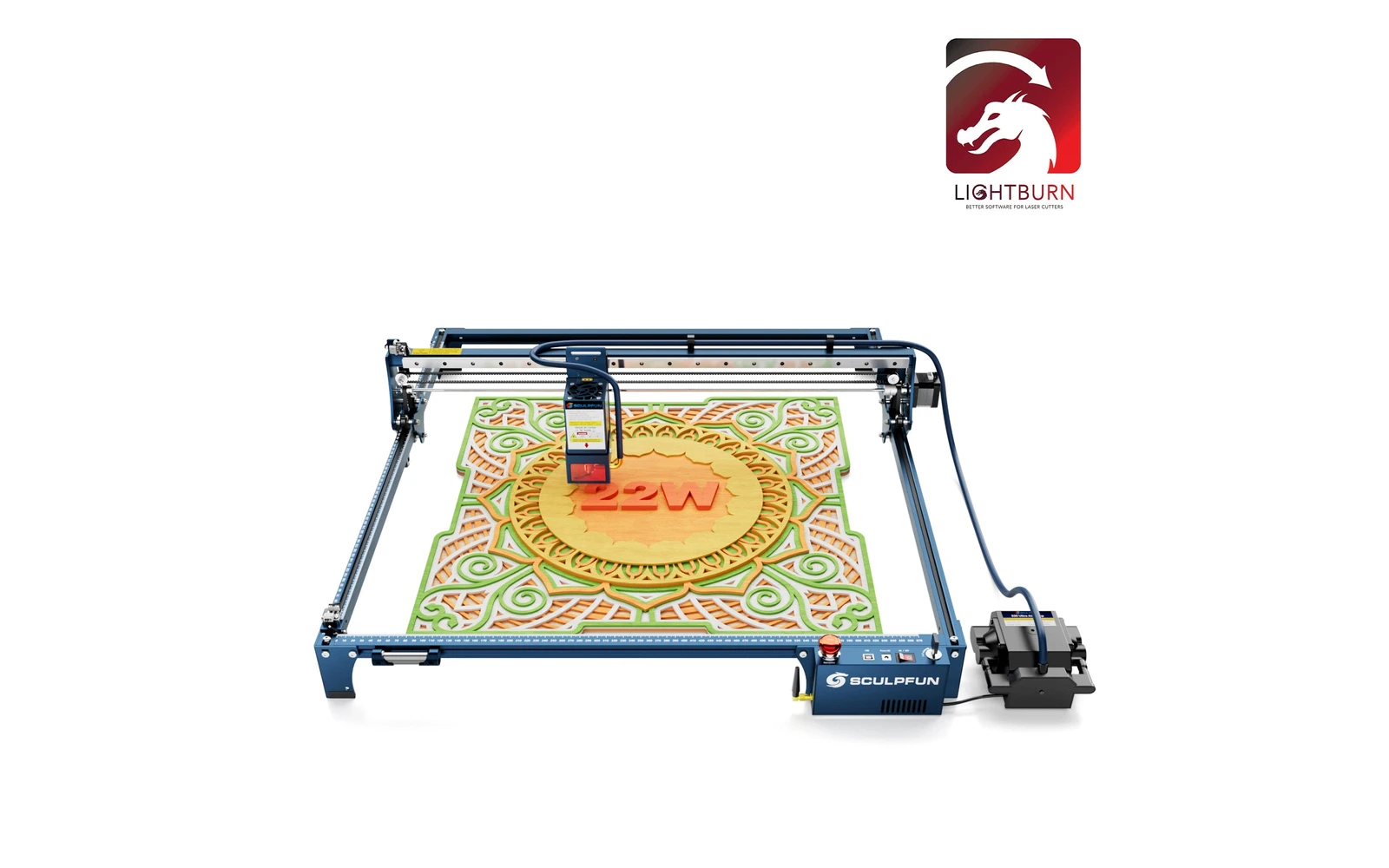
Sculpfun S30 Ultra 22WSculpfun · Diode
The 22W is the middle of Sculpfun's three S30 Ultra heads (11W, 22W, 33W), often sold bundled with LightBurn. The 33W head goes further for thick cuts. Listings that say S30 Ultra 10W or 20W are reseller labels.
View full profile →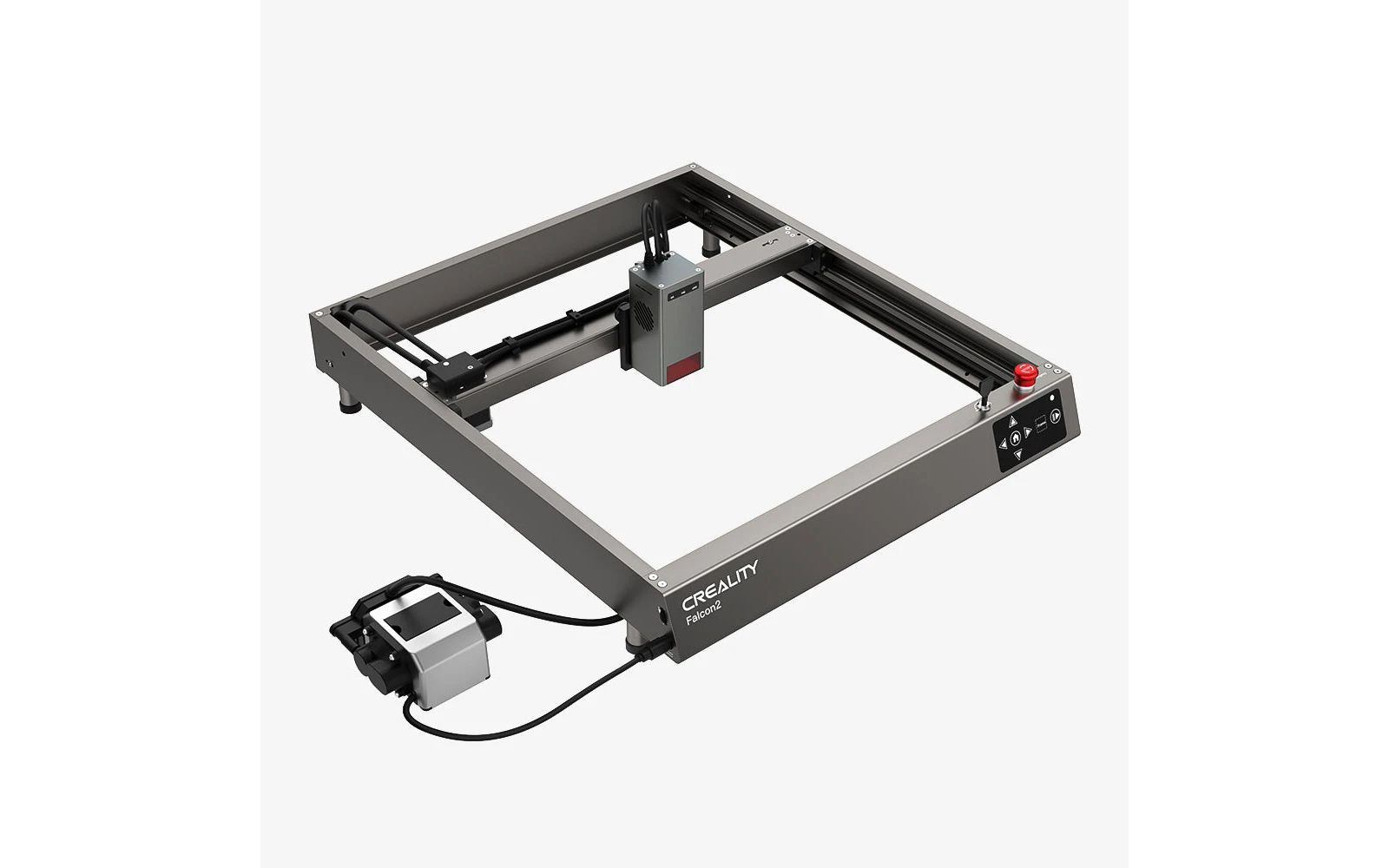
7.8
Creality Falcon2 22WCreality · Diode
Creality Falcon2 22W is the 22W SKU on the Creality creality falcon2 line. The base Falcon2 12W is Creality's affordable open-frame diode. Verify optical power on the listing: do not assume combined-watt marketing.
View full profile →Our verdict
Sculpfun S30 Ultra 22W
6 spec wins
Sculpfun S30 Ultra 22W wins on
Creality Falcon2 22W
3 spec wins
Creality Falcon2 22W wins on
Overall, the Sculpfun S30 Ultra 22W takes it: 7.9 vs 7.8 in our scoring.
| Spec | Sculpfun S30 Ultra 22W | Creality Falcon2 22W |
|---|---|---|
| Overview | ||
| Brand | Sculpfun | Creality |
| Laser type | Diode | Diode |
| Main focus | Handles everyday engraving and cutting jobs | Handles everyday engraving and cutting jobs |
| Main objective | Faster cutting and deeper hobby cuts while keeping solid engraving capability | Faster cutting and deeper hobby cuts while keeping solid engraving capability |
| Best for |
|
|
| Scores | ||
| Score | Best7.9 | 7.8 |
| Value score | 7.8 | Best8.1 |
| Ease of use | 7.8 | Best8.2 |
| Capability | Best7.6 | 7.2 |
| Build quality | Best8.0 | 7.8 |
| Pricing | ||
| Price | $690 635 € 22W module: common LightBurn bundle | Best $449 – $599 413 € – 551 € 22W optical module: verify SKU before buying |
| Hardware | ||
| Power | 22W diode | 22W diode |
| Work area | Best590 × 595 mm | 400 × 415 mm |
| Precision | 0.01 mm | 0.01 mm |
| Real-world performance | ||
| Sample engrave | Filled photo or logo on birch plywood ~7–11 min · 10 × 10 cm (4 × 4 in) | Filled photo or logo on birch plywood ~12–18 min · 10 × 10 cm (4 × 4 in) |
| Sample cut | Simple square cut-out from 3 mm basswood ~4–7 min · 10 × 10 cm (4 × 4 in) | Simple square cut-out from 3 mm basswood ~6–10 min · 10 × 10 cm (4 × 4 in) |
| Spot size | ~0.08 mm spot | ~0.10 mm spot |
| Max speed | 167 mm/s | 300 mm/s |
| Materials | ||
| Engraves | Best
|
|
| Cuts | Best
|
|
| Cannot do |
|
|
| Software & connectivity | ||
| Software | LightBurn, LaserGRBL | Creality Laser, LightBurn |
| Connectivity | USB | USB |
| Verdict | ||
| TL;DR | The 22W is the middle of Sculpfun's three S30 Ultra heads (11W, 22W, 33W), often sold bundled with LightBurn. The 33W head goes further for thick cuts. Listings that say S30 Ultra 10W or 20W are reseller labels. | Creality Falcon2 22W is the 22W SKU on the Creality creality falcon2 line. The base Falcon2 12W is Creality's affordable open-frame diode. Verify optical power on the listing: do not assume combined-watt marketing. |
| Pros |
|
|
| Cons |
|
|
“Best” highlights the strongest spec on paper for that row only — not an overall buying recommendation.
Frequently asked questions
Which is better: Sculpfun S30 Ultra 22W or Creality Falcon2 22W?
In our scoring, the Sculpfun S30 Ultra 22W comes out ahead with 7.9/10 overall versus 7.8/10 for the Creality Falcon2 22W. The detailed table above shows exactly where each machine wins.
Which is cheaper: Sculpfun S30 Ultra 22W or Creality Falcon2 22W?
The Creality Falcon2 22W is the more affordable option, starting around $449, versus $690 for the Sculpfun S30 Ultra 22W.
Which is better for a beginner: Sculpfun S30 Ultra 22W or Creality Falcon2 22W?
The Creality Falcon2 22W is the easier machine to start with: it scores 8.2/10 for ease of use, versus 7.8/10 for the Sculpfun S30 Ultra 22W.
What is the main difference between the Sculpfun S30 Ultra 22W and the Creality Falcon2 22W?
The Sculpfun S30 Ultra 22W is a Diode laser geared toward engraving & cutting, while the Creality Falcon2 22W is a Diode laser geared toward engraving & cutting. That difference drives most of the gaps you see in the comparison table.