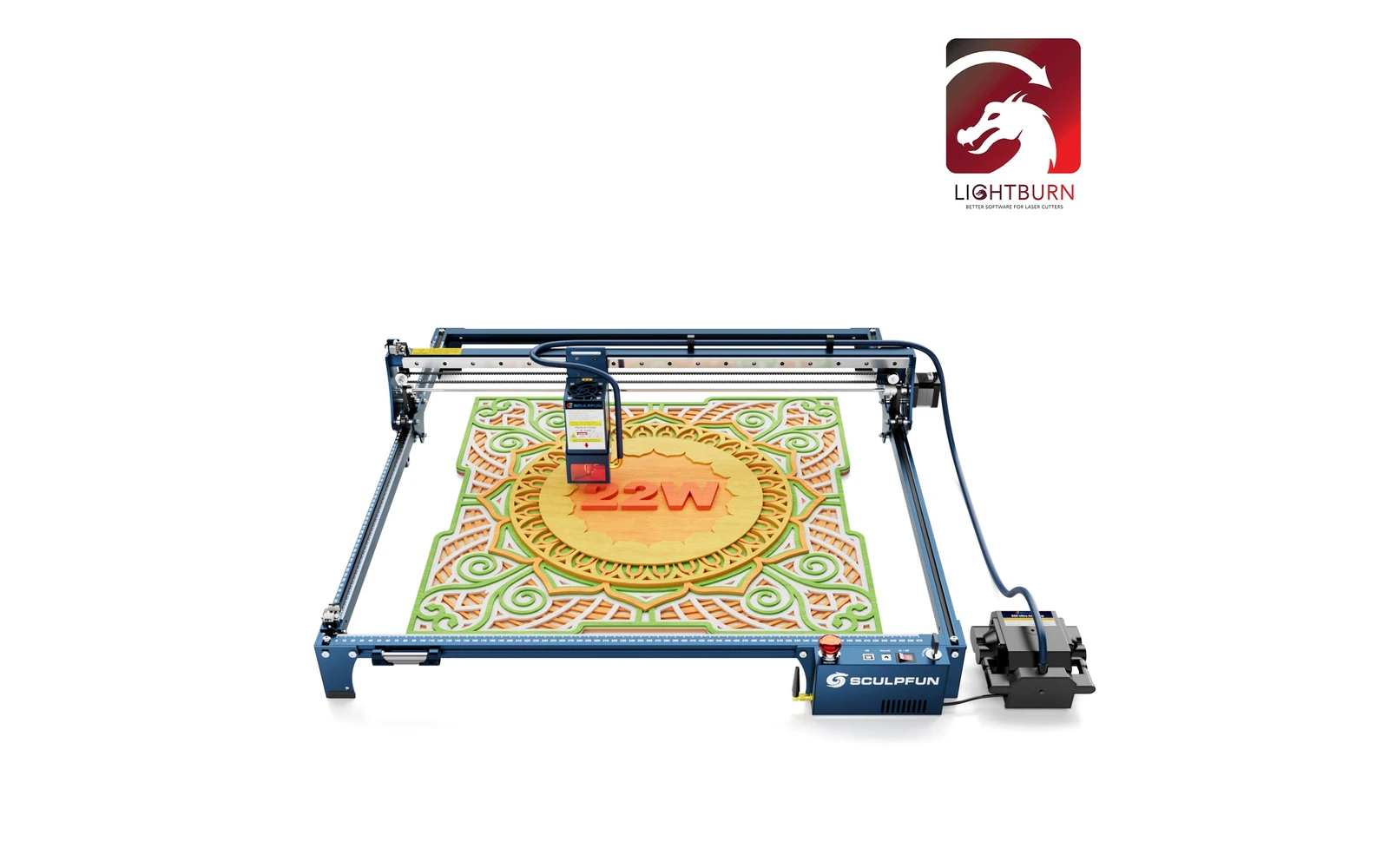
4 manufacturer photos · 1 / 4
Sculpfun · Diode
Sculpfun S30 Ultra · 22W
Middle S30 Ultra head: strong diode cutting, one step below the 33W
All Sculpfun models →Add to compare →
Last updated How we evaluate
Released January 2024
Choose a power option
Details below update for the selected power option.
Showing specs for: 22W
TL;DR
The 22W is the middle of Sculpfun's three S30 Ultra heads (11W, 22W, 33W), often sold bundled with LightBurn. The 33W head goes further for thick cuts. Listings that say S30 Ultra 10W or 20W are reseller labels.
Compare the Sculpfun S30 Ultra 22W to…
Popular side-by-side matchups with full specs, scores, and an honest verdict.
Best for
What makes this machine stand out
Hardware and workflow features worth understanding before you buy : not just wattage on a label.
Air pump in the box
Sculpfun's kit lists a 24V automatic air pump with the high-pressure metal nozzle, so cuts stay clean without extra purchases.
Strong diode cutting
3 mm basswood squares in about 4–7 min in our benchmarks, with around 8 mm reachable in passes.
Room to grow
The 33W head (a $549.99 upgrade kit in October 2026) fits the same frame, adapter and cable if you outgrow the 22W.
Our verdict
Ideal if you
Sculpfun S30 Ultra 22W targets mixed engraving and wood-cutting weeks: fewer passes on basswood and dark acrylic than weaker SKUs in the same line.
Skip if you
Wrong pick if you never engrave and only wanted the lowest price. Ultra-fine photo work can look better on an engraving-first SKU. Open-frame: safety and smoke are on you.
Pros
- Kit includes a 24V automatic air pump: cutting is ready out of the box
- Fastest cut speeds of the S30 Ultra profiles we list: up to ~14 mm/s on 3–6 mm wood
- Fills at ~80–160 mm/s for quick batches of signs and tags
Cons
- $690 with LightBurn is a big step over the entry head for engraving-only buyers
- Fire risk rises on long cutting runs: never leave a job unattended
- Wider ~0.08 mm spot than the entry head, slightly softer on tiny text
What this machine is for
Faster cutting and deeper hobby cuts while keeping solid engraving capability
Cut-biased diode tier for makers who outgrew 10–20W job times but stay on the same frame
Laser spot size
~0.08 mm spot
Motion precision: 0.01 mm
Sample engrave job
~7–11 min
10 × 10 cm (4 × 4 in)
Sample cut job
~4–7 min
10 × 10 cm (4 × 4 in)
Reference benchmark: same job size on every machine so you can compare times fairly. Times are estimates for the reference job above; your design complexity and settings will change them.
Materials
- · Wood
- · Leather
- · Slate
- · Anodized aluminum
- · Stainless (with spray)
Accessories & add-ons
Typical inclusions and add-ons for this profile : confirm your SKU.
- Optional
Enclosure / cabinet
Third-party enclosure improves smoke control and safety
- Recommended
Laser safety glasses
~450 nm diode: OD rated for your wavelength
- Recommended
Fire extinguisher
Editorial guidance : not a live parts list. See also: Ventilation setup · Safety basics
Practical notes
Beginner notes
This profile is the 22W SKU on Sculpfun S30 Ultra. Read the TL;DR and benchmarks above, then compare other power options via the chips before buying.
Pro tips
Tune cut passes with air assist and focus checks. For photo engraving, slow down vs your cut presets: this head is optimized for throughput on wood, not only finesse.
Pro / technical specsRaw numbers for experienced users comparing machines.
- Max speed (spec)
- 167 mm/s
- Avg engrave speed
- 80–160 mm/s fill
- Avg cut speed
- 5–14 mm/s on 3–6 mm wood
Common questions
What do I get for $690?
$689.99 is Sculpfun's price for the S30 Ultra 22W bundled with a LightBurn Core licence key; the machine alone was $539.99–569.99 on Sculpfun's store in October 2026. The kit lists a 24V automatic air pump, a laser shield and a laser repair kit, so it is ready to cut out of the box.
How thick can the S30 Ultra 22W cut?
In our benchmarks a 10 × 10 cm square in 3 mm basswood takes about 4–7 min, with cut speeds up to ~14 mm/s on 3–6 mm wood. Around 8 mm basswood and 5 mm dark acrylic are realistic with air assist. Thicker stock is where the 33W head starts to make sense.
22W or the 33W S30 Ultra?
Sculpfun prices the 33W at $769.99 alone ($859.99 with LightBurn), about $230 more than the 22W machine. The 22W suits mixed engraving and cutting up to about 8 mm; the 33W is for daily thicker cutting. Our S30 Ultra 33W profile has its cutting figures.
Alternatives to the Sculpfun S30 Ultra 22W
Machines in the same space, picked from our database by type, price, and score.
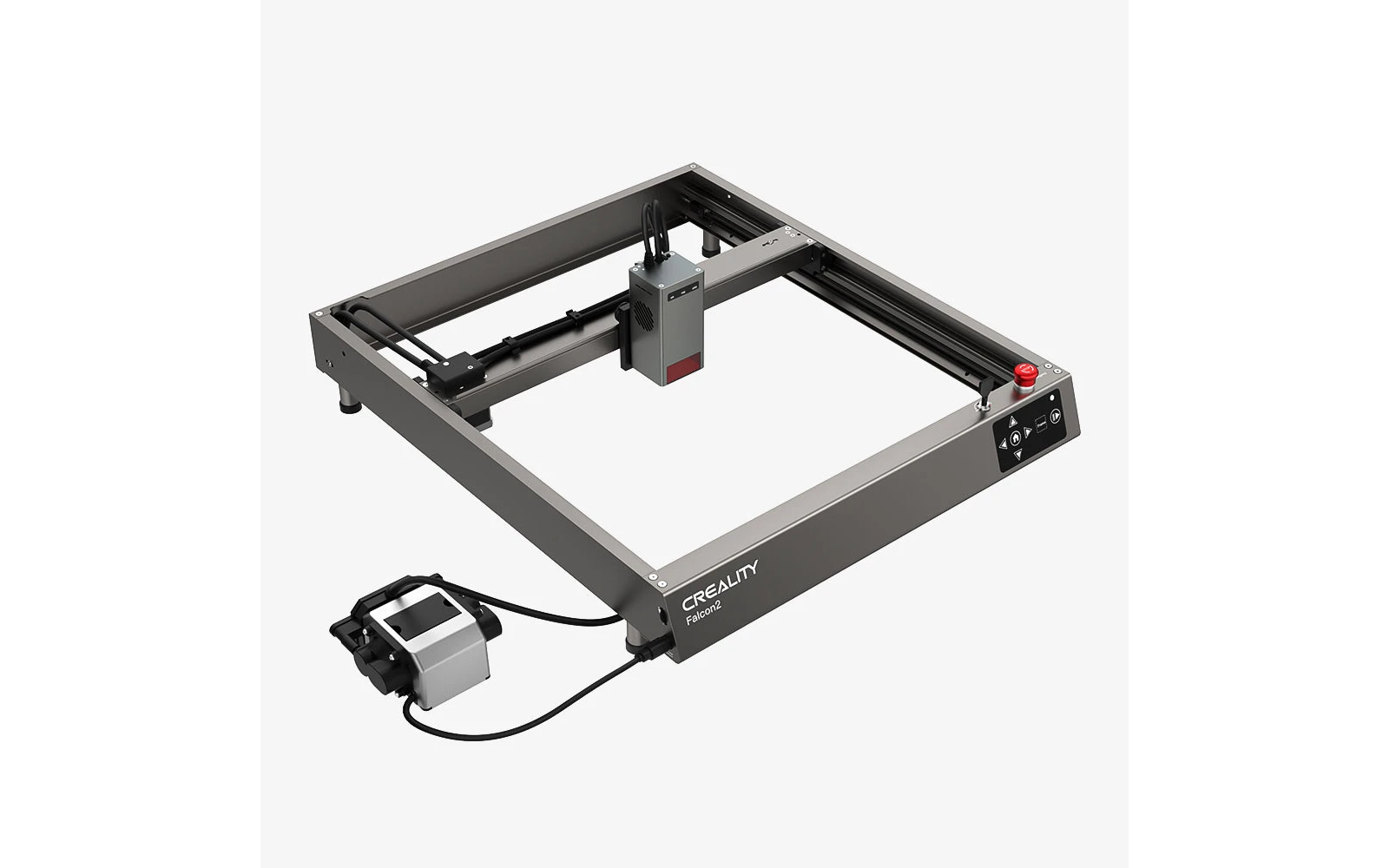
Creality · Diode · $449 – $599
Creality Falcon2 22W is the 22W SKU on the Creality creality falcon2 line. The base Falcon2 12W is Creality's affordable open-frame diode. Verify optical power on the listing: do not assume combined-watt marketing.
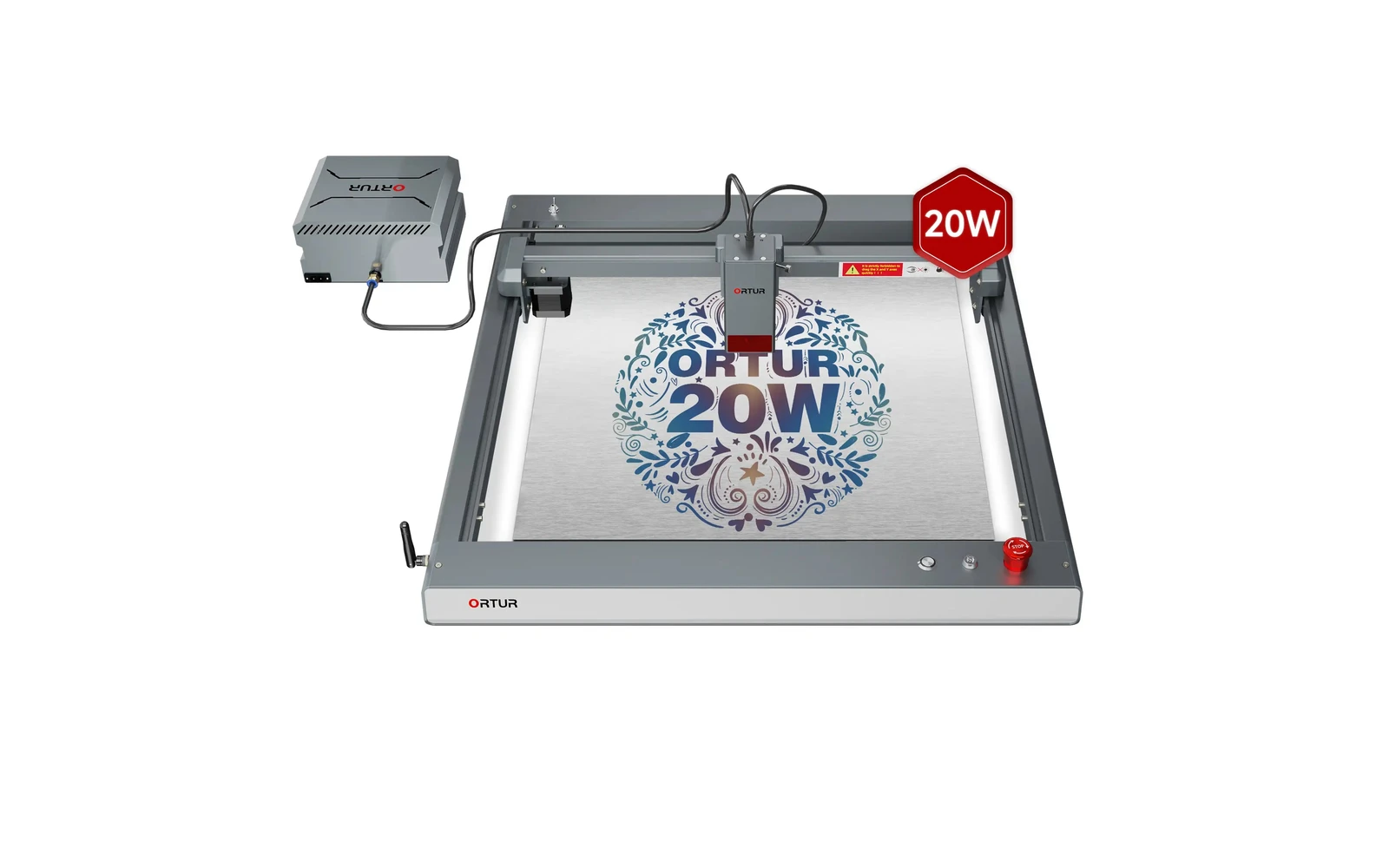
Ortur · Diode · $140 – $1,740
The 20W LM3 is the configuration most buyers mean when they say 'Laser Master 3'. Strong engraving, light cutting, huge community: verify you are not accidentally ordering the 10W SKU.
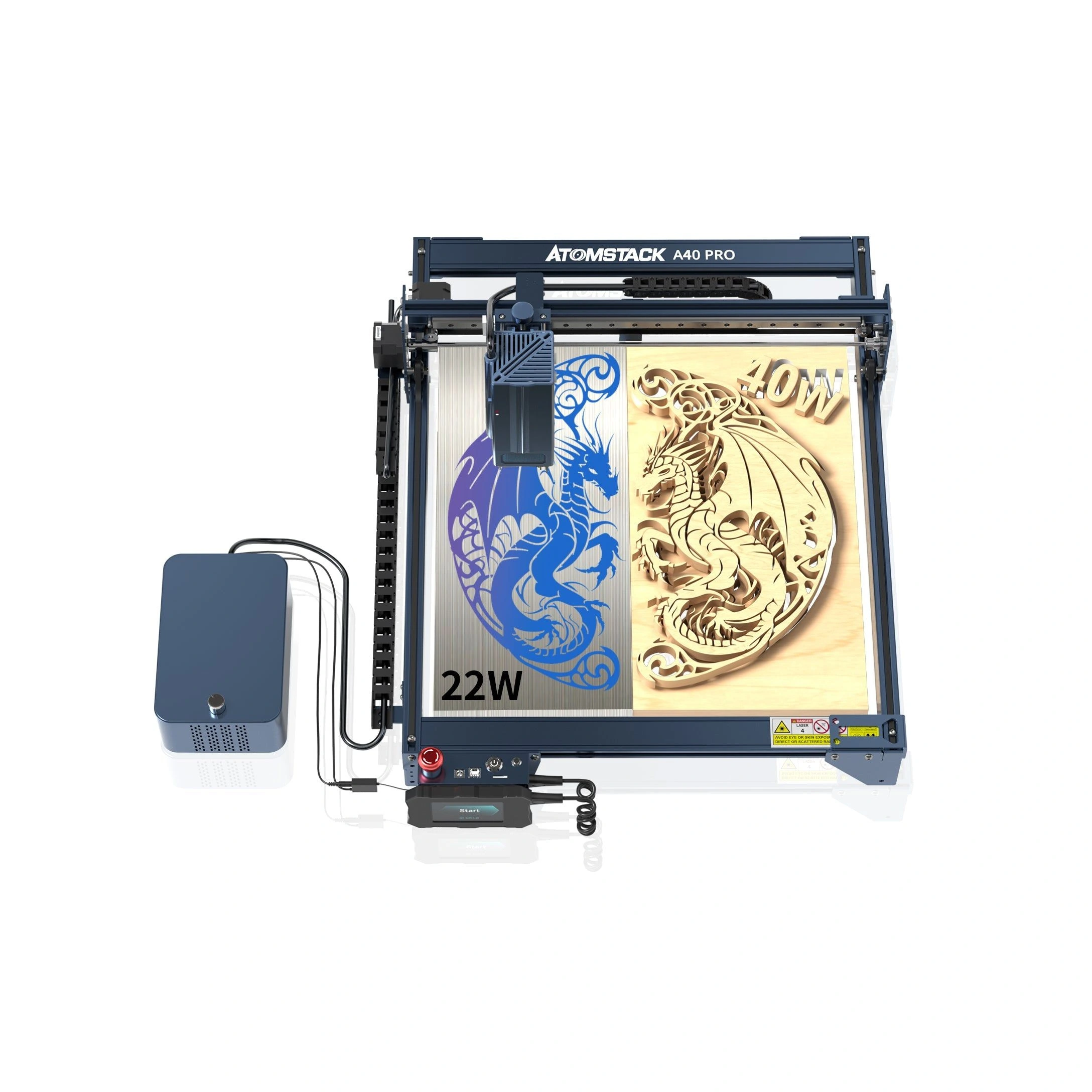
Atomstack · Diode · $399 – $599
Atomstack A40 Pro 40W is the 40W SKU on the Atomstack atomstack a40 pro line. Step up from A5 Pro with a stiffer frame and stronger cutting marketing (40W combined). Verify optical power on the listing: do not assume combined-watt marketing.