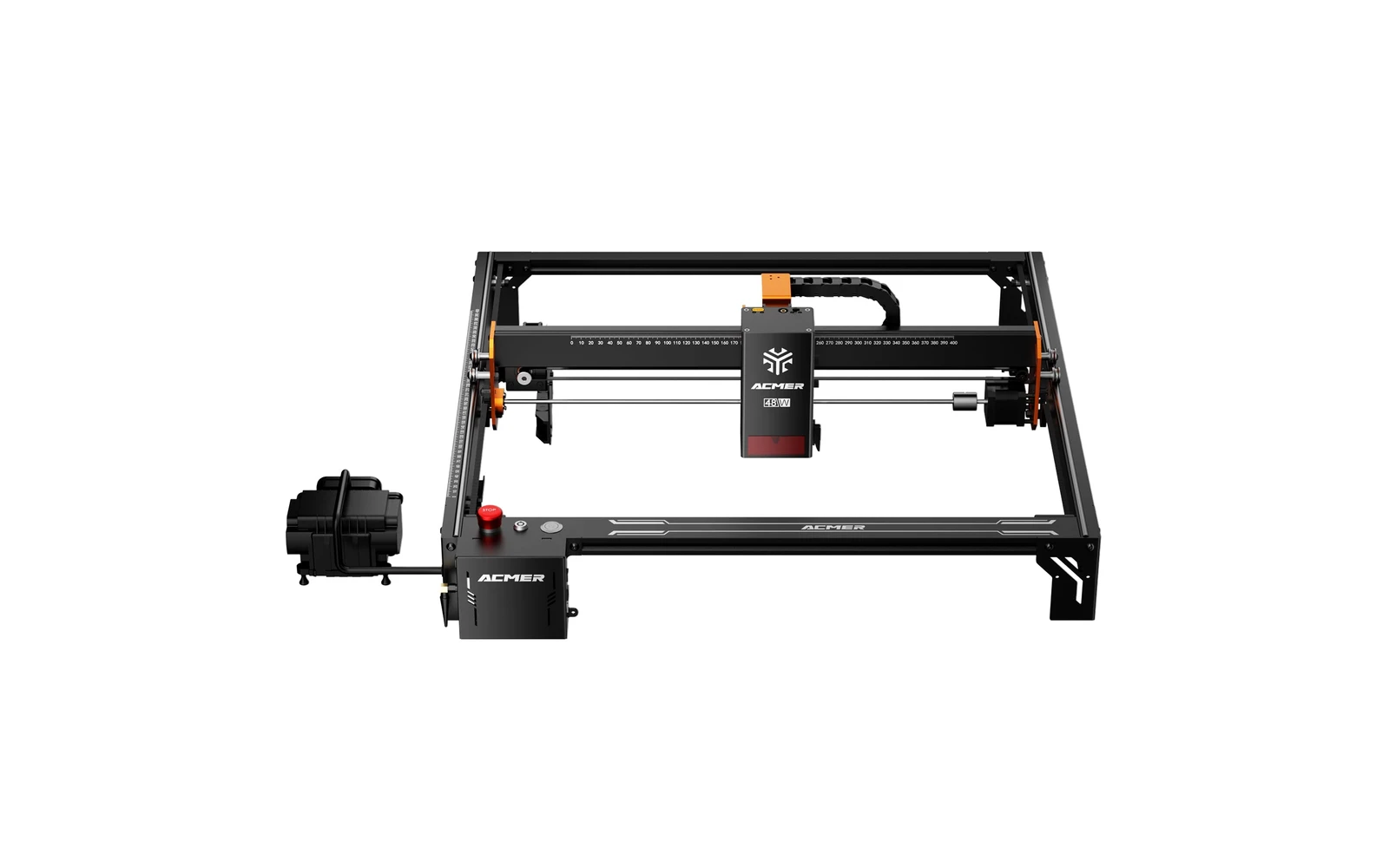
4 manufacturer photos · 1 / 4
Acmer · Diode
Acmer S2 Pro · 36W
Acmer S2 Pro mid-power: enclosed-optional 36W tier
All Acmer models →Add to compare →
Last updated How we evaluate
Released June 2024
Choose a power option
Details below update for the selected power option.
Showing specs for: 36W
TL;DR
Acmer S2 Pro 36W is the lower-power SKU on Acmer's S2 Pro line with rotary and IR bundle options. Compare to S2 Pro 48W before buying: often worth the step up.
Compare the Acmer S2 Pro 36W to…
Popular side-by-side matchups with full specs, scores, and an honest verdict.
Best for
What makes this machine stand out
Hardware and workflow features worth understanding before you buy : not just wattage on a label.
Air assist built in
A 30 L/min air pump is integrated in the machine, so cleaner cuts and less charring need no extra purchase.
Cheaper entry to the S2 Pro
$582 basic pack in October 2026, about $178 less than the 48W for the same 400 × 400 mm frame.
Our verdict
Ideal if you
Acmer S2 Pro 36W targets mixed engraving and wood-cutting weeks: fewer passes on basswood and dark acrylic than weaker SKUs in the same line.
Skip if you
Wrong pick if you never engrave and only wanted the lowest price. Ultra-fine photo work can look better on an engraving-first SKU.
Pros
- Built-in 30 L/min air pump: cutting setups need no separate compressor
- Basic pack at $582 on Acmer's store (October 2026), about $178 below the 48W
- Same 400 × 400 mm bed, 0.08 × 0.1 mm spot and 24,000 mm/min top engraving speed as the 48W
Cons
- Acmer publishes no cutting chart for the S2 Pro: our benchmark puts a 10 × 10 cm square in 3 mm basswood at ~7–12 min, slower than the 48W
- Real fill speeds sit far below the 24,000 mm/min headline (~29–74 mm/s in our tests)
- Rotary, camera and IR packs push the price to $686–1,227; the IR pack alone adds about $477
What this machine is for
Maximum cut speed and depth in the line: engraving remains strong at tuned speeds
36W module · Acmer S2 Pro
Laser spot size
~0.08 mm spot
Motion precision: 0.01 mm
Sample engrave job
~14–22 min
10 × 10 cm (4 × 4 in)
Sample cut job
~7–12 min
10 × 10 cm (4 × 4 in)
Reference benchmark: same job size on every machine so you can compare times fairly. Times are estimates for the reference job above; your design complexity and settings will change them.
Materials
- · Wood
- · Leather
- · Acrylic
Accessories & add-ons
Typical inclusions and add-ons for this profile : confirm your SKU.
- Included
Enclosure / cabinet
- Optional
Laser safety glasses
Still useful when servicing or with lid open
- Recommended
Fire extinguisher
Editorial guidance : not a live parts list. See also: Ventilation setup · Safety basics
Practical notes
Beginner notes
This profile is the 36W SKU on Acmer S2 Pro. Read the TL;DR and benchmarks above, then compare other power options via the chips before buying.
Pro tips
On the 36W S2 Pro, run separate LightBurn profiles for photo fills versus basswood cuts. Push cut speed only after 10×10 cm test squares. Compare the 48W tier if evening batches still feel slow.
Pro / technical specsRaw numbers for experienced users comparing machines.
- Max speed (spec)
- 300 mm/s
- Avg engrave speed
- 29–74 mm/s fill
- Avg cut speed
- 3–5 mm/s on 3 mm wood
Common questions
How thick can the Acmer S2 Pro 36W cut?
Acmer does not publish per-thickness cutting figures for the S2 Pro. On our side, the profile lists basswood up to 8 mm (several passes at the upper end), and our 3 mm basswood test cuts a 10 × 10 cm square in ~7–12 min at 3–5 mm/s. Run a test grid on your own stock before quoting thick jobs.
Which S2 Pro 36W pack makes sense?
Acmer's US prices in October 2026: Basic $582, Camera $686, Rotary $809, IR $1,059, All in One $1,227. The IR pack adds a 1064 nm module for marking bare metal, which the blue diode cannot do well; skip it if you only work wood, leather and dark acrylic.
S2 Pro 36W or 48W: who should pick the 36W?
Hobbyists and engravers who cut occasionally. Both share the same bed, spot spec and built-in air pump; the 48W mainly shortens cut and fill times (our photo test: ~12–18 min vs ~14–22 min). The basic packs are about $178 apart ($582 vs $759.99).
Alternatives to the Acmer S2 Pro 36W
Machines in the same space, picked from our database by type, price, and score.
Acmer · Diode · $609 – $1,320
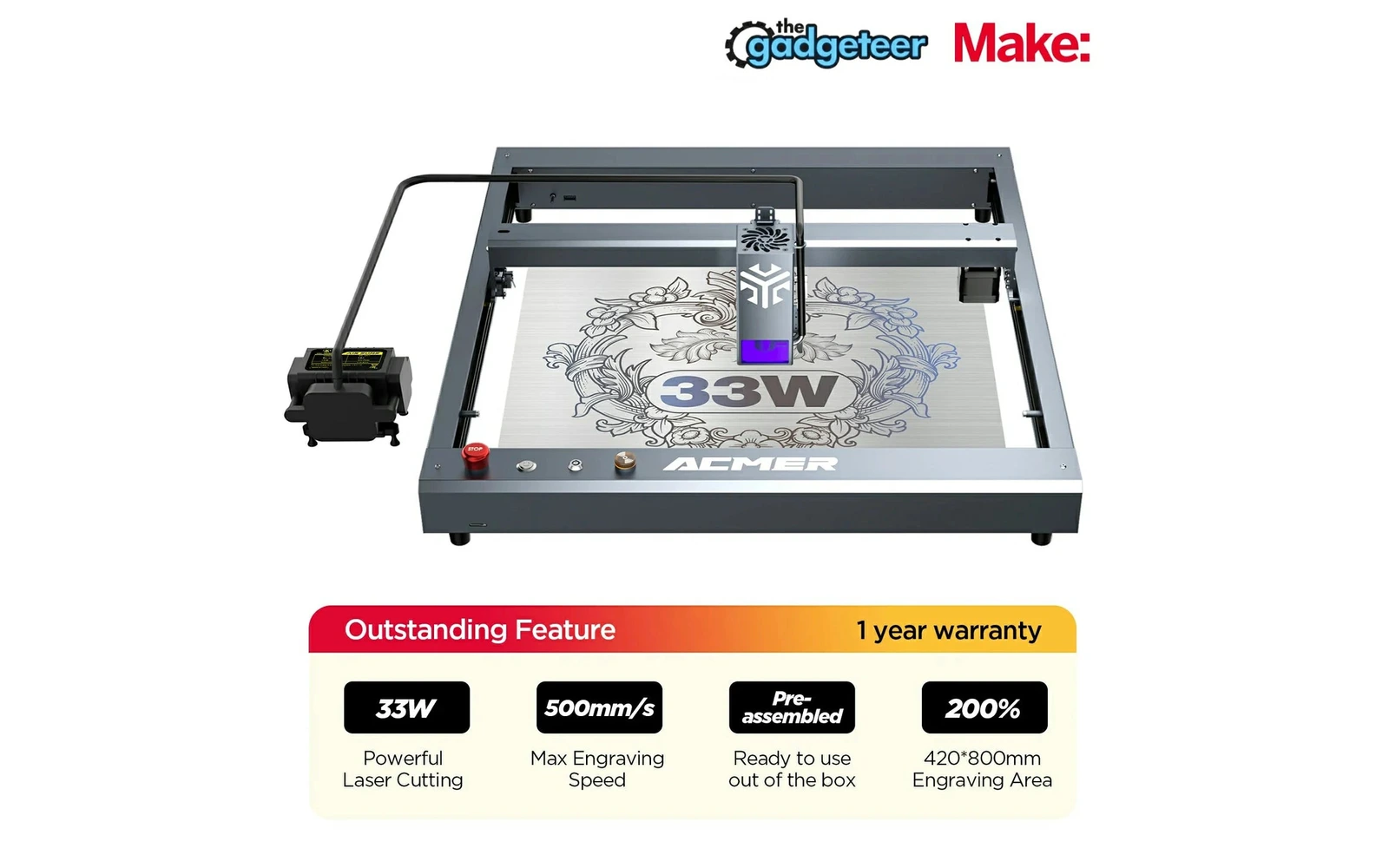
Acmer P2 33W is the high-power open-frame Acmer before the enclosed P3. Verify real optical output vs marketing: capable cutter for the price when tuned properly.
Sculpfun · Diode · $690
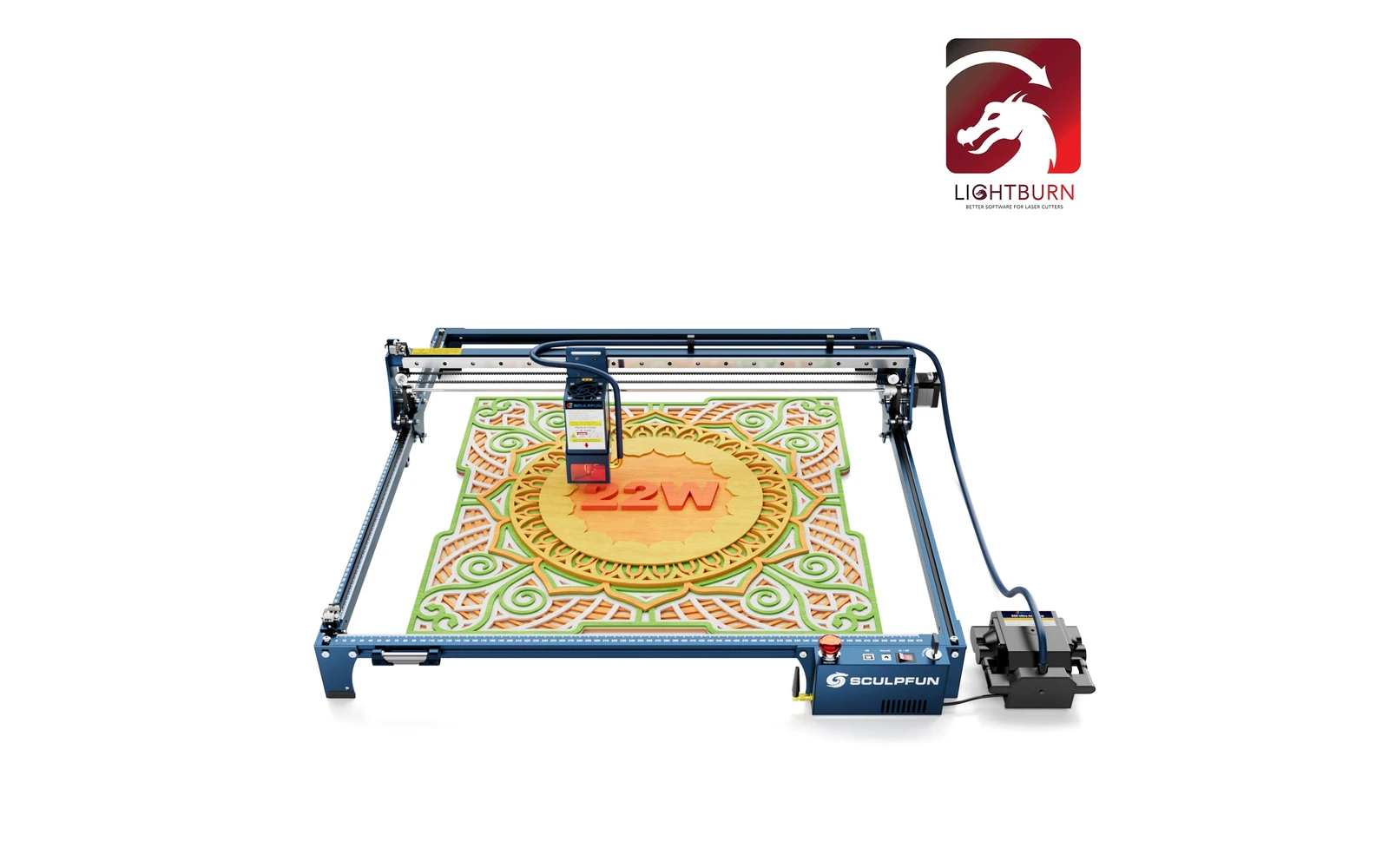
The 22W is the middle of Sculpfun's three S30 Ultra heads (11W, 22W, 33W), often sold bundled with LightBurn. The 33W head goes further for thick cuts. Listings that say S30 Ultra 10W or 20W are reseller labels.
xTool · Diode · $499 – $1,229
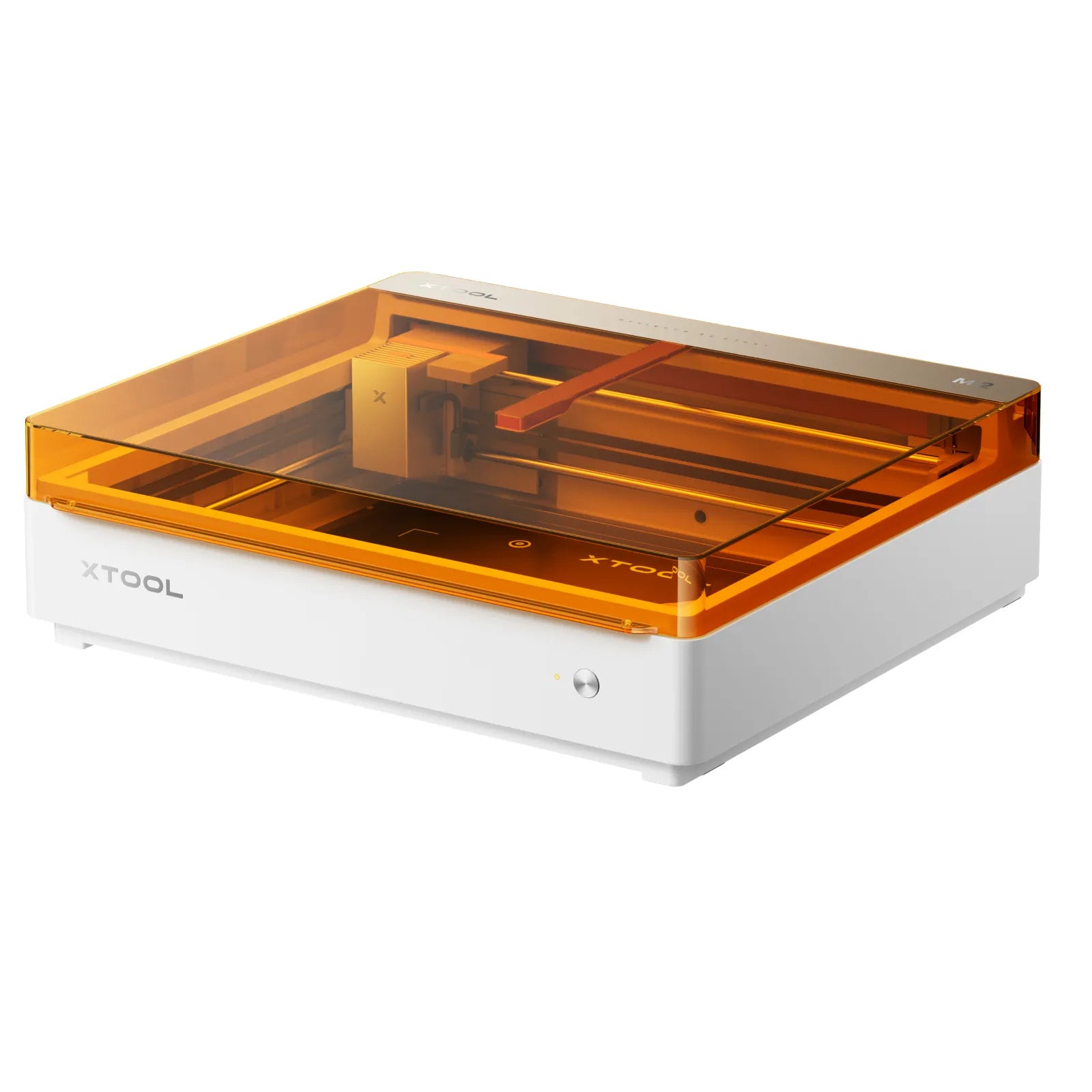
Launched May 2026, the M2 packs laser engraving, cutting, and integrated inkjet color printing into one enclosed desktop at $599. Built for everyday crafters and Etsy sellers who want color + laser without a pro CO₂ budget: not a metal-marking or production cutter.