5 manufacturer photos · 1 / 5
AlgoLaser · Diode
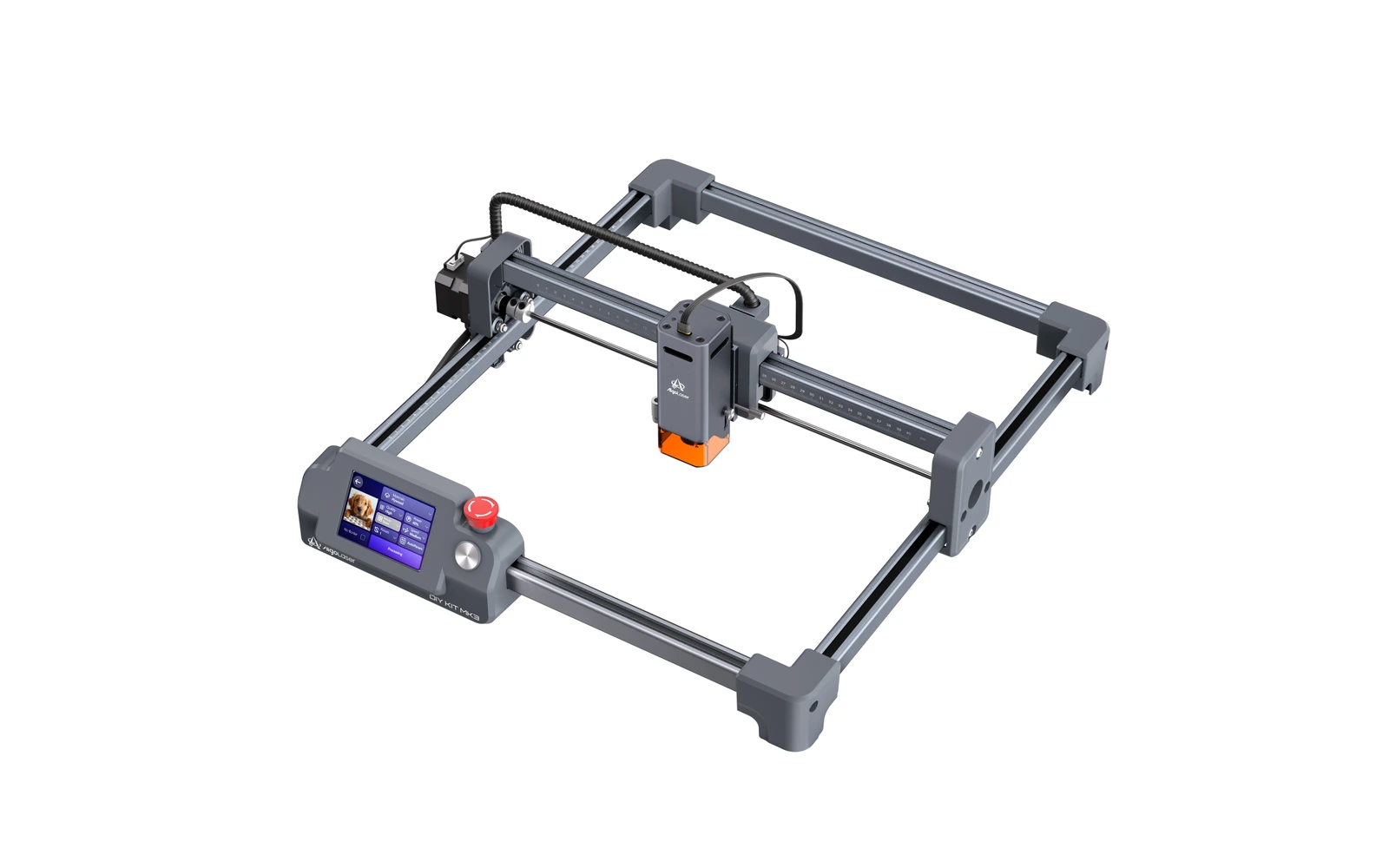
AlgoLaser DIY Kit MK3 · 8W diode
Entry 8W module of the MK3: fine engraving on a 400 × 400 mm open frame for $259
All AlgoLaser models →Add to compare →
Last updated How we evaluate
Released July 2026
Choose installed module
Details below match the selected module.
Showing module: 8W diode
TL;DR
The DIY Kit MK3 8W is the cheapest way into AlgoLaser's new kit: the same 400 × 400 mm frame, AlgoOS touchscreen and focus stick as the other tiers, with an 8W diode that AlgoLaser pitches for detail work ('precision 0.03 mm'). It engraves wood, leather and slate well and cuts thin stock slowly. AlgoLaser publishes no cutting figure for this module, and no independent review exists yet.
Best for
What makes this machine stand out
Hardware and workflow features worth understanding before you buy : not just wattage on a label.
Touchscreen kit for $259
The 8W tier is the cheapest MK3, with the same AlgoOS screen, focus stick and 400 × 400 mm frame as the higher modules.
Pitched for detail
AlgoLaser markets the 8W as its fine-engraving module, for photos, small text and portraits on light woods.
Our verdict
Ideal if you
The 8W tier gives the full MK3 experience, touchscreen, focus stick and 400 × 400 mm frame, at the lowest price. It suits beginners who mainly engrave photos, names and logos on wood, leather and slate.
Skip if you
Cutting is slow and limited to thin stock, and the price gap to the 15W is small. AlgoLaser's 'precision 0.03 mm' claim is vague, and no independent test has measured the module yet.
Pros
- $259 for a 400 × 400 mm frame with a touchscreen and built-in focus stick
- Pitched by AlgoLaser for detail work, with 'precision 0.03 mm' on its comparison chart
- Low power keeps smoke and heat down for photo engraving on light woods
Cons
- Slow on 3 mm wood and unsuited to thicker cuts
- The Basic kit costs $200 more than the machine, close to the price of the 15W kit
- AlgoLaser does not say whether 0.03 mm is the spot size or a positioning figure
What this machine is for
Low-cost detailed engraving on a mid-size bed, with occasional thin cutting
8W module · AlgoLaser DIY Kit MK3
Laser spot size
—
Motion precision: —
Sample engrave job
~16–24 min
10 × 10 cm (4 × 4 in)
Sample cut job
~9–14 min
10 × 10 cm (4 × 4 in)
Reference benchmark: same job size on every machine so you can compare times fairly. Times are estimates for the reference job above; your design complexity and settings will change them.
Materials
- · Wood & plywood
- · Leather
- · Slate & stone
- · Dark acrylic
- · Paper & card
- · Coated and anodized metal
Accessories & add-ons
Typical inclusions and add-ons for this profile : confirm your SKU.
- Optional
Enclosure / cabinet
Third-party enclosure improves smoke control and safety
- Recommended
Laser safety glasses
~450 nm diode: OD rated for your wavelength
- Recommended
Fire extinguisher
Editorial guidance : not a live parts list. See also: Ventilation setup · Safety basics
Practical notes
Beginner notes
This profile is the 8W tier of the DIY Kit MK3. Compare it with the 15W before buying: for $50 more, the 15W engraves faster and cuts 3 mm wood with more margin. Take the 8W only if engraving is all you plan to do.
Pro tips
Run photos at moderate speed with several test squares first: low-power diodes reward slower, cleaner passes. For cutting, use air assist and several passes rather than one very slow pass, and keep 3 mm as the practical limit.
Pro / technical specsRaw numbers for experienced users comparing machines.
- Max speed (spec)
- 250 mm/s (15 000 mm/min)
- Avg engrave speed
- ~50–120 mm/s
- Avg cut speed
- ~1–3 mm/s
Common questions
Can the DIY Kit MK3 8W cut wood?
Thin wood, slowly. AlgoLaser gives no cutting figure for the 8W; expect around 3 mm basswood with several passes, about 9–14 min for a 10 × 10 cm square in our benchmark. For regular cutting, the 15W or 20W are better choices.
8W or 15W?
The 15W costs $309 against $259 for the 8W on AlgoLaser's store (October 2026). The extra $50 buys noticeably faster engraving (about 11–17 min against 16–24 min for a 10 × 10 cm photo in our benchmark) and easier cutting. Choose the 8W only if you will engrave and never cut.
Is the 8W Basic kit worth $200 more?
It adds a honeycomb bed, the RR2 rotary roller, a riser kit and an air pump ($459 in total, October 2026). If you want the rotary for tumblers, yes; otherwise the honeycomb and air pump can be bought later, and the 15W Basic kit is only $50 more.
Alternatives to the AlgoLaser DIY Kit MK3 8W
Machines in the same space, picked from our database by type, price, and score.
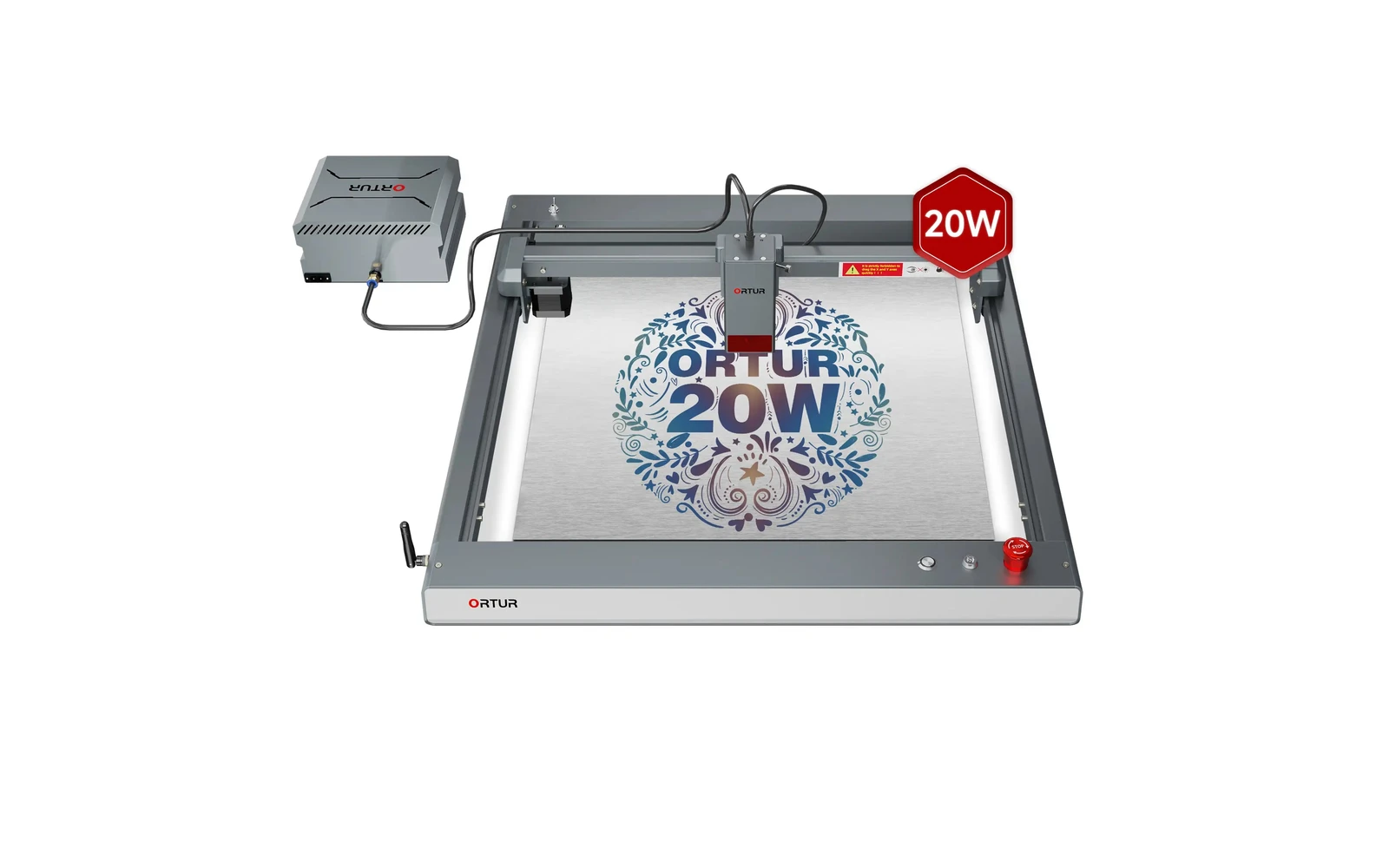
Ortur · Diode · $140 – $1,740
The 10W Laser Master 3 is Ortur's lower-power SKU on the same frame. Ideal for learning and engraving; cutters should choose the 20W version.
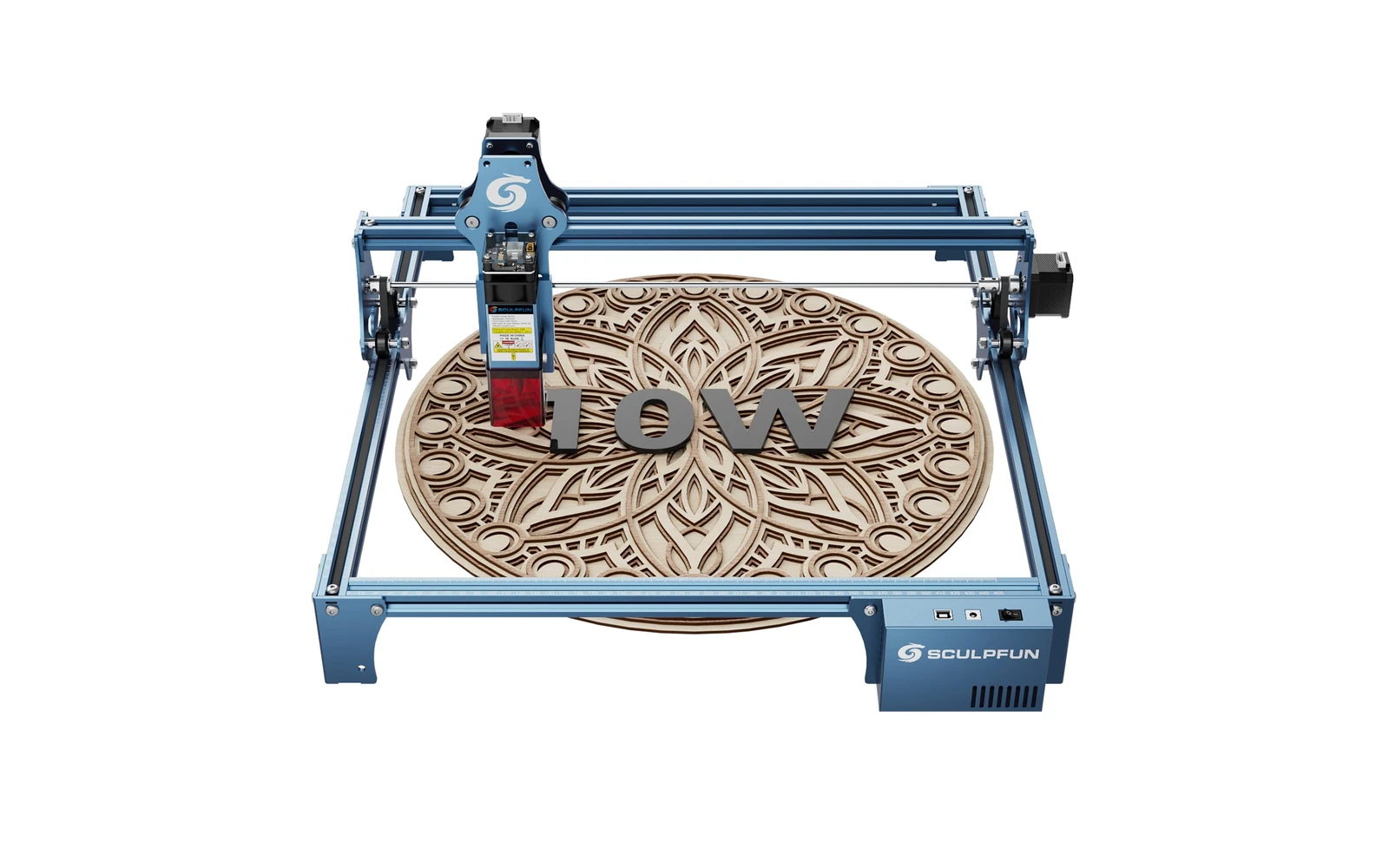
Sculpfun · Diode · $299 – $449
Sculpfun S9 10W is the 10W SKU on the Sculpfun sculpfun s9 line. Before S30 Ultra, the S9 was Sculpfun's workhorse. Verify optical power on the listing: do not assume combined-watt marketing.
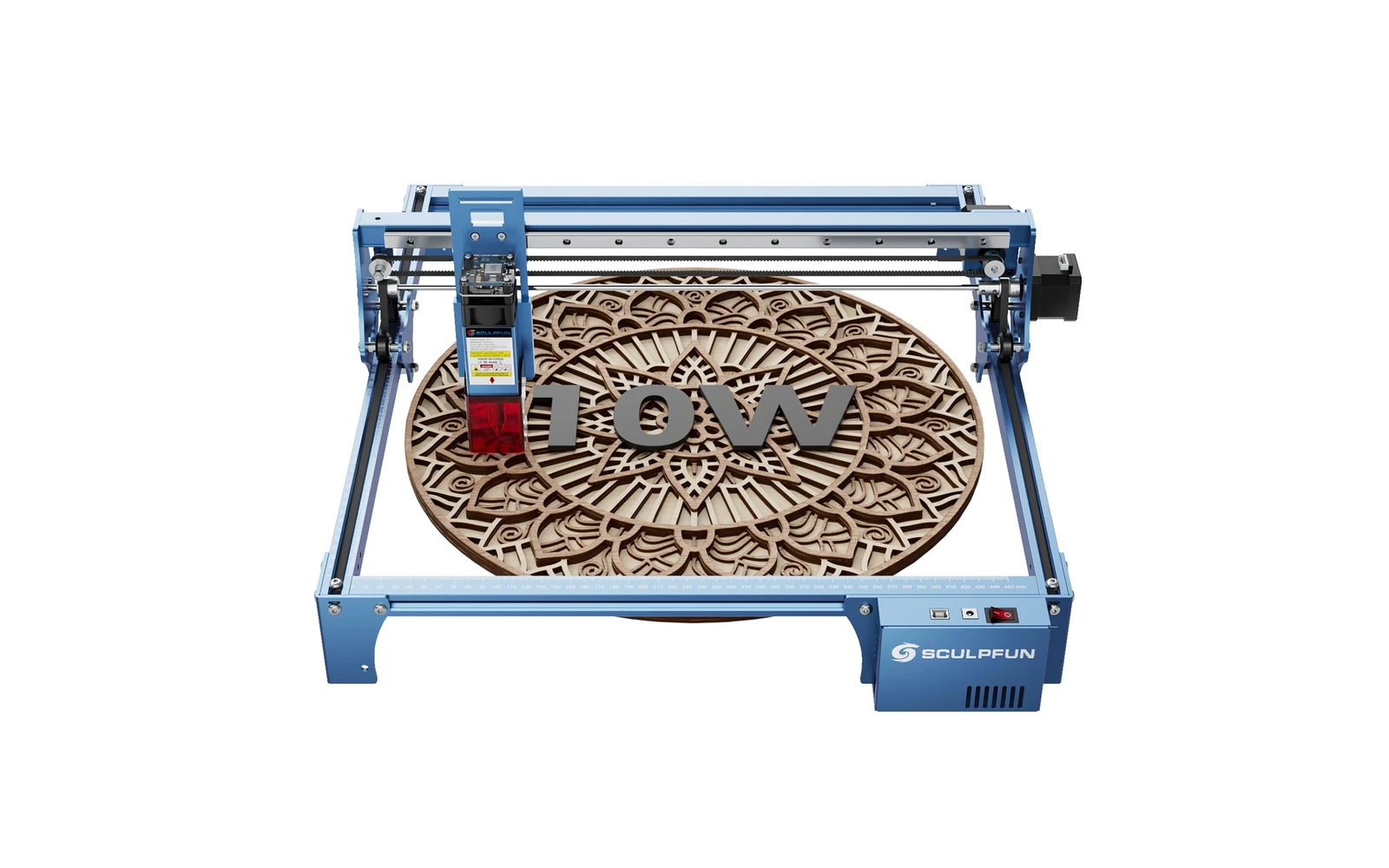
Sculpfun · Diode · $270
Sculpfun S10 10W (2022) is a mid-size open-frame engraver with a sturdier industrial frame than S9, ~385 mm work area, and detachable laser cover. Positioned between budget S9 and S30 families for makers who want better rigidity without Ultra pricing.