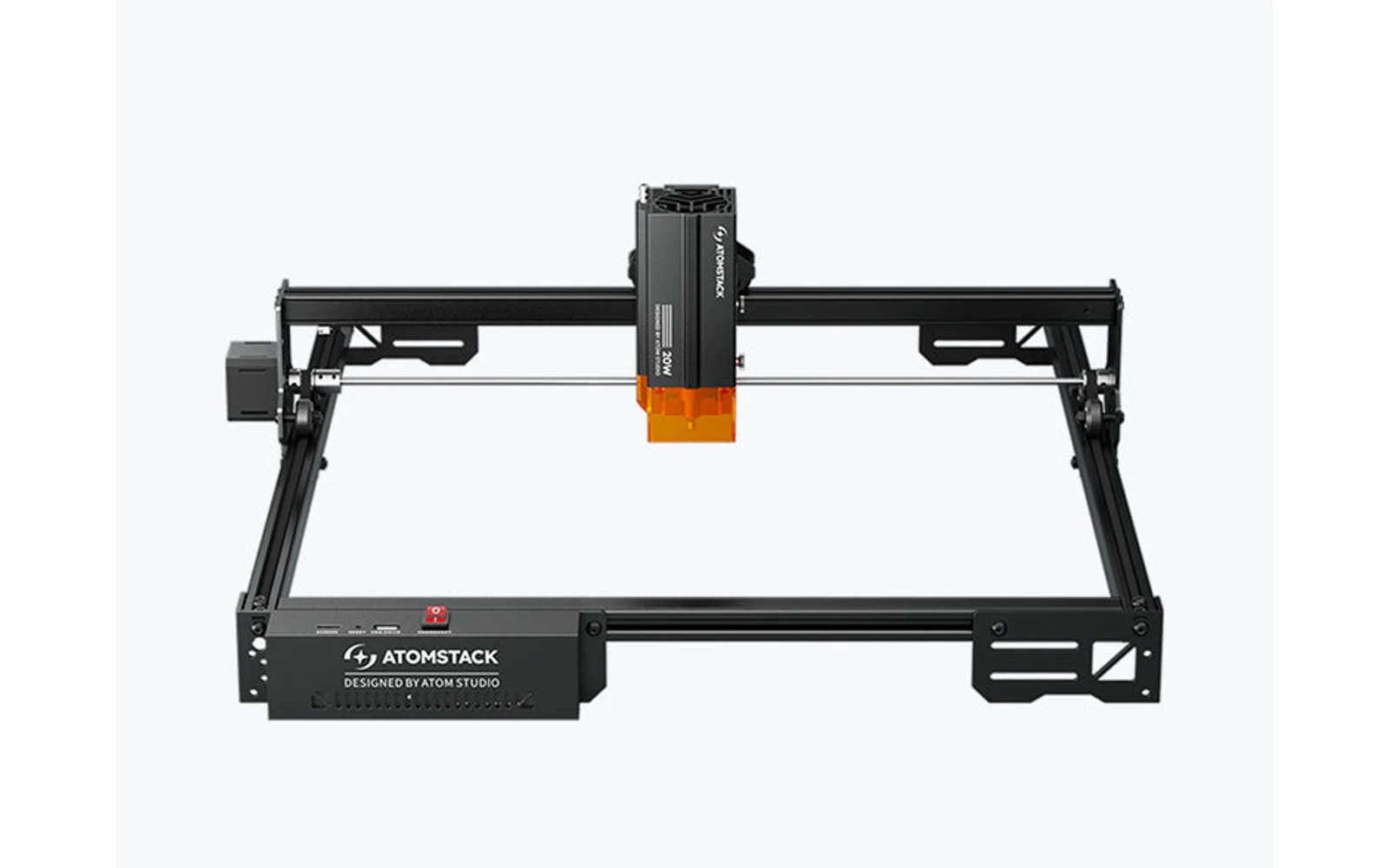
4 manufacturer photos · 1 / 4
Atomstack · Diode
AtomStack A20 Pro V2
Current Atomstack A20 Pro generation: 20W with F60 air assist ecosystem
All Atomstack models →Add to compare →
Last updated How we evaluate
Released April 2024
TL;DR
AtomStack A20 Pro V2 replaces the older A20 Pro with updated optics and bundle options. Mid-tier Atomstack between P1 and A40: strong detail, not the highest watt class.
Compare the AtomStack A20 Pro V2 to…
Popular side-by-side matchups with full specs, scores, and an honest verdict.
Best for
What makes this machine stand out
Hardware and workflow features worth understanding before you buy : not just wattage on a label.
Safety sensors included
Flame detection (requires the Z2 Z-axis slider), tip-over alarm above 15° and resume engraving after a stop, per Atomstack's spec sheet.
IR add-on for metal
Atomstack's R20-A 1.8W 1064 nm module fits the A20 Pro V2 and marks bare metal that a blue diode handles poorly ($269 in October 2026).
Fine 0.08 × 0.10 mm spot
A tight spot for a 20W diode, which keeps photo dithering and small lettering clean.
Our verdict
Ideal if you
AtomStack A20 Pro V2 20W is the versatile hobby / side-business SKU: clean engraving and light wood or leather cuts with comparable benchmarks on Maker Atlas.
Skip if you
Open-frame: glasses and exhaust required. Not a CO₂ replacement for clear acrylic or heavy thick-stock production.
Pros
- 0.08 × 0.10 mm spot and 400 mm/s top speed on Atomstack's spec sheet: good detail on photos and small text
- Safety basics included: flame detection (with the Z2 Z-axis slider), tip-over alarm above 15° and resume after interruption
- Optional 1.8W 1064 nm IR module ($269 in October 2026) adds bare-metal marking on the same frame
Cons
- Work area is 400 × 365 mm, shorter than the 400 × 400 mm frames it is often compared with
- Cutting past ~5 mm basswood turns multi-pass: compare the A40 Pro V2 if cutting dominates
- Manual focus only, and Atomstack does not publish a per-thickness cutting chart for the V2
What this machine is for
Current-gen Atomstack 20W for fine engraving and moderate cutting
Mid-range Atomstack diode for detailed work.
Laser spot size
~0.08 mm spot
Motion precision: 0.01 mm
Sample engrave job
~12–18 min
10 × 10 cm (4 × 4 in)
Sample cut job
~6–10 min
10 × 10 cm (4 × 4 in)
Reference benchmark: same job size on every machine so you can compare times fairly. Times are estimates for the reference job above; your design complexity and settings will change them.
Materials
- · Wood
- · Leather
- · Acrylic (dark)
Accessories & add-ons
Typical inclusions and add-ons for this profile : confirm your SKU.
- Optional
Enclosure / cabinet
Third-party enclosure improves smoke control and safety
- Recommended
Laser safety glasses
~450 nm diode: OD rated for your wavelength
- Recommended
Fire extinguisher
Editorial guidance : not a live parts list. See also: Ventilation setup · Safety basics
Practical notes
Beginner notes
This profile is the 20W SKU on AtomStack A20 Pro V2. Read the TL;DR and benchmarks above, then compare other power options via the chips before buying.
Pro tips
Use the benchmarks on this profile for quotes. Test on scrap before production.
Pro / technical specsRaw numbers for experienced users comparing machines.
- Max speed (spec)
- 300 mm/s
- Avg engrave speed
- 60–150 mm/s fill
- Avg cut speed
- 4–10 mm/s on 3 mm wood
Common questions
How thick can the A20 Pro V2 cut?
Atomstack's V2 page lists wood and black acrylic among cutting materials but gives no thickness per pass. The earlier A20 Pro was marketed as cutting 12 mm solid wood in one pass, a best-case figure. Our profile lists 5 mm basswood, and our benchmark cuts a 10 × 10 cm square in 3 mm basswood in ~6–10 min at 4–10 mm/s.
What does the A20 Pro V2 cost in October 2026?
On Atomstack's US store: $369 machine-only, $409 basic bundle, $449 air bundle, $489 enclosure or pro bundle, $619 rotary bundle and $729 all-in-one. The spare 20W module was $279. Prices move often with promotions, so check the bundle contents rather than the headline discount.
A20 Pro V2 or A40 Pro V2: which one?
The A20 Pro V2 suits engraving-led work and occasional thin cuts. The A40 Pro V2 switches between 24W and 48W, is marketed for much thicker one-pass cuts and was $769 machine-only in October 2026, about $400 more. If you mainly engrave gifts and signs, the 20W is the better use of money.
Alternatives to the AtomStack A20 Pro V2
Machines in the same space, picked from our database by type, price, and score.
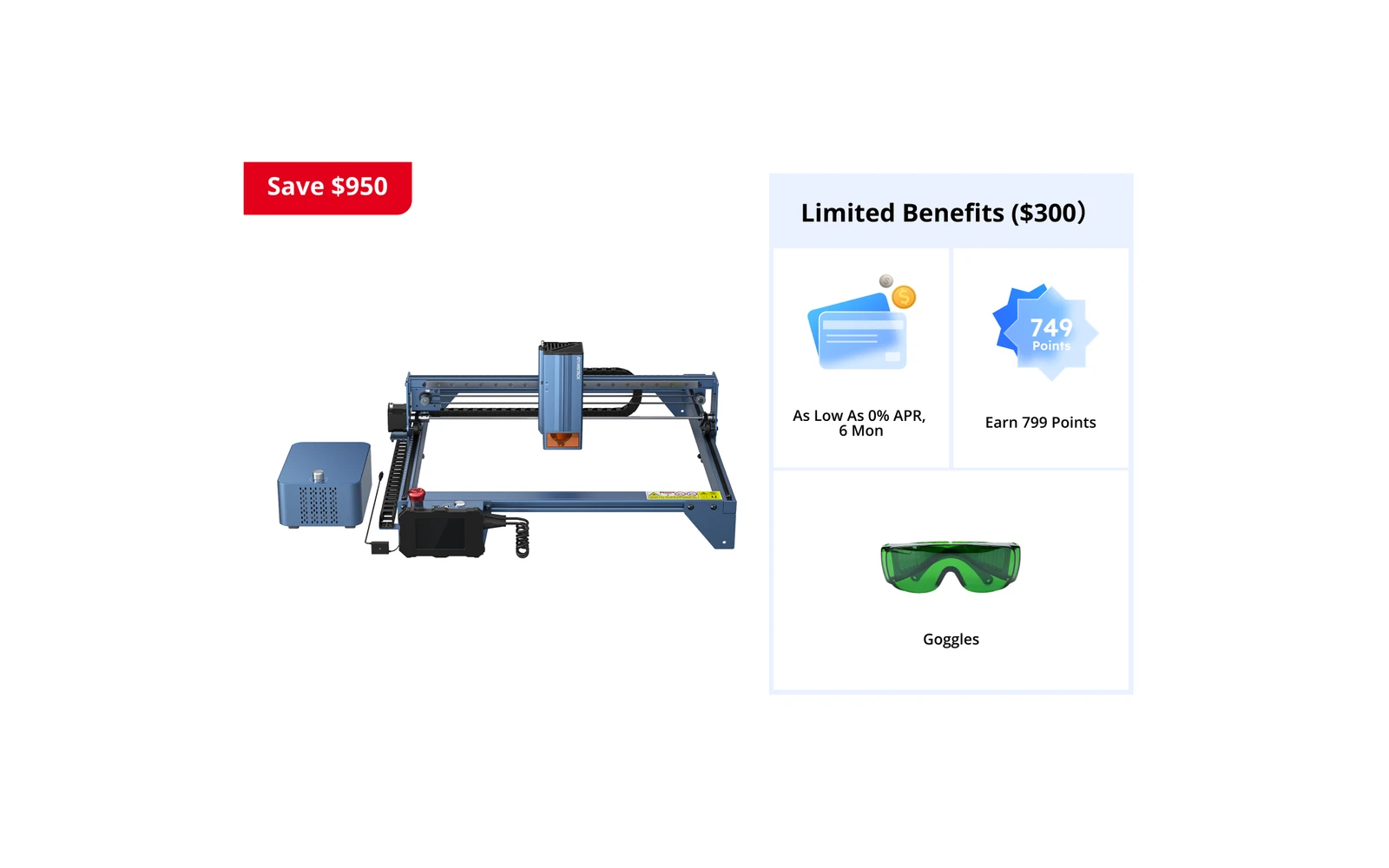
Atomstack · Diode · $349 – $499
Atomstack A40 Pro 20W is the 20W SKU on the Atomstack atomstack a40 pro line. Step up from A5 Pro with a stiffer frame and stronger cutting marketing (40W combined). Verify optical power on the listing: do not assume combined-watt marketing.
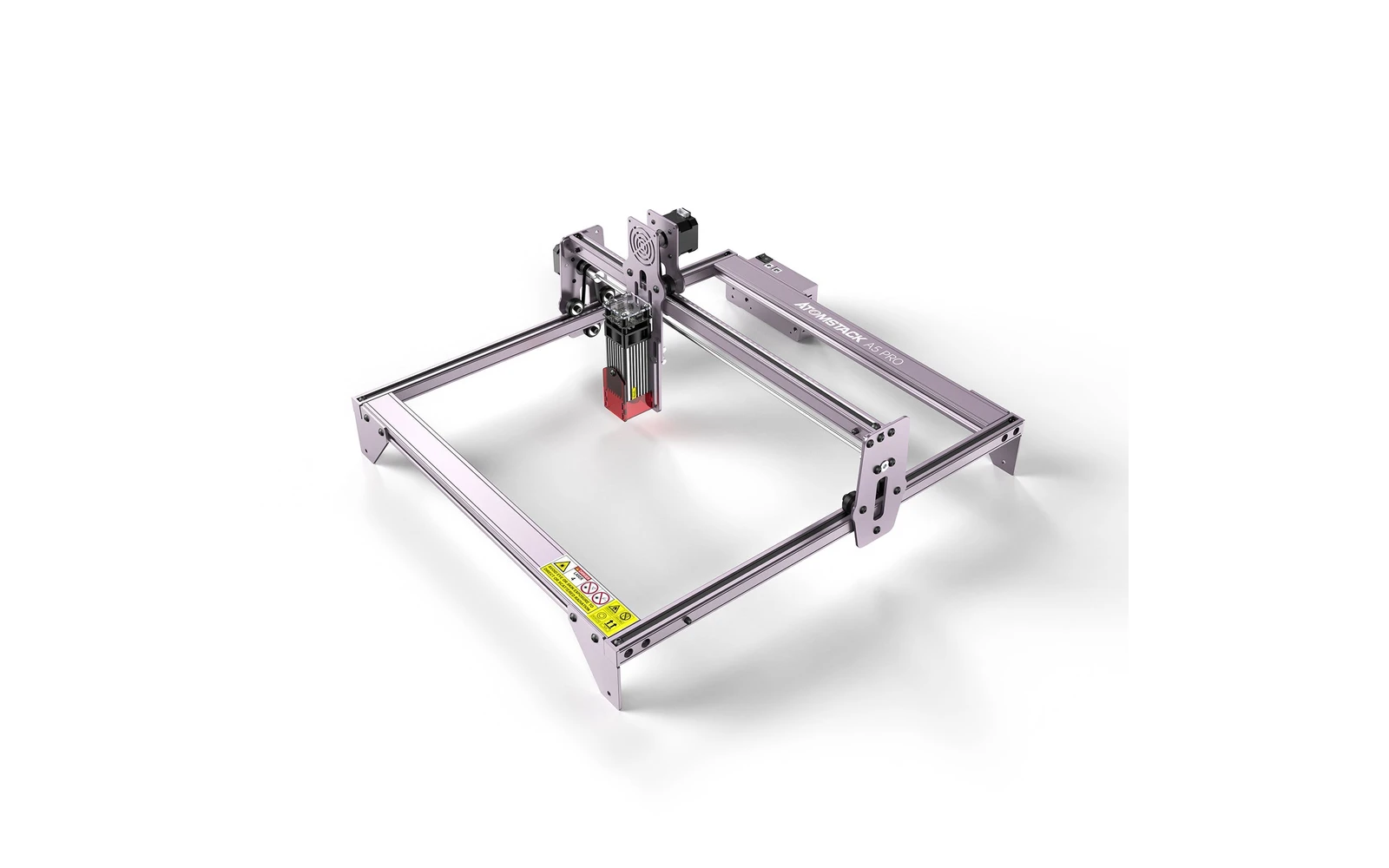
Atomstack · Diode · $249 – $349
Atomstack A5 Pro 10W is the 10W SKU on the Atomstack atomstack a5 pro line. One of the cheapest ways to try laser engraving. Verify optical power on the listing: do not assume combined-watt marketing.
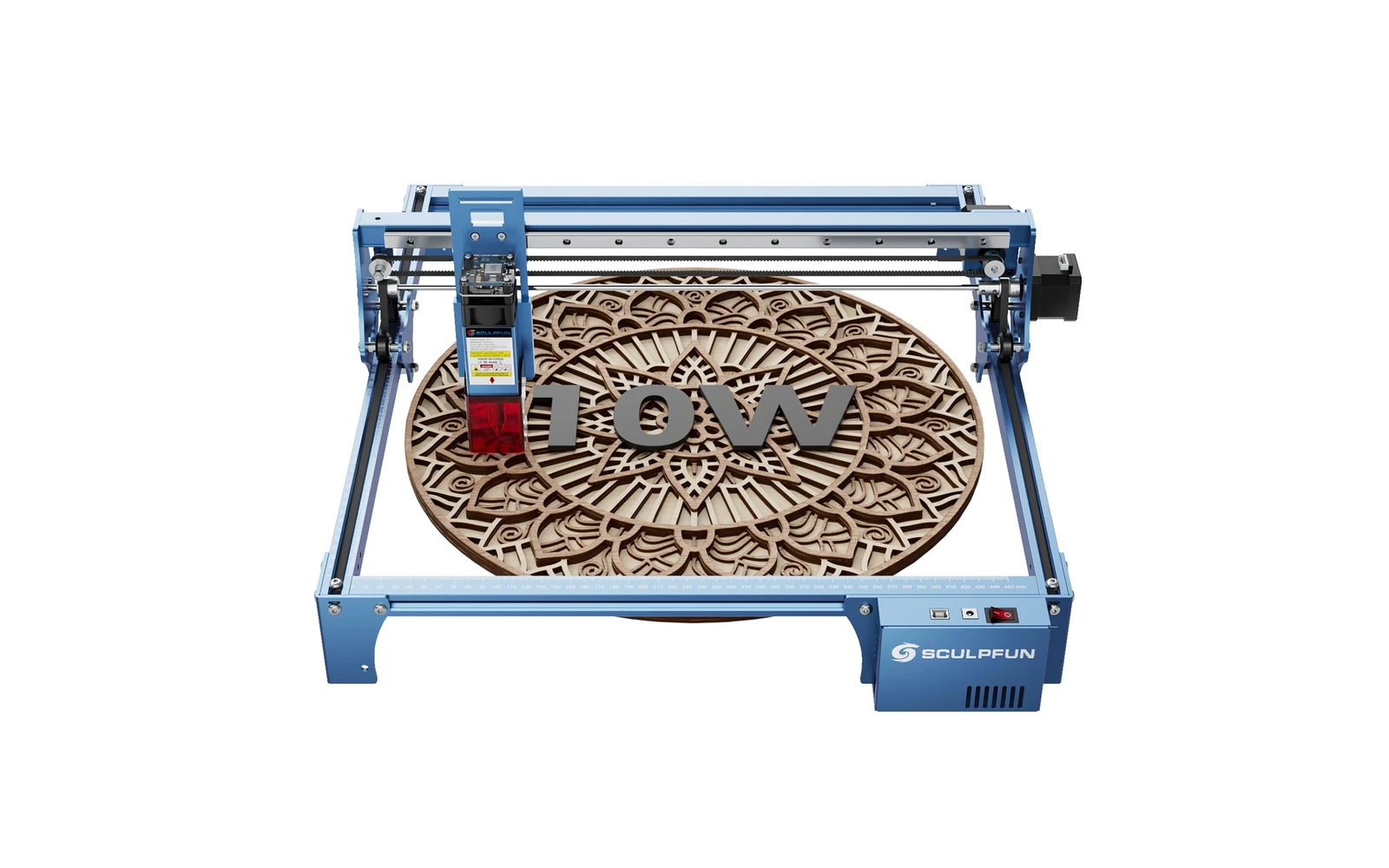
Sculpfun · Diode · $270
Sculpfun S10 10W (2022) is a mid-size open-frame engraver with a sturdier industrial frame than S9, ~385 mm work area, and detachable laser cover. Positioned between budget S9 and S30 families for makers who want better rigidity without Ultra pricing.