3 manufacturer photos · 1 / 3
Creality · Diode (diode + fiber + UV)
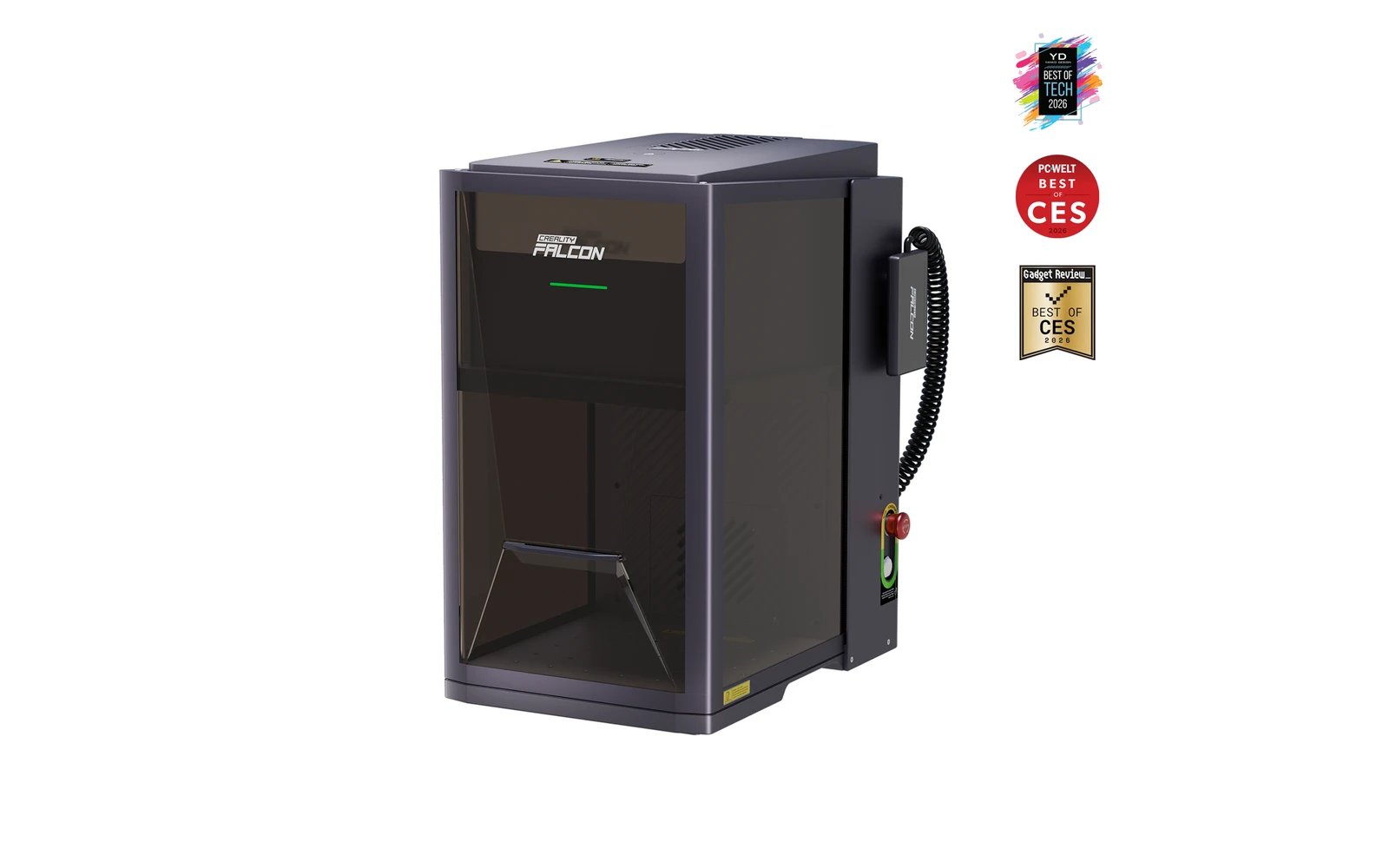
Creality Falcon T1 Diode · 20W diode
2026 modular galvo workstation: swap diode, fiber, MOPA, or UV heads
All Creality models →Add to compare →
Last updated How we evaluate
Released May 2026
Choose installed module
Details below match the selected module.
Showing module: 20W diode
TL;DR
Creality's Falcon T1 (global launch May 2026) is a Class 1 enclosed galvo platform with swappable WaveSync modules: 20W/40W diode, 20W fiber, 60W MOPA, and 5W UV. Buy the base once, add laser types as your shop grows: competes with xTool F1/F2 Ultra on flexibility rather than fixed dual-laser boxes.
Best for
What makes this machine stand out
Hardware and workflow features worth understanding before you buy : not just wattage on a label.
One enclosure, five laser types
The T1 takes diode, fiber, MOPA and UV WaveSync modules, swapped without tools in about 15 seconds according to Creality.
Entry ticket to the platform
The 20W diode bundle is the lowest-priced T1 and leaves room in the budget for a metal or UV module later.
Our verdict
Ideal if you
The 20W diode module is the sensible entry to Creality's WaveSync platform: Class 1 galvo enclosure, wood and leather revenue, and a chassis that later accepts fiber, MOPA, or UV heads without replacing the whole machine.
Skip if you
Galvo field is smaller than open-frame diode beds. Module swaps mean downtime between material types. Price the full module roadmap before buying: fiber and MOPA add up quickly.
Pros
- Cheapest way into the T1 platform: $2,499 on Creality's store (October 2026)
- Galvo engraving: much faster fills than a gantry diode of similar power
- Tool-free module swap in about 15 seconds when you add other laser types
Cons
- Cutting depth limited to about 8 mm basswood (Creality rating)
- Modules bought later need calibration before first use
What this machine is for
Modular enclosed galvo for makers who want one chassis and multiple laser types
20W diode module · Creality Falcon T1 Diode
Laser spot size
Module-dependent
Motion precision: 0.01 mm
Sample engrave job
~3–6 min
10 × 10 cm (4 × 4 in)
Sample cut job
~6–10 min
10 × 10 cm (4 × 4 in)
Reference benchmark: same job size on every machine so you can compare times fairly. Times are estimates for the reference job above; your design complexity and settings will change them.
Materials
- · Wood (diode)
- · Stainless steel (fiber/MOPA)
- · Plastics (UV)
- · Leather
- · Glass (UV module)
Accessories & add-ons
Typical inclusions and add-ons for this profile : confirm your SKU.
- Included
Enclosure / cabinet
- Optional
Laser safety glasses
Still useful when servicing or with lid open
- Recommended
Fire extinguisher
Editorial guidance : not a live parts list. See also: Ventilation setup · Safety basics
Practical notes
Beginner notes
This profile is the 20W SKU on Creality Falcon T1 Diode. Read the TL;DR and benchmarks above, then compare other modules via the chips before buying.
Pro tips
Price the full module roadmap before buying: T1 plus fiber and MOPA can exceed a single F2 Ultra bundle.
Pro / technical specsRaw numbers for experienced users comparing machines.
- Max speed (spec)
- 10,000 mm/s (marketing, galvo)
- Avg engrave speed
- Varies by module
- Avg cut speed
- Diode modules only
Common questions
What can the Falcon T1 20W diode cut?
Creality lists up to 8 mm basswood and 6 mm opaque acrylic for the 20W diode module (figures reported by Igor's Lab from Creality). As a galvo, it is quicker at engraving than at cutting: our benchmark put a 10 × 10 cm cut-out in 3 mm basswood at about 6–10 min.
How much do the Falcon T1 and its extra modules cost?
On Creality's US store in October 2026 the T1 with the 20W diode was $2,499 (it launched at $2,249). Modules sold alone: 40W diode $1,399, 20W fiber $1,099, 5W UV $2,599, 60W MOPA $2,699. Modules bought separately must be calibrated before first use.
Should I start the T1 with the 20W diode or the 40W?
Start with the 20W if the T1 is mainly for engraving wood, leather and coated items and you plan to add a fiber or UV module next. Start with the 40W bundle ($2,999, $500 more) if cutting wood is the main job: Creality rates it 12 mm basswood and 10 mm opaque acrylic.
Alternatives to the Creality Falcon T1 20W Diode
Machines in the same space, picked from our database by type, price, and score.
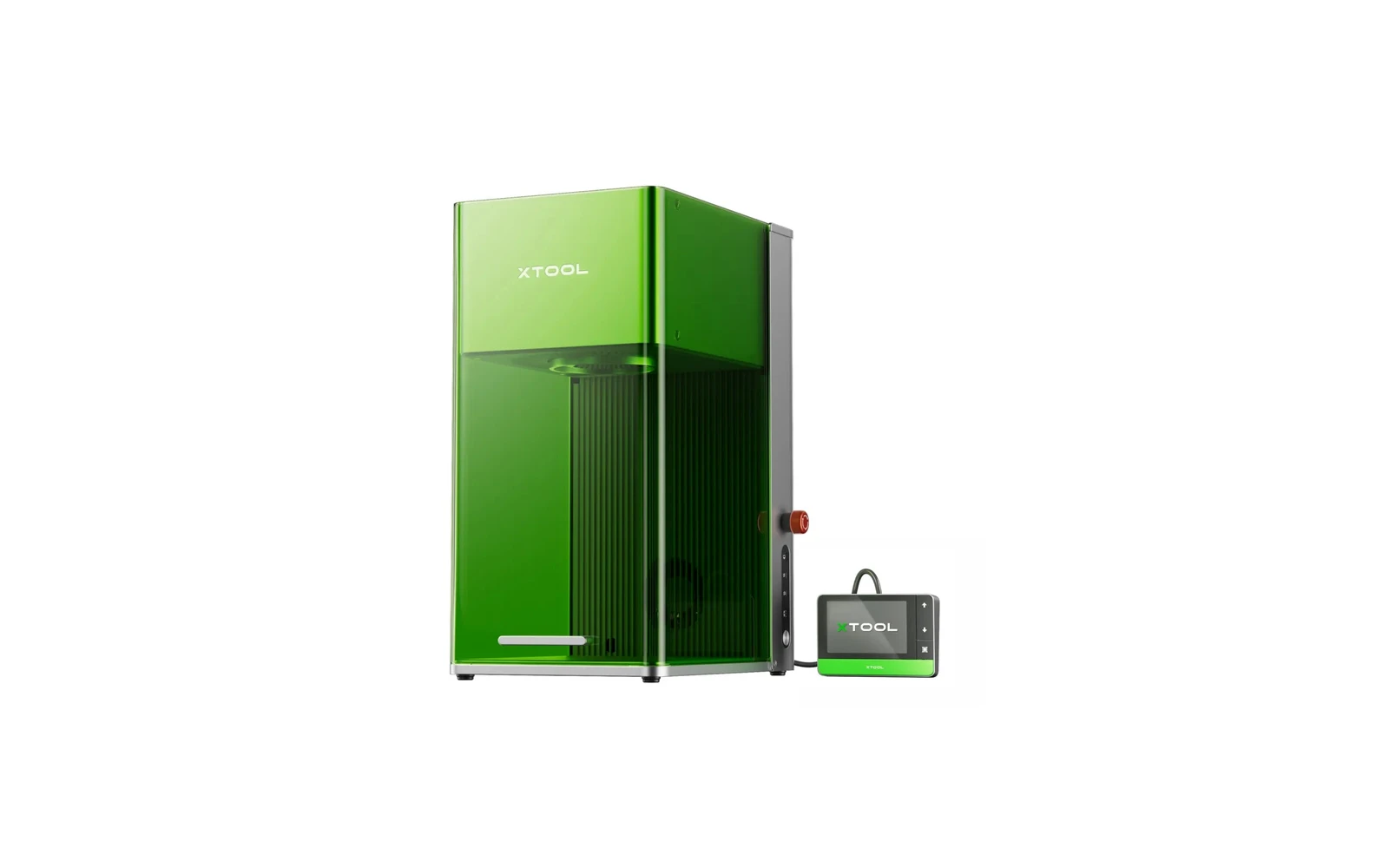
xTool · Hybrid · $2,999 – $4,659
A compact desktop machine combining a 20W fiber laser and 20W diode. The fiber module marks bare metal: stainless steel, aluminum, brass: without spray. Ideal for jewelry, knives, and metal gifts. Premium price for a small work area.
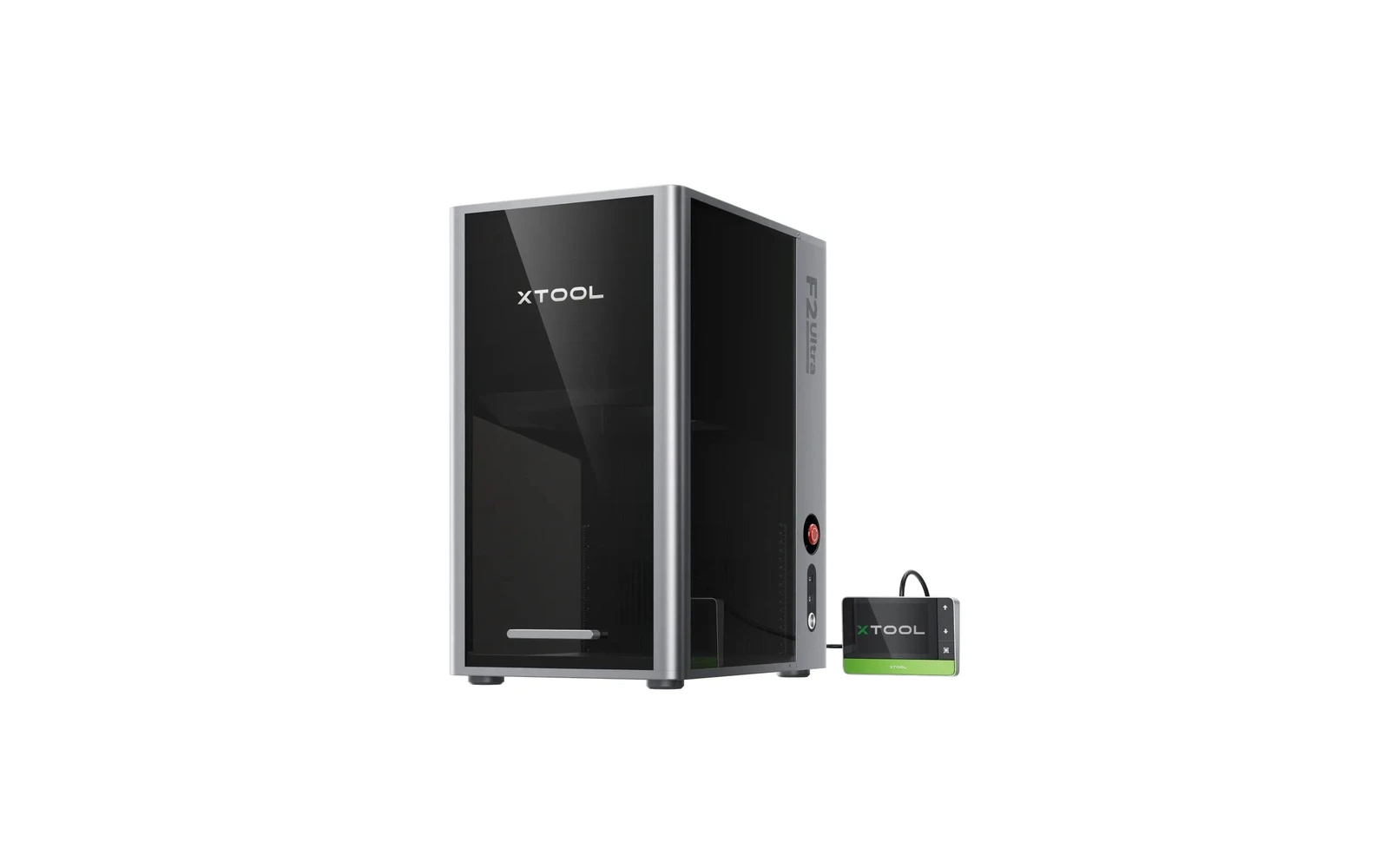
xTool · Hybrid · $4,299 – $6,969
xTool's flagship desktop dual laser: 60W MOPA fiber for color and deep metal marking, plus a 40W diode for wood and leather, in an enclosed 220 × 220 mm machine. Fast and precise, but priced for small businesses, not hobby use.
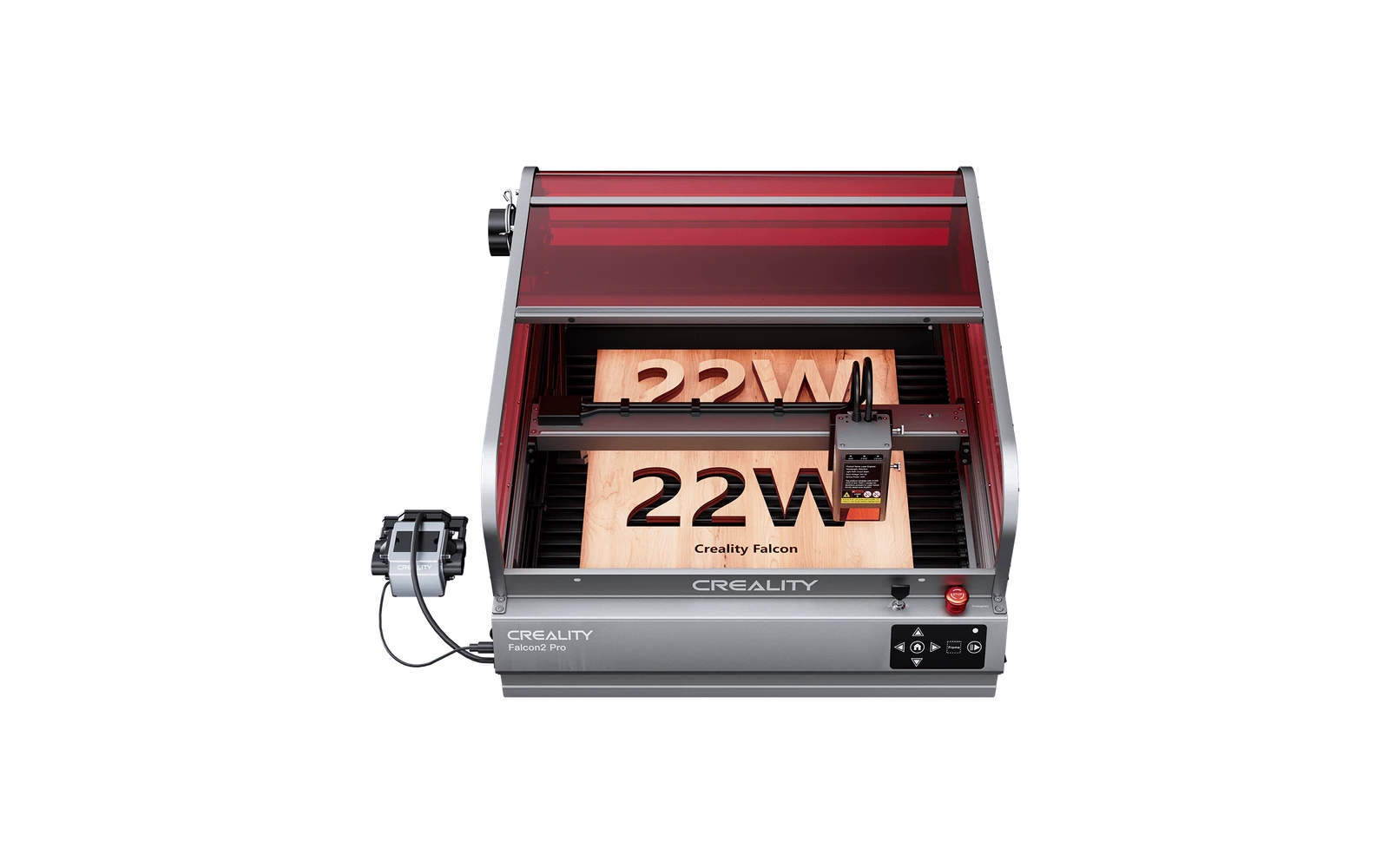
Creality · Diode · $1,349 – $1,999
The 40W version of Creality's enclosed Falcon2 Pro, with a 1.6W infrared module for marking metal: a Class 1 cabinet that cuts thick plywood in fewer passes than the 22W. Worth the extra $450 if you cut more than you engrave.