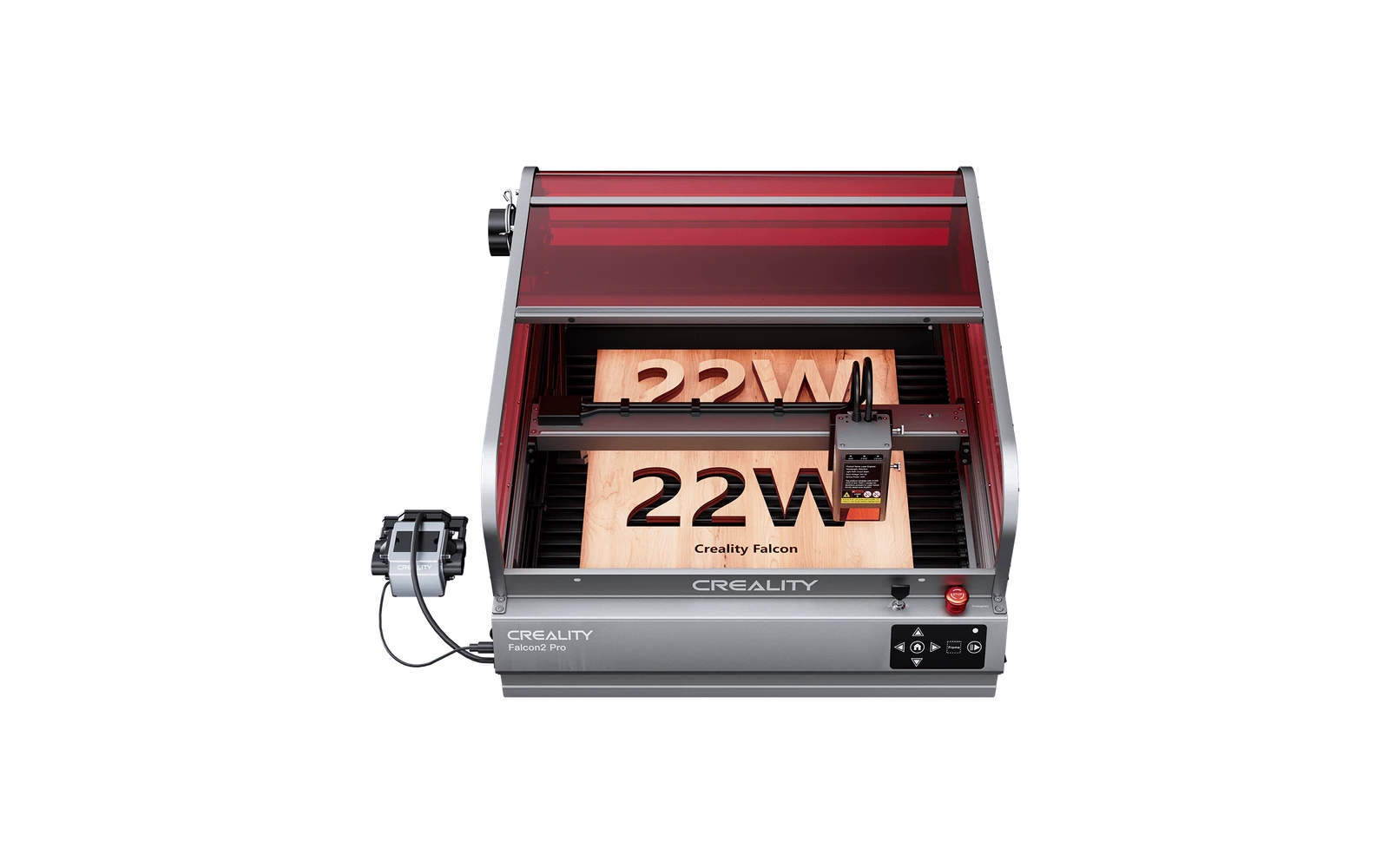
4 manufacturer photos · 1 / 4
Creality · Diode
Creality Falcon2 Pro · 40W
40W High-power diode with built-in air assist and color engraving gimmick
All Creality models →Add to compare →
Last updated How we evaluate
Released September 2024
Choose a power option
Details below update for the selected power option.
Showing specs for: 40W
TL;DR
The 40W version of Creality's enclosed Falcon2 Pro, with a 1.6W infrared module for marking metal: a Class 1 cabinet that cuts thick plywood in fewer passes than the 22W. Worth the extra $450 if you cut more than you engrave.
Compare the Creality Falcon2 Pro 40W to…
Popular side-by-side matchups with full specs, scores, and an honest verdict.
Best for
What makes this machine stand out
Hardware and workflow features worth understanding before you buy : not just wattage on a label.
15 mm basswood in one pass
Creality's own settings for the 40W module cut 15 mm basswood in a single pass at 150 mm/min, deep enough for thick signs and sturdy boxes.
Second module for detail
The 40W listing includes a 1.6W module, so fine photo and line engraving does not suffer from the wide high-power beam.
Our verdict
Ideal if you
Creality Falcon2 Pro 40W targets mixed engraving and wood-cutting weeks: fewer passes on basswood and dark acrylic than weaker SKUs in the same line.
Skip if you
Wrong pick if you never engrave and only wanted the lowest price. Ultra-fine photo work can look better on an engraving-first SKU. Open-frame: safety and smoke are on you.
Pros
- 15 mm basswood in one pass in Creality's 40W settings guide
- Comes with a 1.6W module for fine-detail engraving
- Fastest cuts and fills of the Falcon2 Pro tiers we list, in our benchmark
Cons
- $1,349 single unit on Creality's store (October 2026), well above the entry tier
- Black acrylic beyond about 5 mm needs two passes
- More smoke per job: plan an exhaust duct or purifier
What this machine is for
Maximum cut speed and depth in the line: engraving remains strong at tuned speeds
40W module · Creality Falcon2 Pro
Laser spot size
~0.06 mm spot
Motion precision: 0.01 mm
Sample engrave job
~12–18 min
10 × 10 cm (4 × 4 in)
Sample cut job
~6–10 min
10 × 10 cm (4 × 4 in)
Reference benchmark: same job size on every machine so you can compare times fairly. Times are estimates for the reference job above; your design complexity and settings will change them.
Materials
- · Wood
- · Leather
- · Stainless steel (color and dark mark)
- · Anodized aluminum
- · Slate
Accessories & add-ons
Typical inclusions and add-ons for this profile : confirm your SKU.
- Included
Enclosure / cabinet
- Optional
Laser safety glasses
Still useful when servicing or with lid open
- Recommended
Fire extinguisher
Editorial guidance : not a live parts list. See also: Ventilation setup · Safety basics
Practical notes
Beginner notes
This profile is the 40W SKU on Creality Falcon2 Pro. Read the TL;DR and benchmarks above, then compare other power options via the chips before buying.
Pro tips
Treat engraving and cutting as separate profiles. Push cut speeds only after test squares on your material. Compare CO₂ only when clear acrylic or all-day production enters the picture.
Pro / technical specsRaw numbers for experienced users comparing machines.
- Max speed (spec)
- 417 mm/s
- Avg engrave speed
- 90–180 mm/s fill
- Avg cut speed
- 6–15 mm/s on 3–6 mm wood
Common questions
How thick can the Falcon2 Pro 40W cut?
Creality's Falcon2 settings guide for the 40W module cuts 15 mm basswood in one pass at full power and 150 mm/min, and black acrylic at 4.6 mm in one pass or 7.6 mm in two. Our materials list stays at about 10 mm basswood for clean, repeatable cuts.
Is the 40W worth $450 more than the 22W?
If you cut, yes: our benchmark took about 6–10 min for a 10 × 10 cm square in 3 mm basswood against 9–14 min on the 22W, and the photo fill dropped from 17–26 to 12–18 min. The 40W listing also includes a 1.6W module for fine detail. Prices: $1,349 against $899 for the single unit on Creality's store, October 2026.
Who should skip the 40W?
Buyers who mainly engrave photos and gifts: the 22W gives the same enclosure for less, and 40W cutting jobs produce more smoke for the extractor to handle.
Alternatives to the Creality Falcon2 Pro 40W
Machines in the same space, picked from our database by type, price, and score.
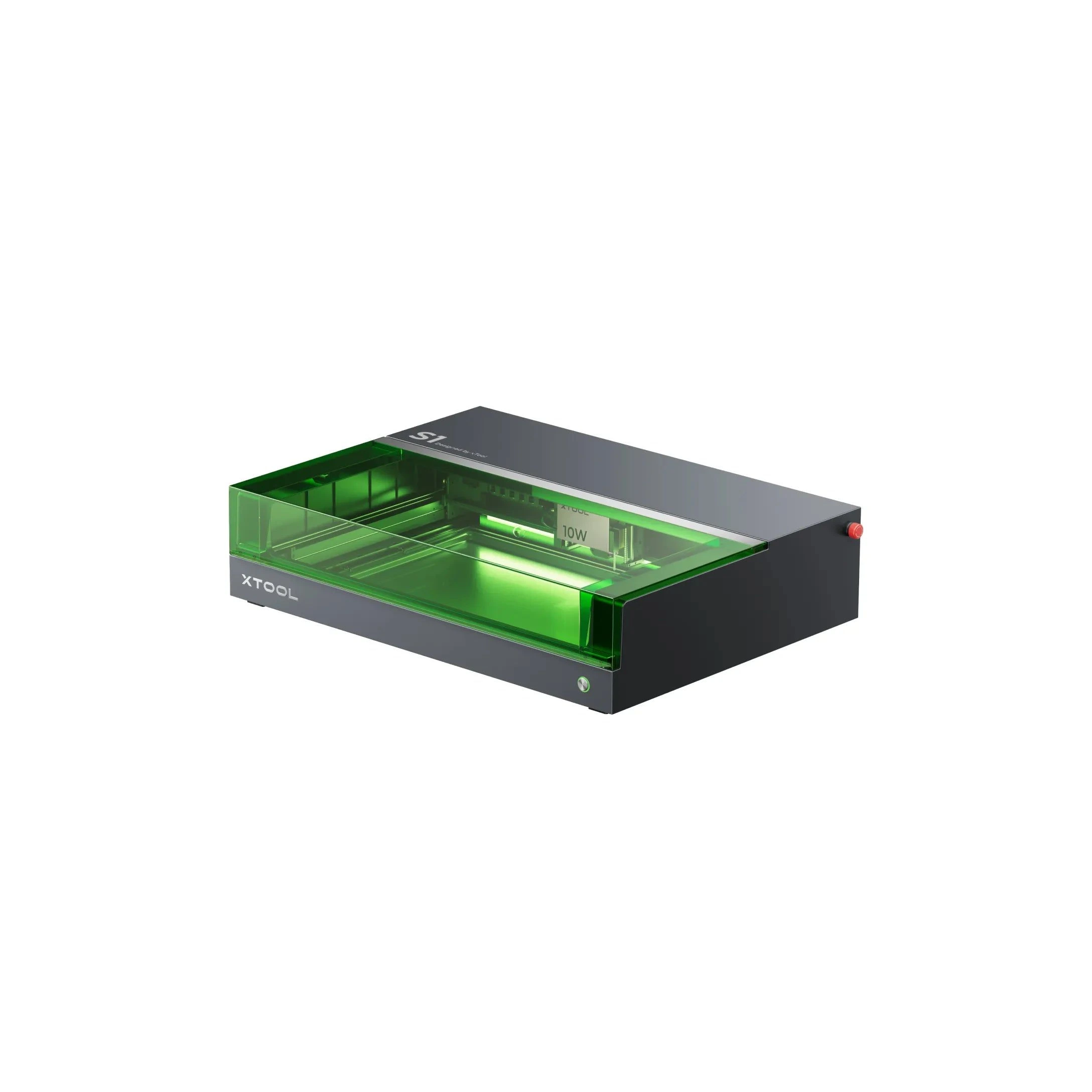
xTool · Diode · $1,299 – $2,599
The 20W S1 is the value pick in xTool's enclosed diode line: same cabinet and filters as the 40W, but less cut depth on thick wood. Buy this if safety matters and you mostly engrave.
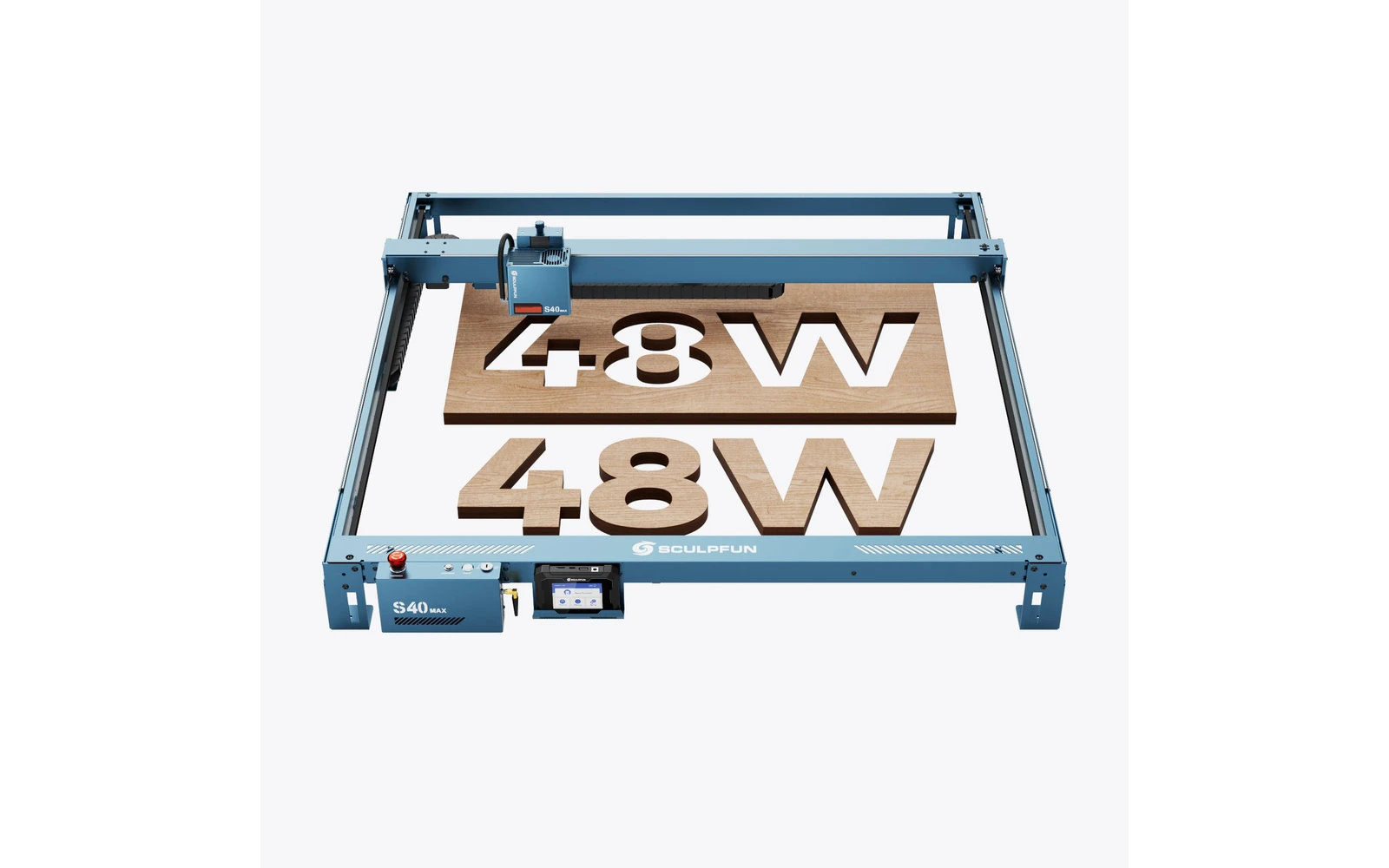
Sculpfun · Diode · $1,149 – $2,316
The S40 MAX (2025) targets makers who outgrew 400 mm frames: 830×800 mm work area, 48W optical power, auto-focus, and Wi-Fi via TS1 screen. Built for sign panels and batch cutting: verify shipping weight and workshop space before ordering.
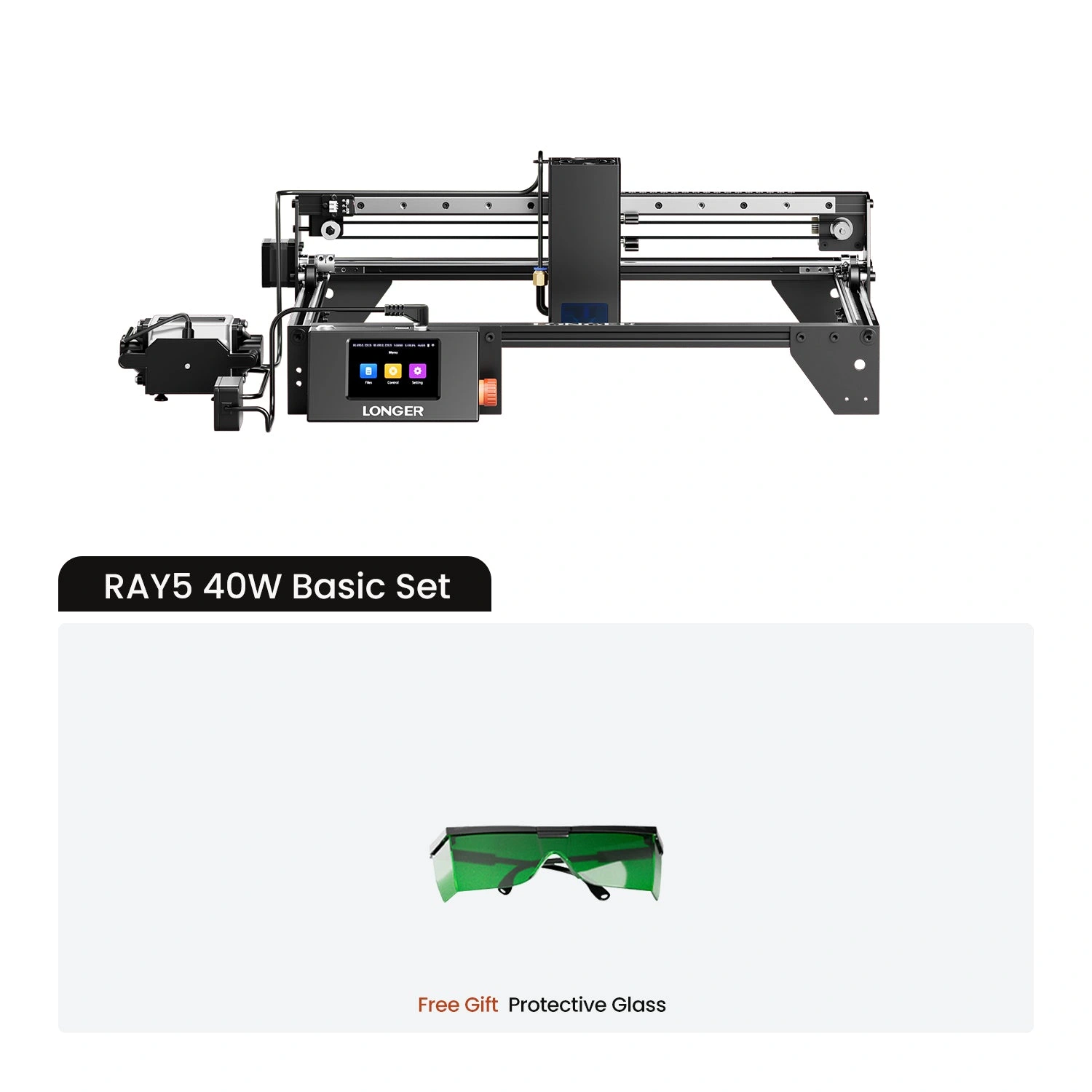
Longer · Diode · $680 – $950
Longer Ray5 40W is the 40W SKU on the Longer longer ray5 line. Longer's compact Ray5 20W diode engraver: verify you are buying the 20W SKU, not the 5W, 10W, or 40W Ray5 listings. Verify optical power on the listing: do not assume combined-watt marketing.