Creality · Fiber
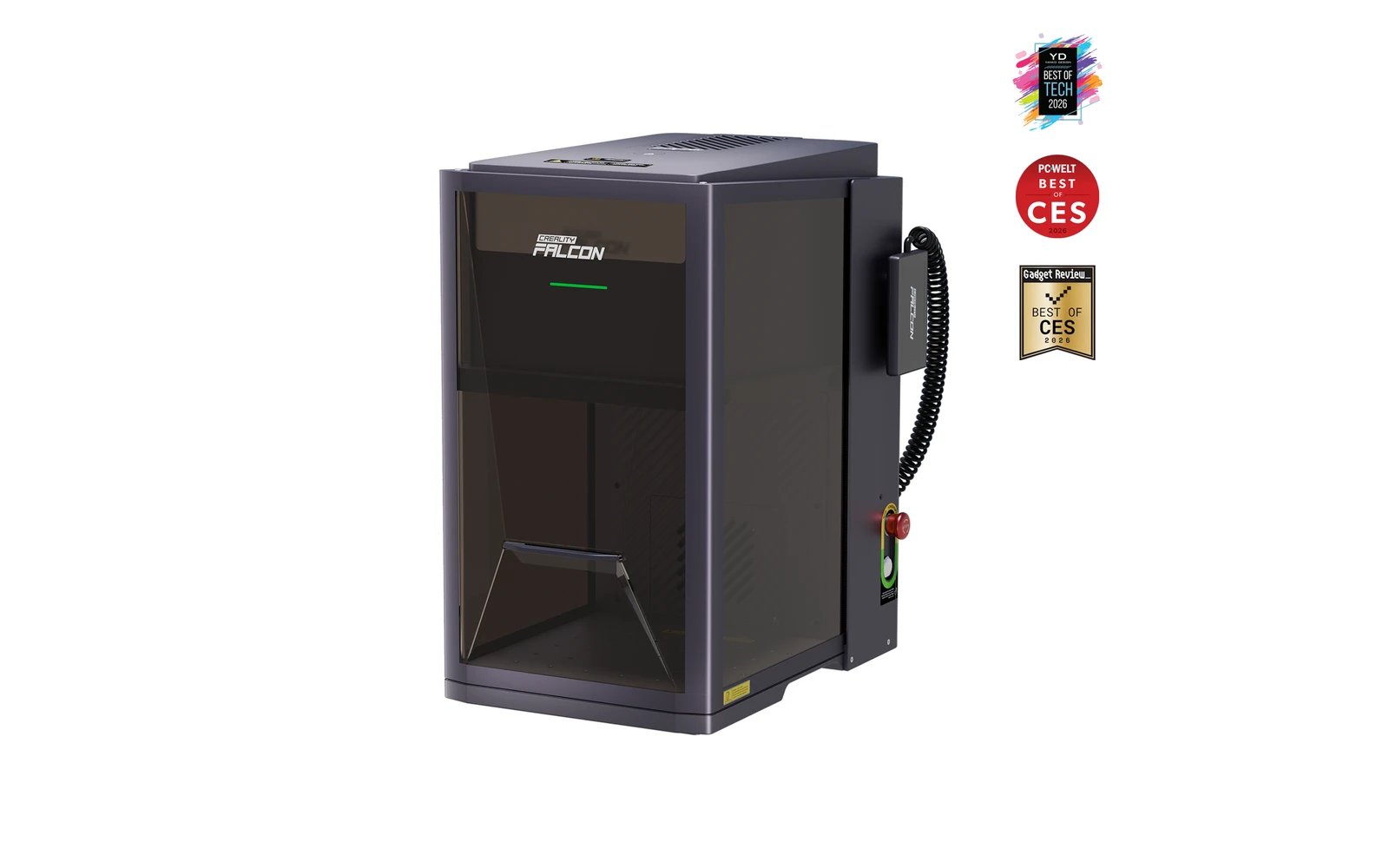
Creality Falcon T1 Fiber · 20W fiber
20W fiber galvo module for stainless and aluminum on the T1 chassis
All Creality models →Add to compare →
Last updated How we evaluate
Released May 2026
Choose installed module
Details below match the selected module.
Showing module: 20W fiber
TL;DR
Creality's 20W fiber WaveSync module turns the Falcon T1 into a metal-marking galvo without buying a separate fiber bench. Ideal when steel and aluminum orders justify the module cost after you already own the T1 cabinet.
Best for
What makes this machine stand out
Hardware and workflow features worth understanding before you buy : not just wattage on a label.
Metal marking in the T1 enclosure
The fiber module turns the T1 into a metal marker for stainless, aluminium and brass, without a second machine on the bench.
Very fine spot
With a spot of about 0.02 mm, QR codes, serial numbers and small logos stay sharp on tags and tools.
Our verdict
Ideal if you
Creality Falcon T1 Fiber 20W fits shops that mark stainless, aluminum, and tools daily without a CO₂ bay. A solid bench option for jewelry, tags, and small batches.
Skip if you
Skip if wood, leather, or cast acrylic pay your bills. Deep metal cutting and large industrial panels often need more fiber headroom (40W or 60W) or a different machine class.
Pros
- Bare-metal marking without a separate fiber machine
- Very fine spot (about 0.02 mm) for serial numbers and small text
- Lowest-priced metal module for the T1 ($1,099 alone, October 2026)
Cons
- No colour marking on stainless: that needs a MOPA source with pulse control
- Coated metals and marking sprays still need fume extraction
What this machine is for
Desktop fiber marking on the modular T1 platform
20W fiber galvo module for metal marking on the Creality Falcon T1 modular workstation.
Laser spot size
~0.02 mm fiber spot
Motion precision: 0.01 mm
Sample engrave job
~2–5 min
10 × 10 cm (4 × 4 in)
Sample cut job
Not a cutter
Reference benchmark: same job size on every machine so you can compare times fairly. Times are estimates for the reference job above; your design complexity and settings will change them.
Materials
- · Stainless steel
- · Aluminum
- · Brass
- · Some plastics
- · Coated metals
Accessories & add-ons
Typical inclusions and add-ons for this profile : confirm your SKU.
- Included
Enclosure / cabinet
- Optional
Laser safety glasses
Still useful when servicing or with lid open
- Recommended
Fire extinguisher
Editorial guidance : not a live parts list. See also: Ventilation setup · Safety basics
Practical notes
Beginner notes
This profile is the 20W SKU on Creality Falcon T1 Fiber. Read the TL;DR and benchmarks above, then compare other modules via the chips before buying.
Pro tips
Keep separate material libraries for fiber vs diode heads. Confirm EZCAD/LightBurn support on your exact module SKU before buying.
Pro / technical specsRaw numbers for experienced users comparing machines.
- Max speed (spec)
- 7,000 mm/s (marketing)
- Avg engrave speed
- Fiber marking speeds
- Avg cut speed
- N/A
Common questions
What does the T1 fiber module do that the diode cannot?
It marks and engraves bare metals (stainless steel, aluminium, brass) and some hard plastics, with a spot of about 0.02 mm. A filled 10 × 10 cm logo on stainless took about 2–5 min in our benchmark. It does not cut wood, leather or acrylic.
How much is the T1 with the fiber module?
On Creality's US store in October 2026 the T1 with the 20W fiber module was $2,699, and the fiber module alone was $1,099 for owners of another T1 bundle. Prices move with promotions, so check the store on the day.
20W fiber or 60W MOPA on the T1?
The 20W fiber covers logos, serial numbers and light engraving on metal. The 60W MOPA ($4,299 bundle, $1,600 more) adds pulse control for colour marking on stainless and is quicker for deep engraving. Take the fiber unless colour or deep engraving is billable work.
Alternatives to the Creality Falcon T1 20W Fiber
Machines in the same space, picked from our database by type, price, and score.
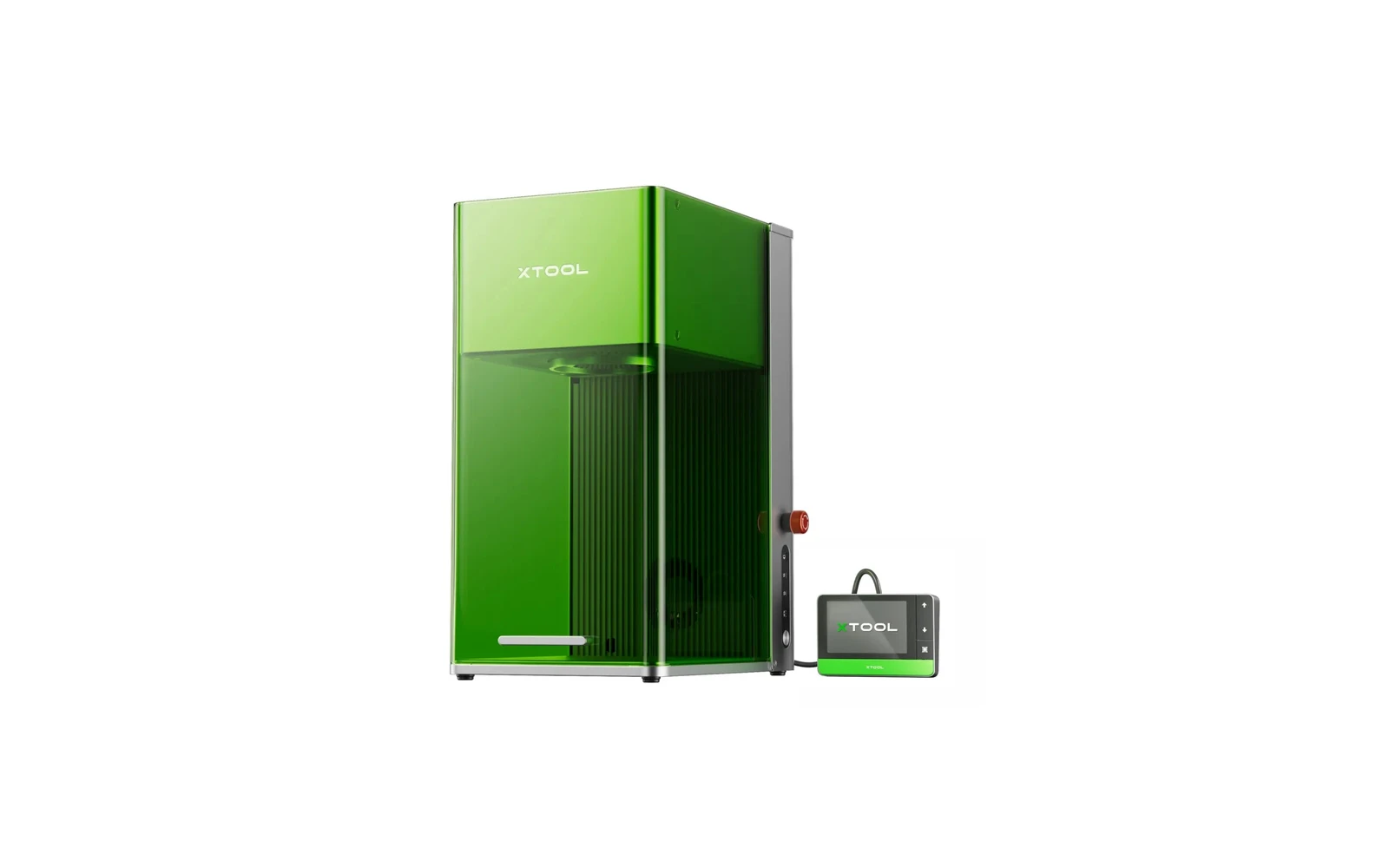
xTool · Hybrid · $2,999 – $4,659
A compact desktop machine combining a 20W fiber laser and 20W diode. The fiber module marks bare metal: stainless steel, aluminum, brass: without spray. Ideal for jewelry, knives, and metal gifts. Premium price for a small work area.
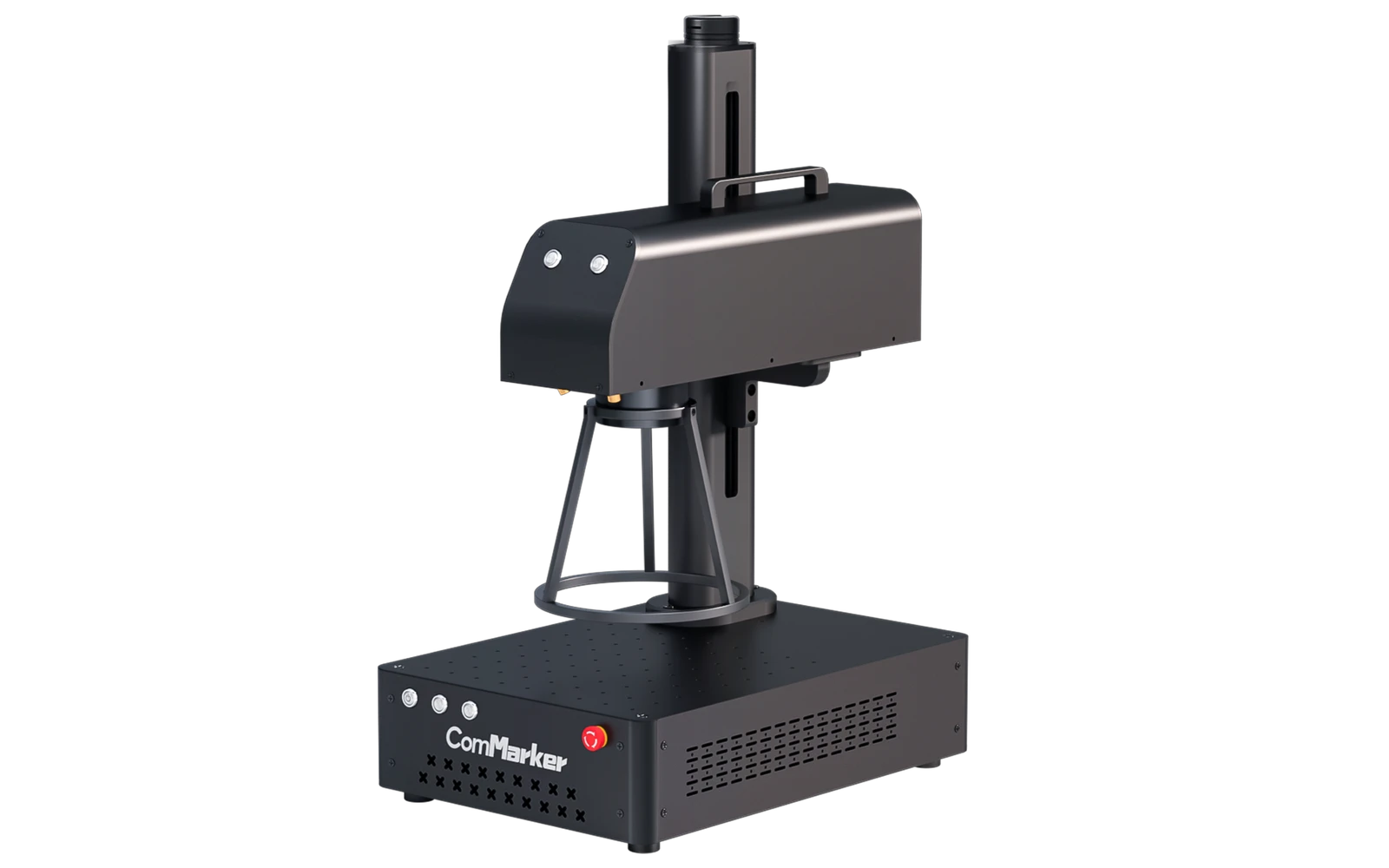
ComMarker · Fiber · $1,399 – $1,632
The ComMarker B4 is a popular entry-level fiber galvo engraver for jewelry, tools, and metal gifts. Marks stainless, aluminum, and brass without spray. Small marking field: not a cutter for wood or acrylic.
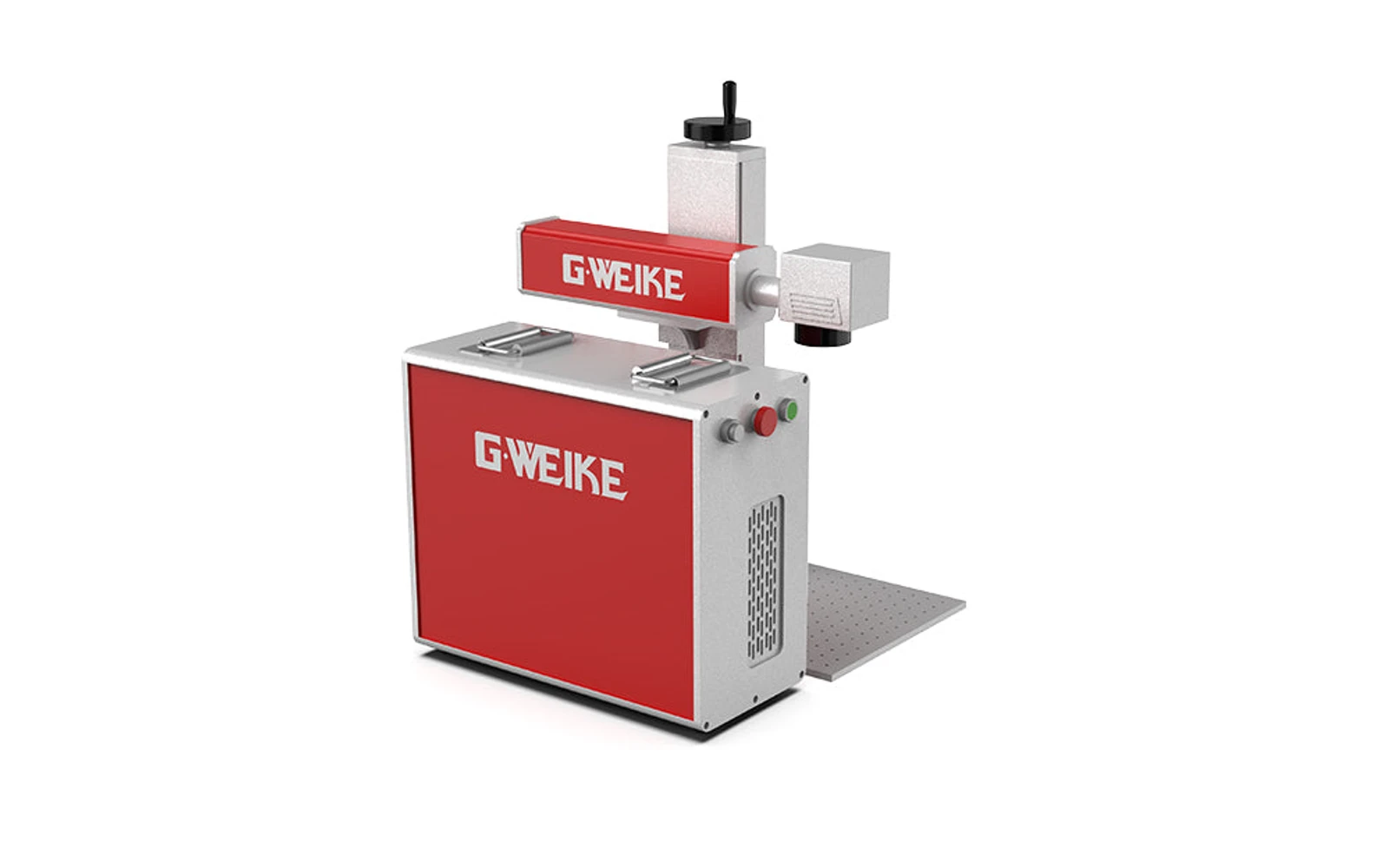
Gweike · Fiber · $2,799 – $3,999
Gweike G6 Split is a larger fiber marking platform with separate laser source cabinet: common format for small production. Available up to 100W; this profile covers the popular 30W tier.