2 manufacturer photos · 1 / 2
Gweike · Fiber
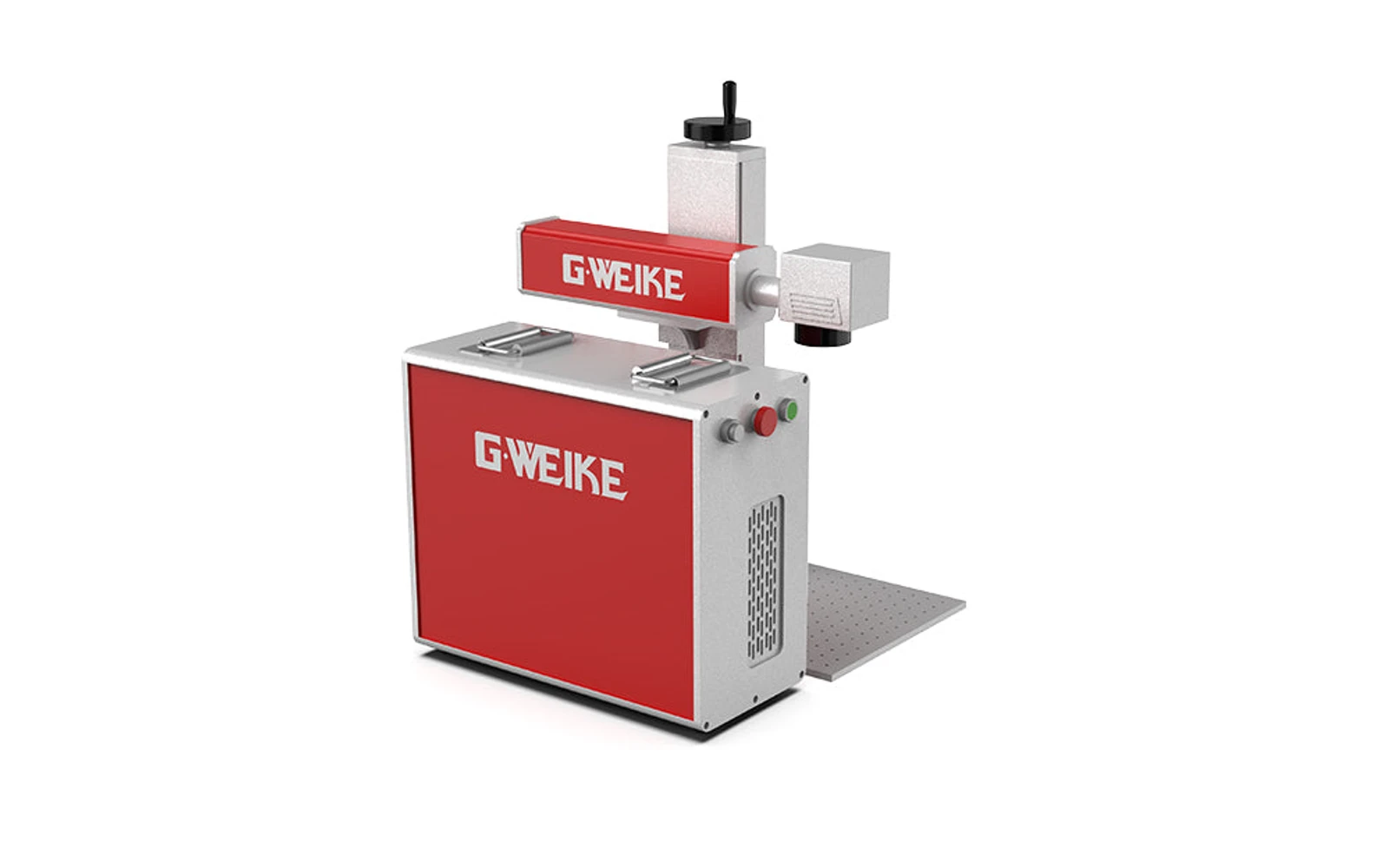
Gweike G6 Split · 30W
Split cabinet fiber marker with room for rotary and fixtures
All Gweike models →Add to compare →
Last updated How we evaluate
Released September 2023
Choose a power option
Details below update for the selected power option.
Showing specs for: 30W
TL;DR
Gweike G6 Split is a larger fiber marking platform with separate laser source cabinet: common format for small production. Available up to 100W; this profile covers the popular 30W tier.
Best for
What makes this machine stand out
Hardware and workflow features worth understanding before you buy : not just wattage on a label.
Split cabinet at the lowest G6 price
From $2,399 with manual lift, the 30W brings the G6 Split layout (separate source cabinet, room under the head for rotaries and fixtures) at roughly the price of a compact integrated fiber machine.
Sized for marking work
Raycus Q-switched source, 20–100 kHz and up to 7,000 mm/s line speed per Gweike. For serial numbers, logos and QR codes on metal, extra power mainly shortens deep jobs, which this tier is not meant for.
Our verdict
Ideal if you
Gweike G6 Split 30W fits shops that mark stainless, aluminum, and tools daily without a CO₂ bay. A solid bench option for jewelry, tags, and small batches.
Skip if you
Skip if wood, leather, or cast acrylic pay your bills. Deep metal cutting and large industrial panels often need more fiber headroom (50W, 70W or 100W) or a different machine class.
Pros
- Lowest-priced G6 Split, from $2,399 with manual lift on Gweike's US store
- Three lift options: manual, electric, or electric with autofocus ($2,999)
- Enough power for daily marking of tags, tools and tumblers on the standard 175 × 175 mm (6.9 in) lens
Cons
- Every 30W configuration was listed as sold out on Gweike's US store in October 2026
- Gweike's 300 × 300 mm replacement lens is listed for the 50W and above, not the 30W
- Q-switched source: no MOPA colour control (that is the separate G6 Split MOPA line)
What this machine is for
Entry fiber marking on small metal parts
Desktop fiber marking for jewelry-scale and test jobs
Laser spot size
~0.02 mm spot
Motion precision: 0.01 mm
Sample engrave job
~4–11 min
10 × 10 cm (4 × 4 in)
Sample cut job
Not a cutter
Reference benchmark: same job size on every machine so you can compare times fairly. Times are estimates for the reference job above; your design complexity and settings will change them.
Materials
- · Stainless steel
- · Aluminum
- · Brass
- · Plastics
- · Deep metal engraving
Accessories & add-ons
Typical inclusions and add-ons for this profile : confirm your SKU.
- Optional
Enclosure / cabinet
Third-party enclosure improves smoke control and safety
- Recommended
Laser safety glasses
~450 nm diode: OD rated for your wavelength
- Recommended
Fire extinguisher
Editorial guidance : not a live parts list. See also: Ventilation setup · Safety basics
Practical notes
Beginner notes
This profile is the 30W SKU on Gweike G6 Split. Read the TL;DR and benchmarks above, then compare other power options via the chips before buying.
Pro tips
Fix parts firmly; start with low power test squares on scrap metal. Rotary adds complexity: budget time to learn indexing.
Pro / technical specsRaw numbers for experienced users comparing machines.
- Max speed (spec)
- 7,000 mm/s
- Avg engrave speed
- 500–2,000 mm/s marking
- Avg cut speed
- N/A
Common questions
Is the G6 Split 30W still available?
On Gweike's US store in October 2026, every 30W G6 Split configuration ($2,399 to $2,999 depending on lift and colour) was listed as sold out, while the higher-power models were in stock. Check availability before planning around it. The G6 Split MOPA 30W ($4,099 and up) is a different, colour-capable machine.
What can the 30W engrave, and how fast?
It uses a Raycus Q-switched source (20–100 kHz) with a line speed of up to 7,000 mm/s according to Gweike. It handles surface marking, black marks and shallow engraving on steel, brass and aluminum. In our benchmark, a filled 10 × 10 cm logo on stainless steel takes about 4–11 minutes; deep relief needs many passes.
Should I buy the 30W or step up a tier?
The 30W is the budget option for serial numbers, tags and tool marking. If you plan deeper engraving, thin-sheet cut-outs or large plates on the 300 × 300 mm lens, the next tier up (from $3,899 with manual lift) is the better fit, since Gweike only lists that lens from the 50W upward.
Alternatives to the Gweike G6 Split 30W
Machines in the same space, picked from our database by type, price, and score.
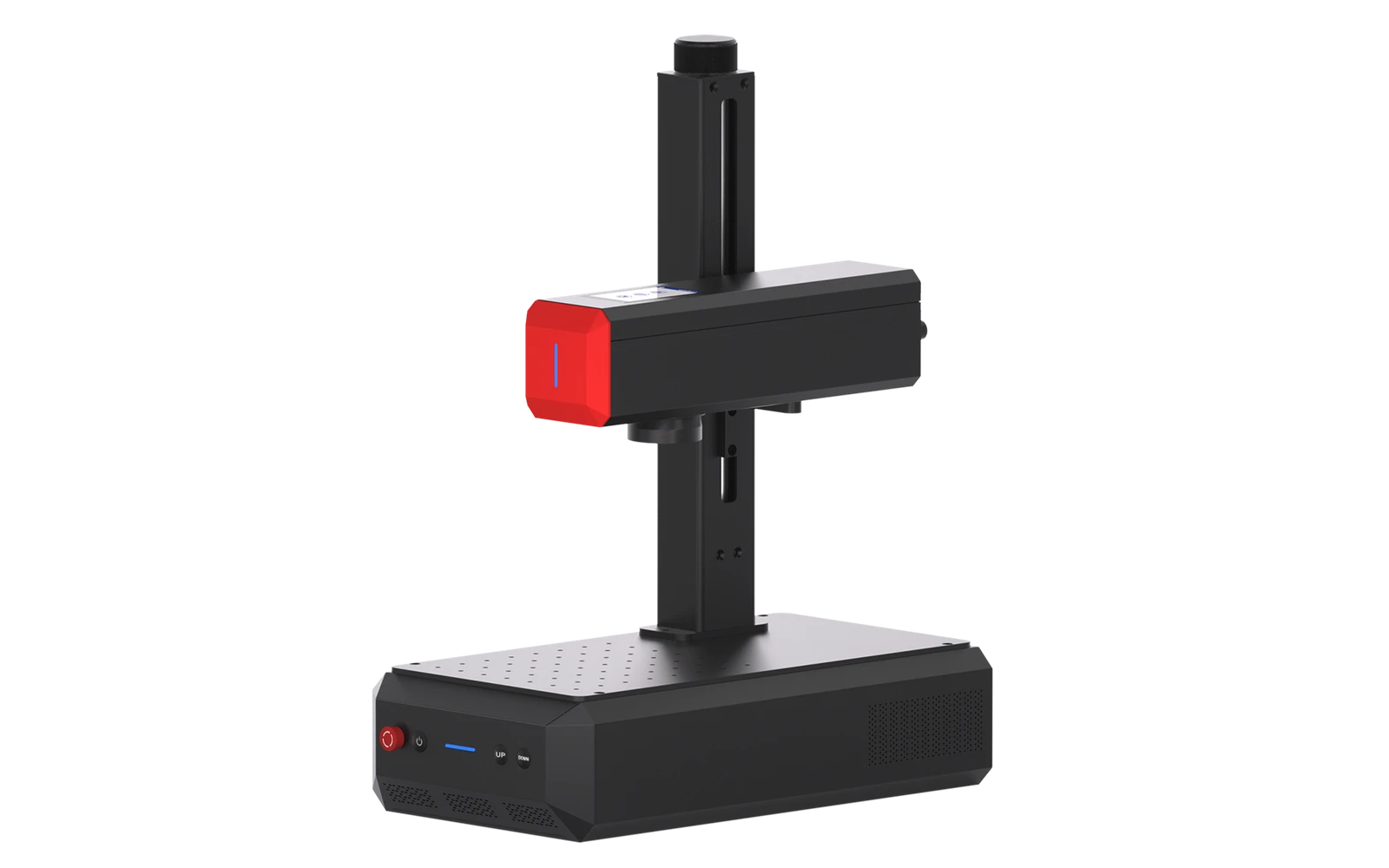
ComMarker · Fiber · $3,099 – $3,966
ComMarker B6 adds MOPA fiber for color effects on stainless and finer control on deep metal engraving. Step up from B4 for shops that need color marking or faster production.
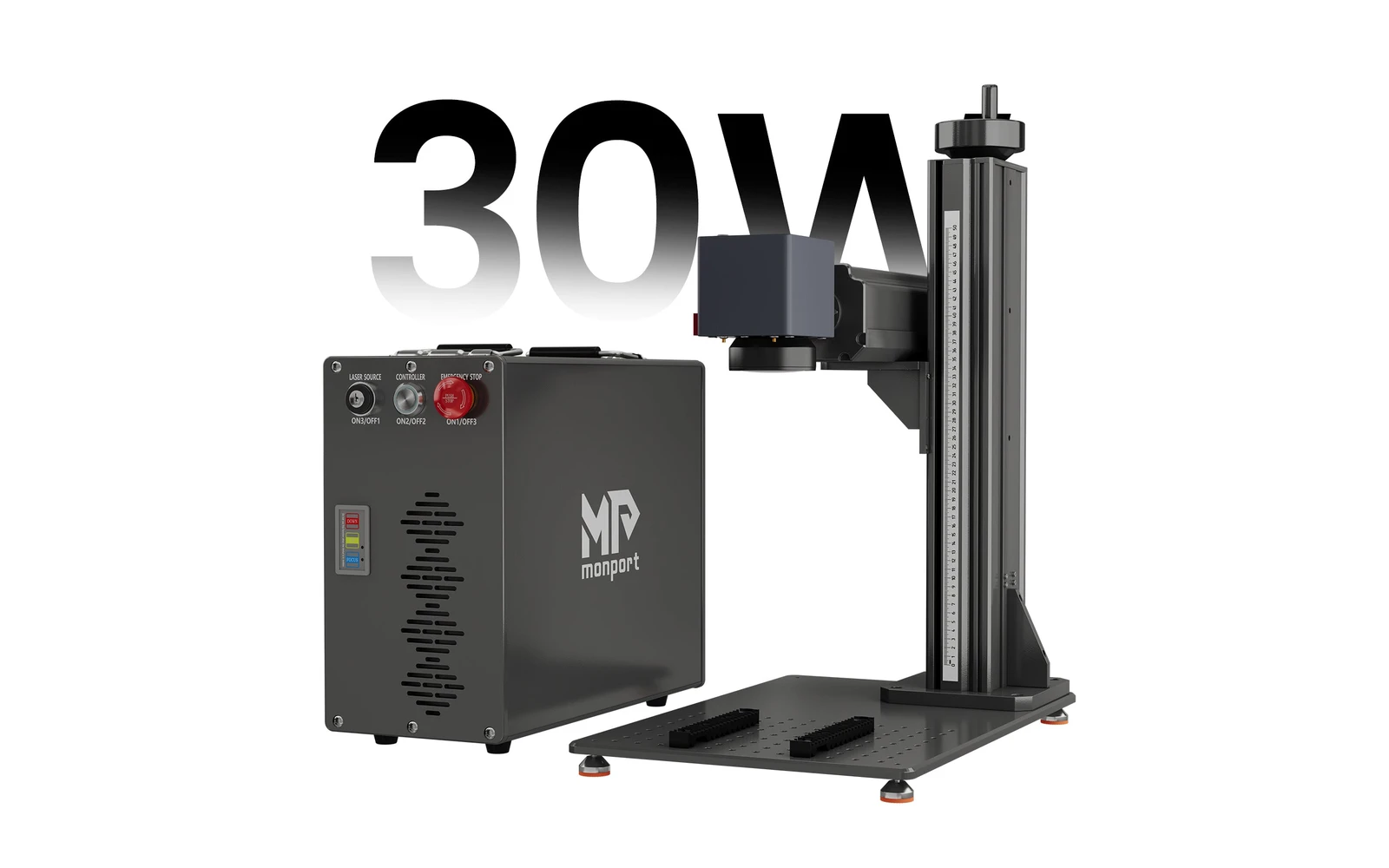
Monport · Fiber · $2,440 – $2,690
Monport GT 30W brings split-cabinet fiber marking with autofocus: useful for varying part heights. Strong alternative to Gweike G6 in the same class.
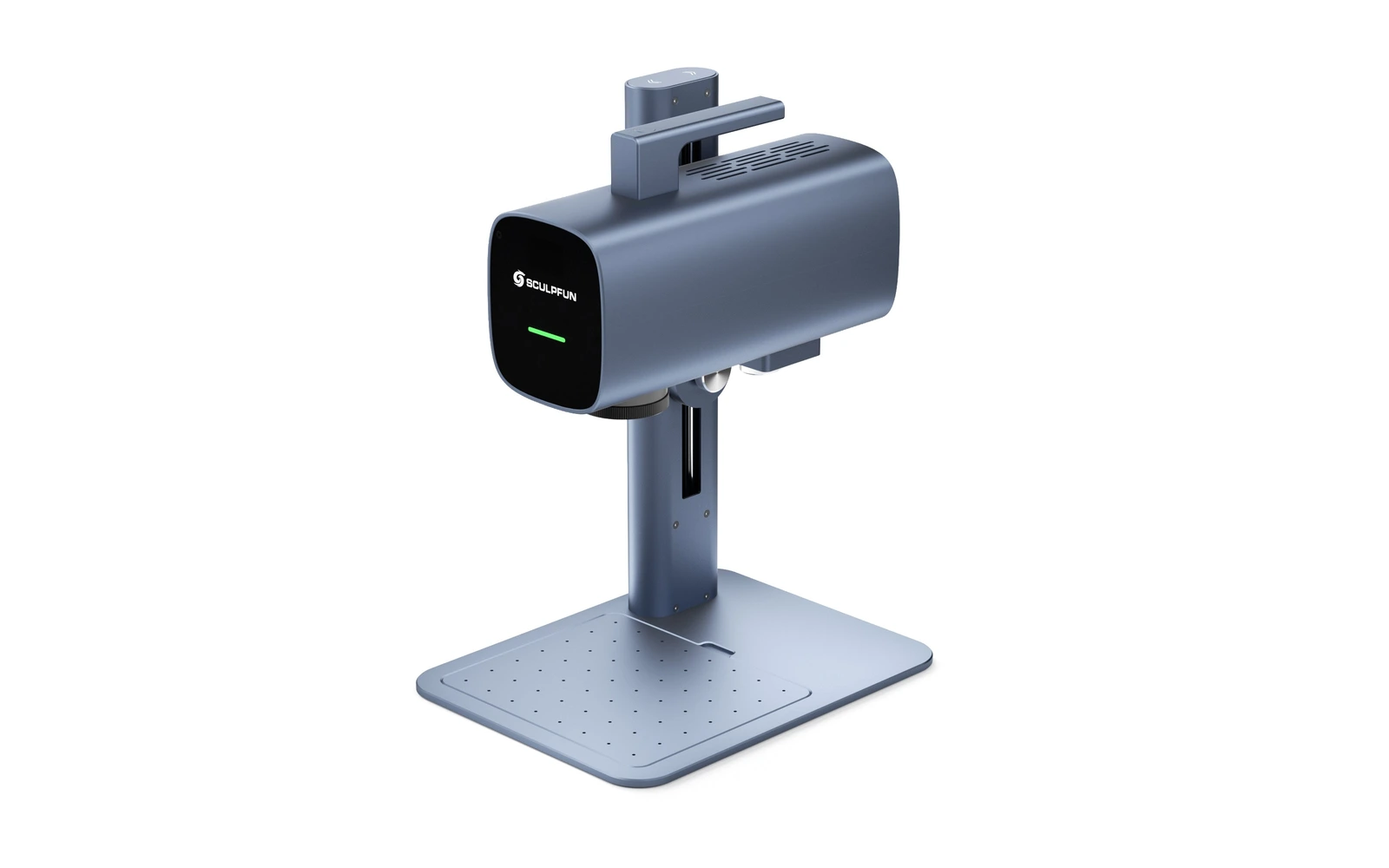
Sculpfun · Fiber · $1,499
The Sculpfun G20 is a 20W 1064 nm fiber galvo on an open stand, launched in August 2026. It marks and engraves stainless, aluminium, brass, gold and titanium over a 150 × 150 mm field, with a motorized Z column, dual red-dot focusing and Wi-Fi. Sculpfun claims 10,000 mm/s, a 0.01 mm spot, engraving up to 1.5 mm deep and colour marking on stainless and titanium. No independent review yet; the open frame means you handle 1064 nm safety yourself.