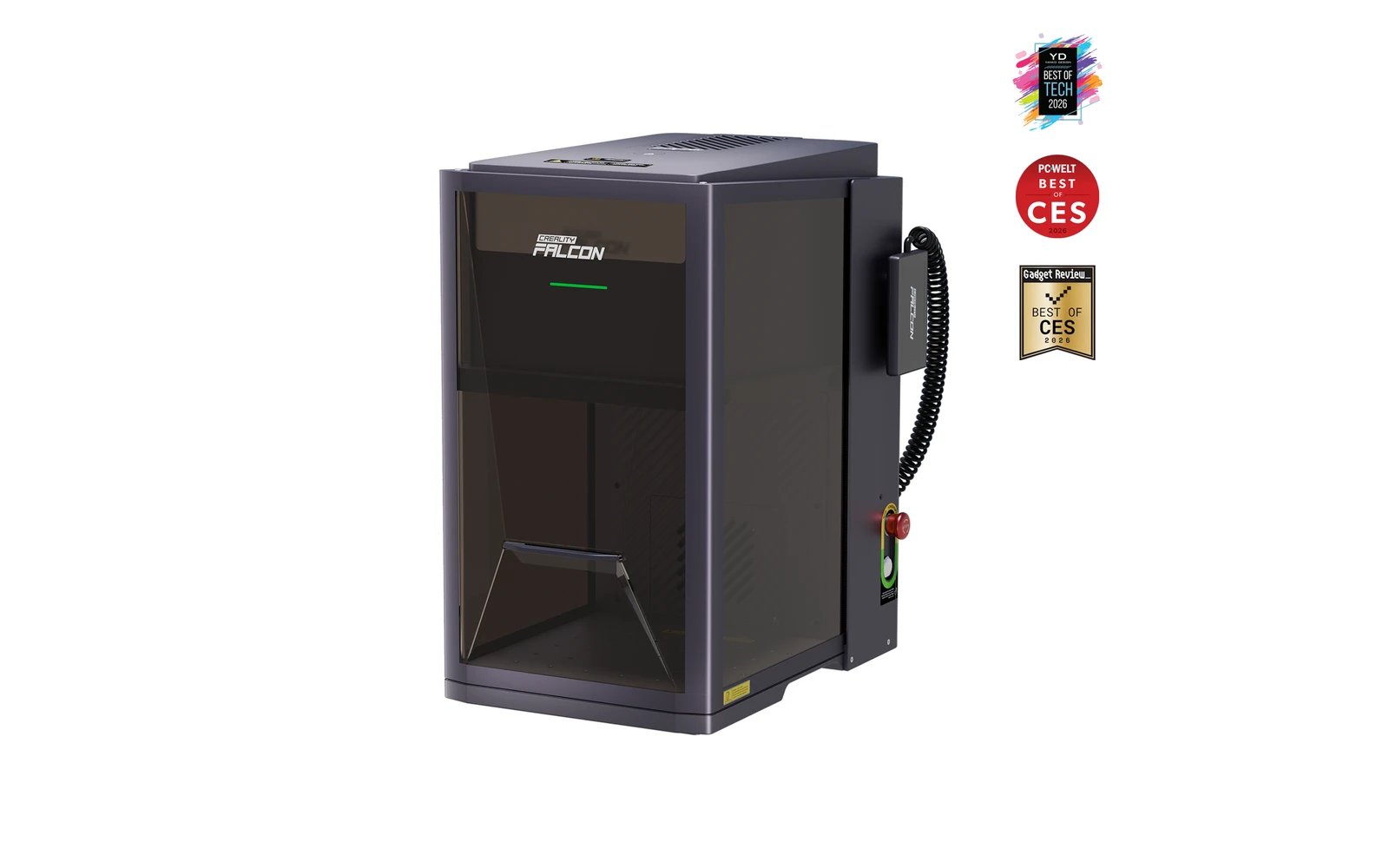
Creality · Fiber
Creality Falcon T1 MOPA · 60W MOPA
60W MOPA module: color stainless and deeper metal on the T1 galvo
All Creality models →Add to compare →
Last updated How we evaluate
Released May 2026
Choose installed module
Details below match the selected module.
Showing module: 60W MOPA
TL;DR
The 60W MOPA WaveSync head is Creality's top metal module for Falcon T1: pulse control for color effects on stainless and faster deep engraving than the 20W fiber option. For shops that already committed to the T1 chassis and need production metal throughput.
Compare the Creality Falcon T1 60W MOPA to…
Popular side-by-side matchups with full specs, scores, and an honest verdict.
Best for
What makes this machine stand out
Hardware and workflow features worth understanding before you buy : not just wattage on a label.
Colour on stainless
Adjustable pulse width lets the MOPA source produce oxide colours on stainless steel, which a standard fiber source cannot do.
Deep metal engraving
The 60W output removes material quickly: a deep 10 × 10 cm logo on stainless took about 1–3 min in our benchmark.
Our verdict
Ideal if you
The 60W MOPA module is Creality's top metal head for T1: pulse control for color stainless and faster deep marks than the 20W fiber option on the same chassis.
Skip if you
Premium module pricing on top of chassis and likely earlier diode purchases. Overkill for occasional metal gifts. Galvo field size still limits large panels.
Pros
- Pulse control for colour marks on stainless and black marks on anodised aluminium
- Most powerful metal module on the T1: the fastest deep engraving in our benchmark
- Fine spot (about 0.02 mm) for detailed metal work
Cons
- Most expensive T1 option: $4,299 bundle or $2,699 alone (October 2026)
- Colour marking takes test grids and time to dial in for each material
- No cutting of wood, leather or acrylic
What this machine is for
MOPA fiber marking with color effects on the T1 modular platform
60W MOPA fiber module for advanced metal marking on the Falcon T1 galvo chassis.
Laser spot size
~0.02 mm MOPA spot
Motion precision: 0.01 mm
Sample engrave job
~1–3 min
10 × 10 cm (4 × 4 in)
Sample cut job
Not a cutter
Reference benchmark: same job size on every machine so you can compare times fairly. Times are estimates for the reference job above; your design complexity and settings will change them.
Materials
- · Stainless steel (color)
- · Aluminum
- · Brass
- · Titanium (light)
- · Plastics (select)
Accessories & add-ons
Typical inclusions and add-ons for this profile : confirm your SKU.
- Included
Enclosure / cabinet
- Optional
Laser safety glasses
Still useful when servicing or with lid open
- Recommended
Fire extinguisher
Editorial guidance : not a live parts list. See also: Ventilation setup · Safety basics
Practical notes
Beginner notes
This profile is the 60W SKU on Creality Falcon T1 MOPA. Read the TL;DR and benchmarks above, then compare other modules via the chips before buying.
Pro tips
Budget MOPA plus chassis plus diode module together before committing: total can exceed fixed F2 Ultra bundles.
Pro / technical specsRaw numbers for experienced users comparing machines.
- Max speed (spec)
- 7,000 mm/s (marketing)
- Avg engrave speed
- MOPA production speeds
- Avg cut speed
- N/A
Common questions
What does the MOPA module add over the fiber module?
Adjustable pulse width. It lets you produce colour marks on stainless, black marks on anodised aluminium and cleaner marks on plastics, and its 60W output engraves deeper and faster. A deep 10 × 10 cm logo on stainless took about 1–3 min in our benchmark.
How much does the T1 MOPA cost, and is it available?
On Creality's US store in October 2026: $4,299 for the T1 with the MOPA module, $2,699 for the module alone. The standalone module was on pre-order, listed as available from 20 October 2026.
Is the MOPA worth $1,600 more than the fiber bundle?
Only if colour marking or deep metal engraving is paid work, for example custom knives, tags or jewellery. For logos and serial numbers the 20W fiber module does the same job for less.
Alternatives to the Creality Falcon T1 60W MOPA
Machines in the same space, picked from our database by type, price, and score.
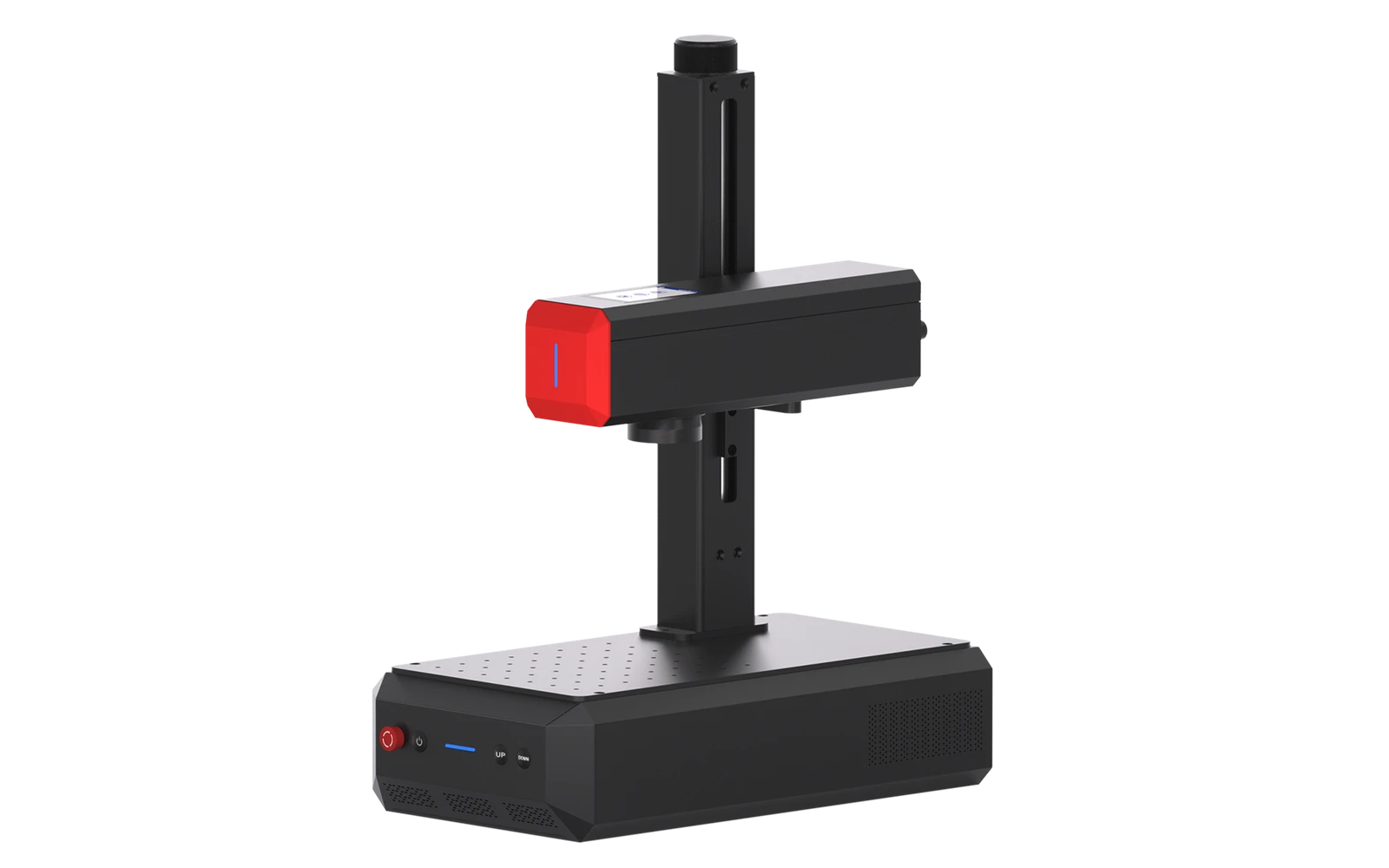
ComMarker · Fiber · $3,099 – $3,966
ComMarker B6 adds MOPA fiber for color effects on stainless and finer control on deep metal engraving. Step up from B4 for shops that need color marking or faster production.
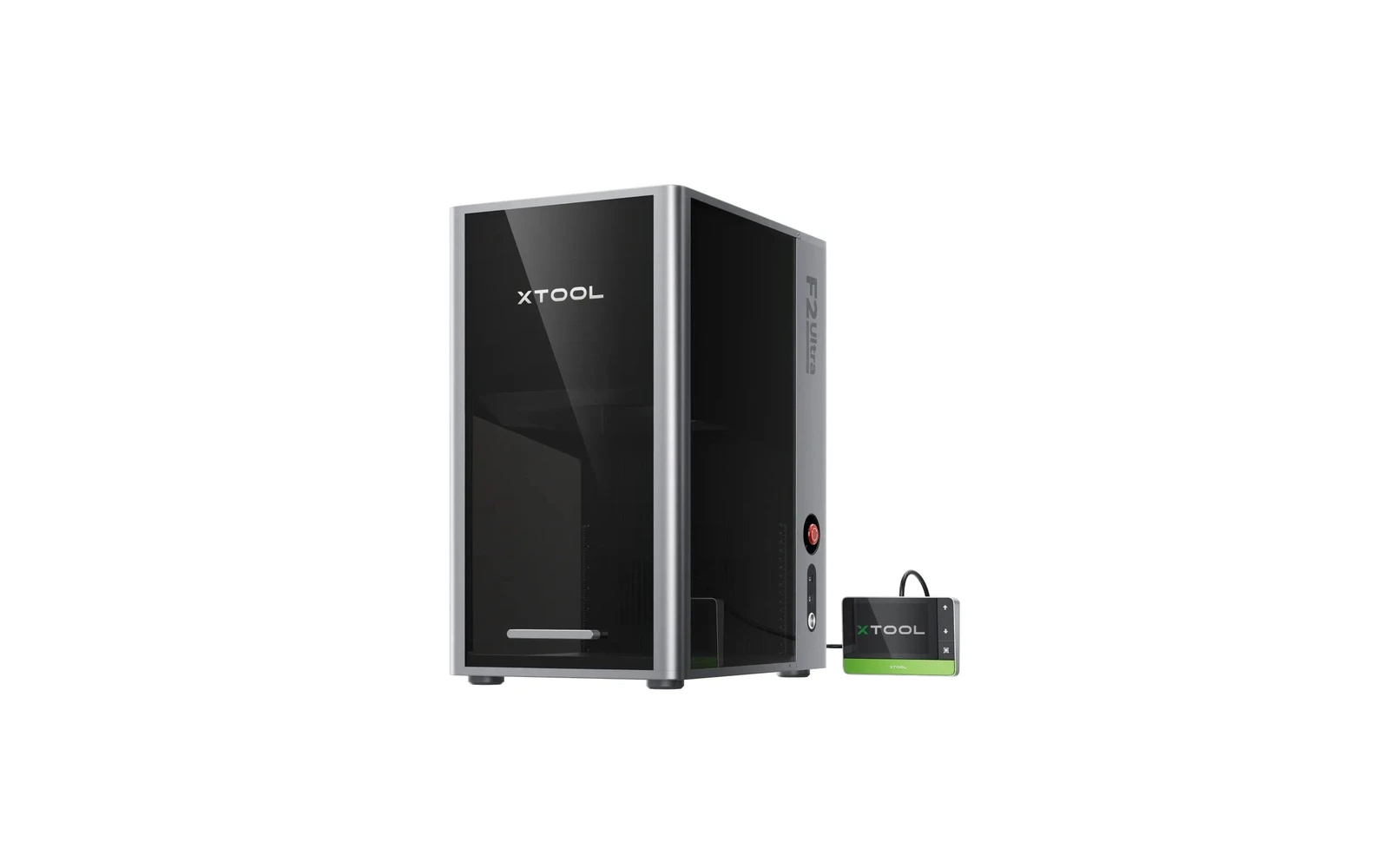
xTool · Hybrid · $4,299 – $6,969
xTool's flagship desktop dual laser: 60W MOPA fiber for color and deep metal marking, plus a 40W diode for wood and leather, in an enclosed 220 × 220 mm machine. Fast and precise, but priced for small businesses, not hobby use.
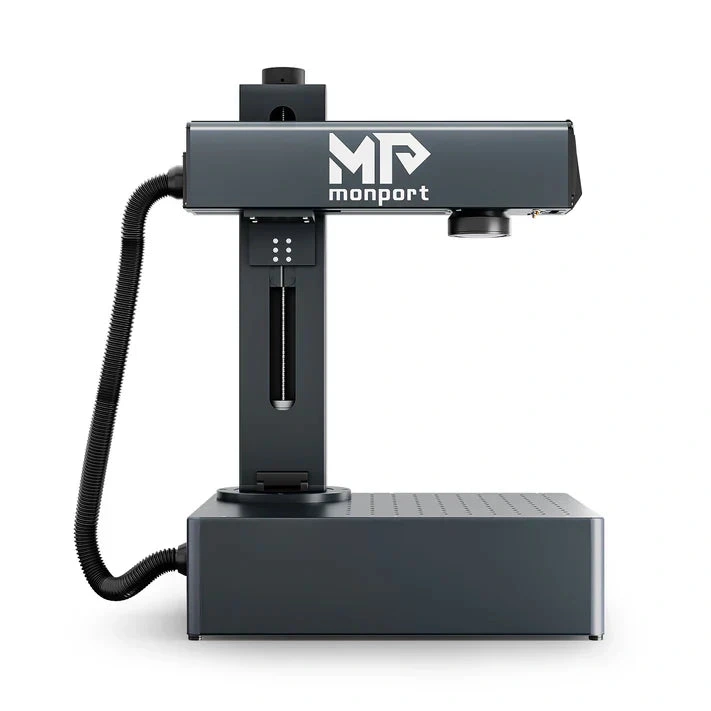
Monport · Fiber · $5,000 – $5,200
Monport GA 100W MOPA targets serious metal engraving shops needing deep marks and color on stainless. Industrial pricing and footprint: not a desktop B4-class galvo.