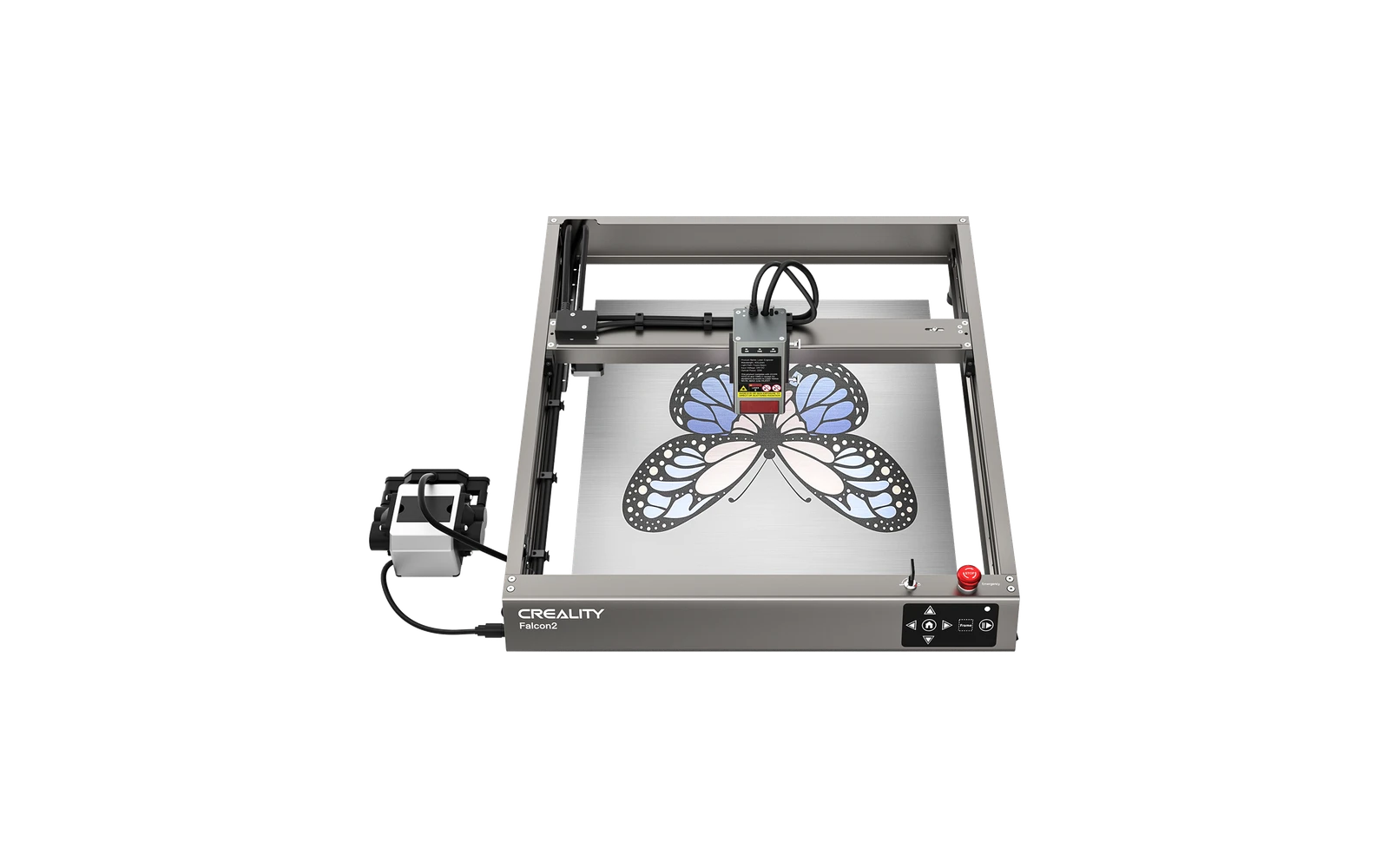
3 manufacturer photos · 1 / 3
Creality · Diode
Creality Falcon2 · 12W
Entry Creality diode: simple upgrade path for 3D printer owners
All Creality models →Add to compare →
Last updated How we evaluate
Released June 2023
Discontinued
Creality no longer sells this machine new. We keep the profile online because it still turns up used and as a reference point.
Choose a power option
Details below update for the selected power option.
Showing specs for: 12W
TL;DR
The base Falcon2 12W is Creality's affordable open-frame diode. Less power than Falcon2 Pro but easier on budget. Good for engraving-first users who already trust Creality from 3D printing. Not a cutting powerhouse.
Best for
What makes this machine stand out
Hardware and workflow features worth understanding before you buy : not just wattage on a label.
Large bed on a small budget
The 400 × 415 mm bed fits signs, trays and batches of coasters, at used prices well below current machines.
An engraving machine first
At this power the Falcon2 is at its best on photo and logo engraving; cutting is limited to thin wood.
Our verdict
Ideal if you
Creality Falcon2 12W suits makers who sell marks, photos, and gifts more than daily panel cutting. Reasonable open-frame entry price.
Skip if you
Skip if you already quote 5 mm+ cutting in production: see 22W in the line. Not for cast acrylic or bare metal without spray.
Pros
- Clean engraving at moderate speed on wood, leather and coated metal
- Large 400 × 415 mm open bed for signs and batches
- Cheap on the used market now that it has been replaced
Cons
- Slow cutting: about 9–15 min for a 10 × 10 cm square in 3 mm basswood
- Open frame: goggles, ventilation and fire safety are up to you
- Discontinued: used purchase only
What this machine is for
High-quality hobby and light-business engraving with light, slow cutting
12W module · Creality Falcon2
Laser spot size
~0.09 mm spot
Motion precision: 0.01 mm
Sample engrave job
~17–26 min
10 × 10 cm (4 × 4 in)
Sample cut job
~9–15 min
10 × 10 cm (4 × 4 in)
Reference benchmark: same job size on every machine so you can compare times fairly. Times are estimates for the reference job above; your design complexity and settings will change them.
Materials
- · Wood
- · Leather
- · Slate
- · Anodized aluminum
Accessories & add-ons
Typical inclusions and add-ons for this profile : confirm your SKU.
- Optional
Enclosure / cabinet
Third-party enclosure improves smoke control and safety
- Recommended
Laser safety glasses
~450 nm diode: OD rated for your wavelength
- Recommended
Fire extinguisher
Editorial guidance : not a live parts list. See also: Ventilation setup · Safety basics
Practical notes
Beginner notes
This profile is the 12W SKU on Creality Falcon2. Read the TL;DR and benchmarks above, then compare other power options via the chips before buying.
Pro tips
Run material test grids at engraving speeds first. Add air assist for light cuts. If cut jobs exceed ~30% of your week, open the higher-watt profile on this site and compare times.
Pro / technical specsRaw numbers for experienced users comparing machines.
- Max speed (spec)
- 300 mm/s
- Avg engrave speed
- 14–31 mm/s fill
- Avg cut speed
- 2–3 mm/s on 2–4 mm wood
Common questions
How thick can the Falcon2 12W cut?
Our materials list puts the limit around 5 mm basswood in several passes; a 10 × 10 cm square in 3 mm basswood took about 9–15 min in our benchmark. Thin plywood shapes are fine; boxes in 6 mm plywood are slow work.
Is the Falcon2 12W still sold?
Creality's US store no longer lists it in October 2026: the open-frame Falcon2 range is now the 22W ($589 Basic Kit) and the 40W ($639 single unit). A used 12W is worth it only well below those prices.
Falcon2 12W or 22W?
The 22W fills a 10 × 10 cm photo in about 12–18 min against 17–26 min for the 12W in our benchmark, and Creality rates it at 10 mm basswood in one pass. Since the 22W is the current model at a similar new price, the 12W only makes sense as a cheap used engraver.
Alternatives to the Creality Falcon2 12W
Machines in the same space, picked from our database by type, price, and score.
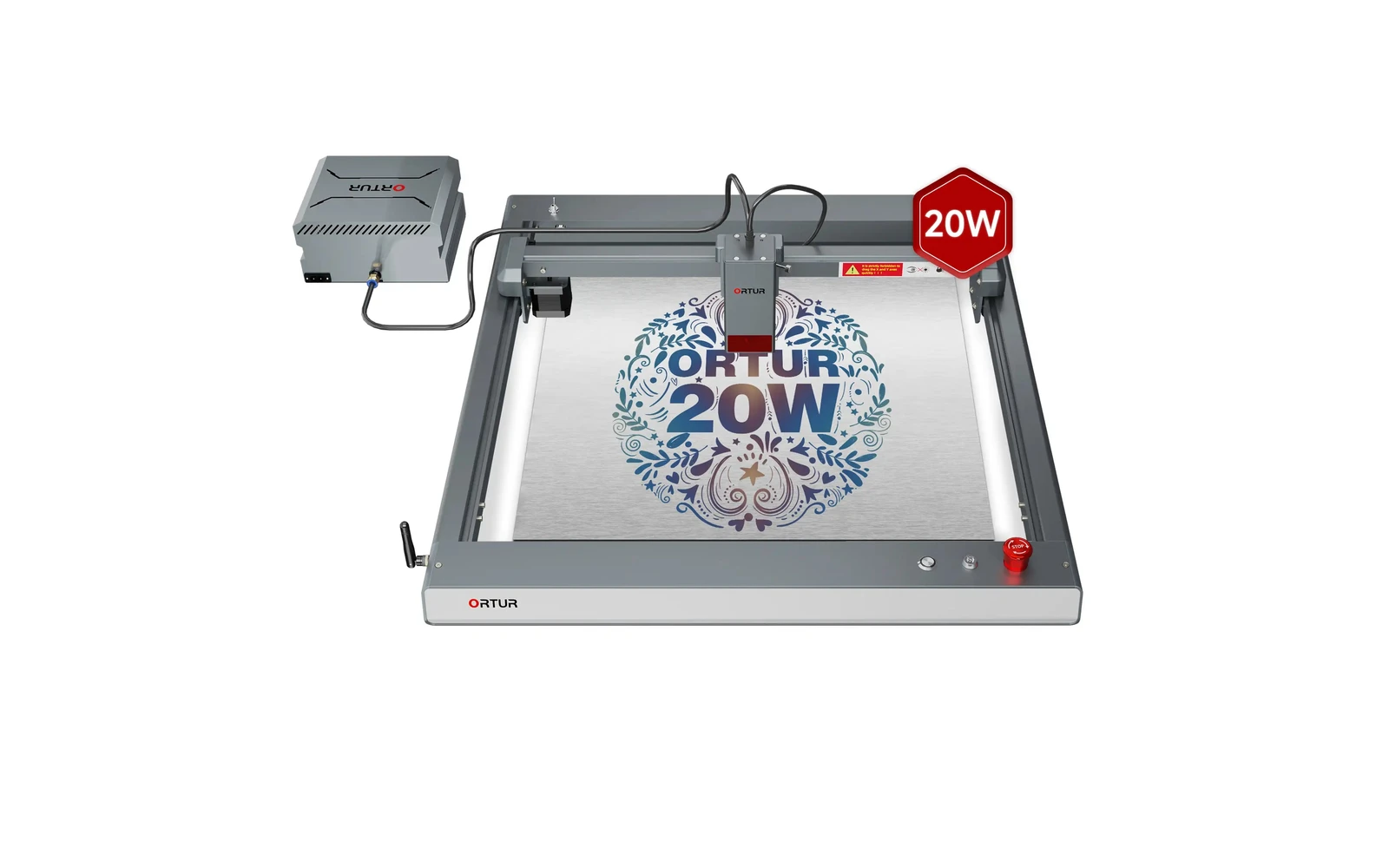
Ortur · Diode · $140 – $1,740
The 20W LM3 is the configuration most buyers mean when they say 'Laser Master 3'. Strong engraving, light cutting, huge community: verify you are not accidentally ordering the 10W SKU.
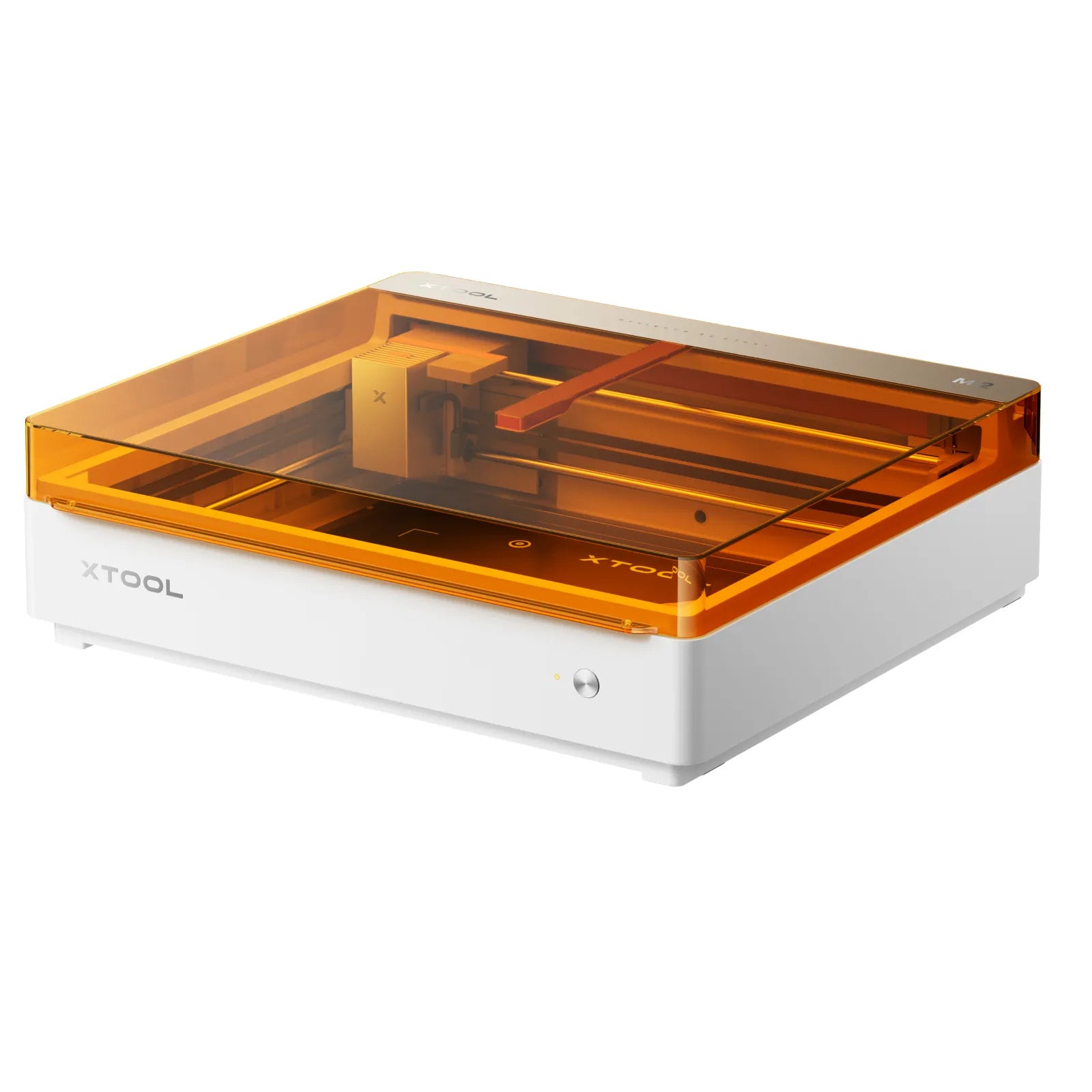
xTool · Diode · $499 – $1,229
Launched May 2026, the M2 packs laser engraving, cutting, and integrated inkjet color printing into one enclosed desktop at $599. Built for everyday crafters and Etsy sellers who want color + laser without a pro CO₂ budget: not a metal-marking or production cutter.
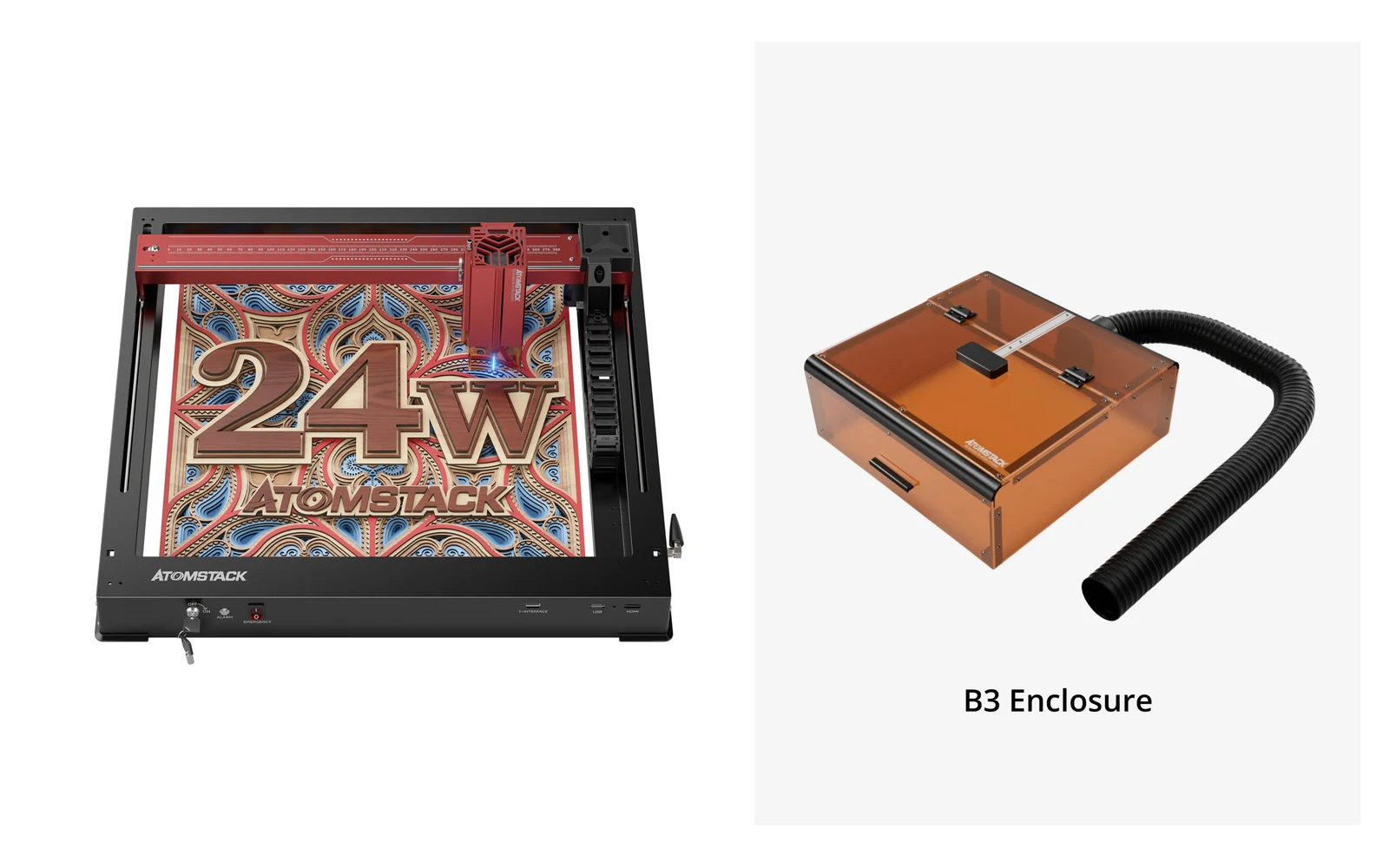
Atomstack · Diode · $459 – $1,119
AtomStack A24 Pro is a 24W diode engraver and cutter (four 6W diodes) built on a unibody frame you set up in minutes. The 360 × 280 mm bed is small for this power class, but the optional conveyor stretches it to 360 × 800 mm. Diode only: for metal marking, Atomstack sells a separate A24 Pro 1064nm fiber version.