
5 manufacturer photos · 1 / 5
Sculpfun · Diode
Sculpfun C2 · 7W
The entry C2: a 1.6 kg open-frame engraver with a 0.04 mm spot and a 300 × 300 mm bed, for $179
All Sculpfun models →Add to compare →
Last updated How we evaluate
Released October 2026
Choose a power option
Details below update for the selected power option.
Showing specs for: 7W
TL;DR
The C2 7W is the cheapest version of Sculpfun's new compact engraver, listed on Sculpfun's store in October 2026 at $179. It weighs 1.6 kg, works on a 300 × 300 mm area and moves at up to 20,000 mm/min. Sculpfun gives a 0.04 × 0.04 mm spot, finer than the 14W version, and single-pass cuts in 5 mm basswood and 3 mm black acrylic. Focus is set with a built-in lever, and the frame has X and Y limit switches. It is an engraver first, on an open frame without an enclosure, and no independent test exists yet.
Best for
What makes this machine stand out
Hardware and workflow features worth understanding before you buy : not just wattage on a label.
0.04 mm spot
Sculpfun gives the 7W module a 0.04 × 0.04 mm spot, finer than the 0.06 mm of the 14W, for small text and detailed patterns.
300 × 300 mm at 1.6 kg
The frame measures 456 × 442 × 143 mm and weighs 1.6 kg, with four times the working area of the earlier Sculpfun C1.
Lever focus
Lower the built-in lever, slide the module until it touches the material, and the focus is set.
Our verdict
Ideal if you
The C2 7W is one of the cheapest ways to get a 300 × 300 mm working area: $179 for a 1.6 kg frame with a 0.04 mm spot, lever focus and limit switches. For engraving coasters, leather tags, signs and photos, the fine spot matters more than raw power.
Skip if you
Seven watts keep cutting to thin wood and thin dark acrylic. It is an open frame with no enclosure, no air pump and no bed in the box. The figures are Sculpfun's ratings, and the machine is too new for independent tests.
Pros
- 0.04 × 0.04 mm spot according to Sculpfun, the finest of the two C2 versions, for small text and photos
- $179 for a 300 × 300 mm area, in a 1.6 kg frame that stores easily
- Lever focus and X/Y limit switches: quick to set up and to home
Cons
- Cutting is limited: Sculpfun rates it for 5 mm basswood and 3 mm black acrylic, and thicker wood needs the 14W
- Open frame: no enclosure, so safety glasses and smoke extraction are up to you
What this machine is for
Detailed engraving of wood, leather and card on a small desk, at the lowest budget
7W module · Sculpfun C2
Laser spot size
0.04 × 0.04 mm
Motion precision: —
Sample engrave job
~24–36 min
10 × 10 cm (4 × 4 in)
Sample cut job
~18–30 min
10 × 10 cm (4 × 4 in)
Reference benchmark: same job size on every machine so you can compare times fairly. Times are estimates for the reference job above; your design complexity and settings will change them.
Materials
- · Wood & plywood
- · Leather
- · Card & felt
- · Dark acrylic & black plastic
- · Anodized aluminum & coated metal
- · Ceramic & dark stone
Accessories & add-ons
Typical inclusions and add-ons for this profile : confirm your SKU.
- Optional
Enclosure / cabinet
Third-party enclosure improves smoke control and safety
- Included
Laser safety glasses
~450 nm diode: OD rated for your wavelength
- Recommended
Fire extinguisher
Editorial guidance : not a live parts list. See also: Ventilation setup · Safety basics
Practical notes
Beginner notes
This profile is the 7W version of the Sculpfun C2. Take it if you mostly engrave gifts, signs and photos and cut thin wood only now and then. If cutting matters, the 14W costs $60 more and is rated for 8 mm basswood. The frame, area and software are the same on both versions. Sculpfun Space, the free software, runs on Windows; the Mac version is announced but not out yet, so Mac users should plan on LightBurn.
Pro tips
For photos, slow the fill and lower the power slightly to make the most of the narrow spot. Put a sacrificial board or a honeycomb panel under the work, as the frame has no bed. For cuts, two faster passes often leave cleaner edges than one very slow pass.
Pro / technical specsRaw numbers for experienced users comparing machines.
- Max speed (spec)
- 333 mm/s (20,000 mm/min)
- Avg engrave speed
- ~40–100 mm/s
- Avg cut speed
- ~1–2 mm/s (3 mm)
Common questions
Can the Sculpfun C2 7W cut wood?
Thin wood, yes. Sculpfun rates the 7W module for 5 mm basswood and 3 mm black acrylic in a single pass, without publishing the speed used, and no independent test confirms these figures yet. For regular cutting, the 14W version is the better choice.
C2 7W or C2 14W?
The 7W costs $179 against $239 for the 14W (Sculpfun store, November 2026). The 7W has the finer spot, 0.04 mm against 0.06 mm, and suits engraving. The 14W is rated for 8 mm basswood and 5 mm black acrylic, against 5 mm and 3 mm for the 7W.
Which software works with the C2 7W?
Sculpfun Space, the brand's free software for Windows, plus LightBurn and LaserGRBL. Sculpfun says the Mac version of Sculpfun Space is coming; until then, Mac users need LightBurn, which is paid.
Alternatives to the Sculpfun C2 7W
Machines in the same space, picked from our database by type, price, and score.
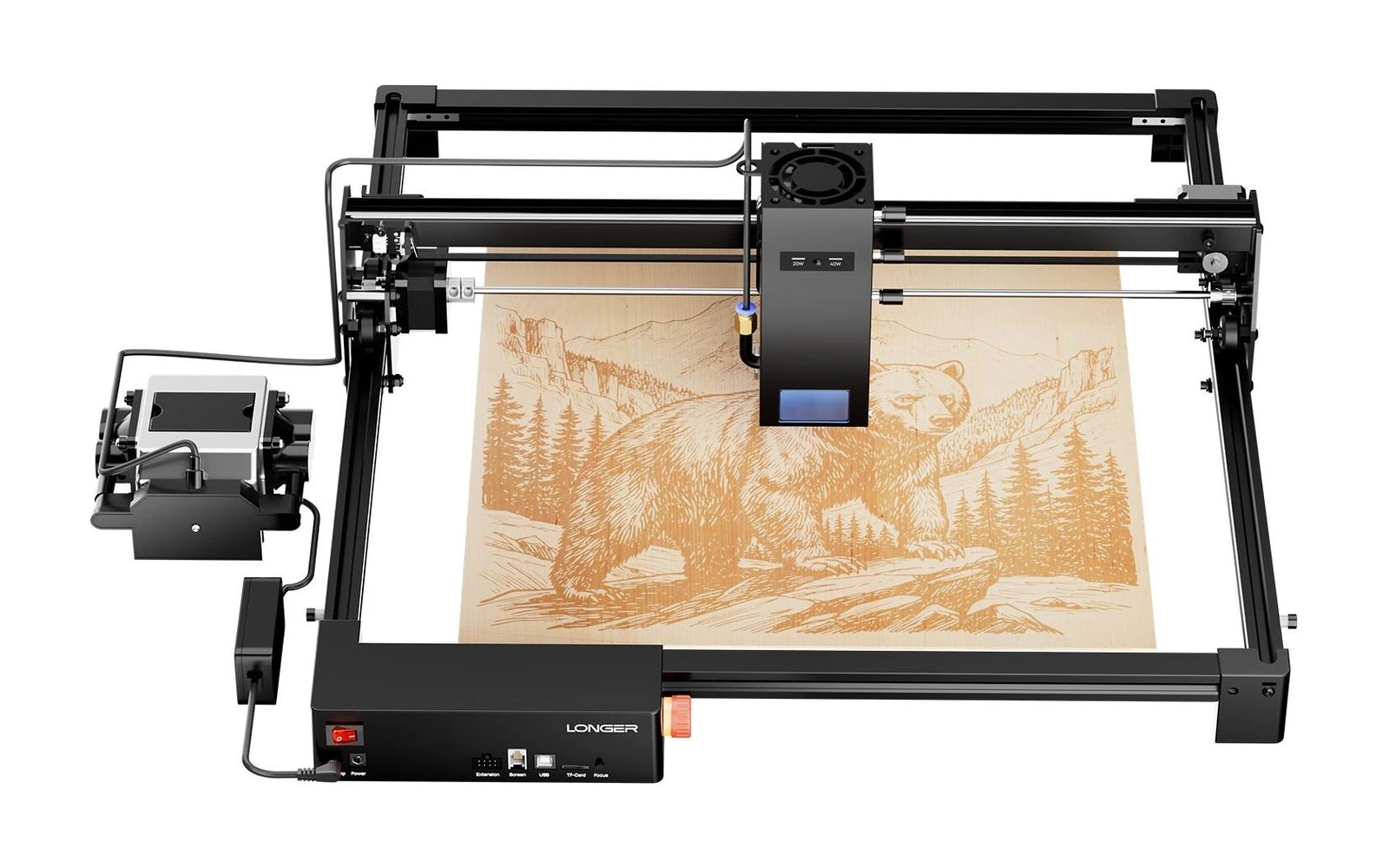
Longer · Diode · $230
The Ray7 7.5W is the cheapest version of Longer's new open-frame engraver: $229.99 on Longer's store in October 2026. It keeps the Ray7 frame, 600 mm/s motion, Wi-Fi and 405 × 410 mm bed, with the finest spot of the range at 0.06 × 0.06 mm. It is an engraver first: cutting stops at thin wood, card and felt, and takes several passes.
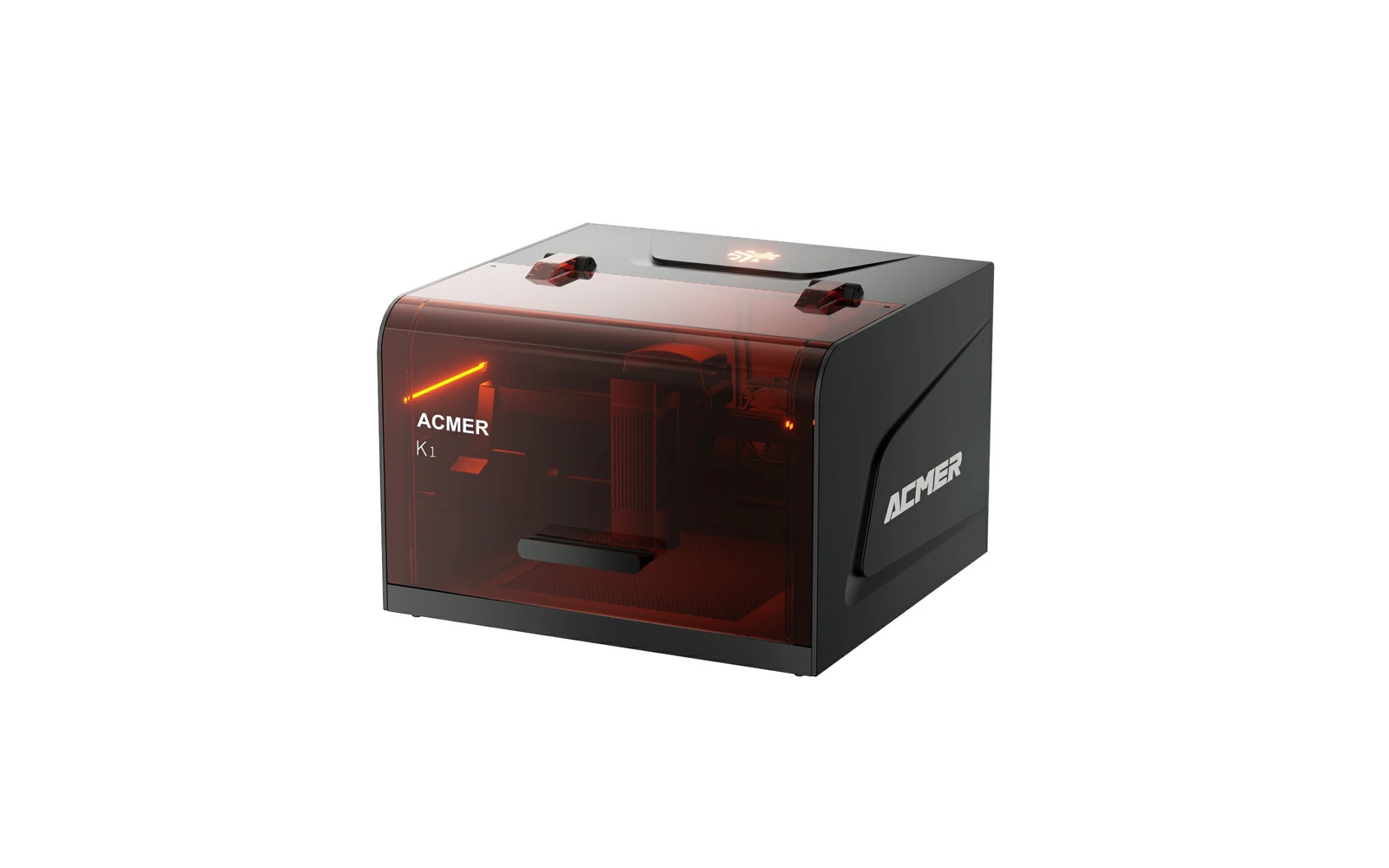
Acmer · Diode · $230
The K1 7W is the middle version of Acmer's enclosed mini engraver: same 150 × 150 mm area, 2.4 kg box, lid and tilt sensors and exhaust fan as the other versions, for $229.99. It engraves wood, leather, paper and dark acrylic at a reasonable pace and cuts thin wood with several passes. Acmer's chart gives up to 10 mm of plywood, without stating the number of passes.
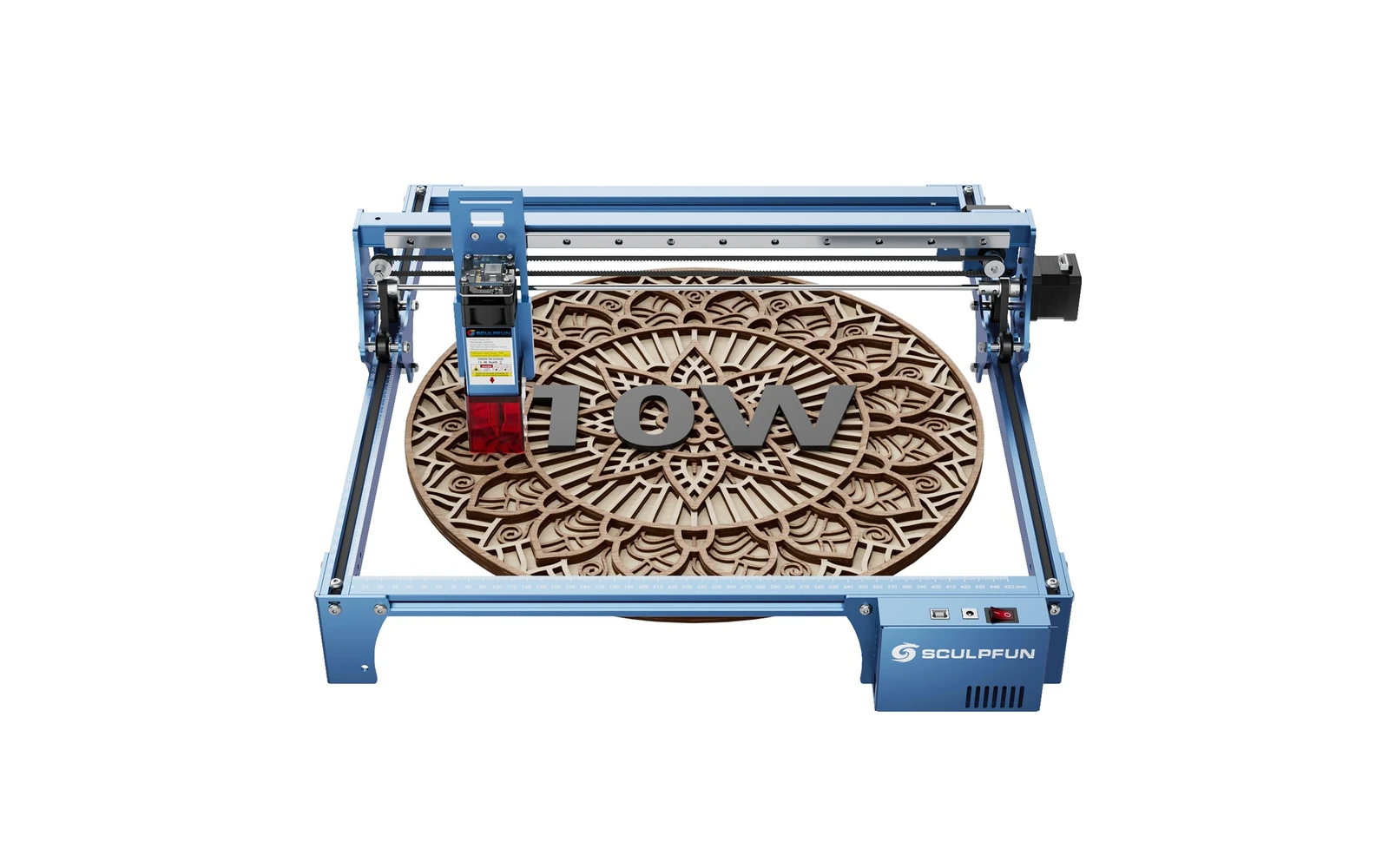
Sculpfun · Diode · $270
Sculpfun S10 10W (2022) is a mid-size open-frame engraver with a sturdier industrial frame than S9, ~385 mm work area, and detachable laser cover. Positioned between budget S9 and S30 families for makers who want better rigidity without Ultra pricing.