5 manufacturer photos · 1 / 5
Sculpfun · Diode
Sculpfun E1 · 12W
Enclosed 12W CoreXY diode with camera and air pump for $499
All Sculpfun models →Add to compare →
Last updated How we evaluate
Released June 2026
Choose a power option
Details below update for the selected power option.
Showing specs for: 12W
TL;DR
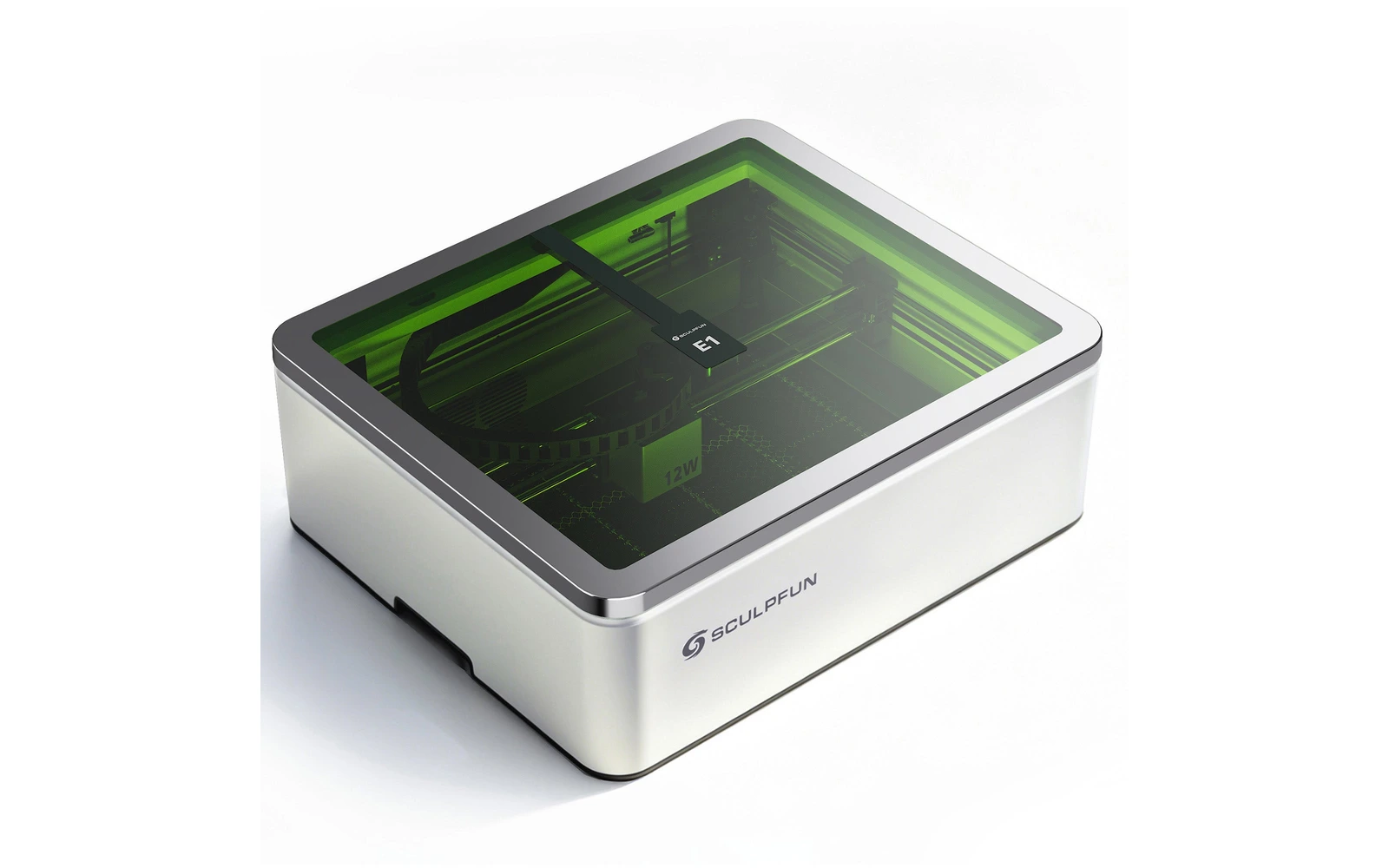
The Sculpfun E1 is the entry version of the E1 line: the same Class 1 enclosure, CoreXY gantry, 400 × 320 mm work area, camera, air pump and honeycomb bed as the E1 Pro, with a 12W diode. Sculpfun claims 8 mm wood in one pass and 600 mm/s engraving. A Dual bundle adds a swappable 3W IR module. Launched June 2026.
Best for
What makes this machine stand out
Hardware and workflow features worth understanding before you buy : not just wattage on a label.
Enclosed with camera for $499
Enclosure, camera and air pump at the entry price, where many enclosed diodes start well above it.
Infrared add-on
The IR3 3W infrared module ($499) fits the E1 for metal and plastic marking, or comes in the $949 Dual kit.
Fast CoreXY motion
Rated at 36,000 mm/min (600 mm/s): fills of roughly 70–180 mm/s in our tests keep engraving jobs short.
Our verdict
Ideal if you
The 12W E1 is the budget door into the E1 enclosure: for $499 you get the camera, air pump, CoreXY gantry and a 400 × 320 mm bed, which is large for an enclosed machine at this price. Engraving quality on wood, leather and stone does not depend much on the extra watts.
Skip if you
Cutting is where the 12W shows its limits against the E1 Pro: more passes, slower jobs. Clearance is shallow, focus is manual, and like every diode it cannot cut clear acrylic.
Pros
- Optional 3W infrared module fits the same machine for metal marking
- Sculpfun claims 8 mm wood in a single pass
- Fills at ~70–180 mm/s in our benchmarks, up to 600 mm/s top speed
Cons
- Cutting is slower than on the E1 Pro: a 3 mm basswood square takes ~5–8 min
- Adding the IR module later costs $499, more than the price gap to the Dual kit
- Thick plywood still means several passes and longer jobs than the spec sheet suggests
What this machine is for
Affordable enclosed engraving with light wood cutting on a mid-size bed
12W module · Sculpfun E1
Laser spot size
—
Motion precision: —
Sample engrave job
~10–15 min
10 × 10 cm (4 × 4 in)
Sample cut job
~5–8 min
10 × 10 cm (4 × 4 in)
Reference benchmark: same job size on every machine so you can compare times fairly. Times are estimates for the reference job above; your design complexity and settings will change them.
Materials
- · Wood
- · Leather
- · Dark acrylic
- · Stone & ceramics
- · Coated metal
- · Bare metal & plastics (with IR module)
Accessories & add-ons
Typical inclusions and add-ons for this profile : confirm your SKU.
- Included
Enclosure / cabinet
Class 1 enclosure with Hall-sensor lid stop
- Optional
Laser safety glasses
Still useful when servicing or with lid open
- Recommended
Fire extinguisher
Editorial guidance : not a live parts list. See also: Ventilation setup · Safety basics
Practical notes
Beginner notes
This profile is the 12W E1 in the Sculpfun E1 line. It suits engraving-first users who want an enclosure and a decent bed without spending $800+. Compare it with the 21W E1 Pro if you know you will cut wood every week: it is worth the extra $350.
Pro tips
Use several moderate passes rather than one slow pass for 5 mm+ wood. Keep the air pump on for cuts. Check focus manually before each job and remove the honeycomb for thicker objects.
Pro / technical specsRaw numbers for experienced users comparing machines.
- Max speed (spec)
- 600 mm/s (36,000 mm/min)
- Avg engrave speed
- 70–180 mm/s fill
- Avg cut speed
- 4–9 mm/s on 3 mm wood
Common questions
What does the Sculpfun E1 12W cut in one pass?
Sculpfun claims 8 mm of wood in a single pass. In our benchmarks a 10 × 10 cm square in 3 mm basswood takes about 5–8 min at 4–9 mm/s. Thin dark acrylic works; clear acrylic does not, because the blue beam passes through it.
Is the Dual version worth $450 more?
The Dual adds the 3W infrared module for marking metal and some plastics: $949 against $499 for the single 12W on Sculpfun's store (October 2026). The IR3 module alone costs $499, so if you already know you want metal marking, the Dual saves about $50 over adding it later.
E1 12W or E1 Pro 21W: which should I choose?
The 12W suits engraving-led gifts and small batches, and costs $350 less ($499 against $849). The Pro claims 12 mm instead of 8 mm in one pass and cuts our 3 mm square in about 3–5 min instead of 5–8. If you cut plywood every week, the Pro pays back; if you mostly engrave, keep the difference.
Alternatives to the Sculpfun E1 12W
Machines in the same space, picked from our database by type, price, and score.
Sculpfun · Diode · $449 – $649
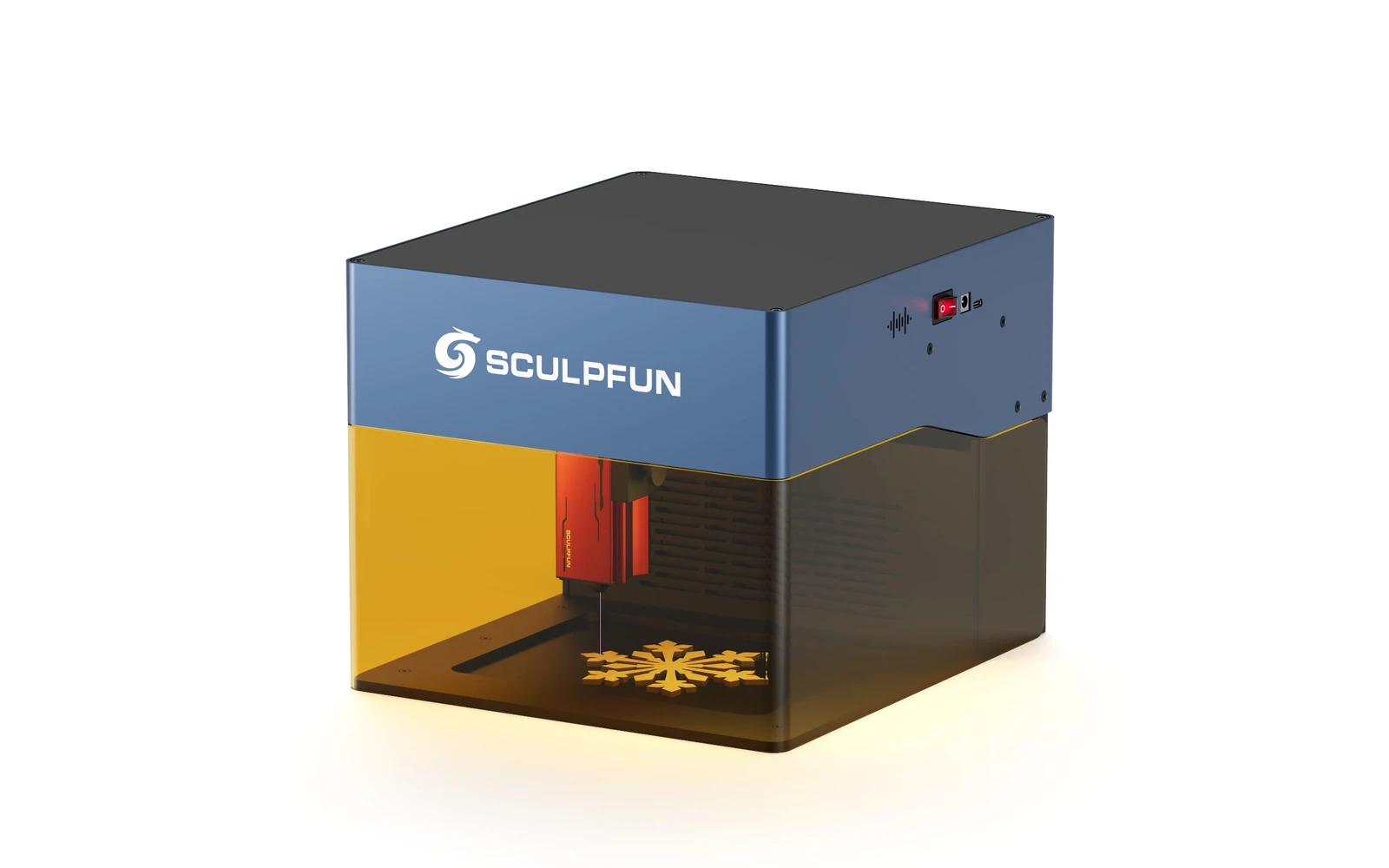
Sculpfun iCube Pro Max 10W is the 10W SKU on the Sculpfun sculpfun icube pro line. Sculpfun's enclosed desktop laser for makers who want the brand's cutting performance in a safer cabinet. Verify optical power on the listing: do not assume combined-watt marketing.
xTool · Diode · $499 – $1,229
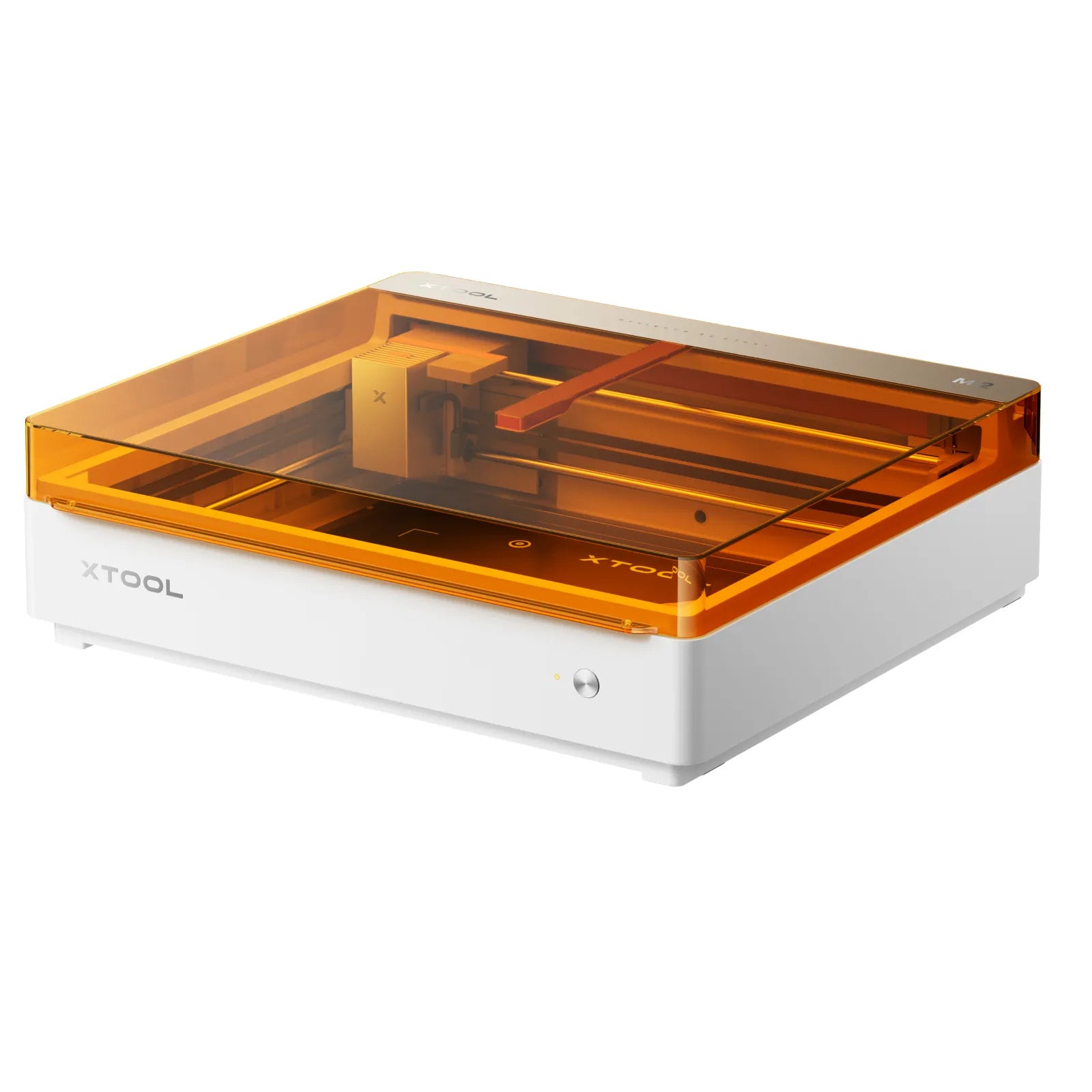
Launched May 2026, the M2 packs laser engraving, cutting, and integrated inkjet color printing into one enclosed desktop at $599. Built for everyday crafters and Etsy sellers who want color + laser without a pro CO₂ budget: not a metal-marking or production cutter.
Atomstack · Diode · $459 – $1,119
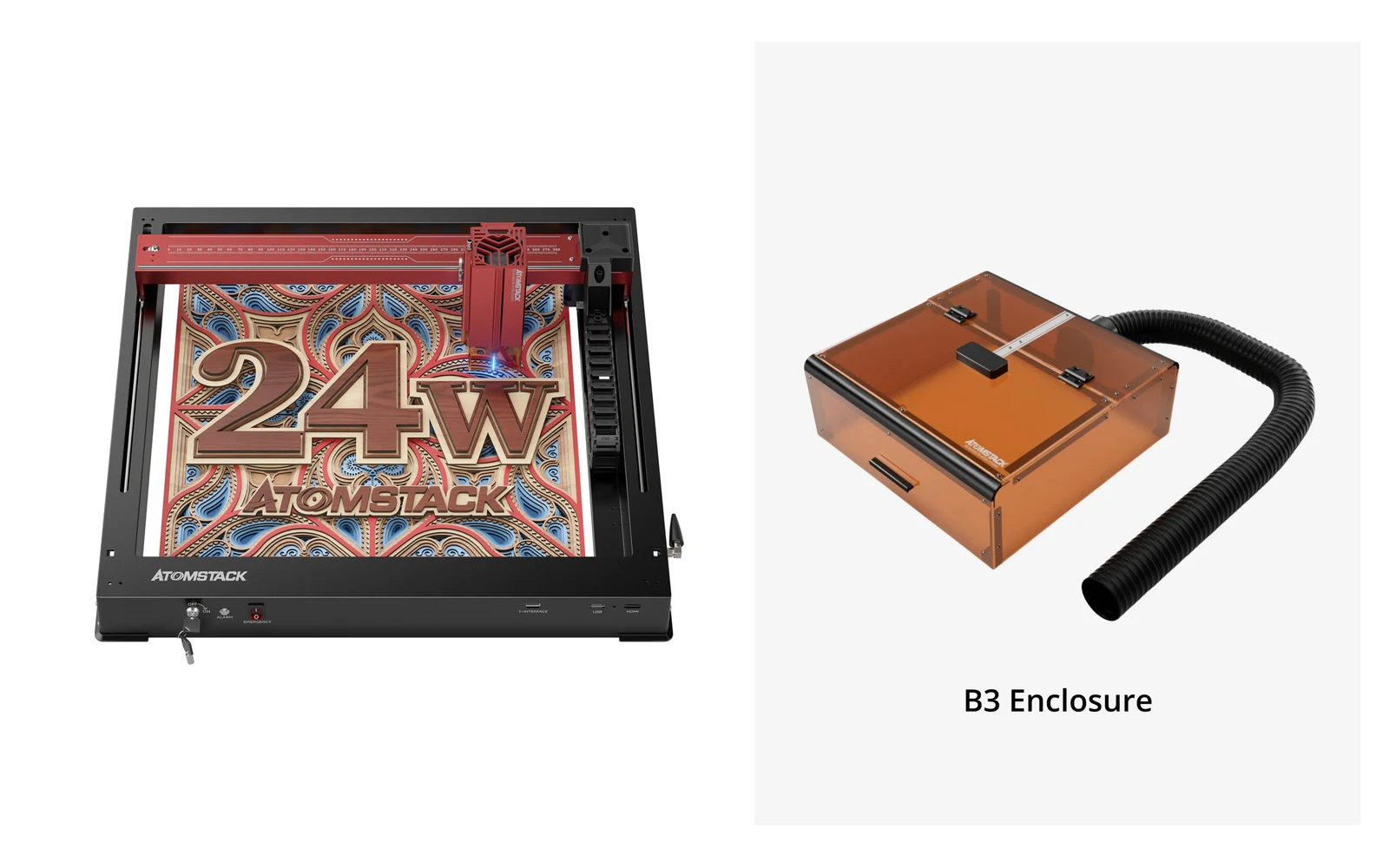
AtomStack A24 Pro is a 24W diode engraver and cutter (four 6W diodes) built on a unibody frame you set up in minutes. The 360 × 280 mm bed is small for this power class, but the optional conveyor stretches it to 360 × 800 mm. Diode only: for metal marking, Atomstack sells a separate A24 Pro 1064nm fiber version.