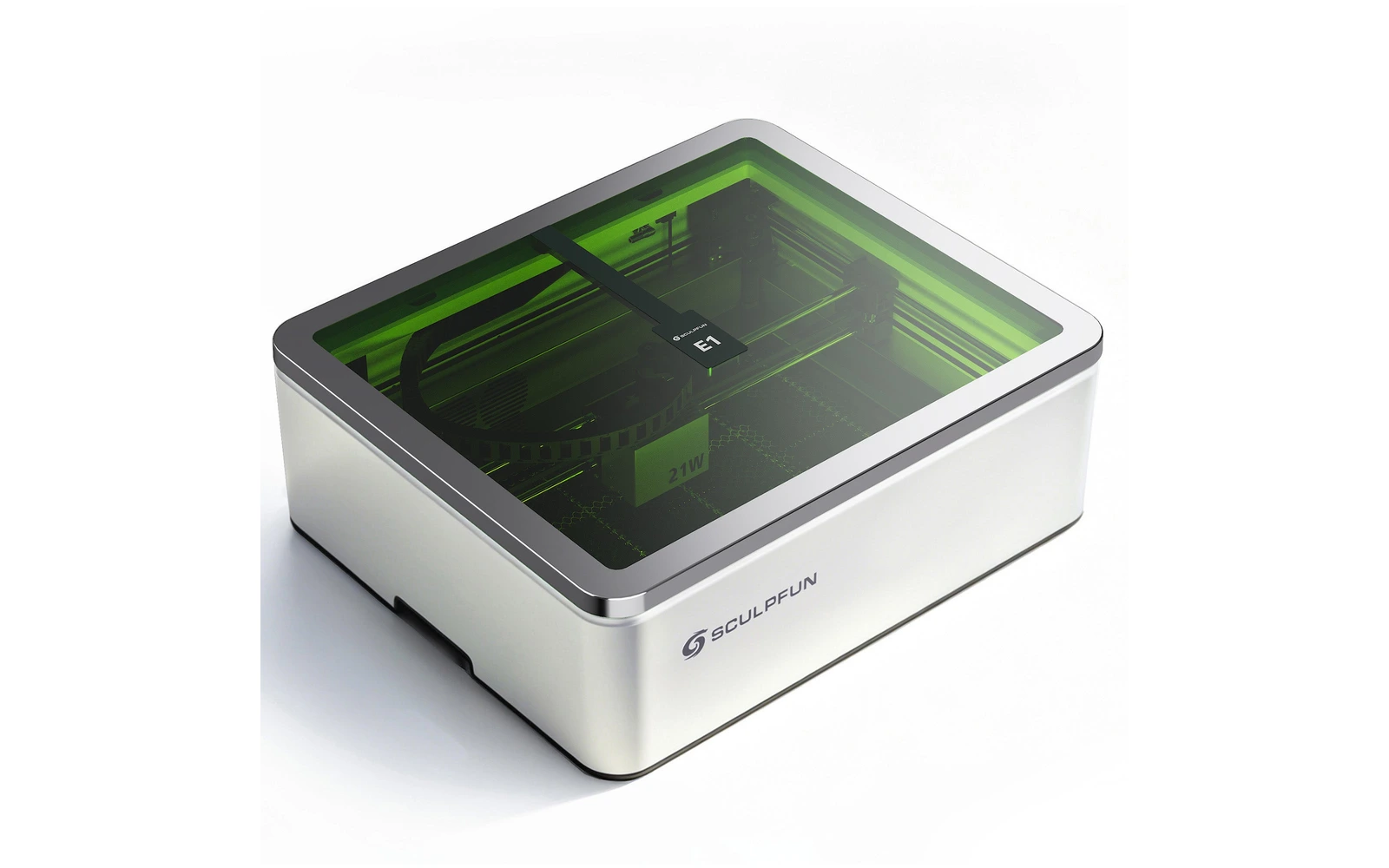
5 manufacturer photos · 1 / 5
Sculpfun · Diode
Sculpfun E1 Pro · 21W
Enclosed 21W CoreXY diode with camera and air pump included, IR module optional
All Sculpfun models →Add to compare →
Last updated How we evaluate
Released June 2026
Choose a power option
Details below update for the selected power option.
Showing specs for: 21W
TL;DR
The Sculpfun E1 Pro puts a 21W diode on a CoreXY gantry inside a Class 1 enclosure with a 400 × 320 mm work area, built-in camera, air pump and honeycomb bed. Sculpfun claims 600 mm/s engraving and 12 mm wood in one pass. A Dual bundle adds a swappable 3W 1064 nm IR module for metal. Launched June 2026; no in-depth independent review yet.
Compare the Sculpfun E1 Pro 21W to…
Popular side-by-side matchups with full specs, scores, and an honest verdict.
Best for
What makes this machine stand out
Hardware and workflow features worth understanding before you buy : not just wattage on a label.
Thick cuts in one pass
Sculpfun rates the 21W module for 12 mm wood in a single pass, a level usually reserved for open-frame 20W+ machines.
Fine spot at high power
About 0.06 × 0.08 mm in our profile, so engraving detail holds up despite the cutting power.
Dual laser option
The $1,149 Dual kit adds a 3W infrared module for marking metals, $200 less than buying the module separately.
Our verdict
Ideal if you
The E1 Pro brings 21W cutting power into a closed Class 1 box for well under $1,000, with camera and air pump included. The CoreXY gantry is built for speed, and the 400 × 320 mm area covers most signs, boxes and batches of coasters.
Skip if you
Clearance is shallow (30 mm with the honeycomb), focus is manual, and the 12 mm cutting figure is a manufacturer claim. Clear acrylic remains out of reach, as with any diode.
Pros
- Sculpfun claims 12 mm wood in a single pass
- Cuts 3 mm basswood squares in ~3–5 min at 8–15 mm/s in our benchmarks
- Compact ~0.06 × 0.08 mm spot despite the higher power
Cons
- $849 for the single-laser version, $350 more than the base E1
- More smoke per job: the exhaust hose must be routed outside, not just out of the enclosure
- Hardwood and dense plywood cut much slower than basswood figures suggest
What this machine is for
Enclosed diode engraving and wood cutting on a mid-size bed at an open-frame price
21W module · Sculpfun E1 Pro
Laser spot size
~0.06 × 0.08 mm
Motion precision: —
Sample engrave job
~7–11 min
10 × 10 cm (4 × 4 in)
Sample cut job
~3–5 min
10 × 10 cm (4 × 4 in)
Reference benchmark: same job size on every machine so you can compare times fairly. Times are estimates for the reference job above; your design complexity and settings will change them.
Materials
- · Wood
- · Leather
- · Dark acrylic
- · Stone & ceramics
- · Coated metal
- · Bare metal & plastics (with IR module)
Accessories & add-ons
Typical inclusions and add-ons for this profile : confirm your SKU.
- Included
Enclosure / cabinet
Class 1 enclosure with Hall-sensor lid stop
- Recommended
Laser safety glasses
~450 nm diode: OD rated for your wavelength
- Recommended
Fire extinguisher
Editorial guidance : not a live parts list. See also: Ventilation setup · Safety basics
Practical notes
Beginner notes
This profile is the E1 Pro (21W) in the Sculpfun E1 line. Compare it with the 12W E1: choose the E1 Pro if you plan to cut wood regularly. The Dual bundle is worth it only if you want to mark bare metal: the IR module can also be bought later.
Pro tips
Keep the air pump on for every cut and check focus with the gauge before each job, since there is no auto-focus. For tall objects, remove the honeycomb or add the metal risers Sculpfun sells for the E1 series. Vent the exhaust outside or add the SP1 purifier.
Pro / technical specsRaw numbers for experienced users comparing machines.
- Max speed (spec)
- 600 mm/s (36,000 mm/min)
- Avg engrave speed
- 100–250 mm/s fill
- Avg cut speed
- 8–15 mm/s on 3 mm wood
Common questions
How much faster does the E1 Pro cut than the base E1?
Sculpfun claims 12 mm of wood in one pass for the Pro against 8 mm for the 12W E1. In our benchmarks the Pro cuts a 10 × 10 cm square in 3 mm basswood in about 3–5 min at 8–15 mm/s, against 5–8 min for the 12W. For $350 more ($849 against $499) you roughly halve cut times.
What does the Dual version add, and can I add infrared later?
The Dual adds a 3W infrared module for marking metal and some plastics: $1,149 against $849 for the single 21W (Sculpfun store, October 2026). The IR3 module alone costs $499, so the Dual saves about $200 if you are sure you want metal marking. Adding it later remains possible.
Can the E1 Pro cut clear acrylic or metal?
No. The 455 nm blue diode passes through clear acrylic, and neither the diode nor the 3W infrared module cuts metal. The infrared module marks stainless steel and other metals; for cutting clear acrylic you need a CO₂ laser.
Alternatives to the Sculpfun E1 Pro 21W
Machines in the same space, picked from our database by type, price, and score.
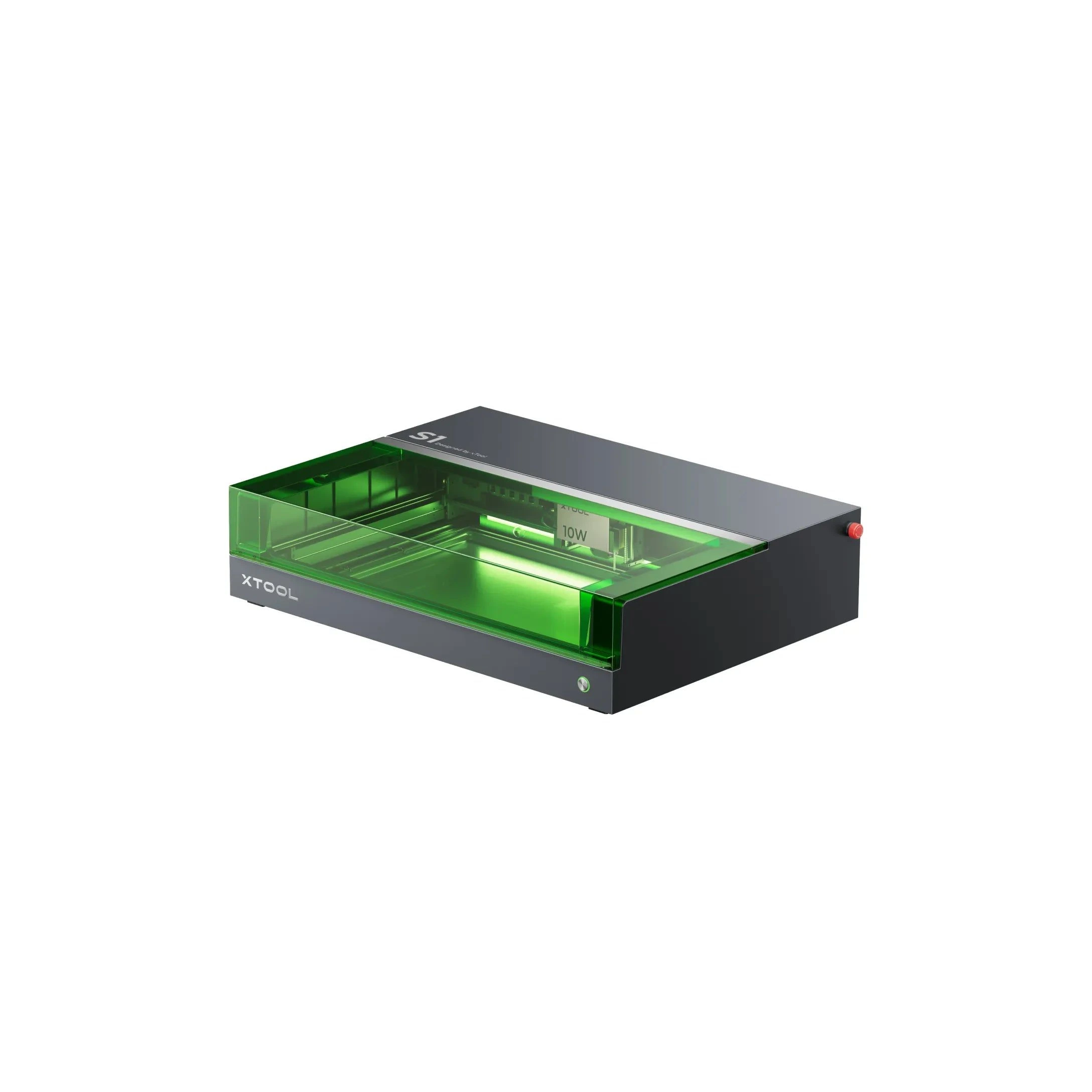
xTool · Diode · $1,299 – $2,599
The 20W S1 is the value pick in xTool's enclosed diode line: same cabinet and filters as the 40W, but less cut depth on thick wood. Buy this if safety matters and you mostly engrave.
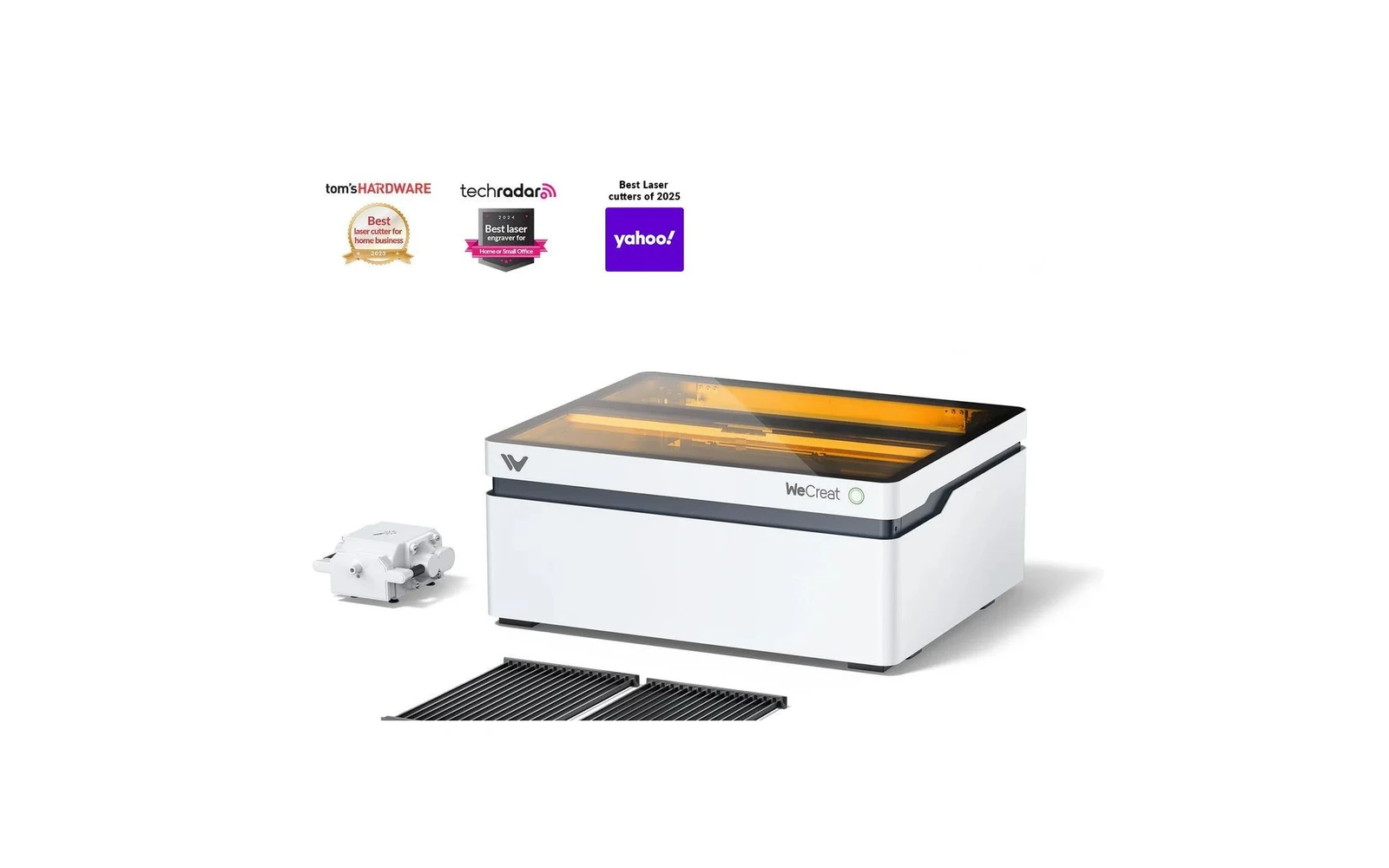
WeCreat · Diode · $1,140 – $1,990
WeCreat's enclosed diode laser adds a camera and AI features for material detection and visual preview. Appealing for beginners who want guidance. Core laser performance is comparable to other enclosed diodes: you pay for the smart features.
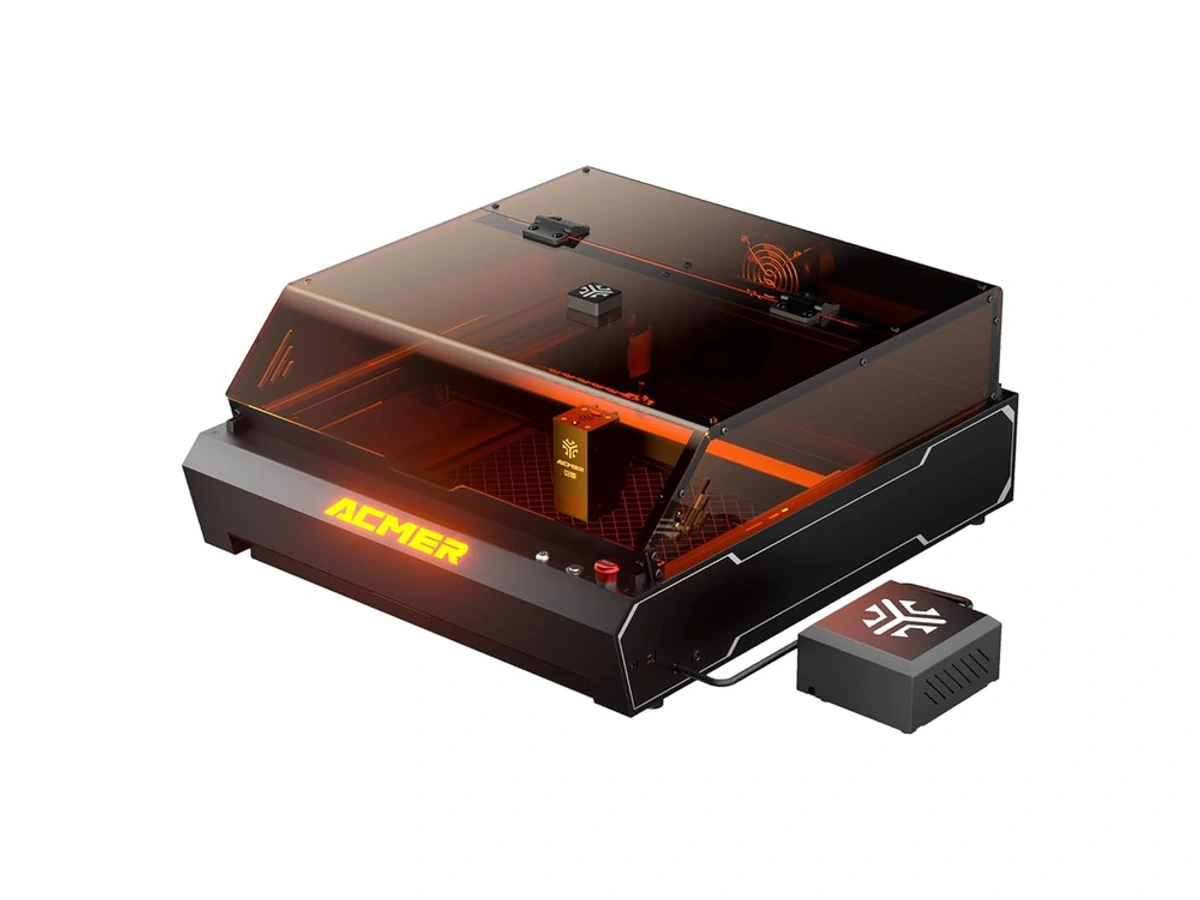
Acmer · Diode · $799 – $1,969
Acmer packs an enclosed 20W diode, camera preview, and air assist into a sub-$800 package. Performance sits between open-frame budget machines and xTool S1. Worth considering if xTool pricing hurts but you still want enclosure and camera.