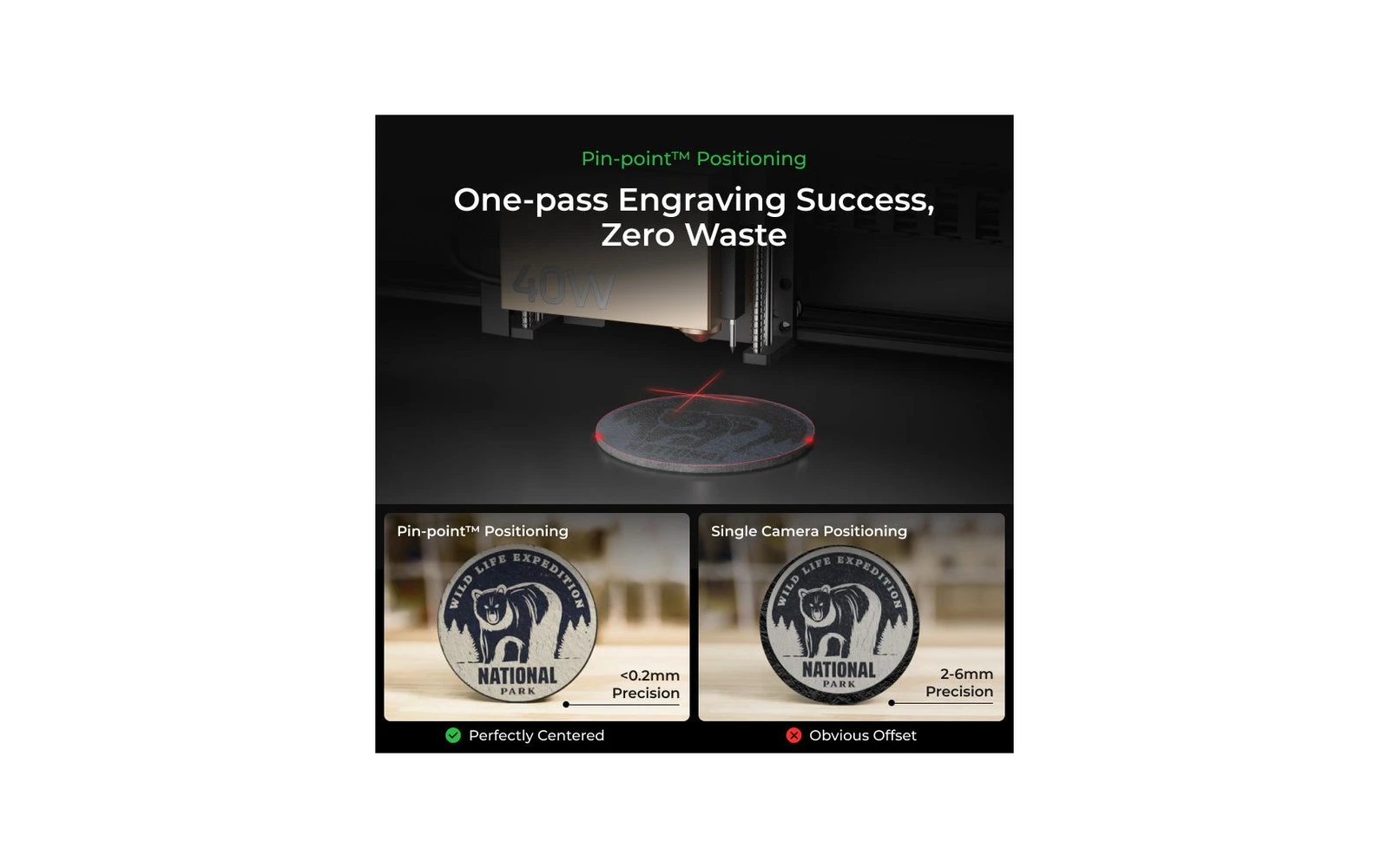
3 manufacturer photos · 1 / 3
xTool · Diode (diode + IR)
xTool S1 · 10W diode
Entry enclosed S1: engraving-first with swappable head ecosystem
All xTool models →Add to compare →
Last updated How we evaluate
Released October 2023
Choose installed module
Details below match the selected module.
Showing module: 10W diode
TL;DR
The 10W S1 is xTool's entry enclosed bundle: same Class-1 cabinet as 20W/40W, but the installed diode module limits cutting depth. You can upgrade later by swapping the laser head: verify you are buying the 10W SKU, not a bare machine without a module.
Best for
What makes this machine stand out
Hardware and workflow features worth understanding before you buy : not just wattage on a label.
Smallest spot in the S1 range
xTool lists a 0.06 × 0.04 mm spot for the 10W head. Fine hatching, small text and photo dithering hold together better than with the wider high-power beams.
Low power in a Class 1 box
The 10W head runs inside the same enclosure with lid interlock, five-direction flame detection and key lock, a reasonable choice for a classroom or a shared room.
Our verdict
Ideal if you
The 10W diode module on xTool S1 is right when you mostly engrave wood, leather, and slate and should not pay for cut watts you will not use weekly. Same chassis, upgrade path later.
Skip if you
Skip this module if you cut 5 mm+ stock daily: open the 20W or 40W profile. Cast acrylic and bare metal without spray stay frustrating on diode.
Pros
- Finest spot in the S1 line (0.06 × 0.04 mm per xTool): the best head here for line art and photo detail
- Lower heat input suits leather, paper and thin veneer with less charring at the edges
- Same Class 1 cabinet, flame detection and key lock as the higher-power heads
Cons
- Cutting stops at about 3 mm basswood plywood in one pass (xTool rating); thicker stock means slow multi-pass jobs
- Slow fills: about 14–21 min for a 10 × 10 cm photo in our benchmark
- Hard to find new in the US in October 2026: compare its price with the current bundles
What this machine is for
High-quality hobby and light-business engraving with light, slow cutting
10W module · xTool S1
Laser spot size
~0.07 mm spot
Motion precision: 0.01 mm
Sample engrave job
~14–21 min
10 × 10 cm (4 × 4 in)
Sample cut job
~7–12 min
10 × 10 cm (4 × 4 in)
Reference benchmark: same job size on every machine so you can compare times fairly. Times are estimates for the reference job above; your design complexity and settings will change them.
Materials
- · Wood
- · Leather
- · Slate
- · Anodized aluminum
- · Stainless (with spray)
Accessories & add-ons
Typical inclusions and add-ons for this profile : confirm your SKU.
- Included
Enclosure / cabinet
- Optional
Laser safety glasses
Still useful when servicing or with lid open
- Recommended
Fire extinguisher
Editorial guidance : not a live parts list. See also: Ventilation setup · Safety basics
Practical notes
Beginner notes
This profile is the 10W SKU on xTool S1. Read the TL;DR and benchmarks above, then compare other modules via the chips before buying.
Pro tips
Run material test grids at engraving speeds first. Add air assist for light cuts. If cut jobs exceed ~30% of your week, open the higher-watt profile on this site and compare times.
Pro / technical specsRaw numbers for experienced users comparing machines.
- Max speed (spec)
- 600 mm/s
- Avg engrave speed
- 6–14 mm/s fill
- Avg cut speed
- 2–3 mm/s on 3 mm wood
Common questions
How thick can the xTool S1 10W cut?
xTool rates the 10W head for 3 mm basswood plywood in one pass, at about 5 mm/s on 3 mm stock. Our materials list puts the practical ceiling around 5 mm basswood in several passes. Dark acrylic and hardwood thicker than 3 mm are slow enough that a higher-power head is the better tool.
Why choose the 10W when the 20W uses the same cabinet?
Detail. xTool lists a 0.06 × 0.04 mm spot for the 10W, the smallest in the S1 line (0.08 × 0.06 mm on the 20W), which helps fine line art and photo engraving on wood, leather and slate. The trade-off is time: a filled 10 × 10 cm photo takes about 14–21 min in our benchmark, against 9–14 min on the 20W.
Is the S1 10W still sold new?
In October 2026 xTool's US store lists the S1 only with 20W ($1,299 Basic) and 40W ($1,699 Basic) bundles. A 10W S1 is mostly found as older stock or used. At the price of a new 20W Basic it makes little sense; used at a clear discount it is a sensible engraving-first machine, and the cabinet accepts the higher-power heads later.
Alternatives to the xTool S1 10W
Machines in the same space, picked from our database by type, price, and score.
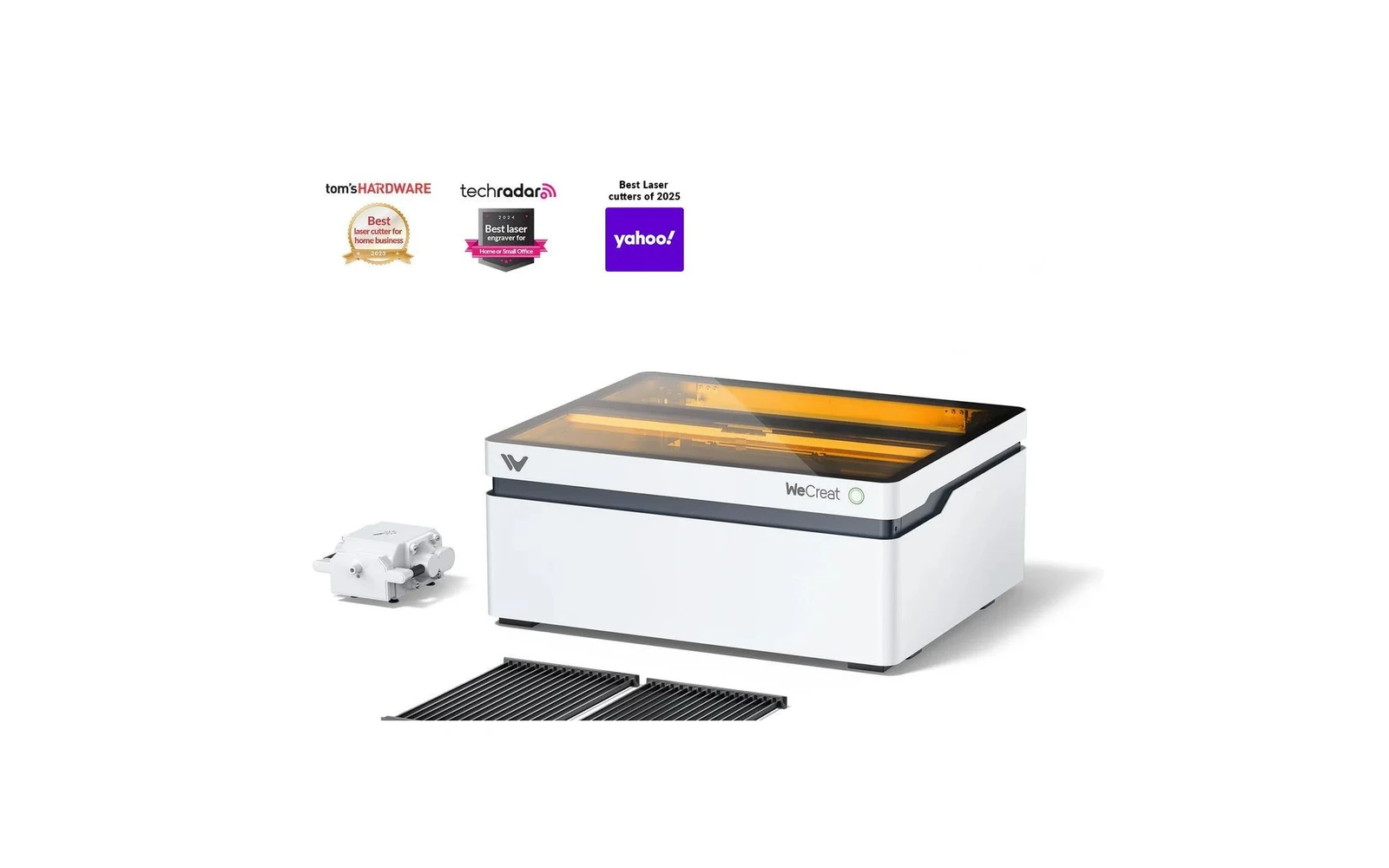
WeCreat · Diode · $1,140 – $1,990
WeCreat's enclosed diode laser adds a camera and AI features for material detection and visual preview. Appealing for beginners who want guidance. Core laser performance is comparable to other enclosed diodes: you pay for the smart features.
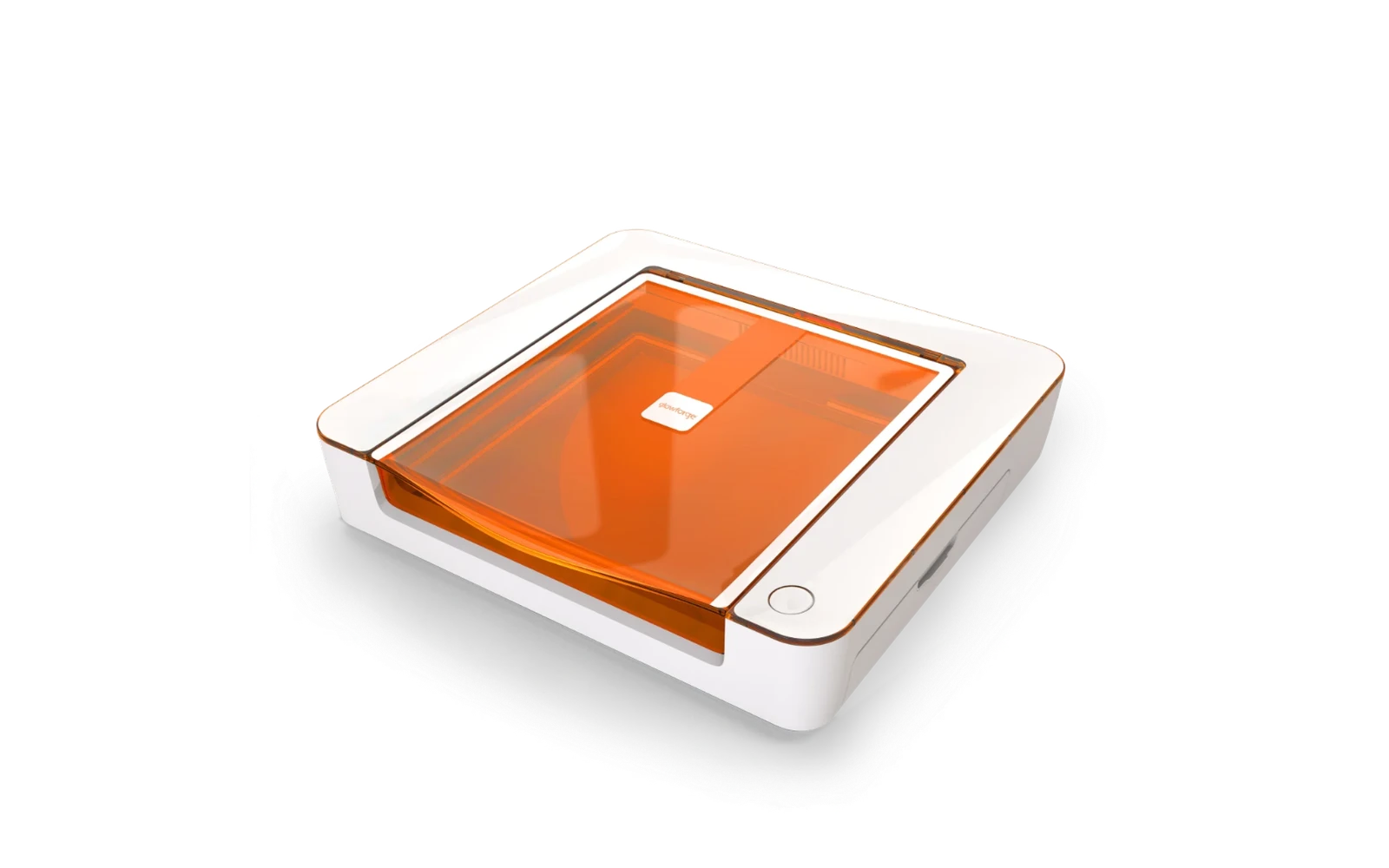
Glowforge · Diode · $999
Glowforge's compact 6W diode Craft Laser for crafters. Easy software, autofocus, quick setup and a Passthrough slot for long projects, but cutting is limited to thin materials. The catch: a cloud-based app (optional Premium subscription from $20/mo) and far less power than CO₂ machines like the xTool P2S.
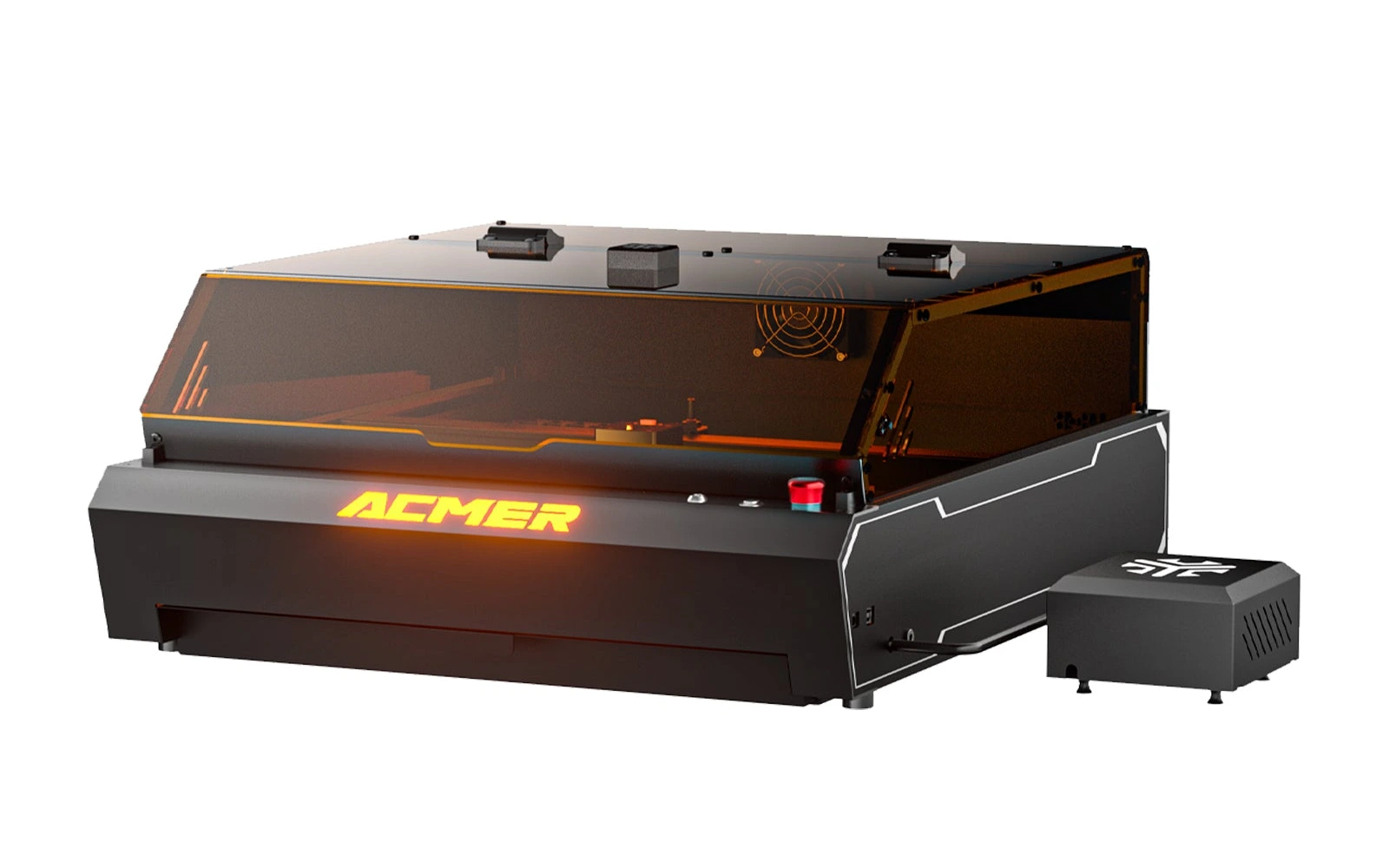
Acmer · Diode · $1,149 – $2,069
The P3 48W is the cutting version of Acmer's enclosed P3: a Class 1 cabinet with a CoreXY gantry, 800 mm/s, a camera covering the whole bed and 30 L/min air assist. Its module switches between 24W and 48W, and Acmer rates it for 18 mm plywood and 18 mm black acrylic in one pass. At $1,149 for the Basic Pack (October 2026) it undercuts xTool's enclosed 40W by about $550; the trade-offs are a weaker included exhaust fan and software that reviewers call basic.