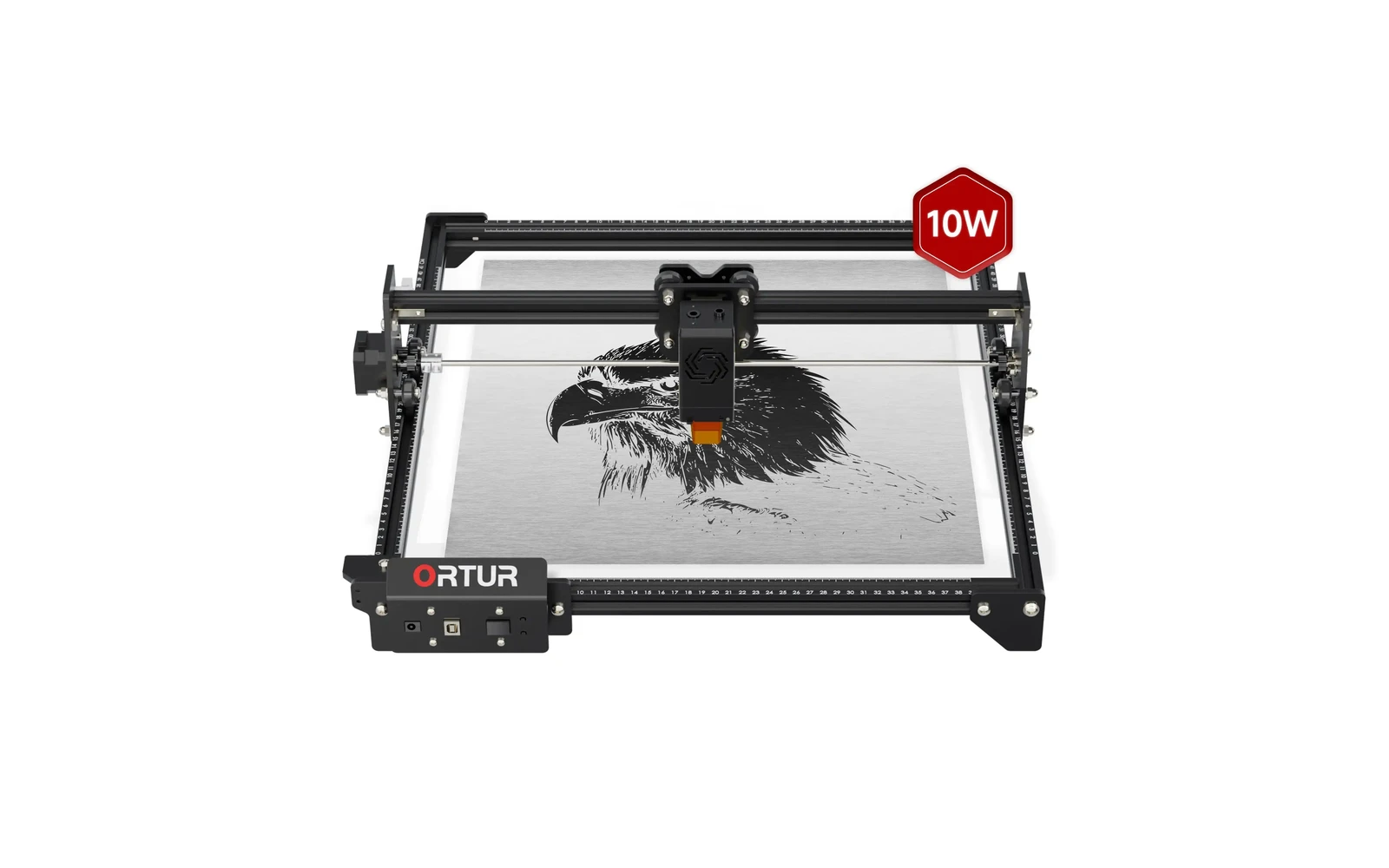
4 manufacturer photos · 1 / 4
Ortur · Diode
Ortur LM2 S2 · 5W
5W Ortur LM2 S2: lowest-cost Ortur still worth knowing
All Ortur models →Add to compare →
Last updated How we evaluate
Released January 2022
Choose a power option
Details below update for the selected power option.
Showing specs for: 5W
TL;DR
Ortur LM2 S2 5W is the entry SKU: engraving-first, minimal cutting. Fine for learning if price is right; most users outgrow it quickly.
Best for
What makes this machine stand out
Hardware and workflow features worth understanding before you buy : not just wattage on a label.
Open-frame : plan safety first
There is no factory enclosure: you wear OD-rated glasses, control smoke, and keep kids/pets away. You trade cabinet convenience for price and access : fine in a dedicated workshop, stressful in a living room without a plan.
LightBurn compatible
LightBurn support means advanced layers, camera tools, and workflows many makers outgrow the stock app with. Confirm your exact controller board before assuming full features : some machines need a paid license separately.
Our verdict
Ideal if you
Ortur LM2 S2 5W suits makers who sell marks, photos, and gifts more than daily panel cutting. Reasonable open-frame entry price.
Skip if you
Skip if you already quote 3 mm+ cutting in production: see 10W in the line. Not for cast acrylic or bare metal without spray.
Pros
- 5W on Ortur LM2 S2: engraving-first: photo fills and leather at moderate speeds
- Open-frame: plan laser glasses, exhaust, and workspace rules from day one
- Software on the profile: trial your workflow on scrap before production
Cons
- Clear cast acrylic and thick production cutting still favor CO₂, not diode power alone
- Confirm optical wattage on the listing before you buy
What this machine is for
Detailed engraving on organics and coated metal: occasional thin cuts only
Engraving-first desktop diode for makers who prioritize mark quality over cut speed
Laser spot size
~0.07 mm spot
Motion precision: 0.01 mm
Sample engrave job
~18–28 min
10 × 10 cm (4 × 4 in)
Sample cut job
~9–15 min
10 × 10 cm (4 × 4 in)
Reference benchmark: same job size on every machine so you can compare times fairly. Times are estimates for the reference job above; your design complexity and settings will change them.
Materials
- · Wood
- · Leather
- · Paper
Accessories & add-ons
Typical inclusions and add-ons for this profile : confirm your SKU.
- Optional
Enclosure / cabinet
Third-party enclosure improves smoke control and safety
- Recommended
Laser safety glasses
~450 nm diode: OD rated for your wavelength
- Recommended
Fire extinguisher
Editorial guidance : not a live parts list. See also: Ventilation setup · Safety basics
Practical notes
Beginner notes
This profile is the 5W SKU on Ortur LM2 S2. Read the TL;DR and benchmarks above, then compare other power options via the chips before buying.
Pro tips
Optimize for engraving: lower DPI on photos, higher scan speed on line art after test burns. Air assist still helps clarity. Compare benchmark times on the next tier before assuming you need more power.
Pro / technical specsRaw numbers for experienced users comparing machines.
- Max speed (spec)
- 300 mm/s
- Avg engrave speed
- 16–42 mm/s fill
- Avg cut speed
- 2–3 mm/s on 3 mm wood
Alternatives to the Ortur LM2 S2 5W
Machines in the same space, picked from our database by type, price, and score.
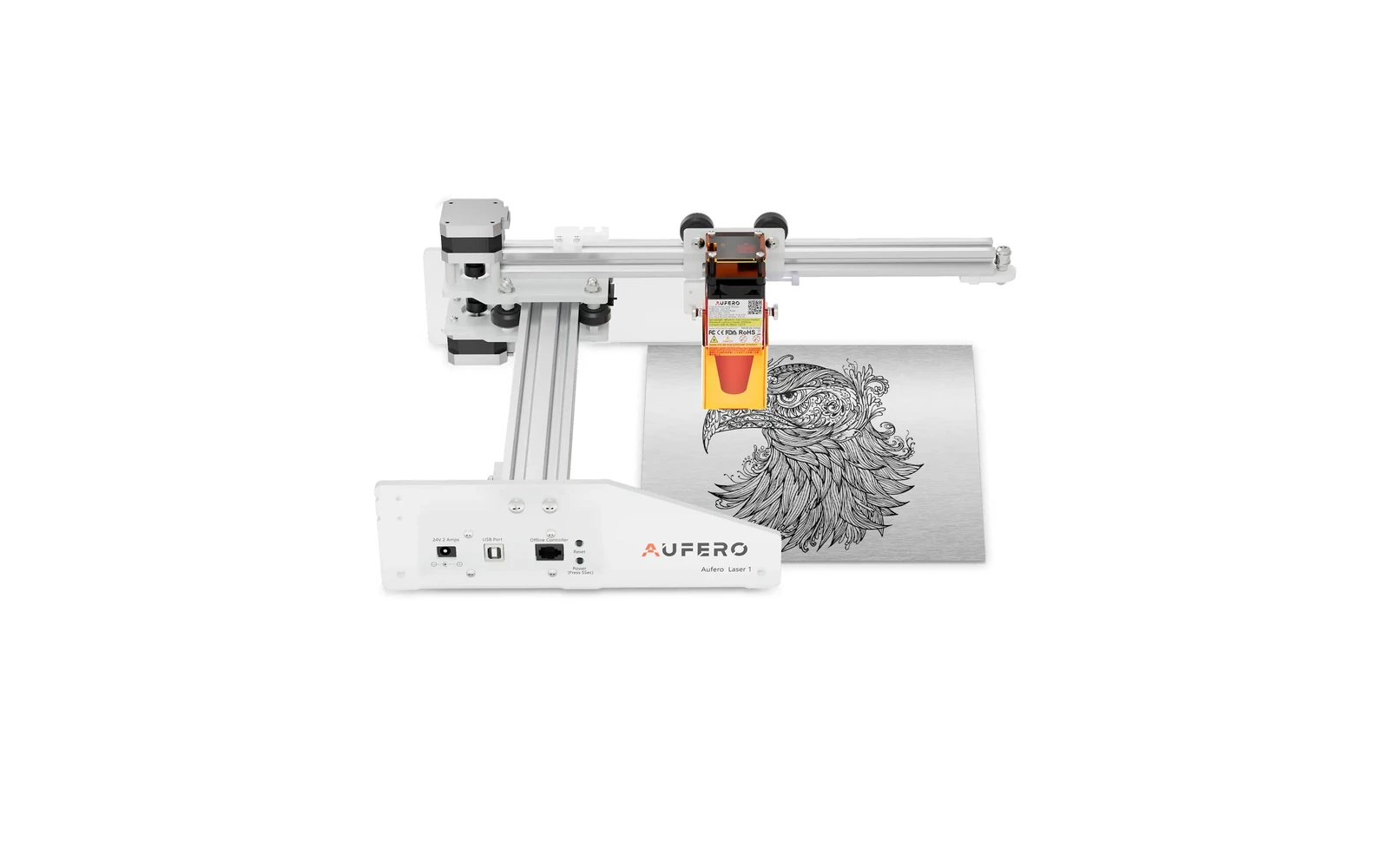
Ortur · Diode · $110 – $210
The Aufero AL1 is Ortur's compact diode line for small work areas and portable setups. Lower power than LM3 or H10, but easier to fit on a crowded desk. Best for light engraving: not a cutting workhorse.
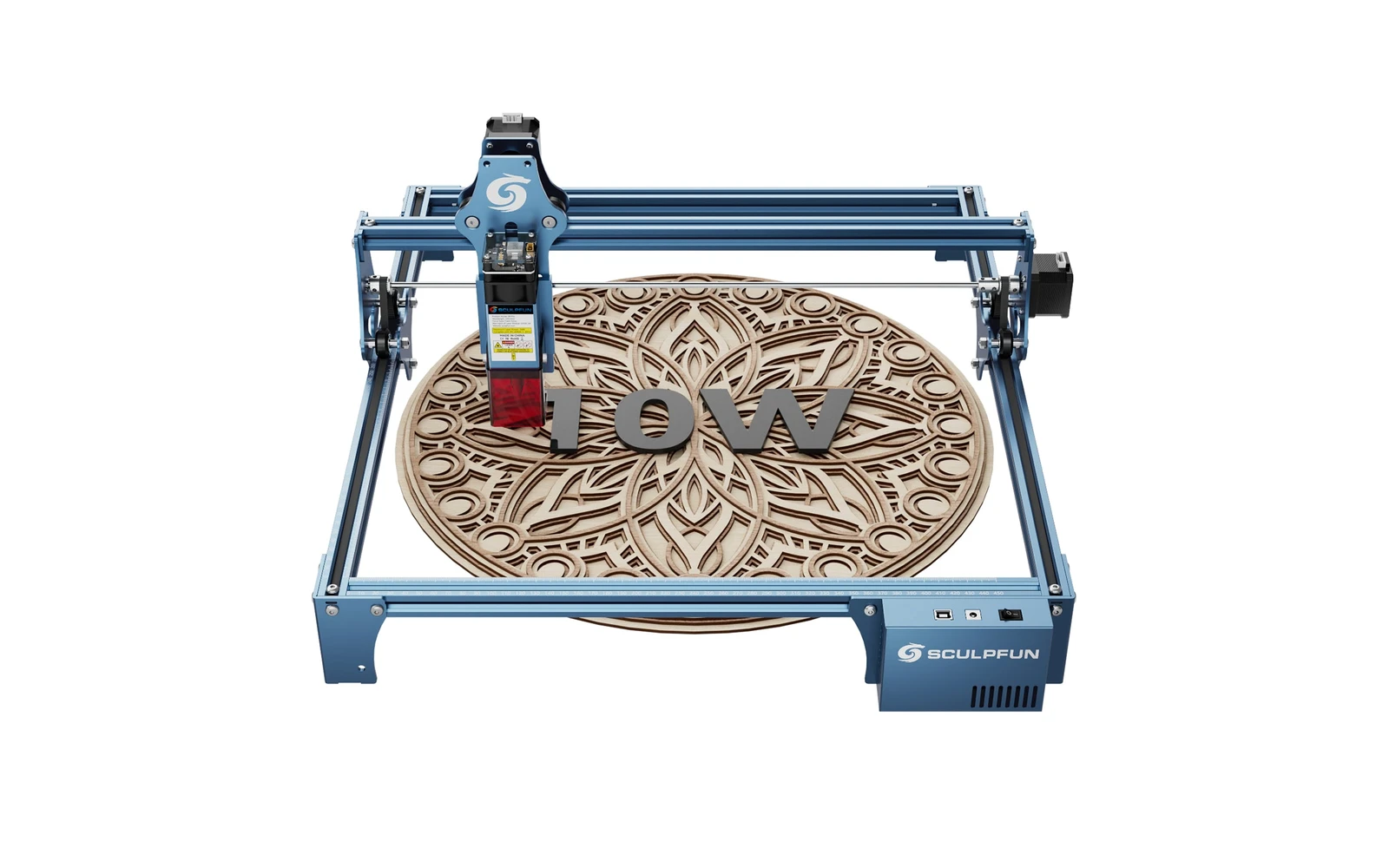
Sculpfun · Diode · $199 – $299
Sculpfun S9 5W is the 5W SKU on the Sculpfun sculpfun s9 line. Before S30 Ultra, the S9 was Sculpfun's workhorse. Verify optical power on the listing: do not assume combined-watt marketing.
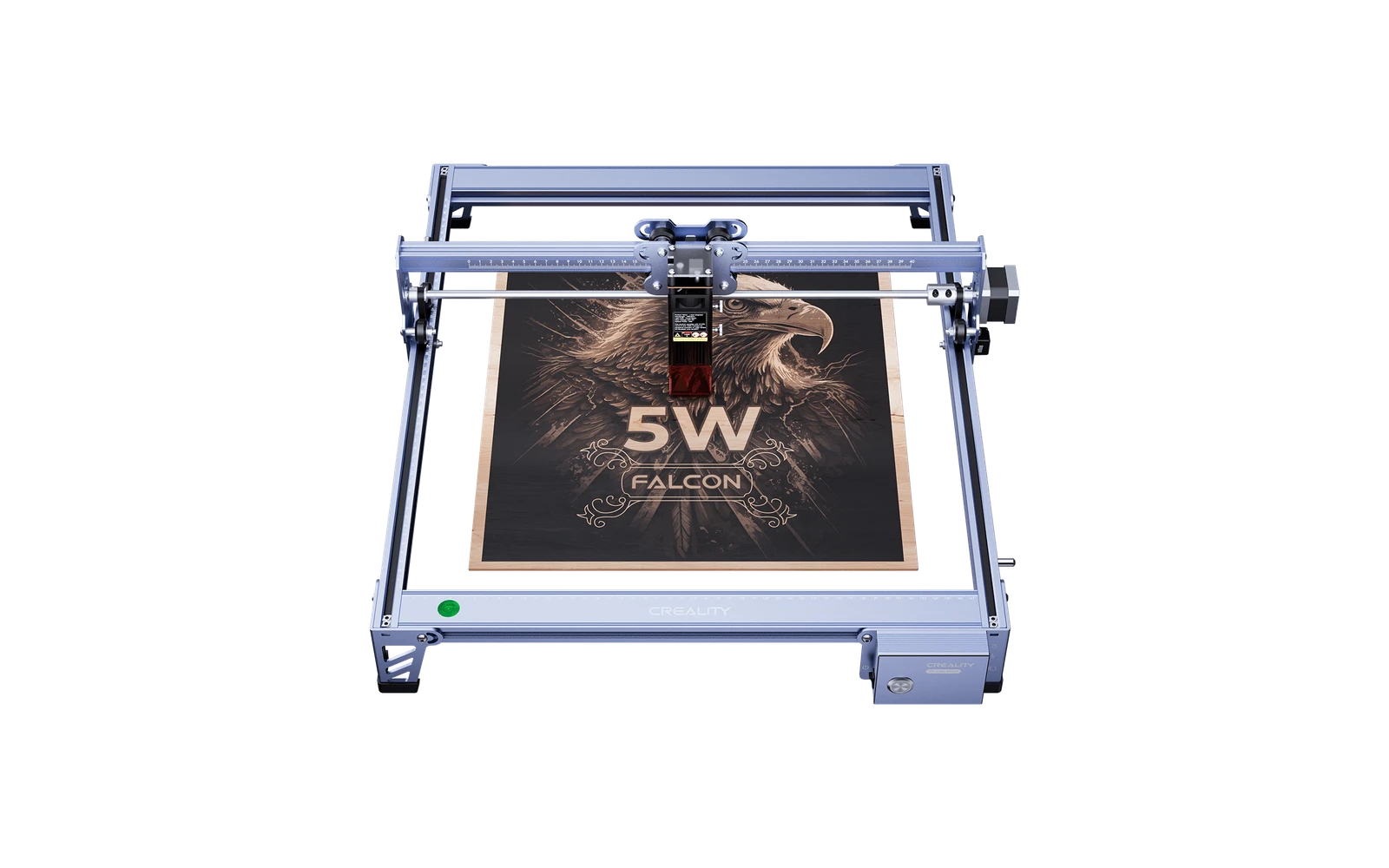
Creality · Diode · $149 – $249
Creality Falcon 5W is the small CR-Laser Falcon for desktop engraving and light crafts: lower power than Falcon 10W/A1 but simpler footprint and price.