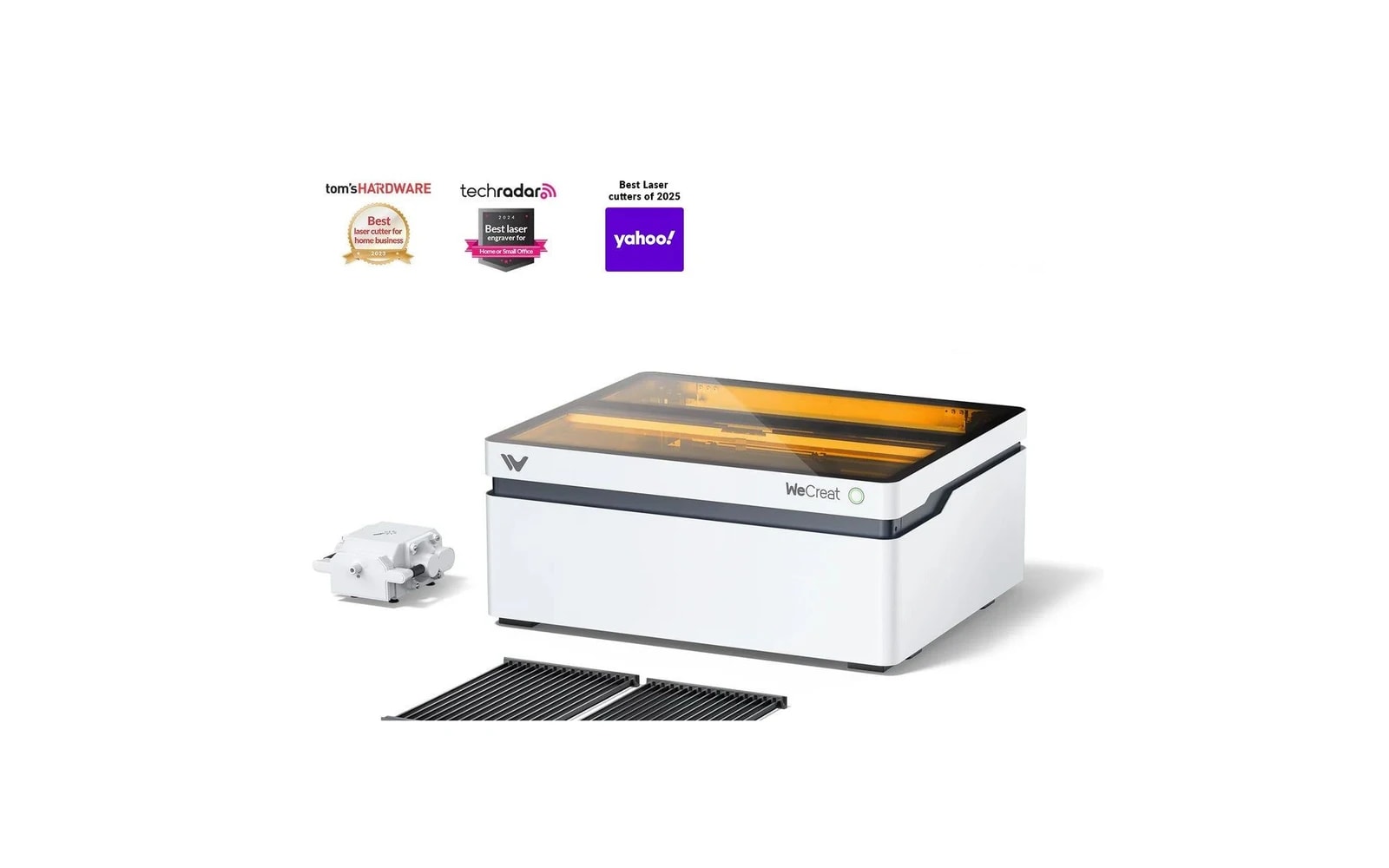
3 manufacturer photos · 1 / 3
WeCreat · Diode
WeCreat Vision
AI-assisted enclosed diode with live preview — beginner-friendly smart laser
Last updated How we evaluate
Released July 2024
What this machine is for
AI-guided enclosed engraving for visual, beginner-friendly workflow
Reference benchmark same job size on every machine so you can compare times fairly.
Laser spot size
~0.08 mm spot
Smaller spot = finer detail (frame motion is usually the same across tiers)
Motion precision: 0.01 mm
Sample engrave job
~9–14 min
Filled photo or logo on birch plywood
10 × 10 cm (4 × 4 in)
Sample cut job
~5–7 min
Simple square cut-out from 3 mm basswood
10 × 10 cm (4 × 4 in)
Times are estimates for the reference job above; your design complexity and settings will change them.
TL;DR
WeCreat's enclosed diode laser adds a camera and AI features for material detection and visual preview. Appealing for beginners who want guidance. Core laser performance is comparable to other enclosed diodes — you pay for the smart features.
What this machine is for
Smart enclosed diode laser for beginners who want visual guidance and filtered home operation.
Best for
Materials
Engraves
- · Wood
- · Leather
- · Slate
- · Anodized aluminum
- · Stainless (with spray)
Cuts
- · Basswood 3–6 mm
- · Black acrylic (thin)
- · Paper
- · Fabric
Cannot do
- · Clear acrylic
- · Thick production cuts
- · Bare metal
- · CO₂-level acrylic work
Pros
- ✓Live camera preview reduces alignment guesswork
- ✓Enclosed design with filtration
- ✓AI material suggestions help true beginners
- ✓Competitive work area for enclosed class
- ✓Active newer brand with growing community
Cons
- ✗AI features may feel gimmicky to experienced users
- ✗Smaller community than xTool for troubleshooting
- ✗Long-term software support unproven vs established brands
- ✗Still diode-limited on materials
- ✗Premium over open-frame for same raw power
Beginner notes
Good if you want hand-holding and visual feedback. Experienced makers may prefer xTool S1 for ecosystem maturity at a similar price.
Pro tips
Use camera preview for batch placement but still run test cards for new materials — AI presets are starting points, not gospel. LightBurn unlocks more control when you outgrow the stock app.
Pro / technical specs
Raw numbers for experienced users comparing machines.
- Laser spot size
- ~0.08 mm spot
- Max speed (spec)
- 350 mm/s
- Avg engrave speed
- 75–160 mm/s fill
- Avg cut speed
- 4–10 mm/s on 3 mm wood
- Motion precision
- 0.01 mm
Common questions
Is the AI feature actually useful?
For beginners, yes — it speeds up first projects and reduces alignment errors. Pros will likely ignore it and use LightBurn with manual settings.
WeCreat vs xTool S1?
Similar enclosed diode category. xTool has a larger community and longer track record. WeCreat competes on AI/camera UX. Choose xTool for ecosystem; WeCreat if the smart preview appeals to you.