4 manufacturer photos · 1 / 4
xTool · Hybrid (fiber + diode)
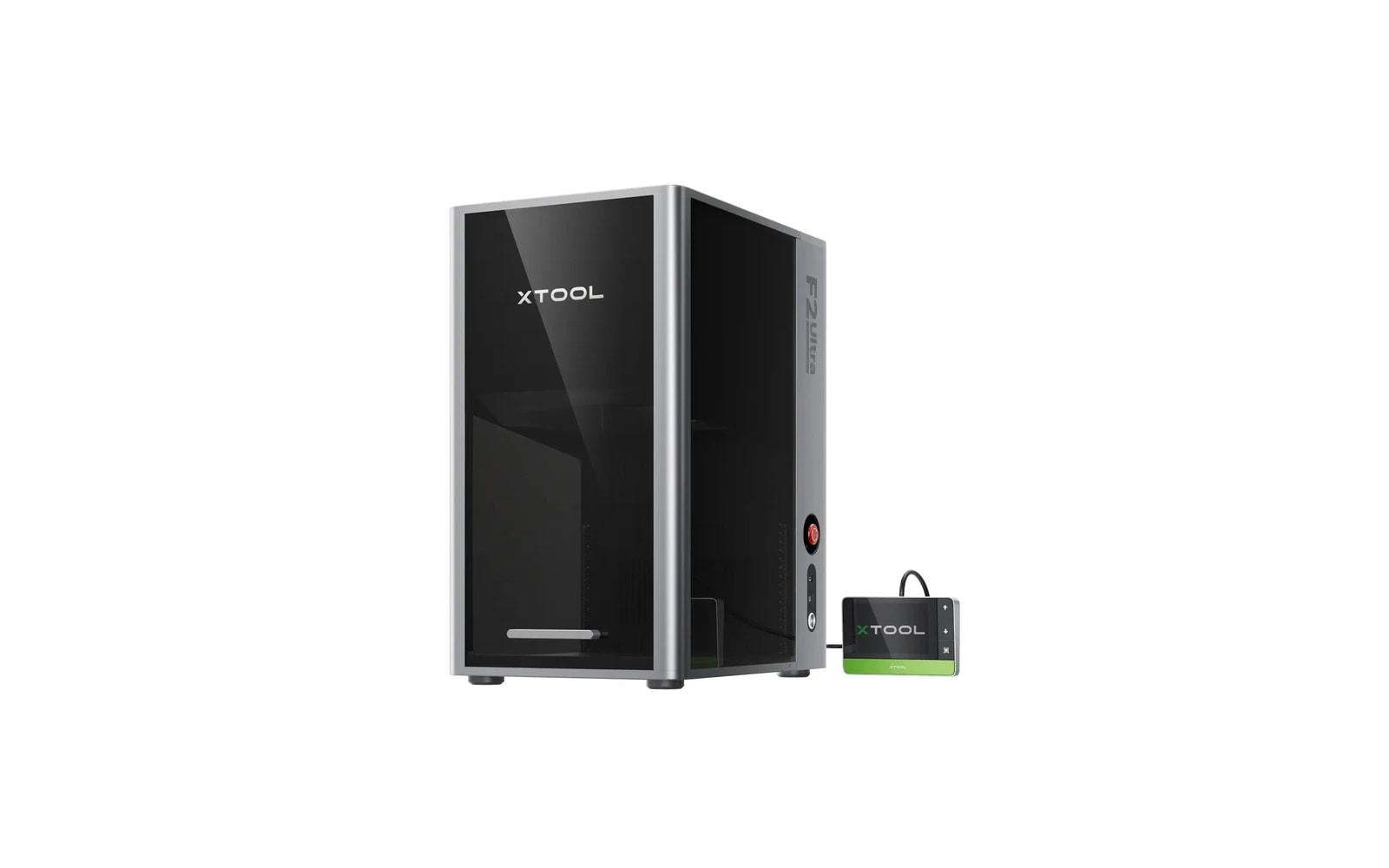
xTool F2 Ultra
Next-gen compact fiber + diode — faster metal marking, larger than F1
Last updated How we evaluate
Released January 2025
High-power dual laser (MOPA fiber + diode)
F2 Ultra pairs MOPA fiber for metal/color marking with a 40W-class diode for organics. Dual-source hybrid, not interchangeable wattage tiers.
- 60W fiber · Fiber
- 40W diode · Diode
Listed as hybrid because two laser technologies share one machine, not because you pick 10W vs 40W on the same diode head.
What this machine is for
High-speed compact metal marking plus bonus diode for wood & leather
Reference benchmark same job size on every machine so you can compare times fairly.
Laser spot size
~0.02 mm fiber spot
Smaller spot = finer detail (frame motion is usually the same across tiers)
Motion precision: 0.00199 mm
Sample engrave job
~2–5 min
Filled logo on stainless steel plate
10 × 10 cm (4 × 4 in)
Sample cut job
Not a cutter
Times are estimates for the reference job above; your design complexity and settings will change them.
TL;DR
xTool's updated dual-laser desktop builds on F1 Ultra with improved speed and workflow. Still a metal-marking specialist with small default bed. Premium price for jewelry, tools, and batch metal personalization — not a general workshop replacement.
What this machine is for
Professional compact dual-laser for high-speed metal marking and small organic-material engraving.
Best for
Materials
Engraves
- · Stainless steel
- · Aluminum
- · Brass
- · Titanium
- · Wood
- · Leather
Cuts
- · Thin wood/leather (diode, limited)
Cannot do
- · Large signage
- · CO₂ acrylic cutting
- · Thick material production
- · Simultaneous dual-laser operation
Pros
- ✓Faster fiber marking than F1 generation
- ✓Marks bare metal without spray
- ✓Slightly larger work area than F1 Ultra
- ✓Conveyor option for batch metal
- ✓Premium xTool software ecosystem
Cons
- ✗Very expensive for bed size
- ✗Still not a general-purpose first laser
- ✗Module switching between fiber and diode
- ✗Overkill for wood-only makers
- ✗Compact class limits product dimensions
Beginner notes
Only buy after you have confirmed metal is 70%+ of your work. Wood-primary makers should buy D1 Pro or P2 instead.
Pro tips
Use conveyor for dog tags and flat blanks. Keep fiber and diode settings libraries separate — power curves are not interchangeable.
Pro / technical specs
Raw numbers for experienced users comparing machines.
- Laser spot size
- ~0.02 mm fiber spot
- Max speed (spec)
- 18,000 mm/s
- Avg engrave speed
- 800–3,000 mm/s marking
- Avg cut speed
- N/A
- Motion precision
- 0.00199 mm
Common questions
F2 Ultra vs F1 Ultra — worth upgrading?
If you already run F1 Ultra at production capacity, F2's speed gains may justify it. New buyers should compare bundle pricing — F1 Ultra discounts may offer better value if speed difference is not critical.