5 manufacturer photos · 1 / 5
Acmer · Diode
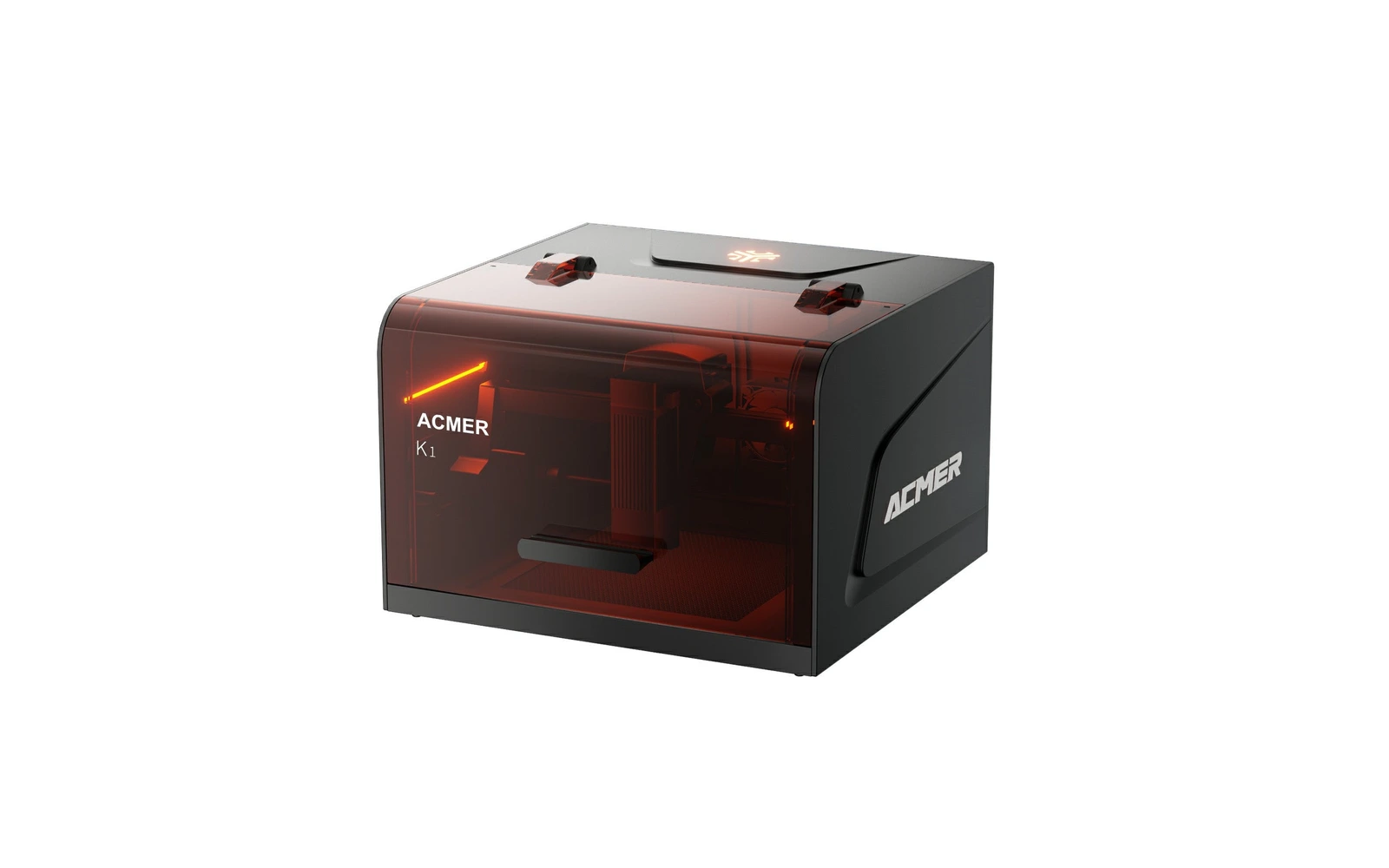
Acmer K1 · 12W
The most powerful K1: an enclosed 2.4 kg mini diode that can also cut thin plywood
All Acmer models →Add to compare →
Last updated How we evaluate
Released September 2025
Choose a power option
Details below update for the selected power option.
Showing specs for: 12W
TL;DR
The K1 12W is the top version of Acmer's enclosed mini engraver: a 150 × 150 mm area in a 2.4 kg box with lid and tilt sensors and an exhaust fan, for $269.99. Acmer's chart gives up to 12 mm of plywood, without stating the number of passes; expect several passes beyond a few millimeters. Small area, USB-only connection and no camera are the trade-offs for the price.
Best for
What makes this machine stand out
Hardware and workflow features worth understanding before you buy : not just wattage on a label.
Cutting in an enclosed box under $300
The 12W diode cuts 3 mm basswood in a few minutes in our benchmark profile, in a closed box sold $269.99.
2.4 kg and fits on a shelf
At 286 × 273 × 190 mm, the K1 stores in a cupboard and moves easily between rooms or to a market stall.
Our verdict
Ideal if you
The 12W is the K1 to buy if you want an enclosed box at a very low price and still expect to cut ornaments, tags or small plywood shapes. Same 2.4 kg box, area and software as the other versions, with the most power for cutting and faster engraving on wood.
Skip if you
The 150 × 150 mm area limits it to small objects, the speed cap of 10,000 mm/min slows large fills, and there is no camera, Wi-Fi or auto-focus. Acmer's cutting figures do not state the number of passes, and no in-depth independent review was available in October 2026.
Pros
- The only K1 that cuts 3 mm basswood in a few minutes, about 5–9 min for a 10 × 10 cm square in our benchmark profile
- Enclosed box with lid and tilt sensors for $269.99
- Fastest K1 engraving on wood, while keeping the same 0.08 × 0.08 mm spot
Cons
- Engraving speed capped at 10,000 mm/min, slower than enclosed rivals near the price
- More smoke when cutting: the hose must be vented outside
- 150 × 150 mm area and USB-only connection
What this machine is for
Enclosed small-item engraving with real cutting of thin wood, on a tight budget
12W module · Acmer K1
Laser spot size
0.08 × 0.08 mm
Motion precision: 0.01 mm
Sample engrave job
~14–20 min
10 × 10 cm (4 × 4 in)
Sample cut job
~5–9 min
10 × 10 cm (4 × 4 in)
Reference benchmark: same job size on every machine so you can compare times fairly. Times are estimates for the reference job above; your design complexity and settings will change them.
Materials
- · Wood & plywood
- · Paper & card
- · Leather
- · Dark acrylic
- · Cork & bamboo
- · Coated metal
Accessories & add-ons
Typical inclusions and add-ons for this profile : confirm your SKU.
- Included
Enclosure / cabinet
- Optional
Laser safety glasses
Still useful when servicing or with lid open
- Recommended
Fire extinguisher
Editorial guidance : not a live parts list. See also: Ventilation setup · Safety basics
Practical notes
Beginner notes
This profile is the 12W version of the Acmer K1. Compare it with the 7W: pick the 12W if you plan to cut plywood shapes, ornaments or tags; box, area and software are identical. For $40 more than the 7W you mostly gain cutting speed.
Pro tips
Cut at low speed with several passes rather than at full speed, and keep the lid closed so the fan can clear smoke from the beam path. Check focus before each job, and test hardwood on scrap: it cuts far slower than the paulownia figures suggest.
Pro / technical specsRaw numbers for experienced users comparing machines.
- Max speed (spec)
- 167 mm/s (10,000 mm/min)
- Avg engrave speed
- 80–160 mm/s
- Avg cut speed
- 4–8 mm/s
Common questions
How thick can the K1 12W cut?
Acmer's chart gives 12 mm of plywood, 8 mm of black acrylic and 15 mm of paulownia, without stating speed or passes. Treat 3 mm as comfortable: our benchmark profile cuts a 10 × 10 cm square in 3 mm basswood in about 5–9 min. Thicker stock needs several slow passes.
K1 12W or Creality Falcon A1C 10W?
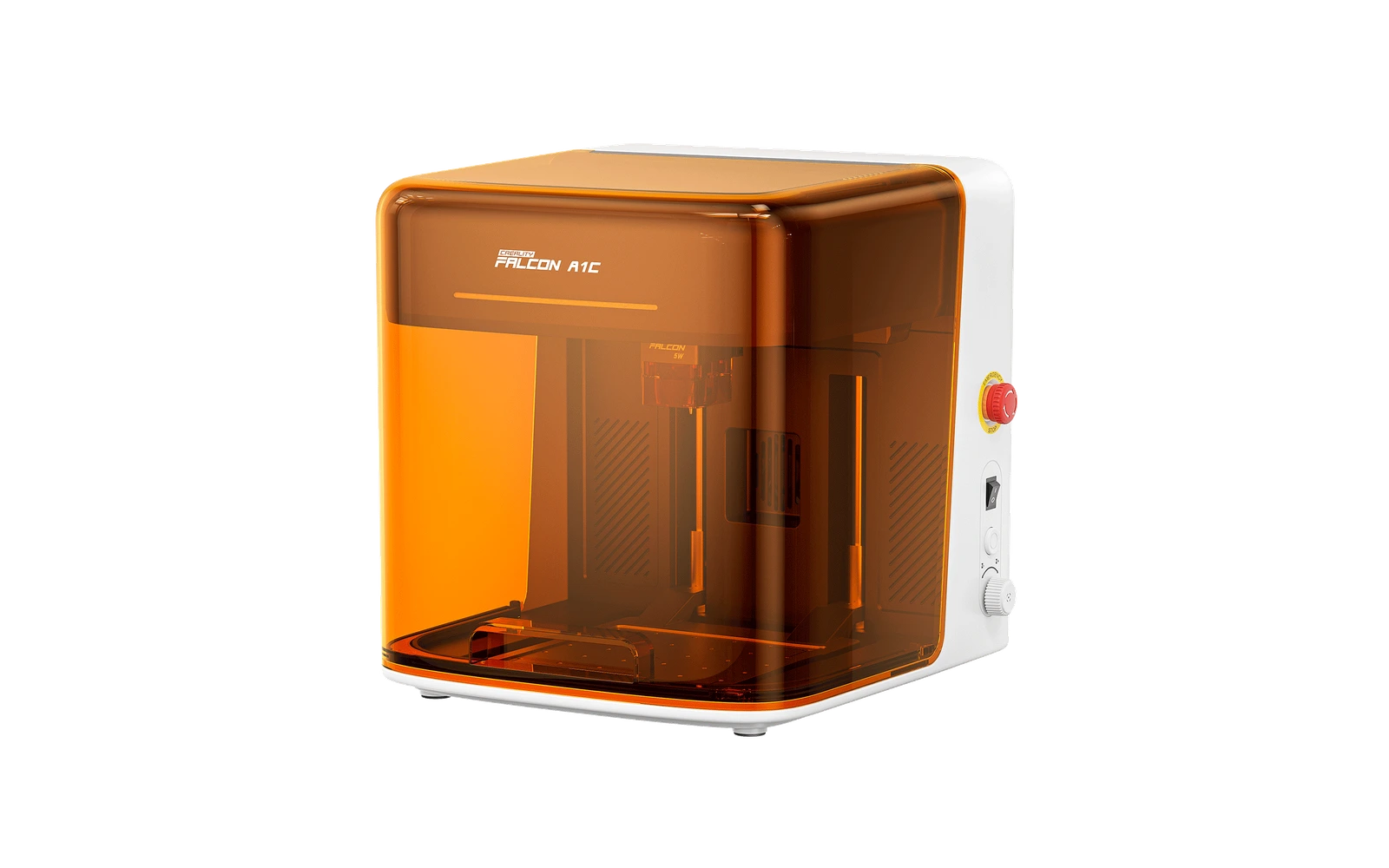
The Falcon A1C 10W ($369 on Creality's store, October 2026) adds a motorized lifting bed, auto-focus and Wi-Fi on the same 150 × 150 mm area. The K1 12W costs $269.99, is lighter and more compact, but connects by USB only. Pick the K1 to save $100, the A1C for taller objects and wireless use.
Is the K1 12W worth $40 more than the 7W?
If you will cut wood, yes: the 12W roughly halves cutting time on 3 mm basswood in our benchmark profile. For engraving alone, the 7W at $229.99 is enough (Acmer store, October 2026).
Alternatives to the Acmer K1 12W
Machines in the same space, picked from our database by type, price, and score.
Creality · Diode · $369 – $399
The Falcon A1C 10W is Creality's smallest enclosed laser: a 150 × 150 mm bed in a fully closed Class 1 box with a motorized lifting platform and auto-focus. It engraves cork, bamboo, slate, leather and plywood cleanly and cut 5 mm plywood in one pass in a hands-on test, barely. Small bed and plastic build are the trade-offs for the price.
Sculpfun · Diode · $449 – $649
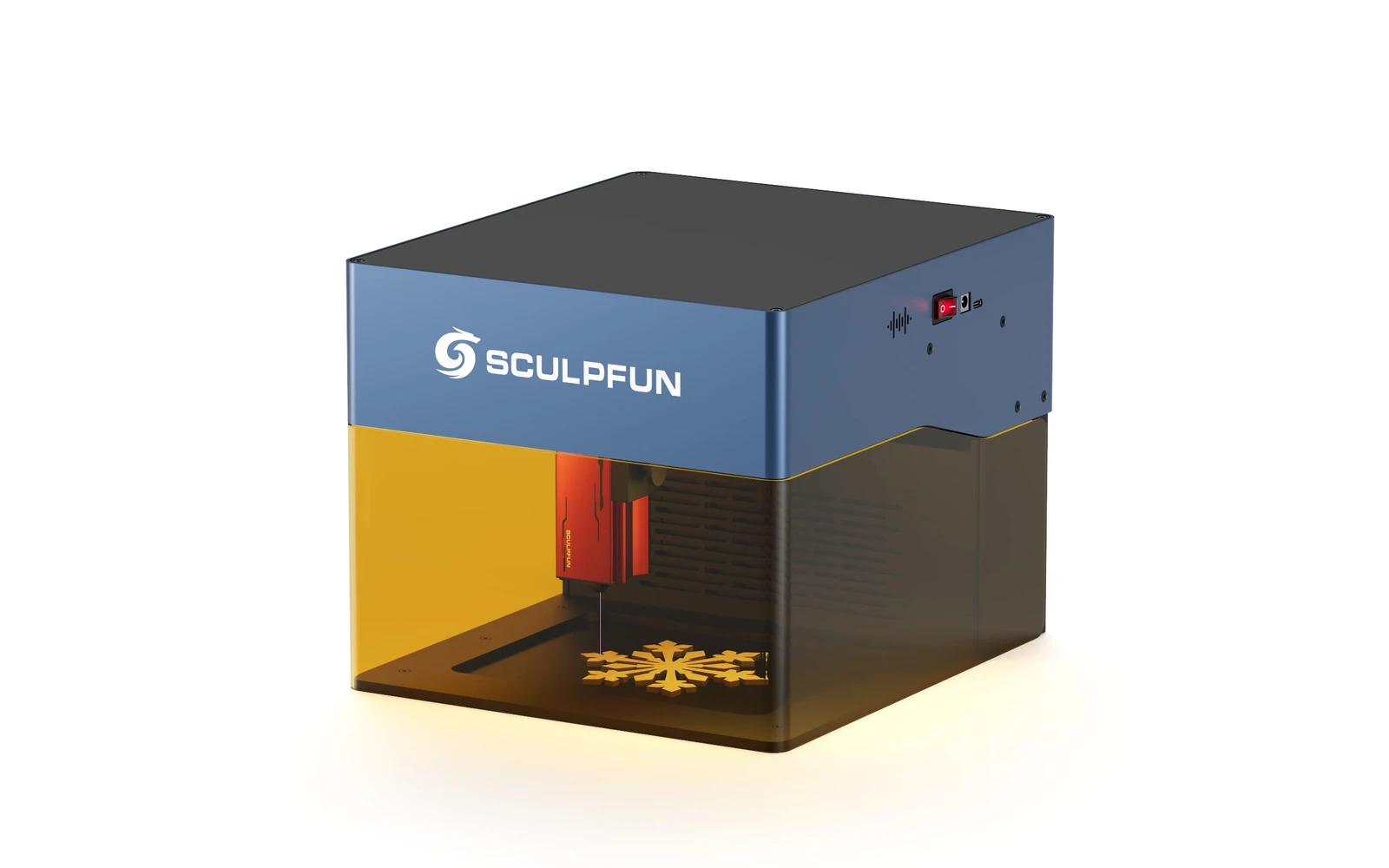
Sculpfun iCube Pro Max 10W is the 10W SKU on the Sculpfun sculpfun icube pro line. Sculpfun's enclosed desktop laser for makers who want the brand's cutting performance in a safer cabinet. Verify optical power on the listing: do not assume combined-watt marketing.
Sculpfun · Diode · $270
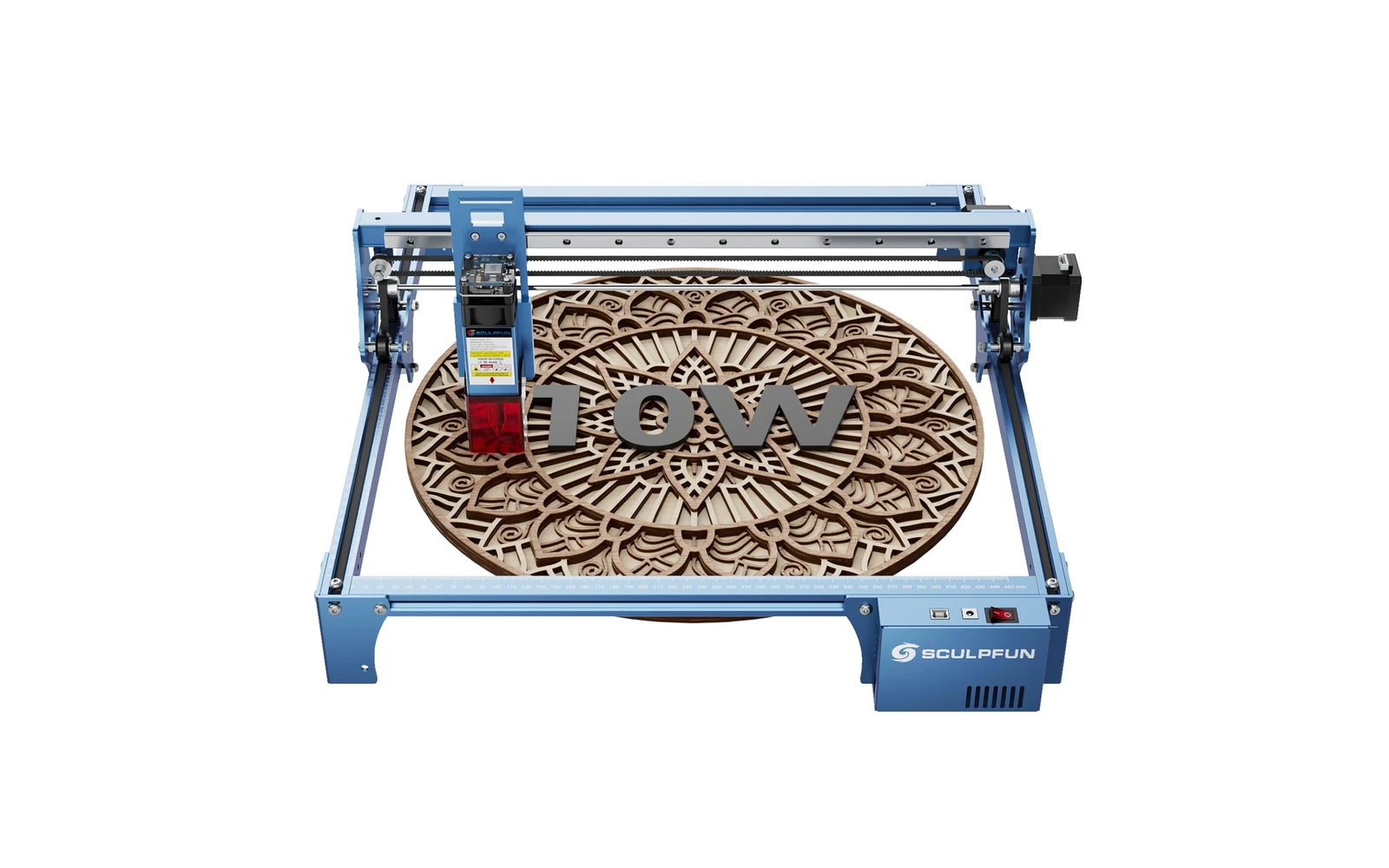
Sculpfun S10 10W (2022) is a mid-size open-frame engraver with a sturdier industrial frame than S9, ~385 mm work area, and detachable laser cover. Positioned between budget S9 and S30 families for makers who want better rigidity without Ultra pricing.