4 manufacturer photos · 1 / 4
Acmer · Diode
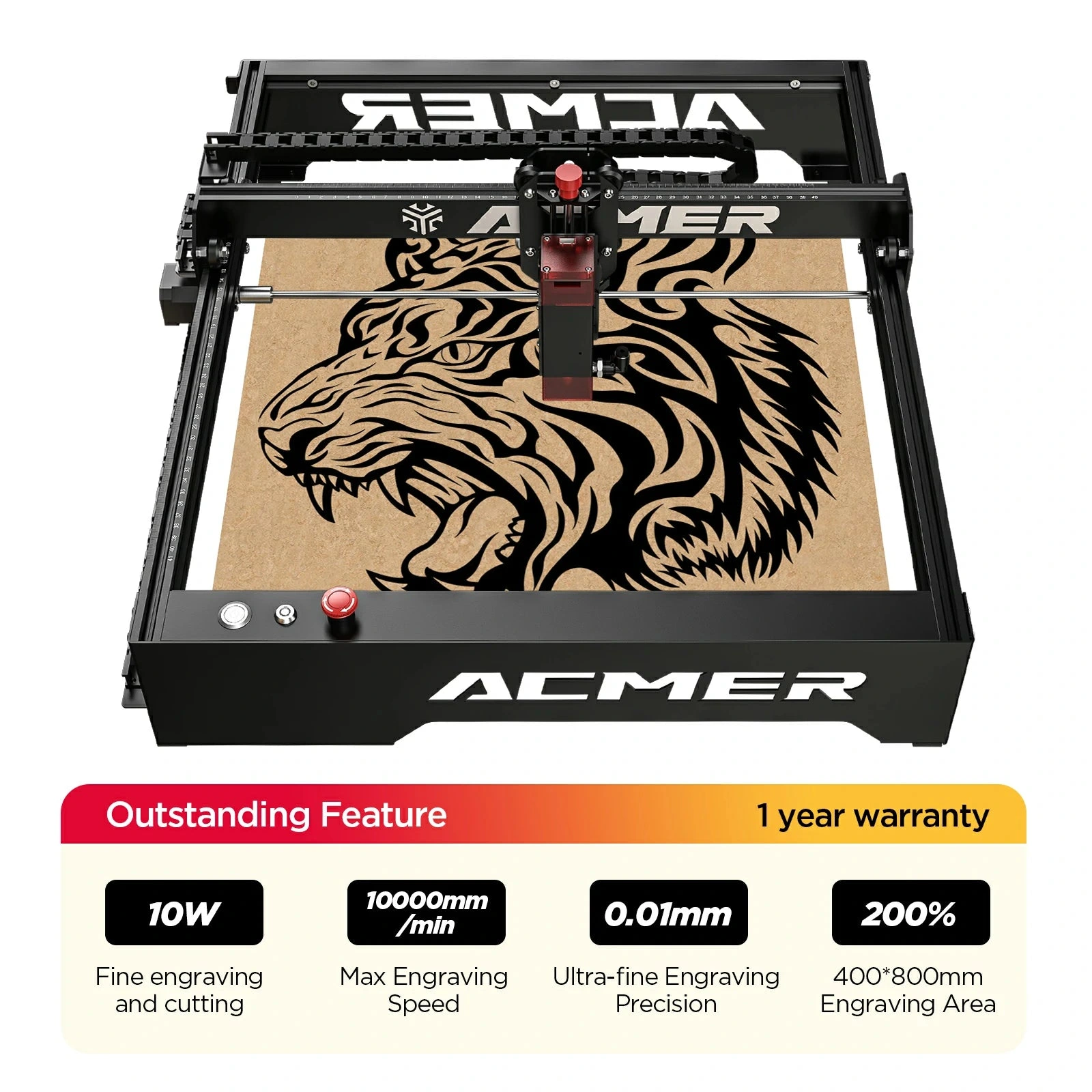
Acmer P1 · 10W
Budget Acmer open-frame: large bed for the price
All Acmer models →Add to compare →
Last updated How we evaluate
Released May 2023
Choose a power option
Details below update for the selected power option.
Showing specs for: 10W
TL;DR
Acmer P1 10W is an affordable 400 mm-class open-frame engraver for learning and light gifts. Build and support are budget-tier: great value if you accept DIY tuning.
Best for
What makes this machine stand out
Hardware and workflow features worth understanding before you buy : not just wattage on a label.
Fine spot for detail work
~0.07 mm spot on the 10W module (vs ~0.08 mm on the 20W): small lettering and photo dithering stay sharp on leather and hardwood.
Lowest entry price on the P1 frame
$259–329 for the same 400 × 400 mm frame as the 20W, about $70 less. A refurbished unit was $229 on Acmer's store in October 2026.
Room to upgrade later
Acmer sells a 20W module for the P1 ($309 in October 2026), so the frame can stay if cutting becomes the main job.
Our verdict
Ideal if you
Acmer P1 10W suits makers who sell marks, photos, and gifts more than daily panel cutting. Reasonable open-frame entry price.
Skip if you
Skip if you already quote 4 mm+ cutting in production: see 20W in the line. Not for cast acrylic or bare metal without spray.
Pros
- Acmer's own 10W preset engraves wood at 4,800 mm/min (55% power): photos, logos and leather do not need more power
- Finest spot of the P1 line (~0.07 mm), which keeps small text and photo dots crisp
- Cheapest way into the 400 × 400 mm P1 frame: $259–329, about $70 below the higher-watt P1
Cons
- Cutting is slow: Acmer's 10W sheet lists 6 mm board at only 150 mm/min, and 3 mm basswood takes ~9–15 min for a 10 × 10 cm square in our benchmark
- Black acrylic stops being practical past ~4 mm (70 mm/min on Acmer's settings)
- New units are scarce: in October 2026 Acmer's store listed the P1 10W as refurbished only ($229)
What this machine is for
High-quality hobby and light-business engraving with light, slow cutting
10W module · Acmer P1
Laser spot size
~0.07 mm spot
Motion precision: 0.01 mm
Sample engrave job
~18–28 min
10 × 10 cm (4 × 4 in)
Sample cut job
~9–15 min
10 × 10 cm (4 × 4 in)
Reference benchmark: same job size on every machine so you can compare times fairly. Times are estimates for the reference job above; your design complexity and settings will change them.
Materials
- · Wood
- · Leather
- · Paper
Accessories & add-ons
Typical inclusions and add-ons for this profile : confirm your SKU.
- Optional
Enclosure / cabinet
Third-party enclosure improves smoke control and safety
- Recommended
Laser safety glasses
~450 nm diode: OD rated for your wavelength
- Recommended
Fire extinguisher
Editorial guidance : not a live parts list. See also: Ventilation setup · Safety basics
Practical notes
Beginner notes
This profile is the 10W SKU on Acmer P1. Read the TL;DR and benchmarks above, then compare other power options via the chips before buying.
Pro tips
Run material test grids at engraving speeds first. Add air assist for light cuts. If cut jobs exceed ~30% of your week, open the higher-watt profile on this site and compare times.
Pro / technical specsRaw numbers for experienced users comparing machines.
- Max speed (spec)
- 300 mm/s
- Avg engrave speed
- 10–27 mm/s fill
- Avg cut speed
- 2–3 mm/s on 3 mm wood
Common questions
How thick can the Acmer P1 10W cut?
Acmer's 10W parameter sheet lists 2 mm board at 360 mm/min, 6 mm at 150 mm/min and 7.5 mm at 120 mm/min, all at full power, plus black acrylic at 150 mm/min (2 mm) and 70 mm/min (4 mm). The sheet does not state pass counts. In practice, treat 3–4 mm basswood as comfortable and anything above 6 mm as a slow, multi-pass job with air assist.
Is the P1 10W fast enough for photo engraving?
For gifts and small batches, yes. Our benchmark puts a 10 × 10 cm filled photo on birch plywood at ~18–28 min, against ~12–18 min on the P1 20W. Acmer's wood preset for this module is 4,800 mm/min at 55% power, so you are rarely limited by the laser on engraving work.
P1 10W or P1 20W: which one should I buy?
Take the 10W if you mainly engrave (photos, leather, slate, signs) and only cut card or 2–3 mm wood now and then: it costs about $70 less ($259–329 vs $329–399). Take the 20W if cut pieces are part of what you sell. Acmer also sells the 20W module on its own ($309 in October 2026), but upgrading later costs more than buying the 20W upfront.
Alternatives to the Acmer P1 10W
Machines in the same space, picked from our database by type, price, and score.
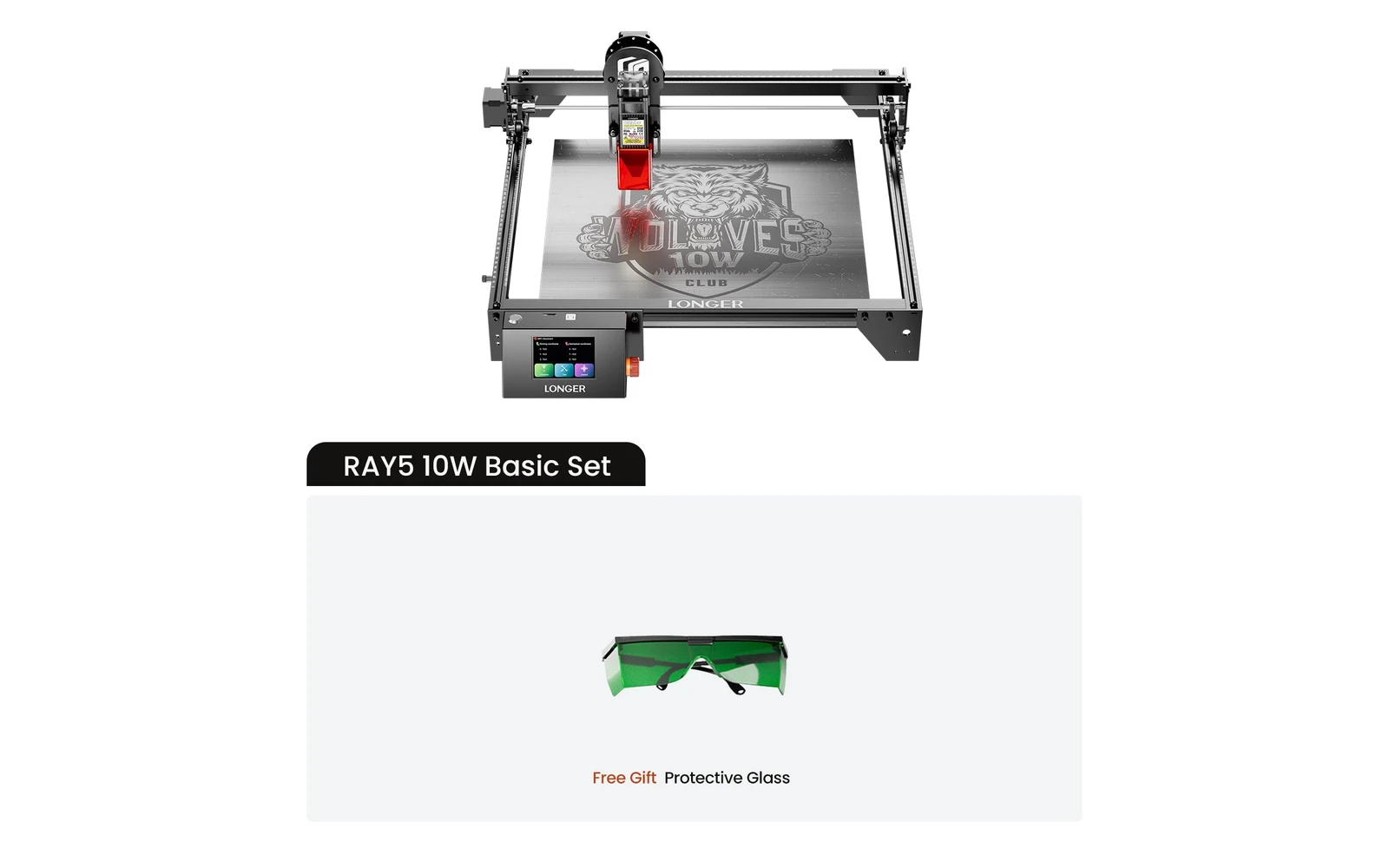
Longer · Diode · $240 – $720
Longer Ray5 10W is the 10W SKU on the Longer longer ray5 line. Longer's compact Ray5 20W diode engraver: verify you are buying the 20W SKU, not the 5W, 10W, or 40W Ray5 listings. Verify optical power on the listing: do not assume combined-watt marketing.
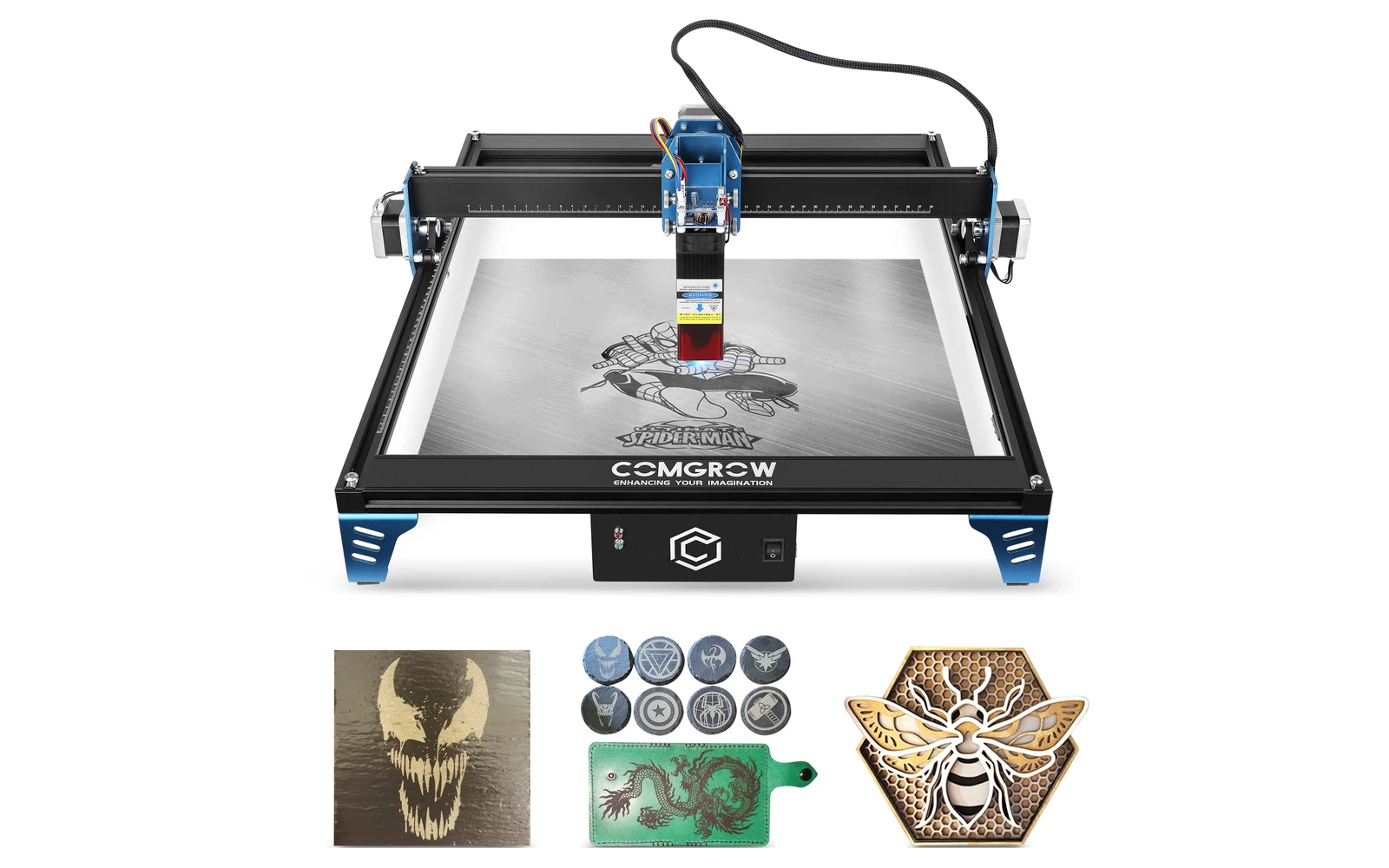
Comgrow · Diode · $219 – $299
Comgrow Z1 10W is the 10W SKU on the Comgrow comgrow z1 line. Comgrow's Z1 targets entry-level buyers, often sold alongside Ender 3D printers. Verify optical power on the listing: do not assume combined-watt marketing.
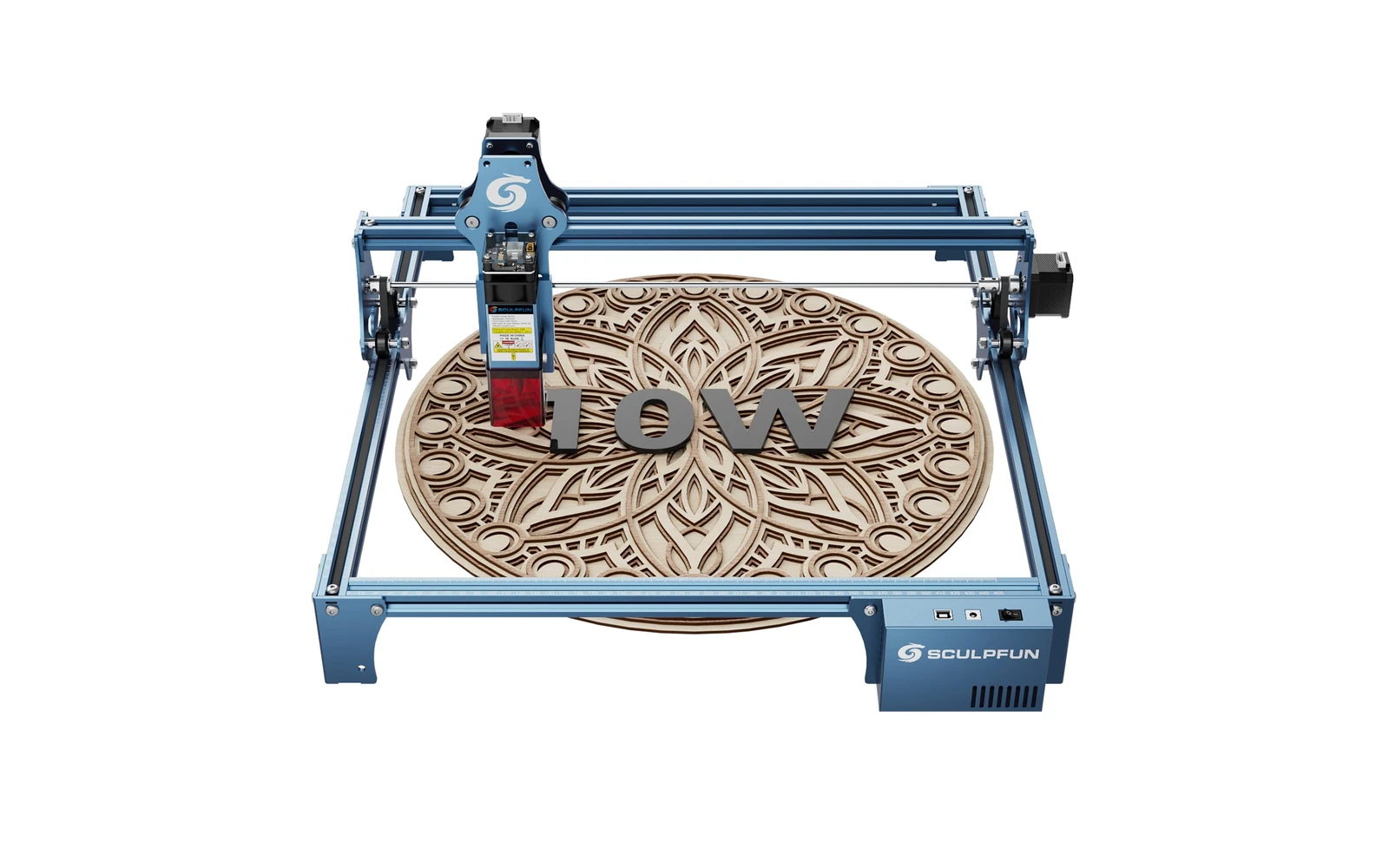
Sculpfun · Diode · $299 – $449
Sculpfun S9 10W is the 10W SKU on the Sculpfun sculpfun s9 line. Before S30 Ultra, the S9 was Sculpfun's workhorse. Verify optical power on the listing: do not assume combined-watt marketing.