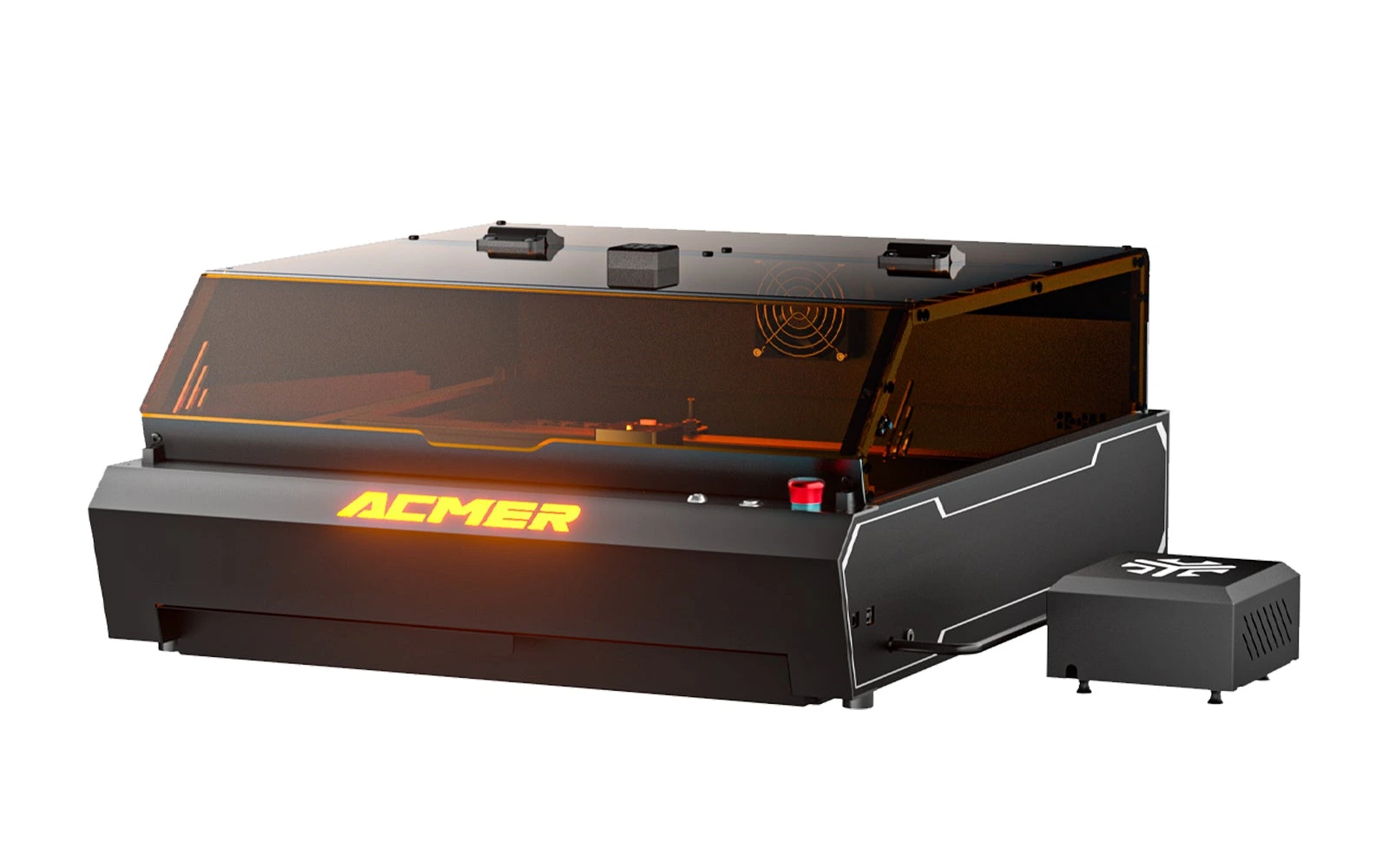
5 manufacturer photos · 1 / 5
Acmer · Diode (diode + IR)
Acmer P3 · 24W diode
The cheapest way into Acmer's enclosed P3: 24W diode, camera and CoreXY from $765
All Acmer models →Add to compare →
Last updated How we evaluate
Released December 2024
Choose installed module
Details below match the selected module.
Showing module: 24W diode
TL;DR
The P3 24W puts a 24W diode module in Acmer's enclosed P3 cabinet: Class 1 lid with flame detection, CoreXY gantry at 800 mm/s, a camera covering the full 400 × 400 mm bed and 30 L/min air assist. Acmer rates it for 12 mm plywood and 8 mm black acrylic in one pass. At $765 for the Basic Pack (October 2026) it is one of the lowest-priced enclosed diode lasers with a camera; it suits makers who mostly engrave and cut thin stock.
Best for
What makes this machine stand out
Hardware and workflow features worth understanding before you buy : not just wattage on a label.
Enclosed with camera from $765
The Basic Pack includes the Class 1 cabinet, the full-bed camera and 30 L/min air assist for $765 on Acmer's store in October 2026.
The sharper diode spot
Acmer gives a 0.06 × 0.08 mm spot for the 24W module, narrower than the 48W, which helps on photos and small lettering.
Our verdict
Ideal if you
The 24W P3 is the value entry into Acmer's enclosed line: you get the same cabinet, CoreXY gantry, camera and safety features as the pricier versions, for a few hundred dollars less. Its narrower spot makes it a better pure engraver than the 48W module, and the full 400 × 400 mm bed is generous for coasters, cutting boards and batches of small gifts.
Skip if you
Cutting is where the savings show: thick plywood and dark acrylic take several passes, and batch cutting is noticeably slower. Like every diode it cannot cut clear acrylic. Owners mention a weak stock exhaust fan and basic software, and buying the stronger module later costs more than the price gap between packs.
Pros
- $765 Basic Pack in October 2026 with enclosure, camera and air assist included
- Narrow 0.06 × 0.08 mm spot keeps photos and small text sharp
- Full 400 × 400 mm bed, slightly larger than with the 48W module
Cons
- One-pass cuts stop at 12 mm plywood and 8 mm black acrylic, so thick stock needs several passes
- Cutting 3 mm basswood takes roughly twice as long as on the most powerful P3 module
What this machine is for
Enclosed engraving at home on a budget, with light to medium cutting
24W module on the enclosed Acmer P3: budget engraving and light to medium cutting at home
Laser spot size
0.06 × 0.08 mm
Motion precision: 0.01 mm
Sample engrave job
~8–12 min
10 × 10 cm (4 × 4 in)
Sample cut job
~4–7 min
10 × 10 cm (4 × 4 in)
Reference benchmark: same job size on every machine so you can compare times fairly. Times are estimates for the reference job above; your design complexity and settings will change them.
Materials
- · Wood & plywood
- · Leather
- · Slate & stone
- · Coated or painted metal
- · Dark glass & ceramic
- · Stainless steel (surface mark)
Accessories & add-ons
Typical inclusions and add-ons for this profile : confirm your SKU.
- Included
Enclosure / cabinet
- Optional
Laser safety glasses
Still useful when servicing or with lid open
- Recommended
Fire extinguisher
Editorial guidance : not a live parts list. See also: Ventilation setup · Safety basics
Practical notes
Beginner notes
This profile is the 24W version of the Acmer P3. It is the right pick if you mostly engrave wood, leather and slate and cut thin plywood now and then; compare the other P3 versions with the chips above if thick cuts or bare metal are on your list. The machine arrives assembled, and the camera removes most of the guesswork when placing a design.
Pro tips
Keep air assist on for cuts and turn it down for photo engraving to avoid blowing ash across the surface. For plywood thicker than 6 mm, two moderate passes give cleaner edges than one very slow pass. Duct the exhaust outside if you cut more than occasionally: owners say the stock fan lets smoke escape.
Pro / technical specsRaw numbers for experienced users comparing machines.
- Max speed (spec)
- 800 mm/s
- Avg engrave speed
- ~120–350 mm/s
- Avg cut speed
- ~6–12 mm/s (3 mm)
Common questions
What can the Acmer P3 24W cut?
Acmer rates it for 12 mm plywood and 8 mm black acrylic in one pass, and up to 25 mm plywood, 20 mm black acrylic and 6 mm MDF with several passes. For everyday jobs such as 3 mm basswood ornaments or 6 mm boxes it is comfortable; thick signs are slow.
Is the P3 24W worth it over an open-frame diode?
If smoke, light and safety matter at home, yes: the enclosure, flame detection, emergency stop and camera are included for $765 (Acmer store, October 2026). An open-frame 20W machine costs less, but you would add an enclosure and camera to match it.
Can I upgrade the P3 24W later?
Yes. The P3 cabinet takes Acmer's other modules, including the 48W and the 10W diode + 2W IR head. Bought separately they cost more than the $384 gap between the 24W and 48W Basic Packs, so decide upfront if you already know you will cut thick wood.
Alternatives to the Acmer P3 24W
Machines in the same space, picked from our database by type, price, and score.
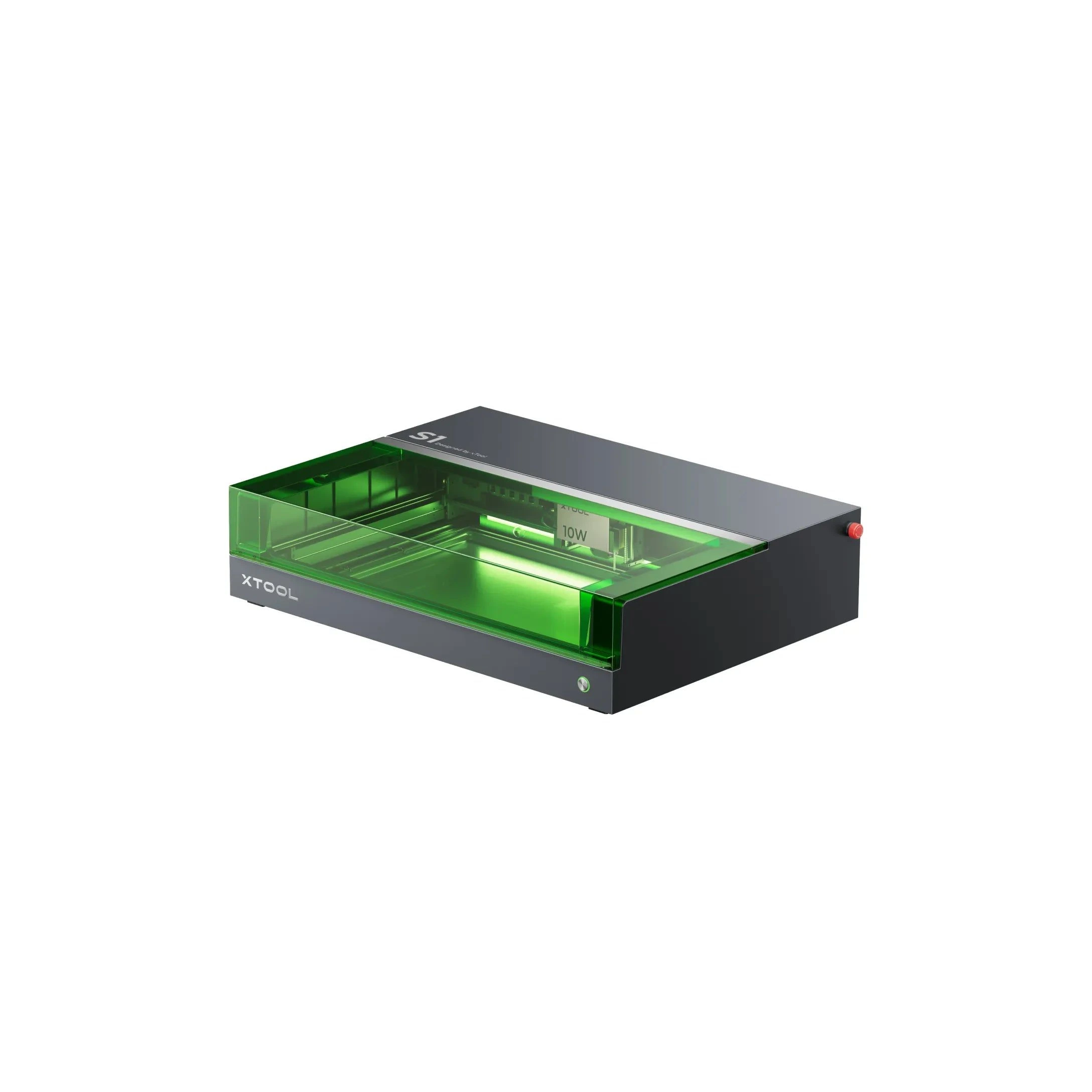
xTool · Diode · $1,299 – $2,599
The 20W S1 is the value pick in xTool's enclosed diode line: same cabinet and filters as the 40W, but less cut depth on thick wood. Buy this if safety matters and you mostly engrave.
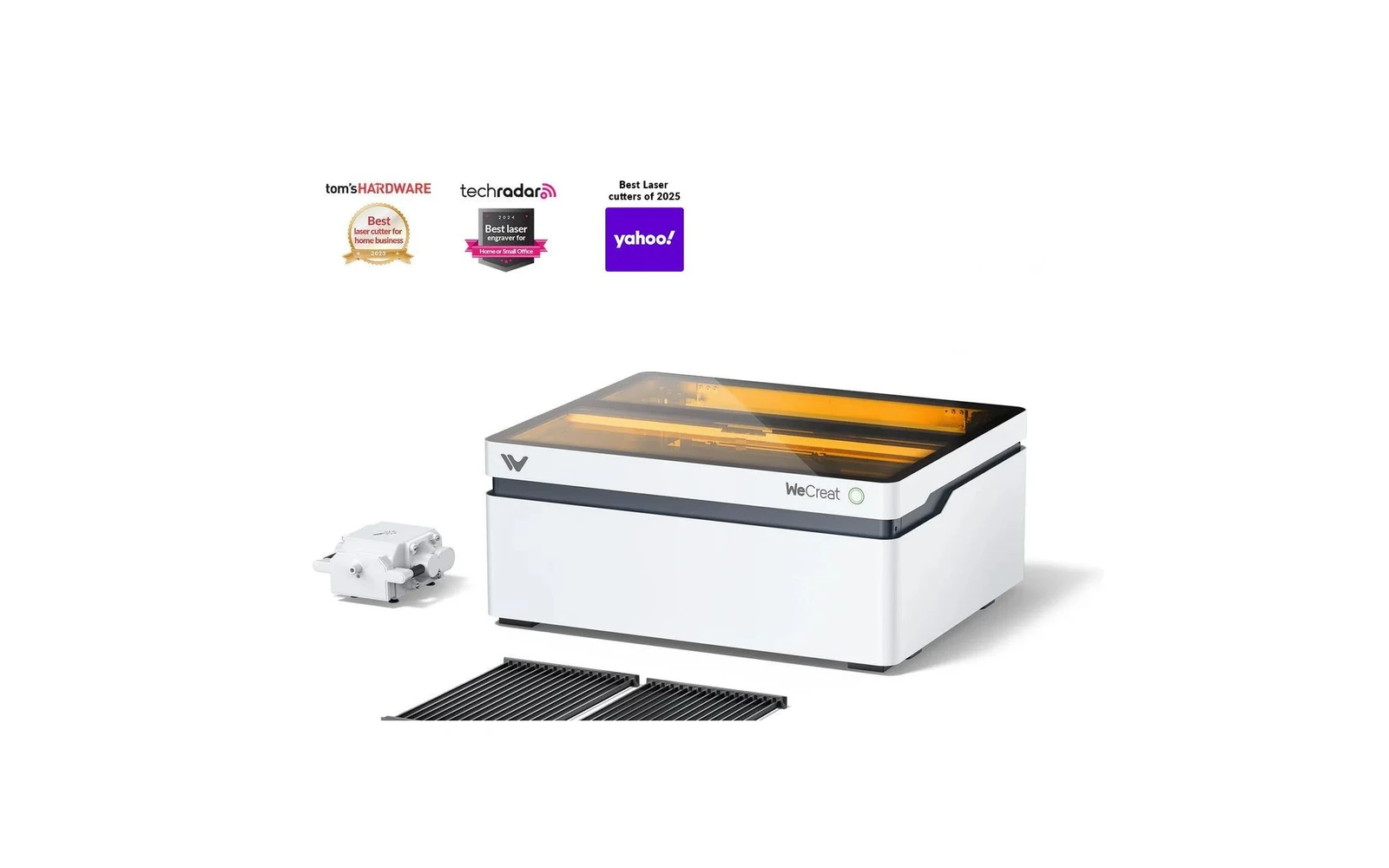
WeCreat · Diode · $1,140 – $1,990
WeCreat's enclosed diode laser adds a camera and AI features for material detection and visual preview. Appealing for beginners who want guidance. Core laser performance is comparable to other enclosed diodes: you pay for the smart features.
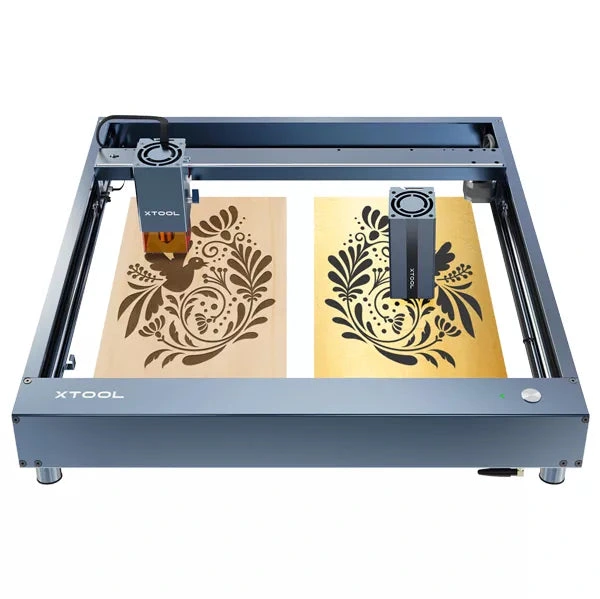
xTool · Diode · $699 – $899
The 20W D1 Pro module is xTool's most popular open-frame head: mixed engraving and light cutting on the large D1 bed. Verify optical power on the listing; swap to 40W later if cut jobs dominate.