4 manufacturer photos · 1 / 4
Sculpfun · Diode
Sculpfun iCube Pro · 5W
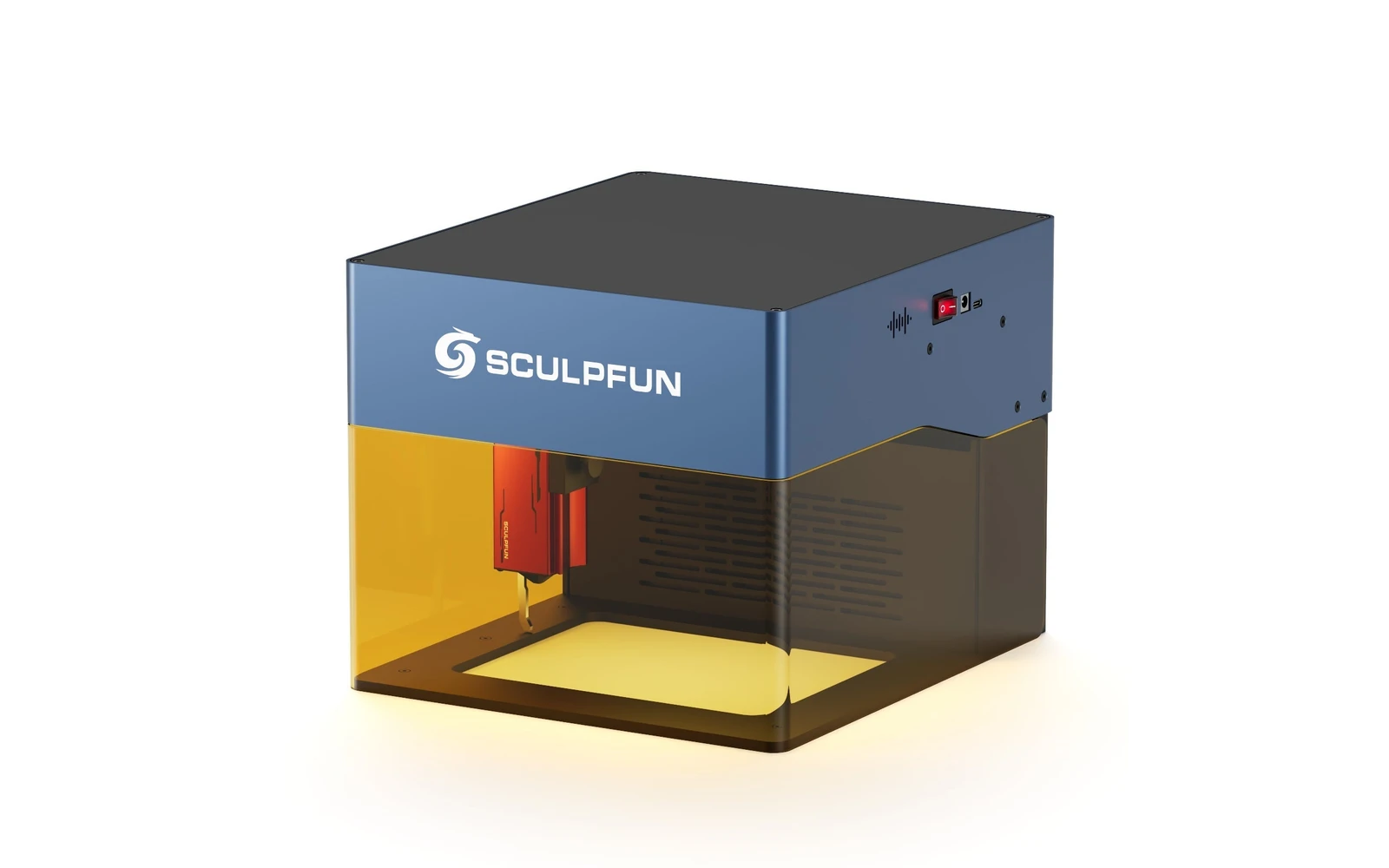
5W Compact enclosed Sculpfun: small footprint, full safety cabinet
All Sculpfun models →Add to compare →
Last updated How we evaluate
Released August 2023
Choose a power option
Details below update for the selected power option.
Showing specs for: 5W
TL;DR
Sculpfun iCube Pro 5W is the 5W SKU on the Sculpfun sculpfun icube pro line. Sculpfun's enclosed desktop laser for makers who want the brand's cutting performance in a safer cabinet. Verify optical power on the listing: do not assume combined-watt marketing.
Best for
What makes this machine stand out
Hardware and workflow features worth understanding before you buy : not just wattage on a label.
0.06 mm focus
Sculpfun quotes a 0.06 mm focus for the 5W module, the finest in the iCube range, which suits small text and fine line art.
Smoke filter built in
The iCube carries its own smoke filtration and an acrylic eye shield, useful in a room without a window exhaust.
Replaceable lens
The laser head accepts a replacement lens, so a dirty or damaged lens does not mean a new module.
Our verdict
Ideal if you
Sculpfun iCube Pro 5W suits makers who sell marks, photos, and gifts more than daily panel cutting. Enclosed format is easier to live with at home.
Skip if you
Skip if you already quote 3 mm+ cutting in production: see 10W in the line. Not for cast acrylic or bare metal without spray.
Pros
- Finest focus of the iCube range: 0.06 mm according to Sculpfun
- Built-in smoke filtration and a detachable acrylic eye shield make desk use easier
- Low heat and smoke: comfortable for coasters, tags and leather patches indoors
Cons
- Slow cutting: 3 mm basswood runs at about 2–3 mm/s in our benchmarks
- Photo fills of ~21–44 mm/s mean long jobs on anything larger than a coaster
- Small working area limits it to tags, coasters and small panels
What this machine is for
Detailed engraving on organics and coated metal: occasional thin cuts only
Engraving-first desktop diode for makers who prioritize mark quality over cut speed
Laser spot size
~0.07 mm spot
Motion precision: 0.01 mm
Sample engrave job
~18–28 min
10 × 10 cm (4 × 4 in)
Sample cut job
~9–15 min
10 × 10 cm (4 × 4 in)
Reference benchmark: same job size on every machine so you can compare times fairly. Times are estimates for the reference job above; your design complexity and settings will change them.
Materials
- · Wood
- · Leather
- · Slate
- · Anodized aluminum
Accessories & add-ons
Typical inclusions and add-ons for this profile : confirm your SKU.
- Included
Enclosure / cabinet
- Optional
Laser safety glasses
Still useful when servicing or with lid open
- Recommended
Fire extinguisher
Editorial guidance : not a live parts list. See also: Ventilation setup · Safety basics
Practical notes
Beginner notes
This profile is the 5W SKU on Sculpfun iCube Pro. Read the TL;DR and benchmarks above, then compare other power options via the chips before buying.
Pro tips
Optimize for engraving: lower DPI on photos, higher scan speed on line art after test burns. Air assist still helps clarity. Compare benchmark times on the next tier before assuming you need more power.
Pro / technical specsRaw numbers for experienced users comparing machines.
- Max speed (spec)
- 167 mm/s
- Avg engrave speed
- 21–44 mm/s fill
- Avg cut speed
- 2–3 mm/s on 3 mm wood
Common questions
What can the iCube Pro 5W actually cut?
Sculpfun claims up to 10 mm of soft board and 6 mm of acrylic, which are multi-pass maxima on dark material. In our benchmarks it cuts 3 mm basswood at about 2–3 mm/s, so a 10 × 10 cm square takes 9–15 min. Treat 3 mm as the comfortable limit and keep clear acrylic off the list.
How long does a photo engraving take on the 5W?
Sculpfun rates the machine at 10,000 mm/min (about 167 mm/s) maximum, but real photo fills in our tests run at roughly 21–44 mm/s. A 10 × 10 cm photo on birch plywood therefore takes about 18–28 min. Text and logos on small items such as coasters or tags go much faster.
iCube Pro 5W or iCube Pro Max 10W?
Choose the 5W for engraving small objects at a desk: its 0.06 mm focus is finer than the 0.08 mm of the 10W, and it costs about $100–150 less on our tracked listings ($349–499 against $449–649). Choose the 10W if you plan to cut 3–5 mm wood regularly.
Alternatives to the Sculpfun iCube Pro 5W
Machines in the same space, picked from our database by type, price, and score.
Sculpfun · Diode · $690
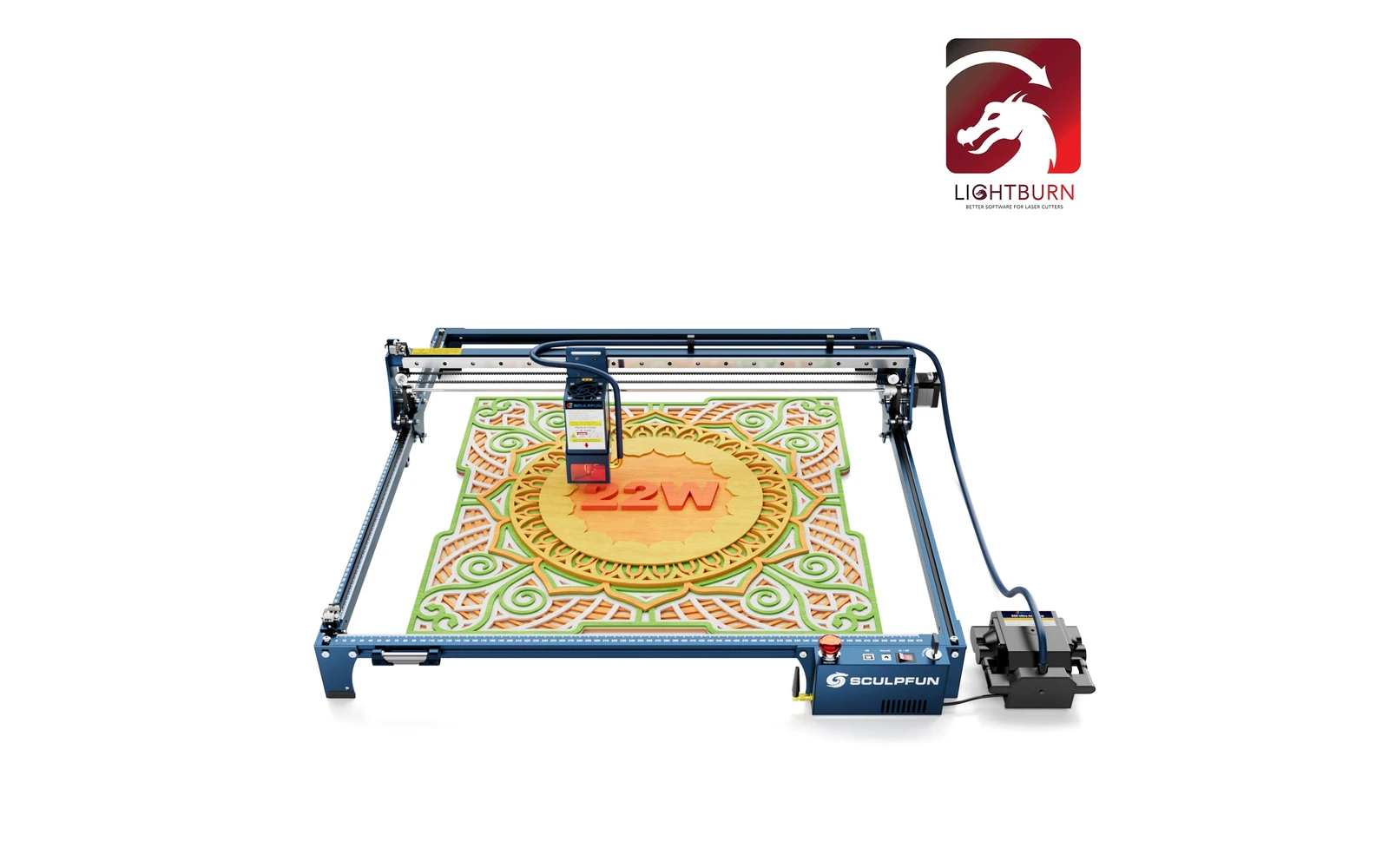
The 22W is the middle of Sculpfun's three S30 Ultra heads (11W, 22W, 33W), often sold bundled with LightBurn. The 33W head goes further for thick cuts. Listings that say S30 Ultra 10W or 20W are reseller labels.
Acmer · Diode · $765 – $1,658
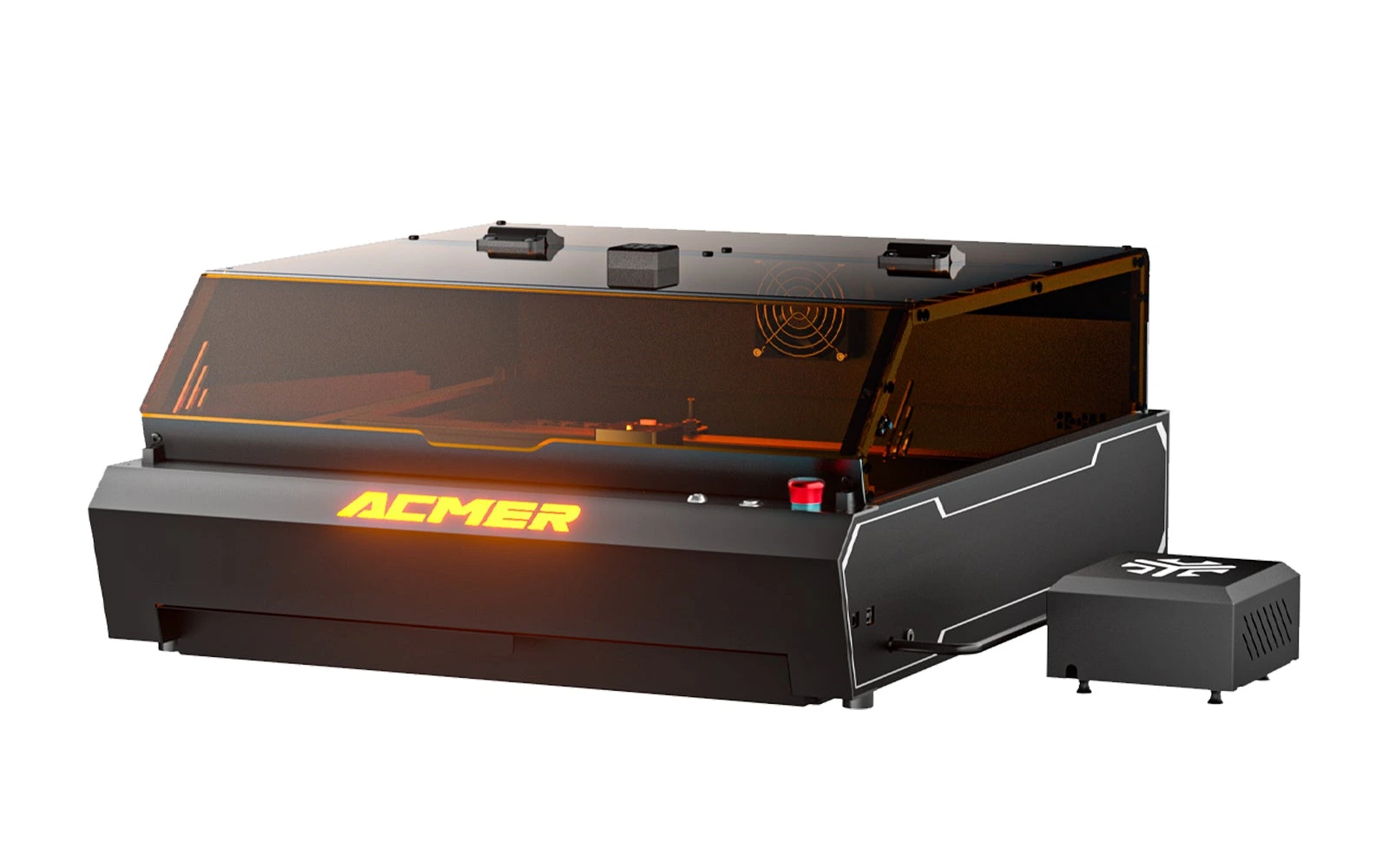
The P3 24W puts a 24W diode module in Acmer's enclosed P3 cabinet: Class 1 lid with flame detection, CoreXY gantry at 800 mm/s, a camera covering the full 400 × 400 mm bed and 30 L/min air assist. Acmer rates it for 12 mm plywood and 8 mm black acrylic in one pass. At $765 for the Basic Pack (October 2026) it is one of the lowest-priced enclosed diode lasers with a camera; it suits makers who mostly engrave and cut thin stock.
xTool · Diode · $1,299 – $2,599
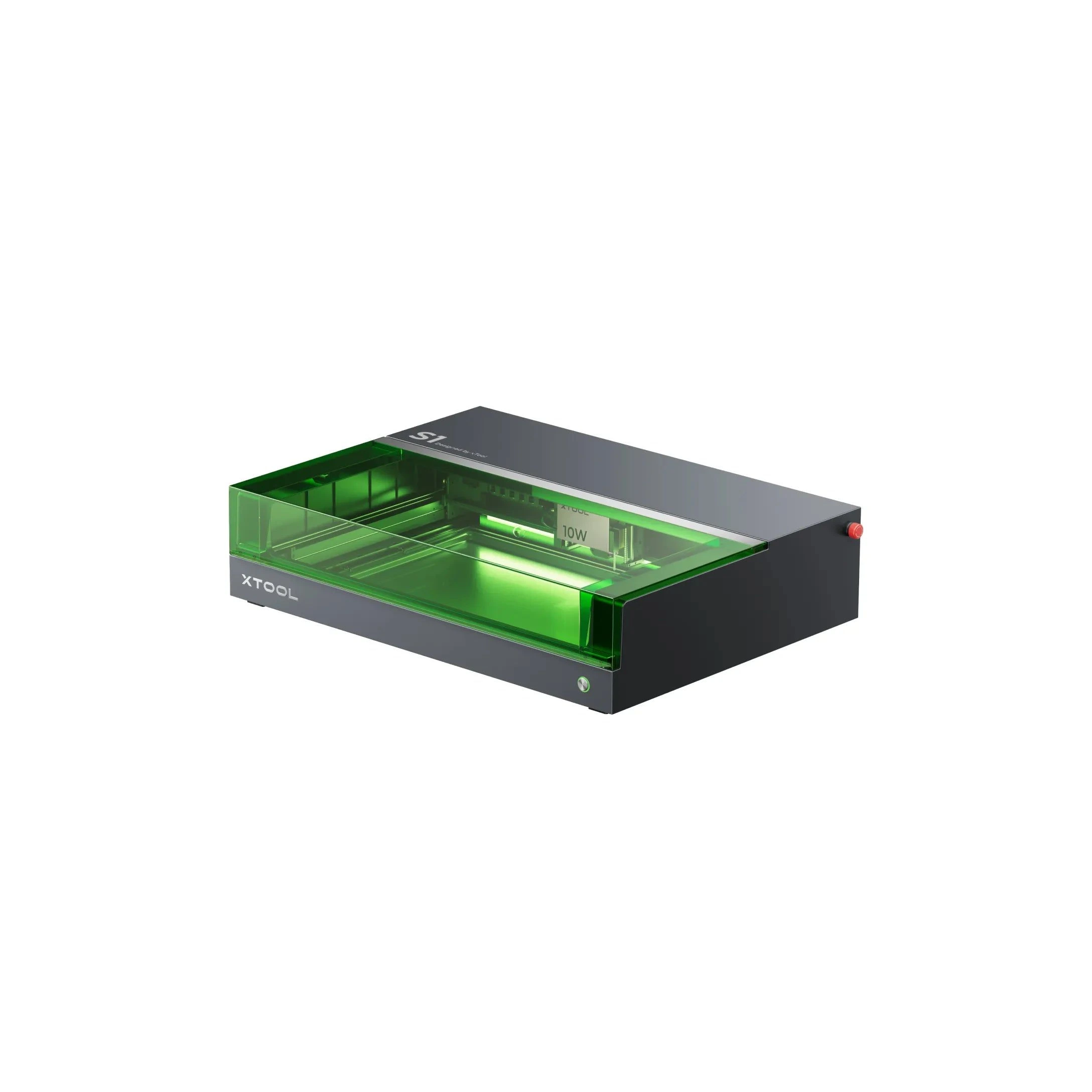
The 20W S1 is the value pick in xTool's enclosed diode line: same cabinet and filters as the 40W, but less cut depth on thick wood. Buy this if safety matters and you mostly engrave.