5 manufacturer photos · 1 / 5
Sculpfun · Diode (diode + IR)
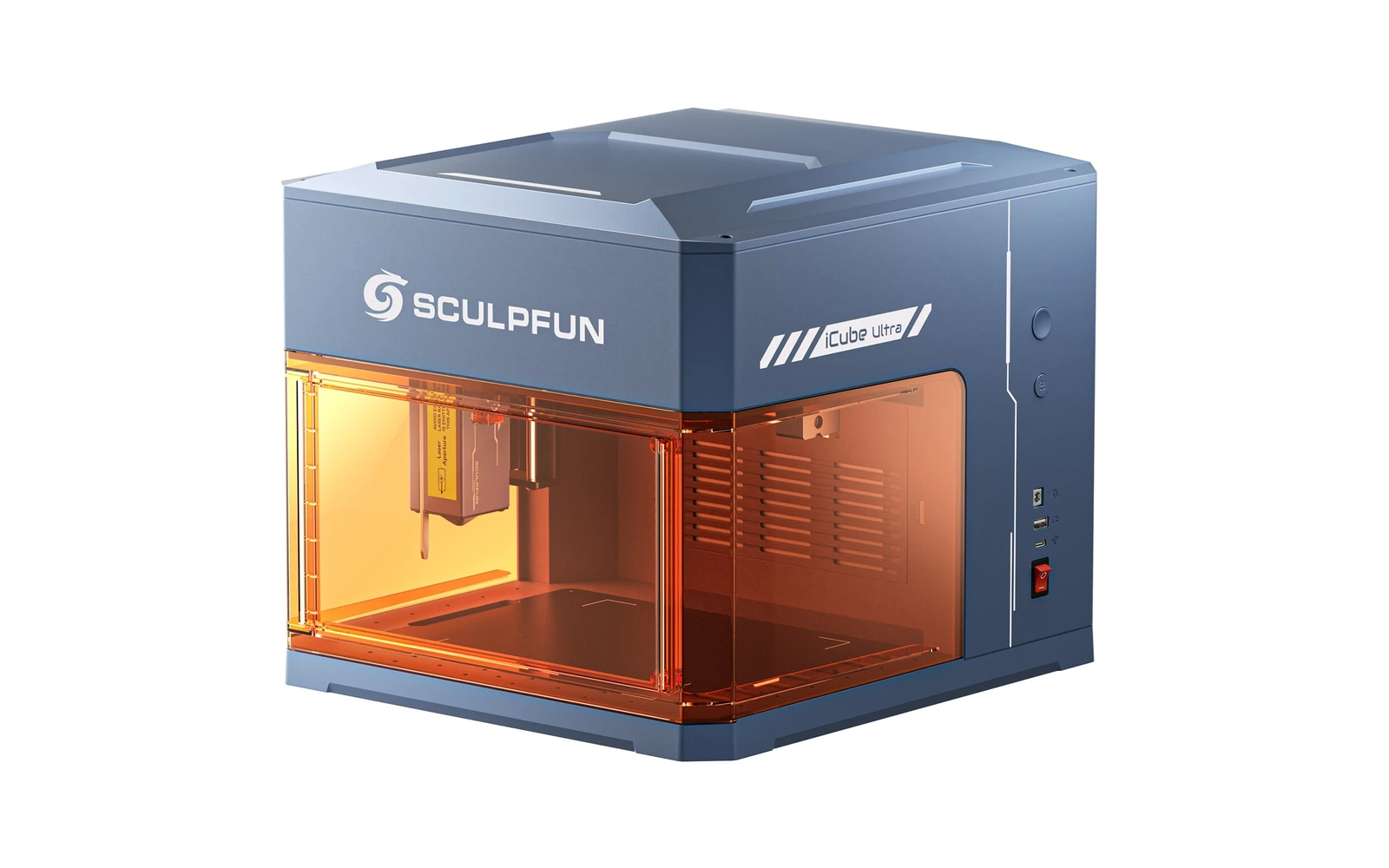
Sculpfun iCube Ultra 12W
Class 1 enclosed 12W diode with auto-focus and built-in smoke filter for $299, IR module optional
All Sculpfun models →Add to compare →
Last updated How we evaluate
Released July 2025
12W diode, with a 1.2W infrared module as an option
The iCube Ultra ships with a 12W diode. The Dual bundle adds a 1.2W 1064 nm infrared module, also sold alone. The modules swap on the same head mount, one at a time: this is not a dual-source machine, and the work area drops to 150 × 135 mm with the IR module.
- 12W diode
- 1.2W IR
TL;DR
The iCube Ultra is Sculpfun's enclosed compact laser: a 12W diode in a Class 1 box with door interlock, emergency stop, temperature sensor, auto-focus and a built-in carbon smoke filter, over a 150 × 150 mm bed. The Dual version adds a 1.2W 1064 nm infrared module for bare metal and plastics. Sculpfun claims 10 mm paulownia in one pass; an independent review cut 3 mm and 5 mm plywood cleanly at slow speed. Small bed and no honeycomb are the trade-offs.
Best for
What makes this machine stand out
Hardware and workflow features worth understanding before you buy : not just wattage on a label.
Class 1 safety for $299
Door interlock, emergency stop, temperature alarm and USB key in a closed box: safe for homes, offices and classrooms without goggles.
Auto-focus and built-in filter
One button sets the focus, and a carbon filter cleans the smoke from everyday engraving before it leaves the enclosure.
Infrared module for metal
The 1.2W 1064 nm module marks stainless, brass and many plastics on the same machine, in the Dual bundle or bought later.
Our verdict
Ideal if you
At $299 the iCube Ultra is one of the cheapest certified Class 1 enclosed lasers, and it adds auto-focus, a built-in smoke filter and a 12W diode that really cuts thin plywood. The optional IR module opens bare metal and plastics without changing machines.
Skip if you
The 150 × 150 mm bed limits it to small items, there is no honeycomb or air assist in the box, and module swaps are awkward. Connection is USB-C or Bluetooth only, with no touchscreen for standalone work.
Pros
- Class 1 enclosure with door interlock, emergency stop, temperature sensor and USB security key for $299
- Auto-focus and a built-in carbon smoke filter: no feeler gauge and less smell indoors
- Cut 3 mm and 5 mm plywood cleanly in an independent review (100% power, 500 and 200 mm/min)
Cons
- Swapping between the diode and IR modules means laying the machine on its side
- No Wi-Fi or touchscreen: USB-C or Bluetooth from a phone or computer only
What this machine is for
Safe enclosed engraving and light cutting at home, with an optional infrared module for metal
Enclosed 12W diode for home engraving and light cutting, with an optional 1.2W IR module for metal
Laser spot size
0.08 mm
Motion precision: 0.1 mm
Sample engrave job
~11–17 min
10 × 10 cm (4 × 4 in)
Sample cut job
~5–8 min
10 × 10 cm (4 × 4 in)
Reference benchmark: same job size on every machine so you can compare times fairly. Times are estimates for the reference job above; your design complexity and settings will change them.
Materials
- · Wood & plywood
- · Leather
- · Bamboo & cork
- · Slate & stone
- · Paper & card
- · Stainless steel, brass, aluminium and plastics (Dual IR module)
Accessories & add-ons
Typical inclusions and add-ons for this profile : confirm your SKU.
- Included
Enclosure / cabinet
- Optional
Laser safety glasses
Still useful when servicing or with lid open
- Recommended
Fire extinguisher
Editorial guidance : not a live parts list. See also: Ventilation setup · Safety basics
Practical notes
Beginner notes
This is the 12W iCube Ultra. Choose the single version if you only work wood, leather and paper; the $200 Dual adds a 1.2W infrared module for bare metal and plastics, and the module can also be bought later for $200. Budget for the air assist kit if you plan to cut regularly.
Pro tips
Run auto-focus before each job and keep curved items flat with magnets, since uneven surfaces throw off focus. Cut slowly with several passes rather than one very slow pass, and add the air assist kit for cleaner edges. For heavier cutting, connect the exhaust hose to a window or the SP1 purifier: the built-in filter is sized for engraving.
Pro / technical specsRaw numbers for experienced users comparing machines.
- Max speed (spec)
- 167 mm/s (10 000 mm/min)
- Avg engrave speed
- ~100–167 mm/s
- Avg cut speed
- ~3–8 mm/s
Common questions
How thick can the iCube Ultra cut?
Sculpfun claims 10 mm paulownia, a very light wood, in one pass. In an independent review (3DWithUs, 2026), the 12W diode cut 3 mm plywood at 100% power and 500 mm/min and 5 mm plywood at 200 mm/min with clean results. Treat 3–5 mm plywood as the realistic range.
Single or Dual: is the infrared module worth $200?
Only if you want to mark bare stainless, brass, aluminium or plastics. The 1.2W 1064 nm module marks a stainless dog tag well but leaves debris to clean. It costs $200 extra in the Dual bundle ($499 against $299, October 2026) and the same price on its own later, so you can start with the single version.
Is the iCube Ultra safe to use indoors without goggles?
It is certified Class 1: the laser stops when the door opens, and there is an emergency stop, a temperature alarm and a USB security key. Smoke still needs to go somewhere: the built-in carbon filter handles light engraving, but route the exhaust hose outside or to a purifier when cutting.
Alternatives to the Sculpfun iCube Ultra 12W
Machines in the same space, picked from our database by type, price, and score.
Sculpfun · Diode · $449 – $649
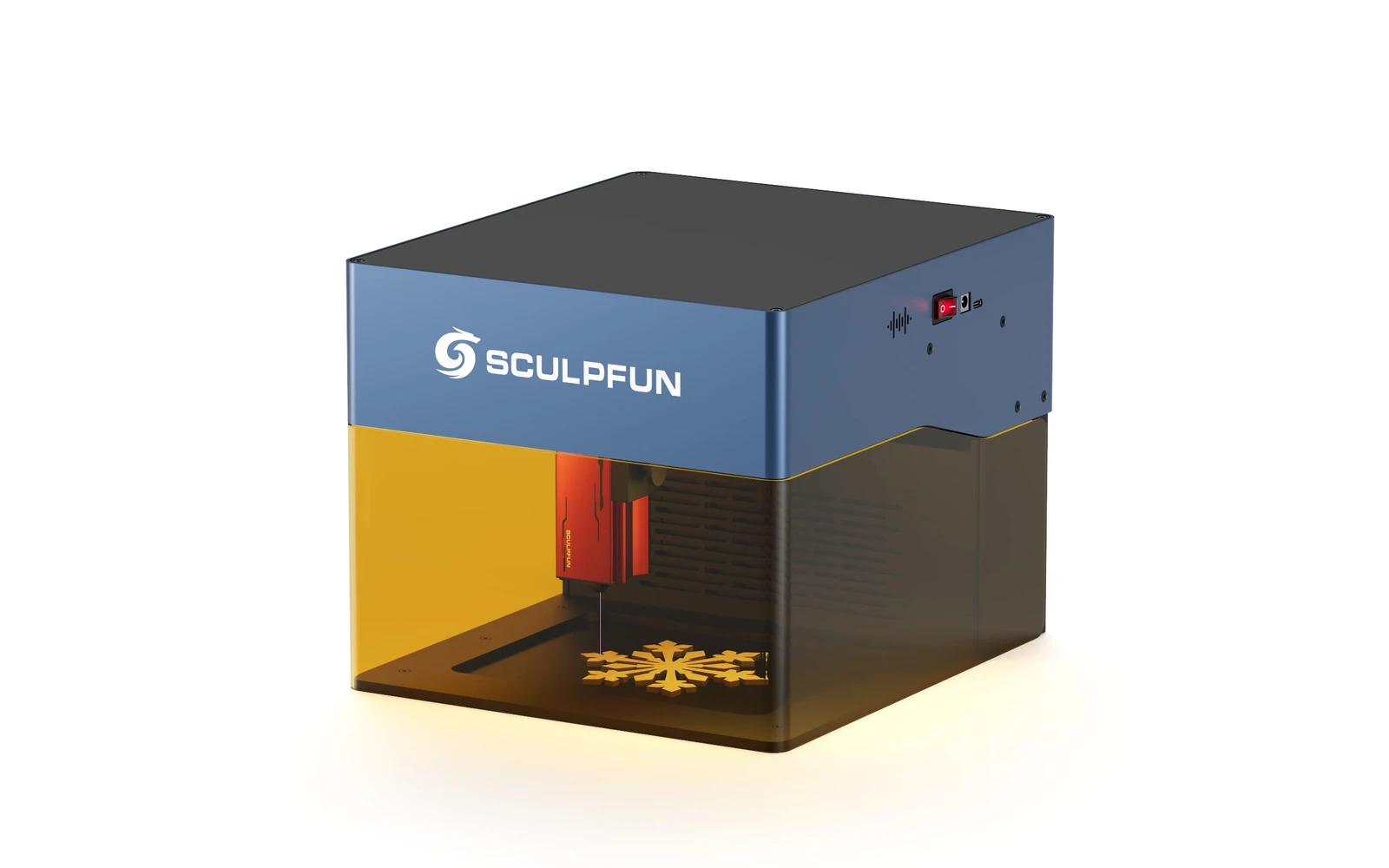
Sculpfun iCube Pro Max 10W is the 10W SKU on the Sculpfun sculpfun icube pro line. Sculpfun's enclosed desktop laser for makers who want the brand's cutting performance in a safer cabinet. Verify optical power on the listing: do not assume combined-watt marketing.
Creality · Diode · $369 – $399
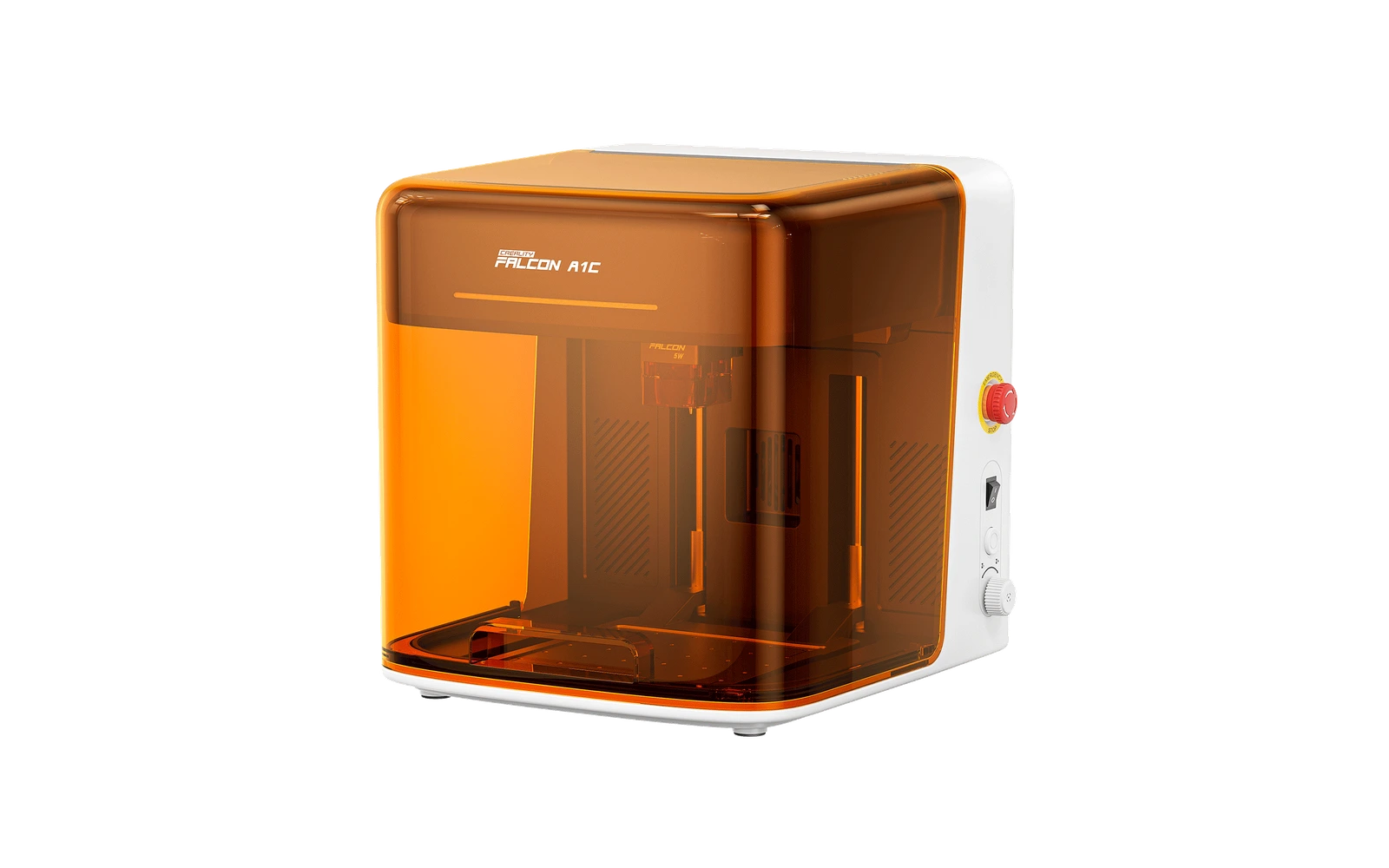
The Falcon A1C 10W is Creality's smallest enclosed laser: a 150 × 150 mm bed in a fully closed Class 1 box with a motorized lifting platform and auto-focus. It engraves cork, bamboo, slate, leather and plywood cleanly and cut 5 mm plywood in one pass in a hands-on test, barely. Small bed and plastic build are the trade-offs for the price.
xTool · Diode · $499 – $1,229
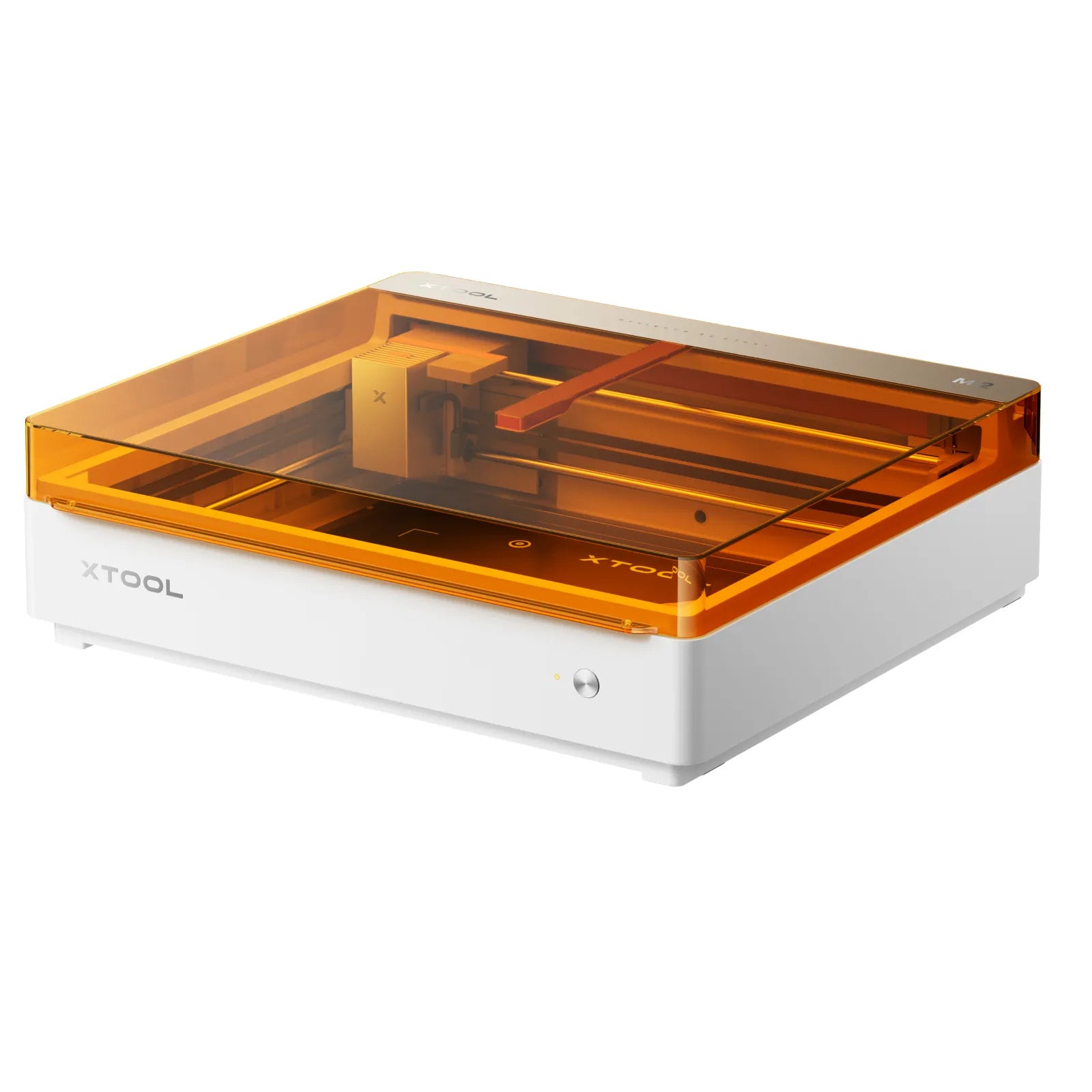
Launched May 2026, the M2 packs laser engraving, cutting, and integrated inkjet color printing into one enclosed desktop at $599. Built for everyday crafters and Etsy sellers who want color + laser without a pro CO₂ budget: not a metal-marking or production cutter.