Best Portable Metal Markers 2026
Need to mark metal without a full workshop? These compact fiber, hybrid, and UV galvo machines rank highest for jewelry, knives, and small metal gifts — all under $4,000.
Rankings are generated from our scoring database — no sponsored placements. Scores reflect real-world capability, not marketing claims. How we score machines
- 1
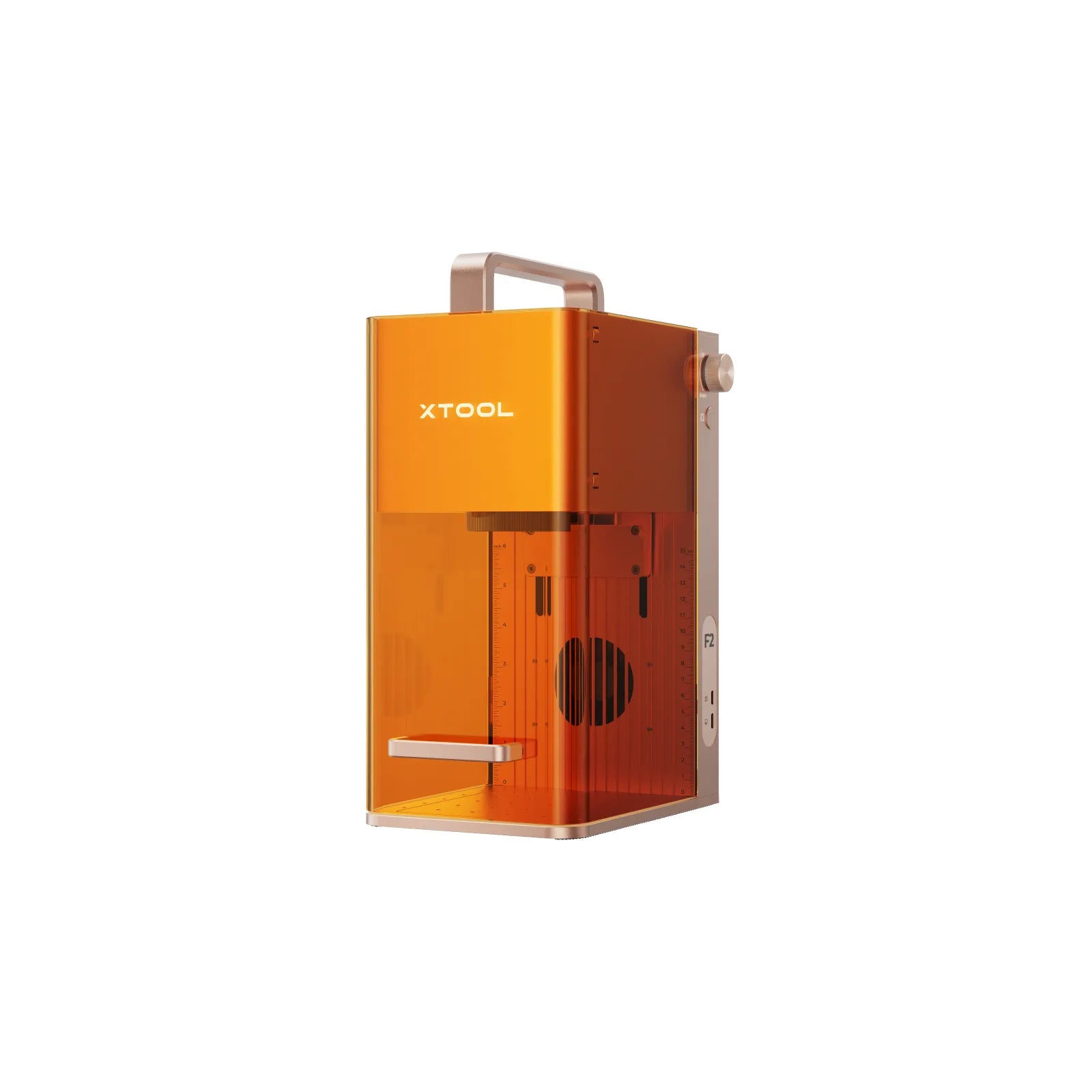 xTool F28.7
xTool · Hybrid · $1,299 – $2,079
xTool F2 (2025) upgrades the F1 formula with more power, a 50MP alignment camera, and up to 6,000 mm/s galvo speed. Dual-source (diode + infrared) for metal marking and organics in a compact box: xTool Studio only, no LightBurn.
- +15W IR: metal marking on the same chassis as other modules
- +Software listed on the profile: test your workflow (LightBurn or maker app) on scrap first
- −Clear cast acrylic and thick production cutting still favor CO₂, not diode power alone
- −Confirm optical wattage on the listing before you buy
- 2
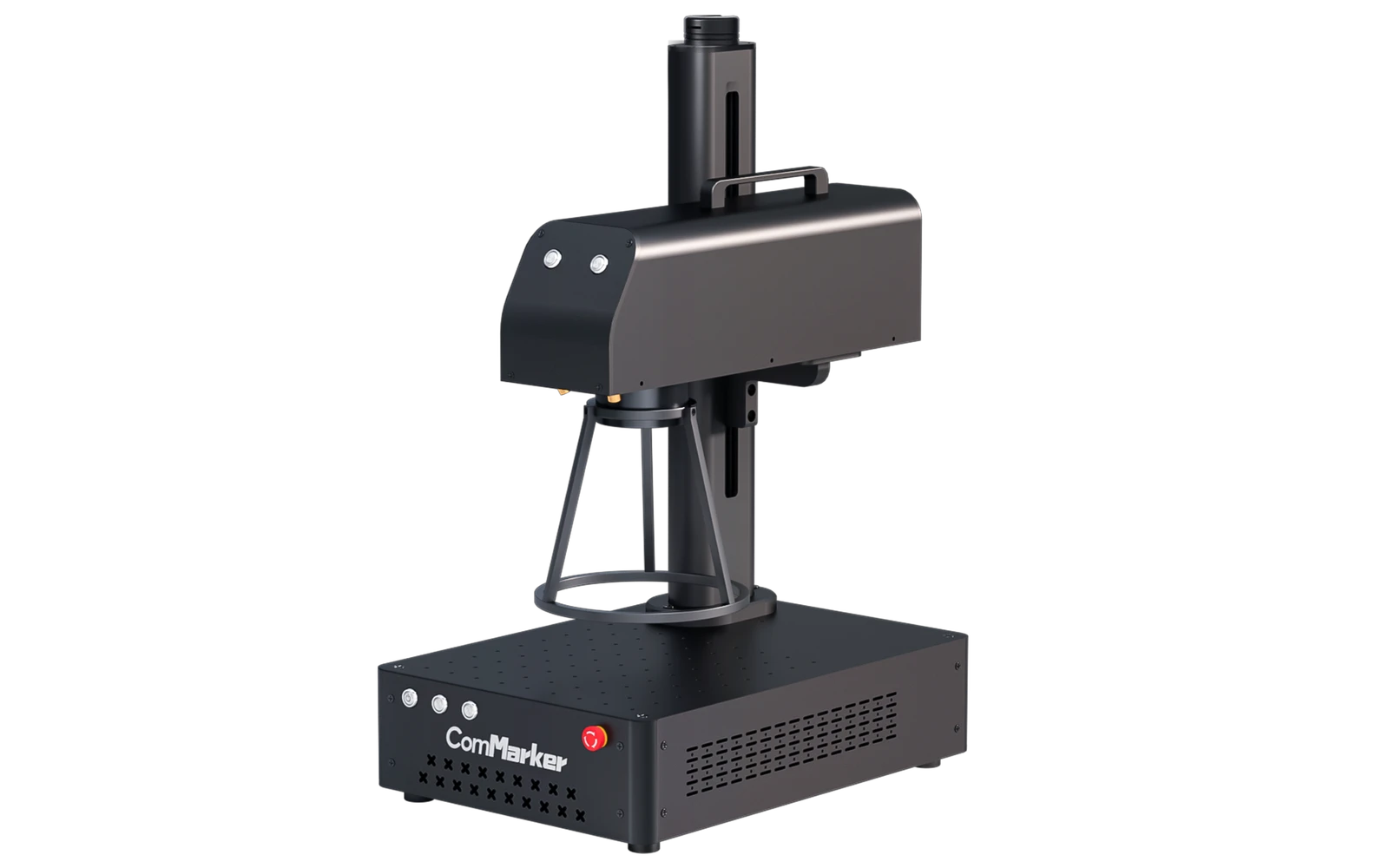 ComMarker B4 20W8.5
ComMarker · Fiber · $1,399 – $1,632
The ComMarker B4 is a popular entry-level fiber galvo engraver for jewelry, tools, and metal gifts. Marks stainless, aluminum, and brass without spray. Small marking field: not a cutter for wood or acrylic.
- +Fiber marks metal: does not cut wood or acrylic
- +Software listed on the profile: test your workflow (LightBurn or maker app) on scrap first
- −Does not cut wood, leather, or acrylic: metal marking workflows only
- −Fume extraction still matters for coated metals and marking sprays
- 3
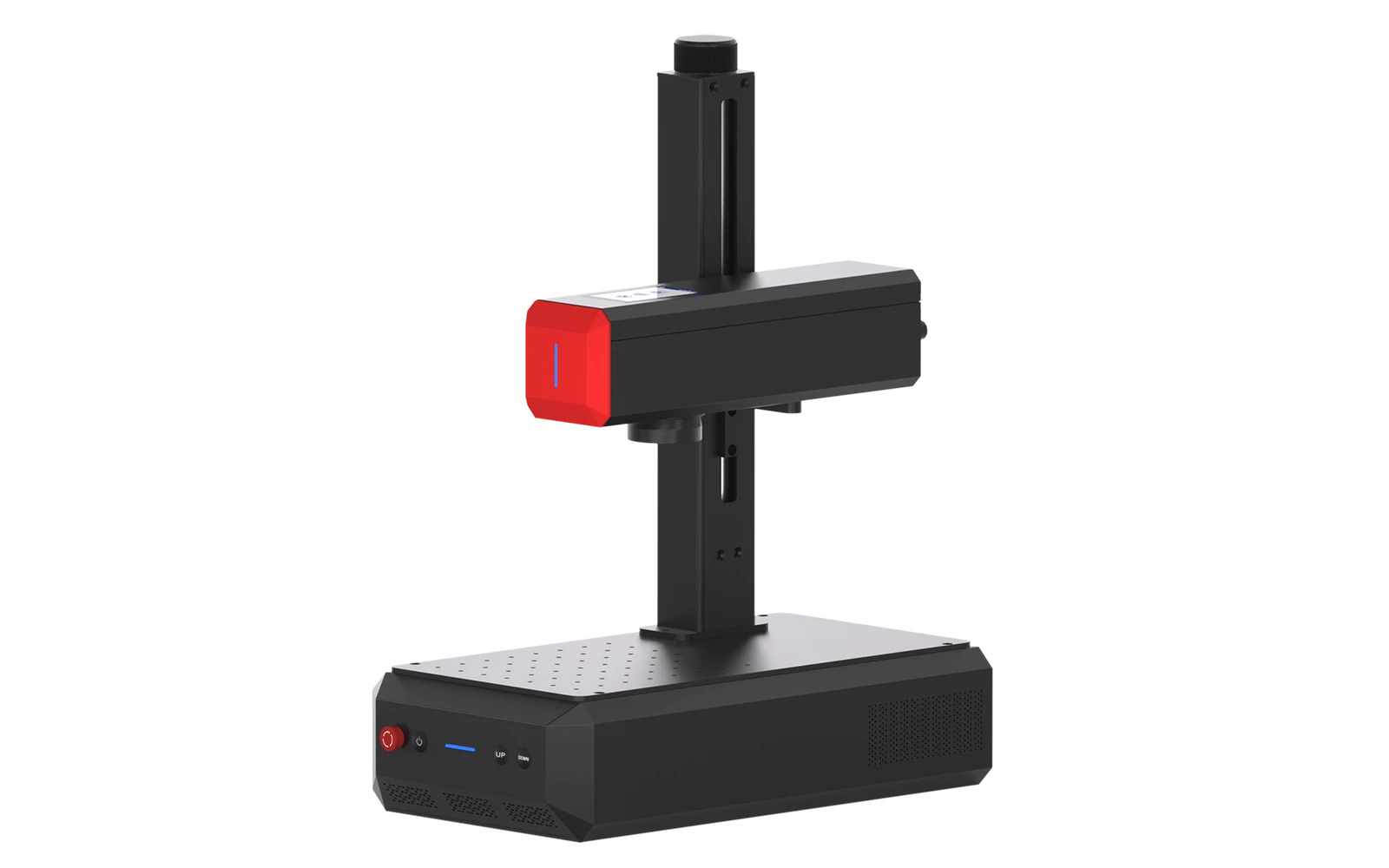 ComMarker B6 MOPA 30W8.4
ComMarker · Fiber · $3,099 – $3,966
ComMarker B6 adds MOPA fiber for color effects on stainless and finer control on deep metal engraving. Step up from B4 for shops that need color marking or faster production.
- +Fiber marks metal: does not cut wood or acrylic
- +Software listed on the profile: test your workflow (LightBurn or maker app) on scrap first
- −Does not cut wood, leather, or acrylic: metal marking workflows only
- −Fume extraction still matters for coated metals and marking sprays
- 4
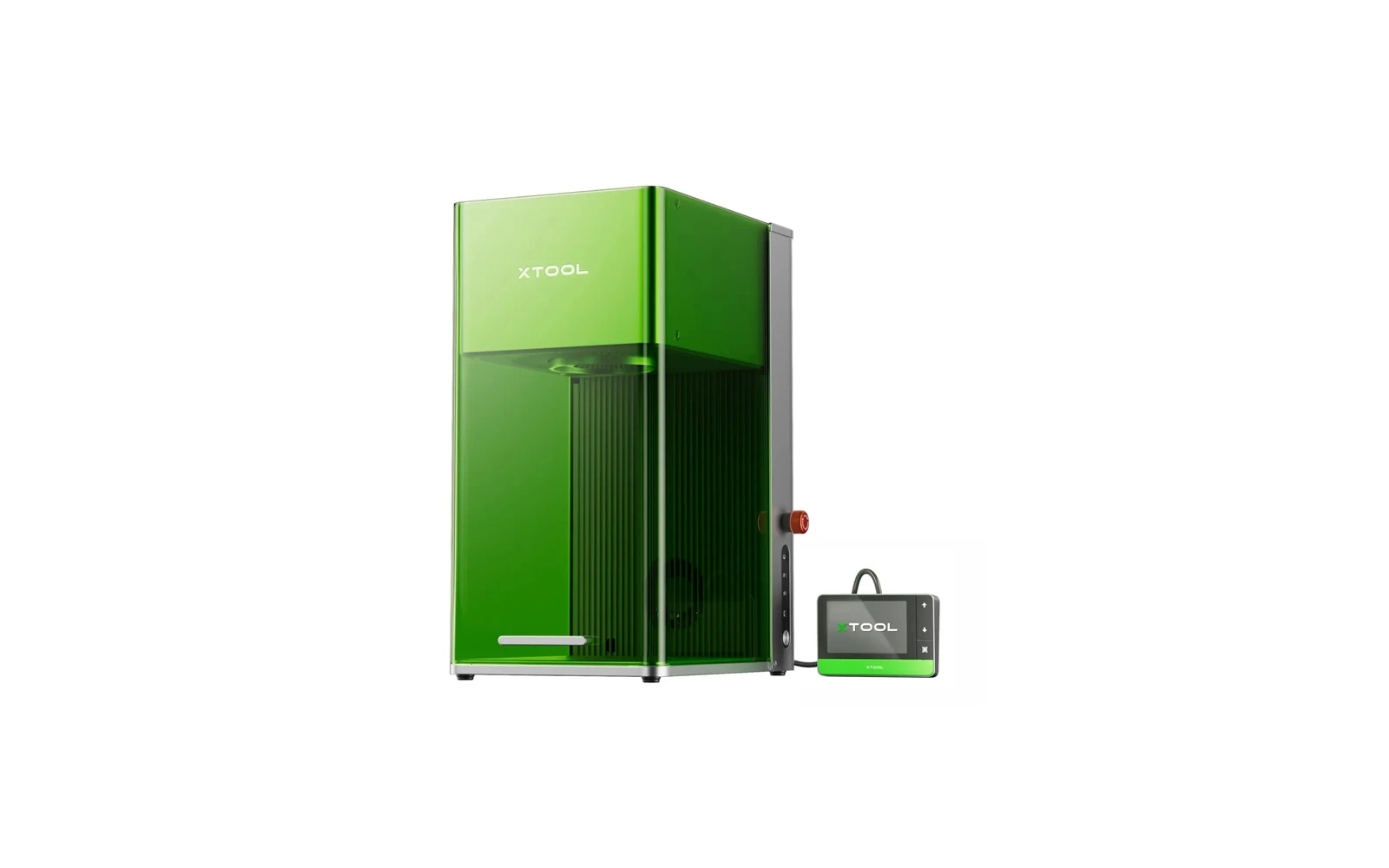 xTool F1 Ultra8.4
xTool · Hybrid · $2,999 – $4,659
A compact desktop machine combining a 20W fiber laser and 20W diode. The fiber module marks bare metal: stainless steel, aluminum, brass: without spray. Ideal for jewelry, knives, and metal gifts. Premium price for a small work area.
- +Everyday engrave and light cut mix: typical 6 mm basswood in several passes
- +Software listed on the profile: test your workflow (LightBurn or maker app) on scrap first
- −Clear cast acrylic and thick production cutting still favor CO₂, not diode power alone
- −Confirm optical wattage on the listing before you buy
- 5
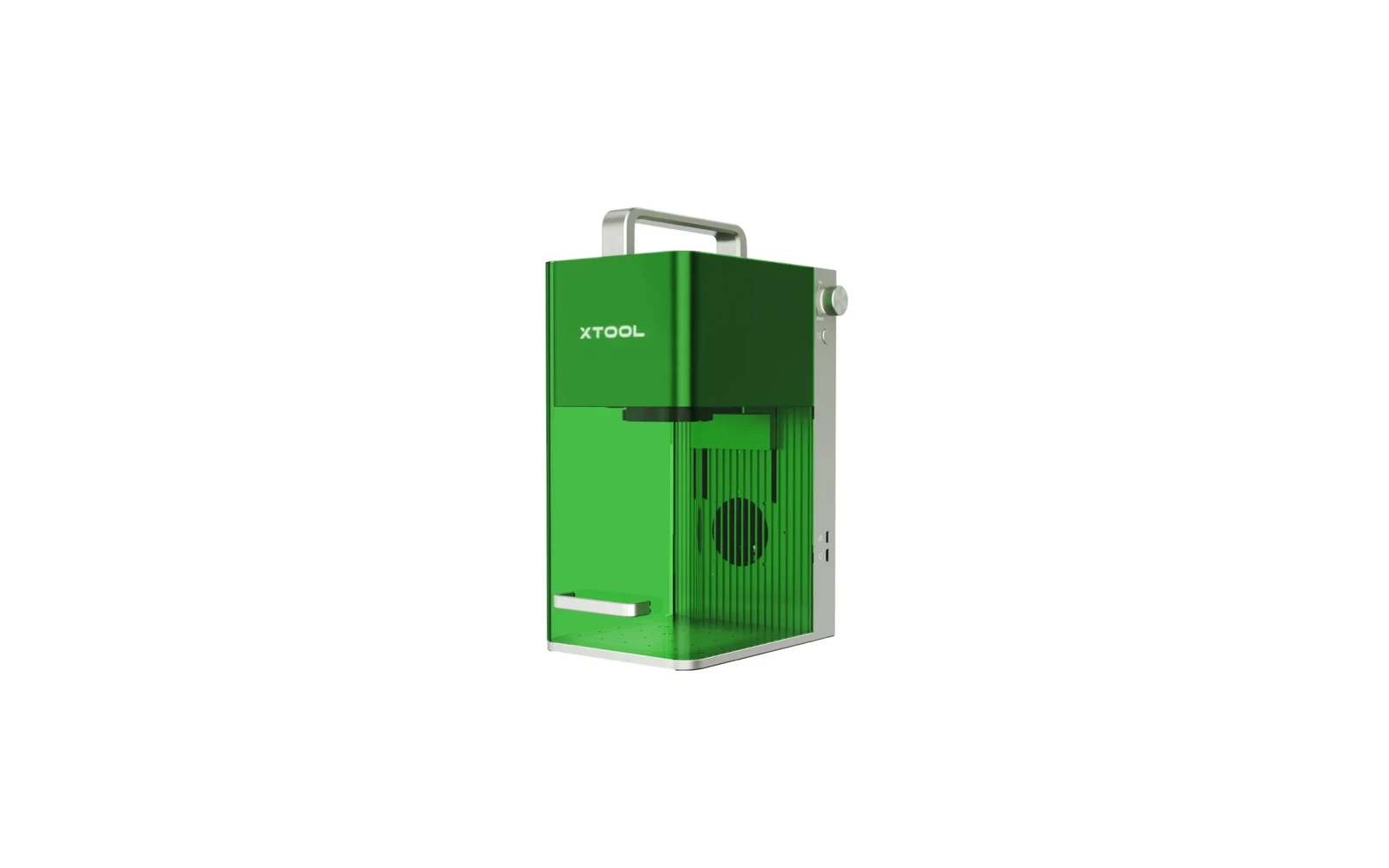 8.4
The F1 started the compact dual-laser category. Slower than F1 Ultra but often cheaper on sale. Still a metal-marking specialist with small bed: not a general workshop laser.
- +10W on xTool F1: engraving-first: photo fills and leather at moderate speeds
- +Software listed on the profile: test your workflow (LightBurn or maker app) on scrap first
- −Clear cast acrylic and thick production cutting still favor CO₂, not diode power alone
- −Confirm optical wattage on the listing before you buy
- 6
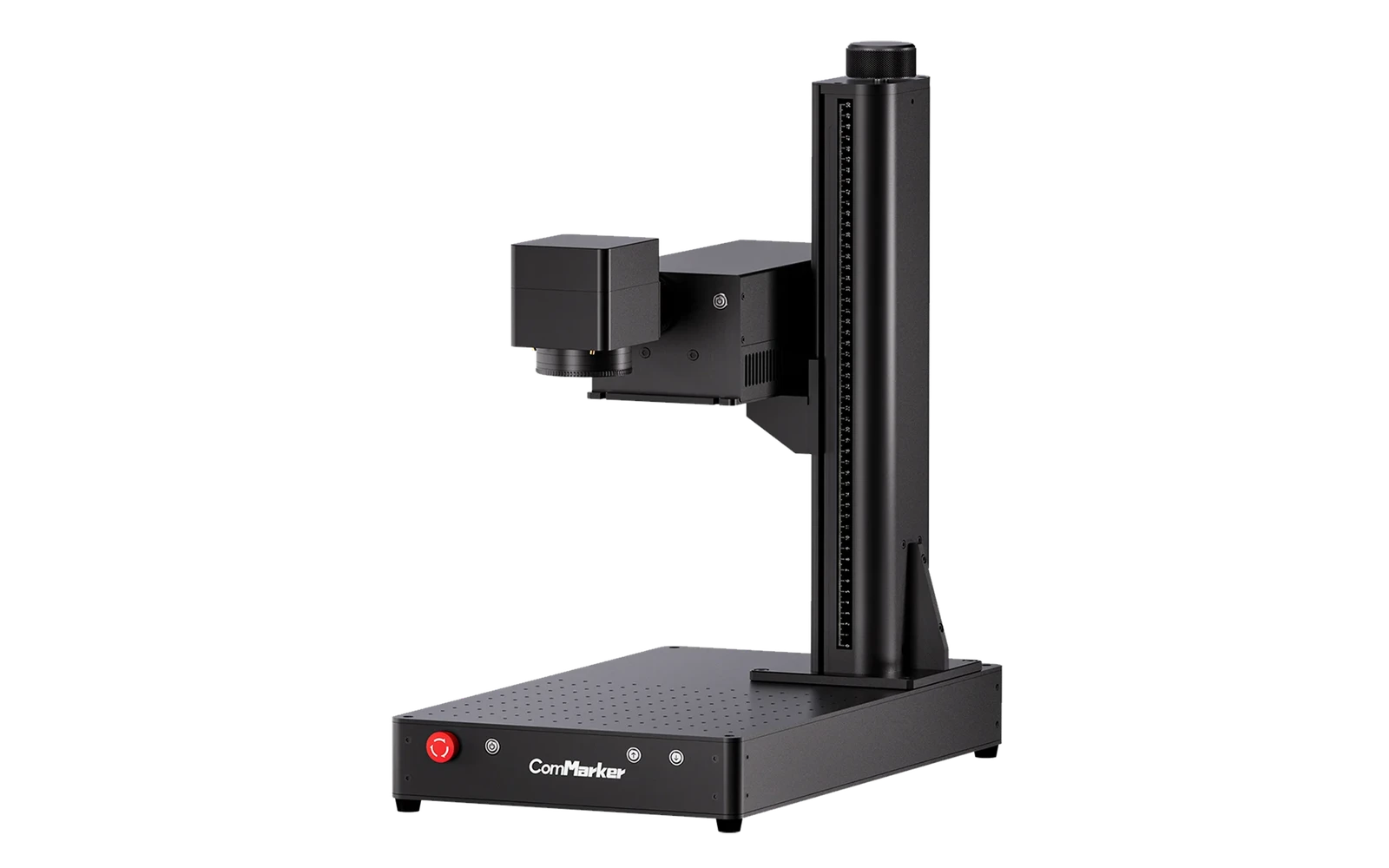 8.4
ComMarker Omni 1 is the more compact UV line for makers entering glass and plastic marking. Same caveats as all UV: material testing, eye protection, and realistic speed expectations.
- +3W UV: cold marking on glass and heat-sensitive plastics
- +Software listed on the profile: test your workflow (LightBurn or maker app) on scrap first
- −Clear cast acrylic and thick production cutting still favor CO₂, not diode power alone
- −Confirm optical wattage on the listing before you buy
- 7
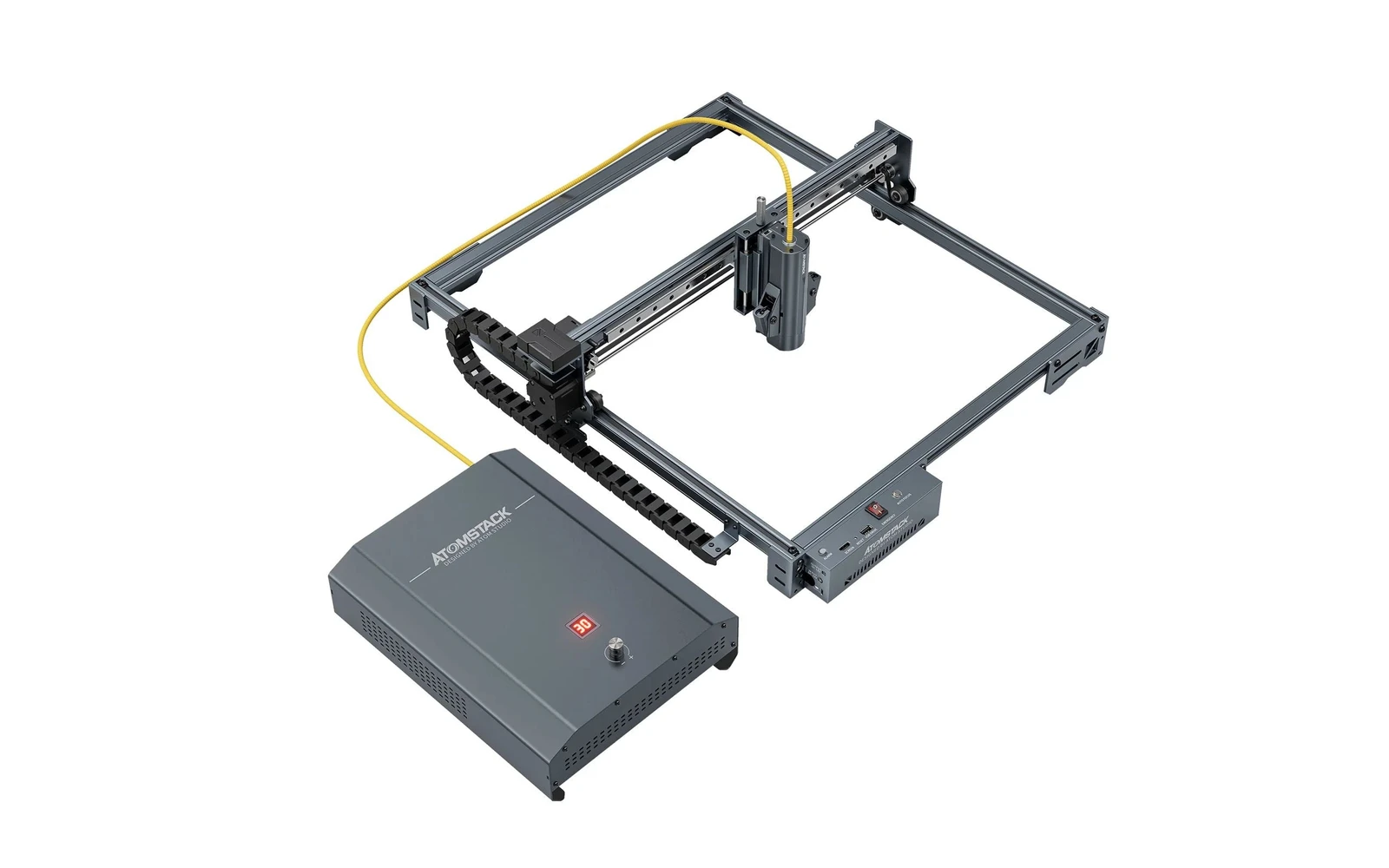 AtomStack A20 Pro 1064nm Fiber8.3
Atomstack · Fiber · $889
AtomStack A20 Pro 1064nm is a fiber marking variant for metal engraving without a separate galvo bench. Different machine class than diode A20 Pro V2: buy for metal marking, not wood cutting.
- +Fiber marks metal: does not cut wood or acrylic
- +Software listed on the profile: test your workflow (LightBurn or maker app) on scrap first
- −Does not cut wood, leather, or acrylic: metal marking workflows only
- −Fume extraction still matters for coated metals and marking sprays
What counts as a portable metal marking laser?
These are compact galvo machines under $4,000 that mark metal with a fiber, infrared or UV source and fit on a desk or in a car: the xTool F1 Ultra, LaserPecker 5, Acmer GE1, Longer Nano Duo AI, or a small 20W desktop fiber. Portable here means light, quick to set up and powered from a normal outlet, rarely battery operated. The marking field is small, roughly 100 × 100 to 220 × 220 mm, which suits tags, rings, knives, pens and phone cases but not large plates. Some models extend the area with a slide or conveyor accessory.
2W infrared, 20W fiber or UV: which source?
A 2W infrared module, as on the Acmer GE1 or xTool F1, marks stainless, painted and anodized metal and some plastics, but slowly and only at the surface. A 20W fiber, as on the xTool F1 Ultra or LaserPecker 5, marks in seconds, engraves shallow depth and handles brass, aluminum and titanium better. A UV source marks plastics, glass and ceramics without melting, but it only marks the surface of metal. Hybrids add a blue diode for wood and leather, which a pure fiber handles poorly. If metal is your main job, a 20W fiber is the better use of money; if it is one material among many, a hybrid makes sense.
Portable metal marker prices: what each level buys
$800 to $1,300: diode plus 2W infrared hybrids such as the Acmer GE1, good for gifts and pet tags in small numbers. $900 to $1,600: compact 20W fibers like the Atomstack A20 Pro 1064nm, Commarker B4 or Sculpfun G20, usually open, with EZCAD or LightBurn. $1,300 to $2,100: the xTool F2, with a 15W diode and a 5W infrared source. $2,700 to $4,000: dual-source units like the LaserPecker 5 or xTool F1 Ultra, with a 20W fiber, camera and polished app, aimed at market stalls and small shops. Entry UV, such as the Monport UV Pro 6W, also starts just over $3,000.
Using a metal marker at markets and events
On-site personalization is a common reason to buy these machines. Look for an enclosed or shielded design, since passers-by will not wear glasses, and fume filtering, because many venues do not allow smoke. Setup speed matters: autofocus or a fixed focus height, and an app with saved templates for names and dates. Bring jigs to place items consistently, plus spare blanks. Check the power available and whether the venue accepts lasers at all; some require enclosed equipment. A 20W fiber marks a stainless pet tag in well under a minute, which keeps a queue moving.
Pitfalls with compact metal markers
Small fields catch buyers out: a 110 × 110 mm lens cannot mark a full cutting board, and accessories that extend the field cost extra. Infrared modules are low power: 2W will not deep-engrave anything. Open fibers need 1064 nm glasses, which many buyers forget. Rotary attachments for rings and tumblers are often sold separately, for roughly $150 to $400. Look at the software too: polished apps make design easy but may hide advanced settings, while EZCAD gives full control at the cost of a steep learning curve. Discontinued units like the xTool F1 or LaserPecker LP3 can be good used buys if the app still supports them.
Frequently asked questions
What is the best portable metal marking laser in 2026?
The xTool F2 ranks first in our database with an overall score of 8.7/10, starting around $1,299. xTool F2 (2025) upgrades the F1 formula with more power, a 50MP alignment camera, and up to 6,000 mm/s galvo speed. Dual-source (diode + infrared) for metal marking and organics in a compact box: xTool Studio only, no LightBurn.
What is the most affordable good portable metal marking laser?
Among our top picks, the AtomStack A20 Pro 1064nm Fiber is the most affordable, starting around $889 with an overall score of 8.3/10.
How are these rankings built?
Rankings are generated from our scoring database — capability, ease of use, build quality, and value, weighted for each category. There are no sponsored placements, and scores reflect real-world performance rather than marketing claims.