Best Lasers for Beginners 2026
Starting out? These machines rank highest for ease of use in our database: simple setup, forgiving software, and clear documentation, without a four-figure commitment.
Rankings are generated from our scoring database — no sponsored placements. Scores reflect real-world capability, not marketing claims. How we score machines
- 1
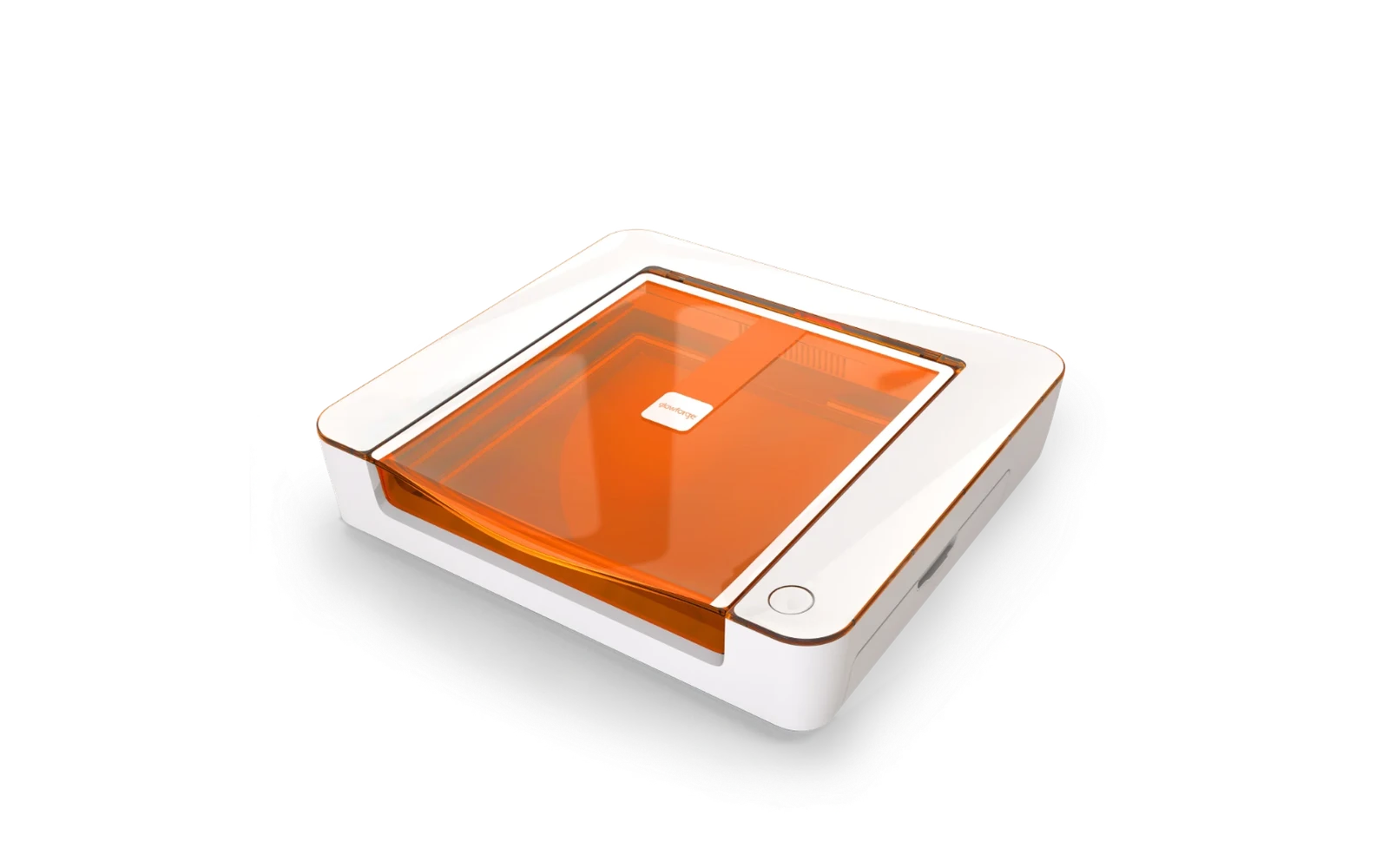 Glowforge Aura7.9
Glowforge · Diode · $999
Glowforge's compact 6W diode Craft Laser for crafters. Easy software, autofocus, quick setup and a Passthrough slot for long projects, but cutting is limited to thin materials. The catch: a cloud-based app (optional Premium subscription from $20/mo) and far less power than CO₂ machines like the xTool P2S.
- +Enclosed craft laser with autofocus and Passthrough for long projects
- +Integrated cabinet helps contain the beam and everyday smoke versus open-frame diodes
- +Software listed on the profile: test your workflow (LightBurn or maker app) on scrap first
- −Venting outside or a filter is still required, like any laser cutter
- −Cutting is limited to thin materials: 1/4 in (6 mm) max according to Glowforge
- 2
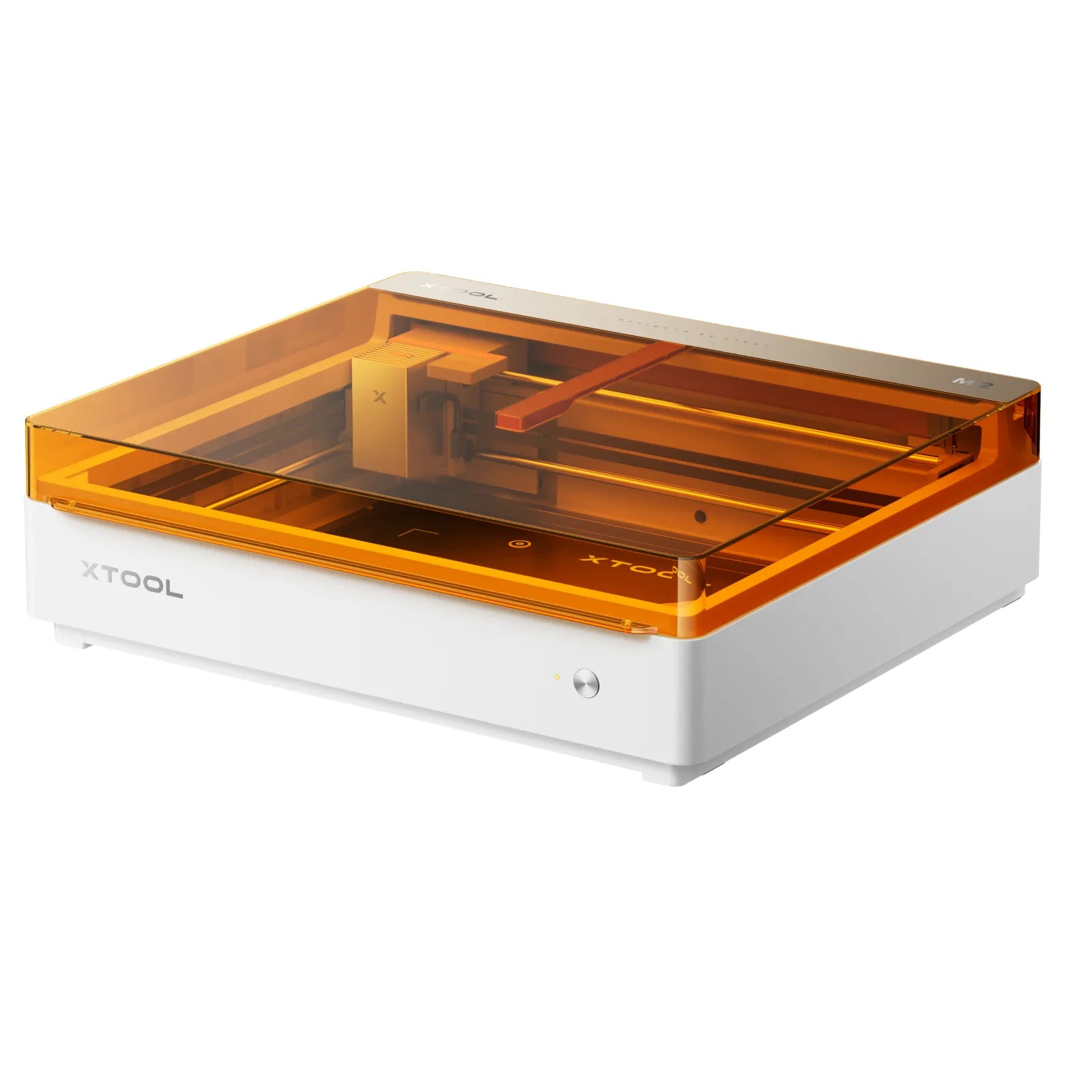 xTool M2 Color Craft Laser8.3
xTool · Diode · $499 – $1,849
Launched May 2026, the M2 packs laser engraving, cutting, and integrated inkjet color printing into one enclosed desktop at $599. Built for everyday crafters and Etsy sellers who want color + laser without a pro CO₂ budget: not a metal-marking or production cutter.
- +10W on xTool M2 Color Craft Laser: engraving-first: photo fills and leather at moderate speeds
- +Integrated cabinet helps contain the beam and everyday smoke versus open-frame diodes
- +Upgrade path on the same cabinet: xTool sells 20W ($599) and, since late October 2026, 40W ($899) diode modules; xTool rates the 40W for 15 mm basswood and 11 mm black acrylic
- −Clear cast acrylic and thick production cutting still favor CO₂, not diode power alone
- −Confirm optical wattage on the listing before you buy
- 3
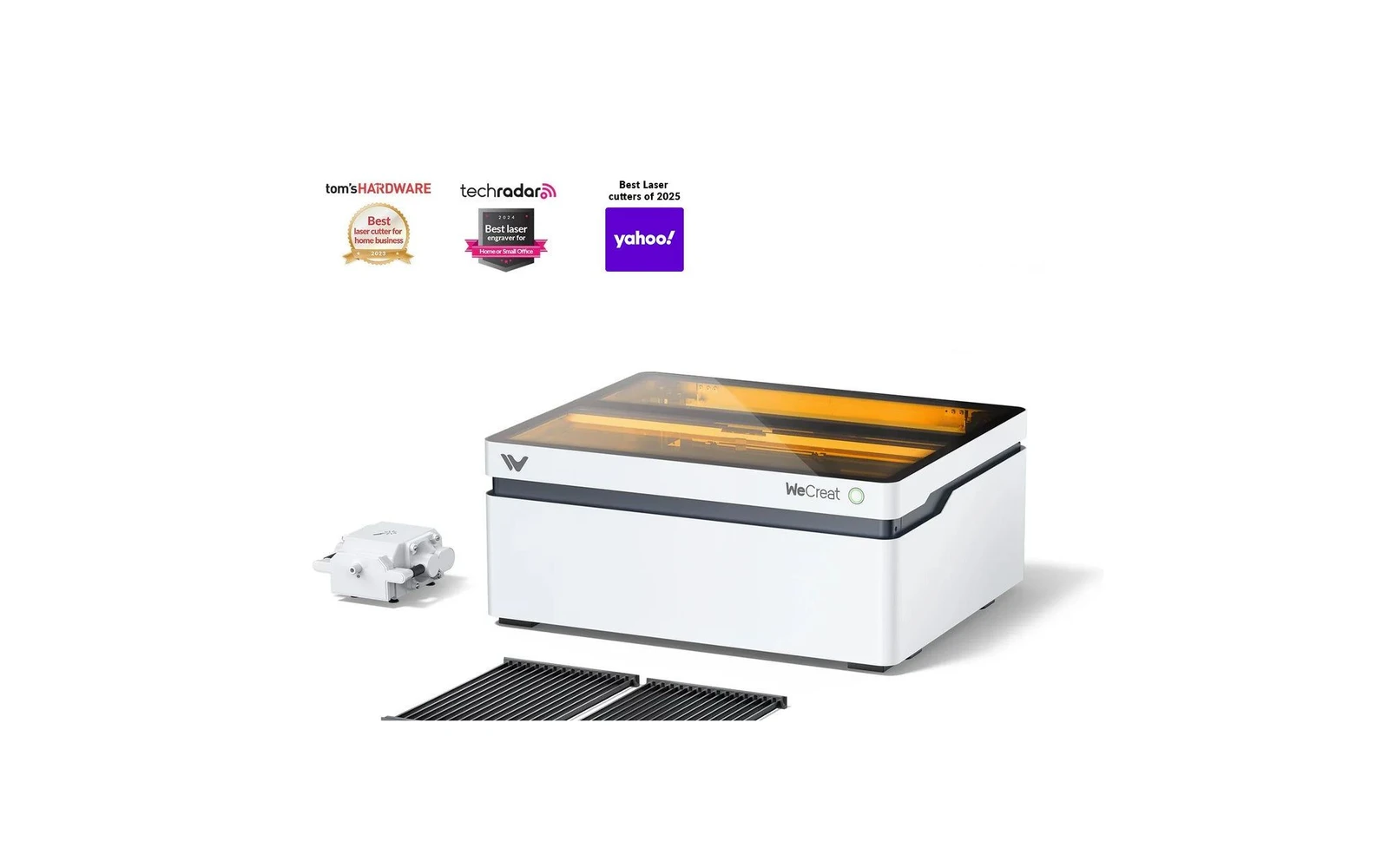 WeCreat Vision8.0
WeCreat · Diode · $1,140 – $1,990
WeCreat's enclosed diode laser adds a camera and AI features for material detection and visual preview. Appealing for beginners who want guidance. Core laser performance is comparable to other enclosed diodes: you pay for the smart features.
- +Everyday engrave and light cut mix: typical 6 mm basswood in several passes
- +Integrated cabinet helps contain the beam and everyday smoke versus open-frame diodes
- +Software on the profile: trial your workflow on scrap before production
- −Clear cast acrylic and thick production cutting still favor CO₂, not diode power alone
- −Confirm optical wattage on the listing before you buy
- 4
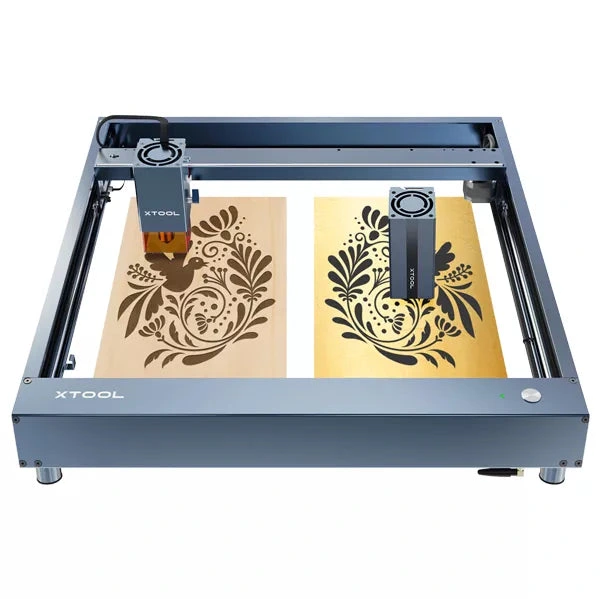 8.1
The 20W D1 Pro module is xTool's most popular open-frame head: mixed engraving and light cutting on the large D1 bed. Verify optical power on the listing; swap to 40W later if cut jobs dominate.
- +10 mm basswood plywood and 8 mm solid wood in one pass (xTool rating)
- +Cuts 5 mm opaque acrylic in black and several colours (xTool test)
- +Large community and shared material settings: the D1 Pro head most owners used
- −Dense hardwoods (beech, cherry, bamboo) need several passes
- −Open frame: goggles, ventilation and a fire-safe surface are up to you
- 5
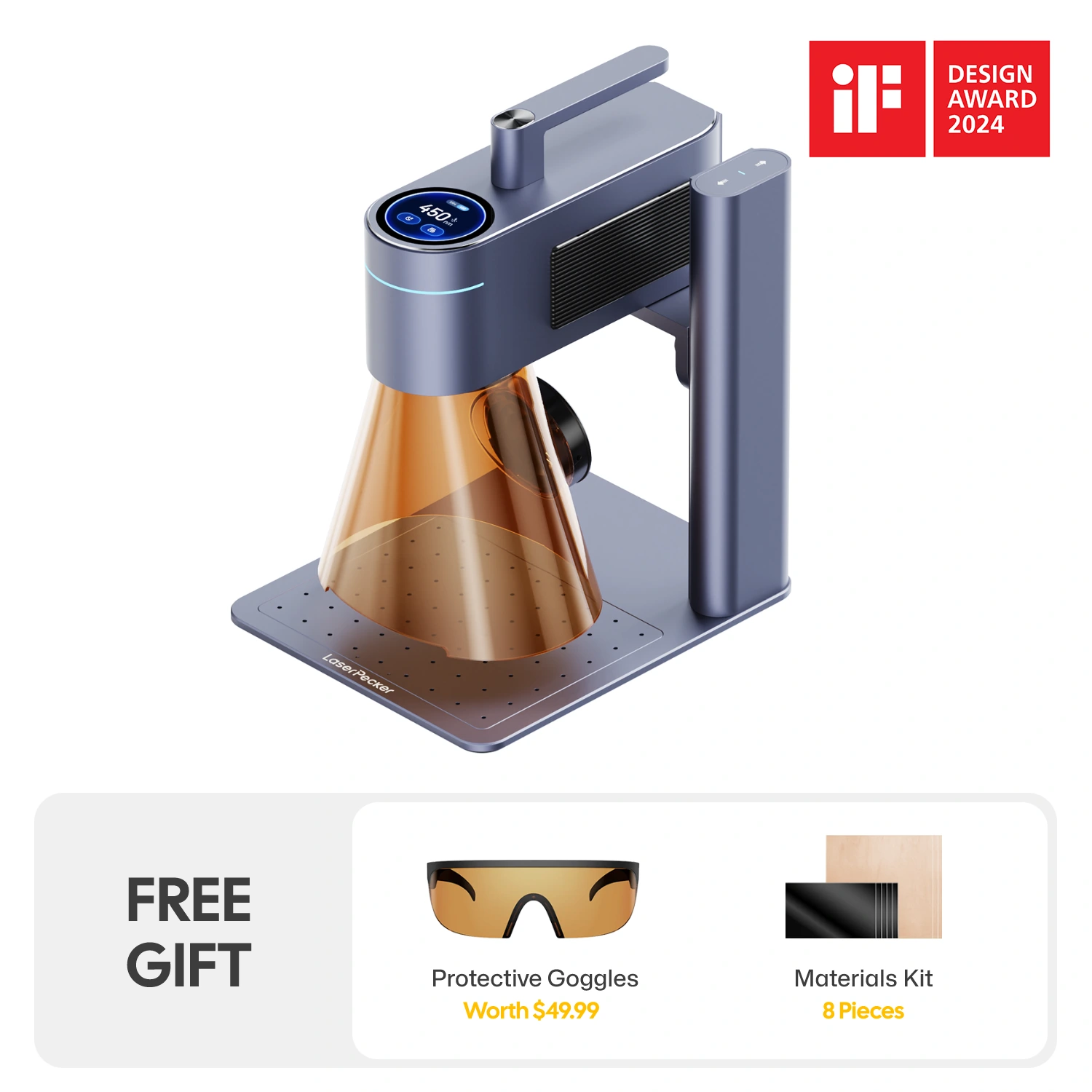 LaserPecker 47.8
LaserPecker · Diode · $1,199 – $1,699
A compact, foldable diode laser designed for portability: markets, events, and desk gifts. Dual laser sources in the Pro model. Not a workshop production machine, but unmatched for throwing in a bag and engraving on-site.
- +2W on LaserPecker 4: engraving-first: photo fills and leather at moderate speeds
- +Open-frame: plan laser glasses, exhaust, and workspace rules from day one
- +Software on the profile: trial your workflow on scrap before production
- −Clear cast acrylic and thick production cutting still favor CO₂, not diode power alone
- −Confirm optical wattage on the listing before you buy
- 6
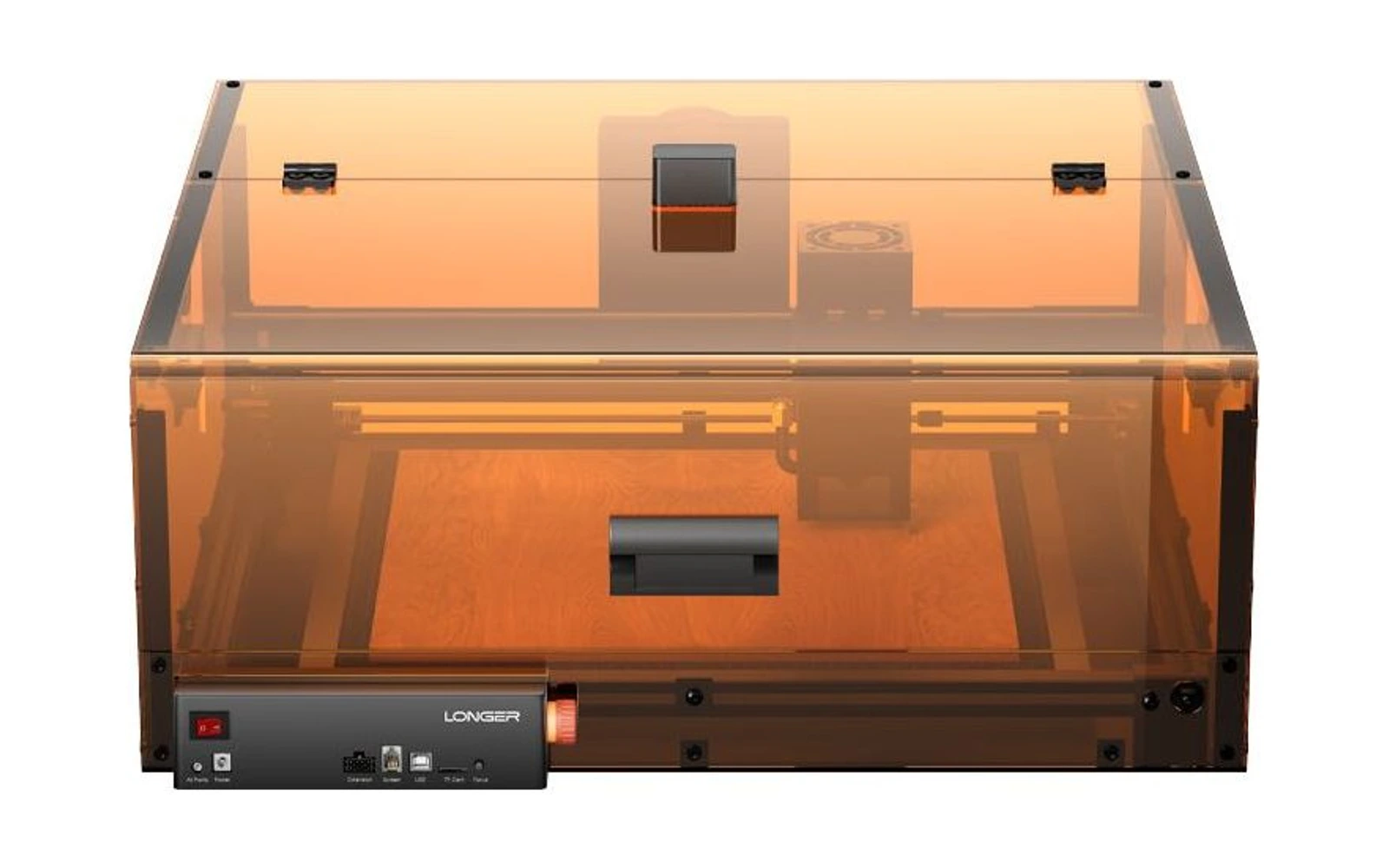 Longer Ray7S8.0
Longer · Diode · $850
The Ray7S 40W is the top of Longer's new enclosed range: $849.99 for the Basic Set on Longer's store in October 2026, the only Ray7S version with the air pump in the box. Longer shows it cutting 30 mm basswood and 35 mm black acrylic, without stating the number of passes; by our estimate it cuts 10–15 mm basswood in one pass. Klipper firmware, 600 mm/s and a Class 1 cabinet come with a modest 305 × 300 mm bed, and it costs about $850 less than xTool's enclosed 40W.
- +Air pump included, unlike the smaller Ray7S versions, so it cuts cleanly out of the box
- +Longer shows 30 mm basswood and 35 mm black acrylic cuts; by our estimate 10–15 mm basswood goes in one pass
- +$849.99 in October 2026, about $850 less than xTool's enclosed S1 40W and $300 less than Acmer's P3 48W
- −Smallest bed of the range at 305 × 300 mm, well below the S1 and P3 at this power
- −Widest spot of the range at 0.10 × 0.15 mm according to Longer: fine photos are softer
- 7
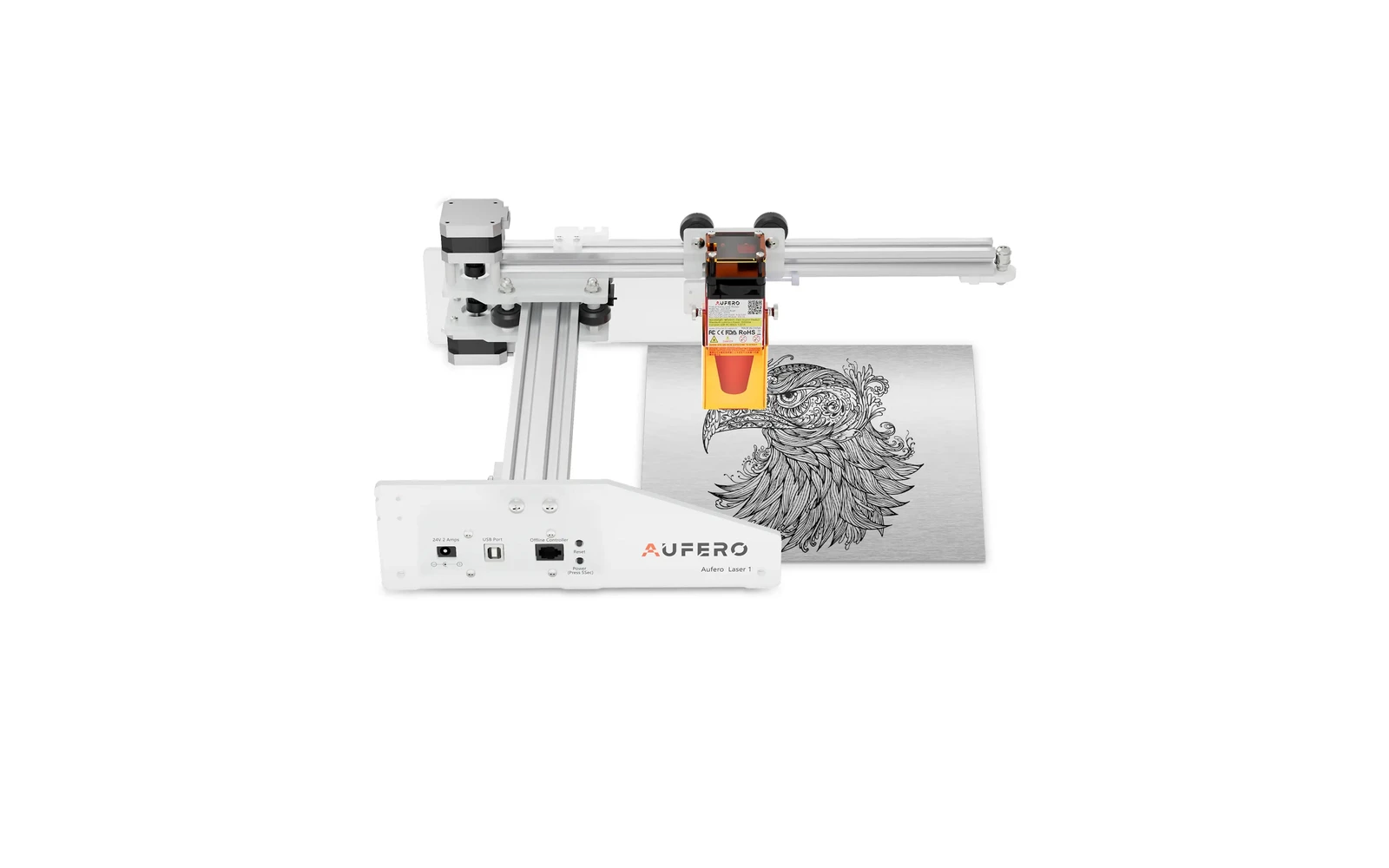 Ortur Aufero AL18.1
Ortur · Diode · $130 – $210
The Aufero AL1 is Ortur's compact diode line for small work areas and portable setups. Lower power than LM3 or H10, but easier to fit on a crowded desk. Best for light engraving: not a cutting workhorse.
- +5W on Ortur Aufero AL1: engraving-first: photo fills and leather at moderate speeds
- +Open-frame: plan laser glasses, exhaust, and workspace rules from day one
- +Software on the profile: trial your workflow on scrap before production
- −Clear cast acrylic and thick production cutting still favor CO₂, not diode power alone
- −Confirm optical wattage on the listing before you buy
What makes a laser engraver easy for a beginner?
Ease comes from three things: setup, focus and software. Pre-assembled or enclosed machines like the Creality Falcon A1C, Acmer K1 or Sculpfun iCube Ultra are running within half an hour, while open frames take one to two hours of assembly and belt adjustment. Autofocus or a simple focus gauge avoids the most common failure, a blurry engraving. Software matters most over time: a phone or desktop app with a material library is enough to start, and LightBurn becomes worth its price once you design your own projects. A camera for positioning removes much of the trial and error.
Diode or CO₂ for a first laser?
Within a beginner budget of about $1,200, a 10 to 20W diode is the safer start. It needs no water cooling, no mirror alignment and no tube replacement, and it engraves wood, leather, slate and coated tumblers very well. A 40W CO₂ from OMTech or Monport costs about the same ($600 to $1,300) and cuts clear acrylic and thicker wood faster, but asks you to manage water cooling, align mirrors and vent much more smoke. Choose CO₂ only if acrylic signs or regular cutting are the reason you are buying. Neither will properly mark bare metal.
How much should you budget for a first laser?
Count the whole setup, not just the machine. A capable first open-frame diode costs $200 to $450 for 10 to 20W (Ortur Laser Master 3, Acmer P1, Creality Falcon 10W). Add $30 to $70 for a honeycomb bed, $50 to $150 for an exhaust fan and duct, $40 or more for proper safety glasses and $50 to $100 of practice material such as basswood, plywood and leather offcuts. A rotary for tumblers adds $80 to $200. Small enclosed machines at $200 to $400 include the cover and often a fan, but their 150 × 150 mm area limits projects. A realistic first budget is $350 to $700 all in.
Beginner mistakes to avoid
Never laser PVC, vinyl or anything containing chlorine: it releases a toxic, corrosive gas that also damages the machine. Avoid ABS and polycarbonate, which melt and burn badly. Do not leave a cutting job unattended, even briefly: flare-ups on plywood are common, so keep a fire extinguisher within reach. Running without ventilation in a bedroom or living room is a health risk. Many beginners also buy on advertised watts; on cheap marketplace listings, '80W' can mean 5W of light. Finally, test settings on scrap before each new material, since two sheets of the same plywood can behave differently.
Safety basics before your first engraving
With an open diode, wear glasses certified for the laser's wavelength (around 450 nm, OD5 or higher), and so should anyone else in the room. An enclosed machine with a filtered window lets you watch without glasses, but check that opening the lid stops the laser. Place the machine on a non-flammable surface, away from curtains and paper. Smoke must go outside through a window duct or into a filter unit designed for laser fumes; a kitchen hood is not enough. Children should not run a laser on their own, and pets are better kept out of the room during jobs.
Frequently asked questions
What is the best laser for beginners in 2026?
The Glowforge Aura ranks first in our database with an overall score of 7.9/10, starting around $999. Glowforge's compact 6W diode Craft Laser for crafters. Easy software, autofocus, quick setup and a Passthrough slot for long projects, but cutting is limited to thin materials. The catch: a cloud-based app (optional Premium subscription from $20/mo) and far less power than CO₂ machines like the xTool P2S.
What is the most affordable good laser for beginners?
Among our top picks, the Ortur Aufero AL1 is the most affordable, starting around $130 with an overall score of 8.1/10.
How are these rankings built?
Rankings are generated from our scoring database — capability, ease of use, build quality, and value, weighted for each category. There are no sponsored placements, and scores reflect real-world performance rather than marketing claims.