Best Fiber Lasers 2026
Fiber lasers (1064 nm) are the standard for marking stainless steel, aluminum, and brass. These desktop galvo machines rank highest in our database for metal engraving work.
Rankings are generated from our scoring database — no sponsored placements. Scores reflect real-world capability, not marketing claims. How we score machines
- 1
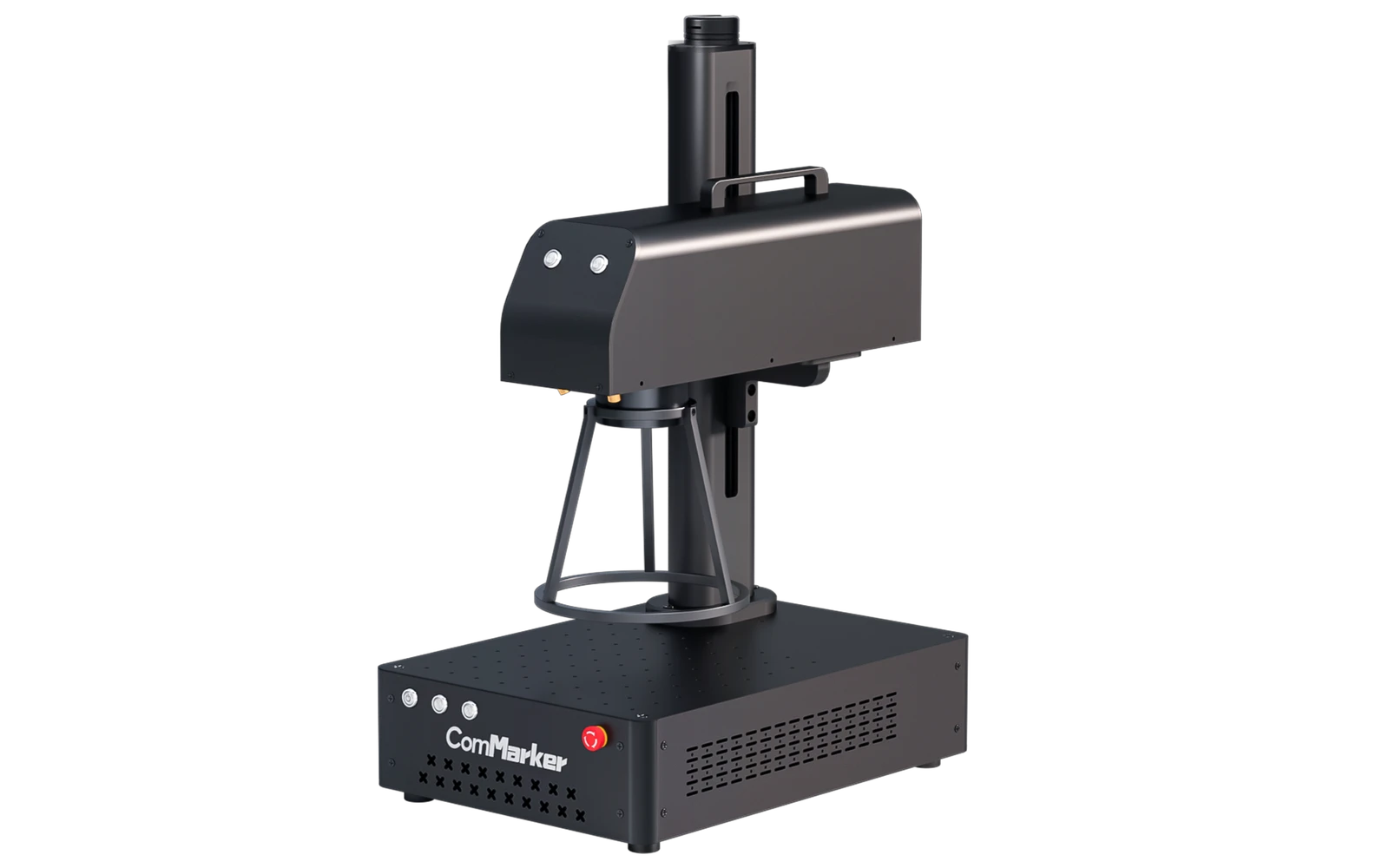 ComMarker B4 20W8.5
ComMarker · Fiber · $1,399 – $1,632
The ComMarker B4 is a popular entry-level fiber galvo engraver for jewelry, tools, and metal gifts. Marks stainless, aluminum, and brass without spray. Small marking field: not a cutter for wood or acrylic.
- +Fiber marks metal: does not cut wood or acrylic
- +Software listed on the profile: test your workflow (LightBurn or maker app) on scrap first
- −Does not cut wood, leather, or acrylic: metal marking workflows only
- −Fume extraction still matters for coated metals and marking sprays
- 2
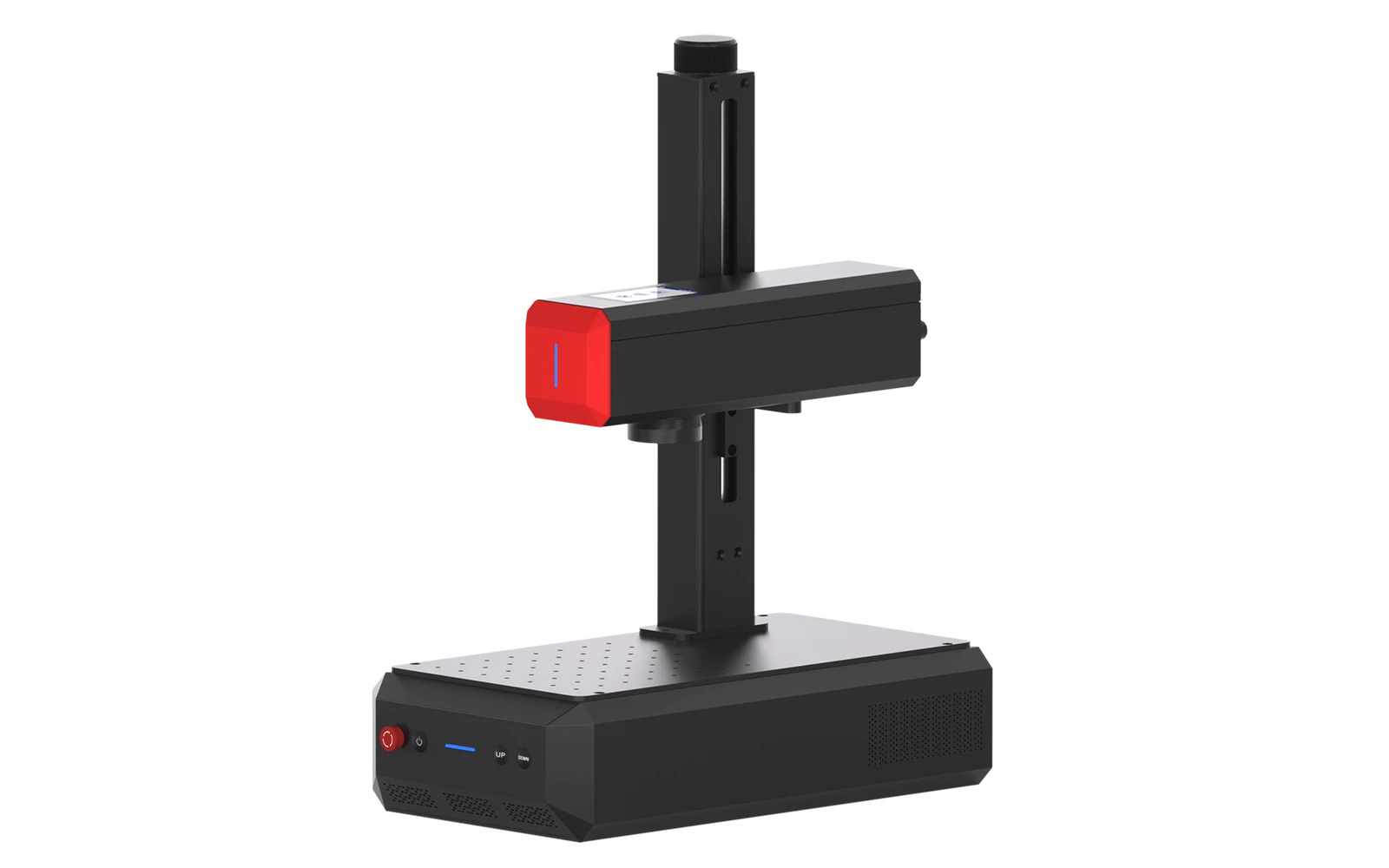 ComMarker B6 MOPA 30W8.4
ComMarker · Fiber · $3,099 – $3,966
ComMarker B6 adds MOPA fiber for color effects on stainless and finer control on deep metal engraving. Step up from B4 for shops that need color marking or faster production.
- +Fiber marks metal: does not cut wood or acrylic
- +Software listed on the profile: test your workflow (LightBurn or maker app) on scrap first
- −Does not cut wood, leather, or acrylic: metal marking workflows only
- −Fume extraction still matters for coated metals and marking sprays
- 3
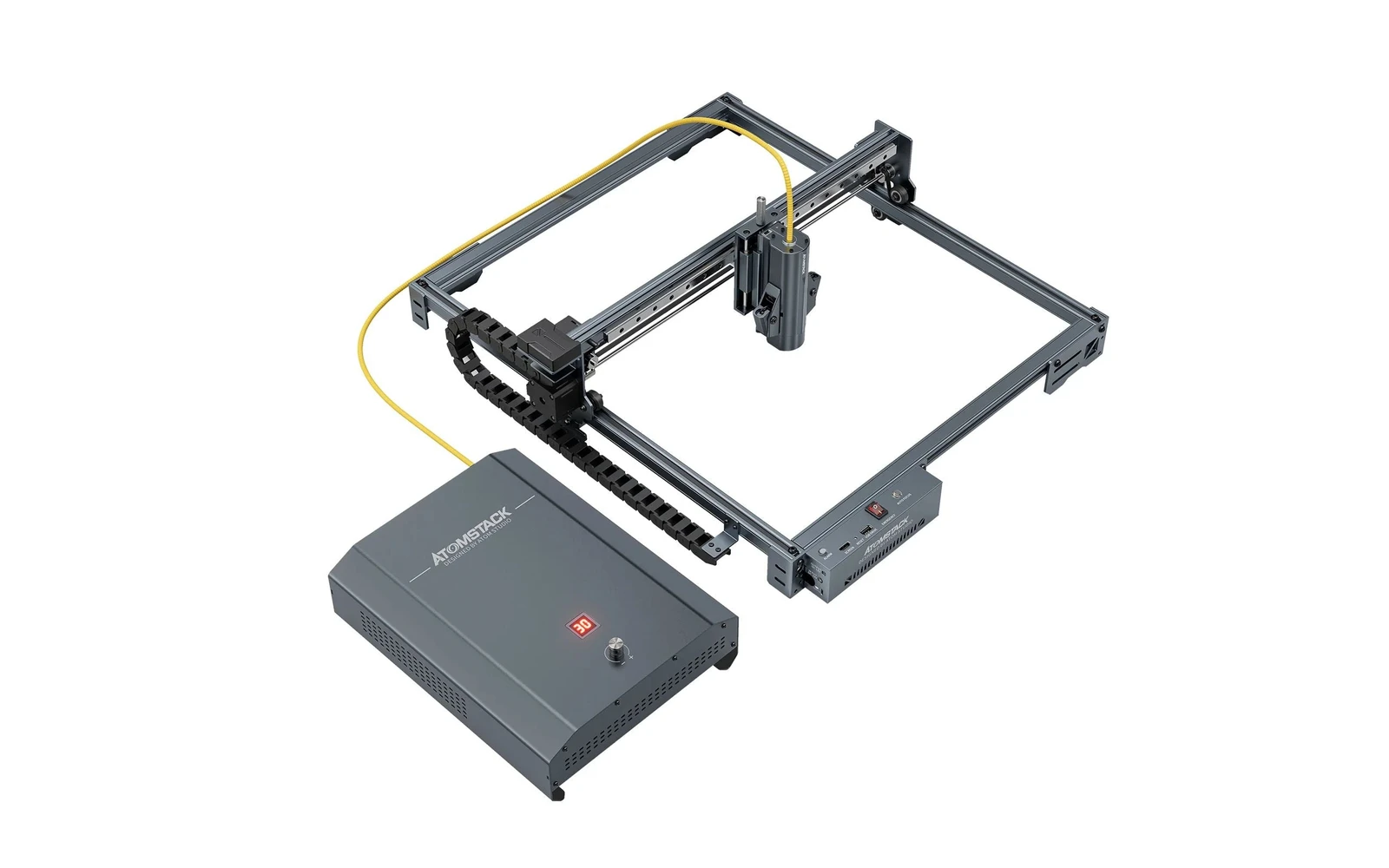 AtomStack A20 Pro 1064nm Fiber8.3
Atomstack · Fiber · $889
AtomStack A20 Pro 1064nm is a fiber marking variant for metal engraving without a separate galvo bench. Different machine class than diode A20 Pro V2: buy for metal marking, not wood cutting.
- +Fiber marks metal: does not cut wood or acrylic
- +Software listed on the profile: test your workflow (LightBurn or maker app) on scrap first
- −Does not cut wood, leather, or acrylic: metal marking workflows only
- −Fume extraction still matters for coated metals and marking sprays
- 4
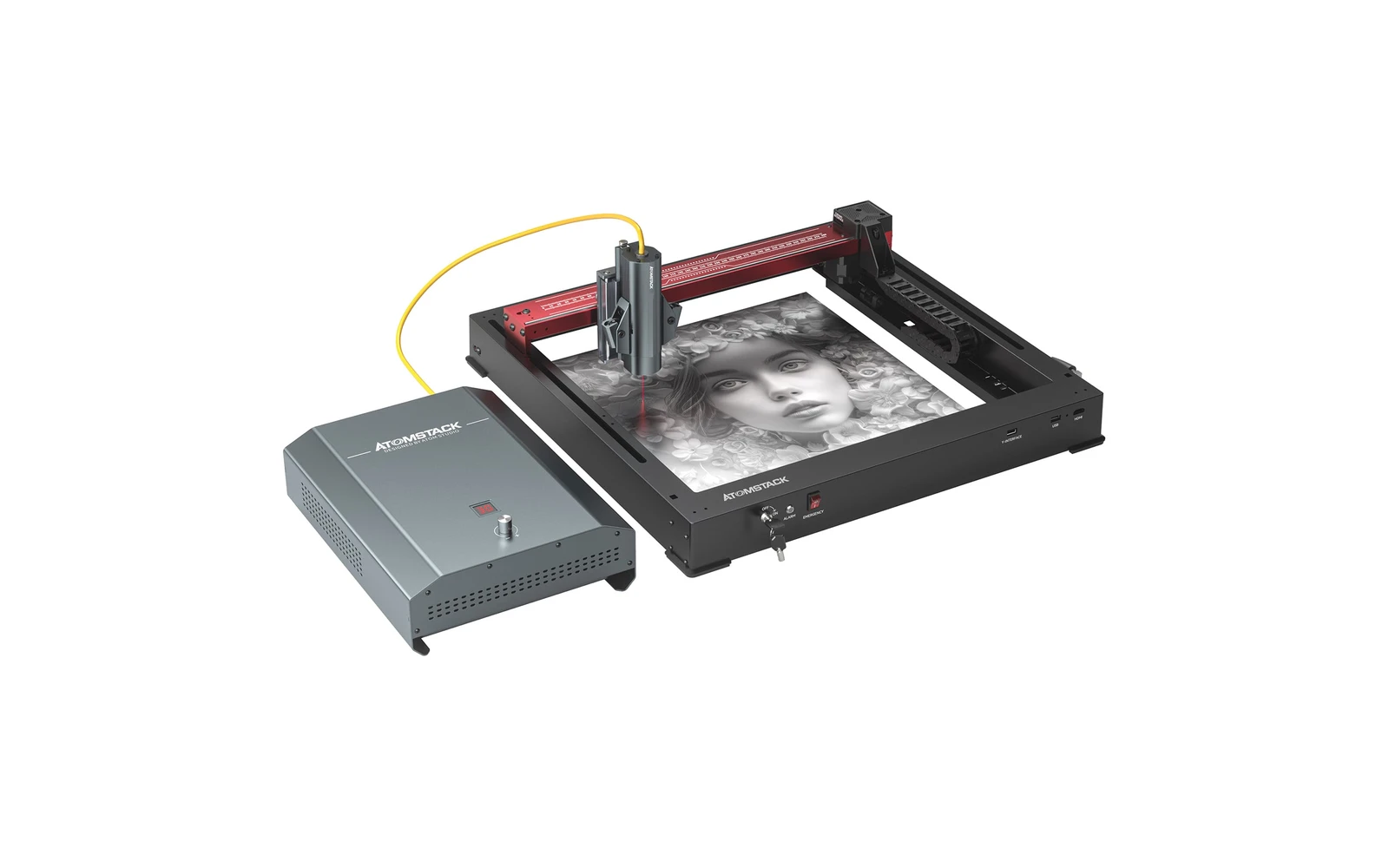 AtomStack A24 Pro 1064nm8.3
Atomstack · Fiber · $909 – $1,159
AtomStack A24 Pro 1064nm is the fiber-marking variant without the diode side: for users who only need metal/plastic marking in a small footprint, not wood cutting.
- +Fiber marks metal: does not cut wood or acrylic
- +Software listed on the profile: test your workflow (LightBurn or maker app) on scrap first
- +Work area ~110 × 110 mm marking field: confirm your typical job sizes fit the bed
- −Does not cut wood, leather, or acrylic: metal marking workflows only
- −Fume extraction still matters for coated metals and marking sprays
- 5
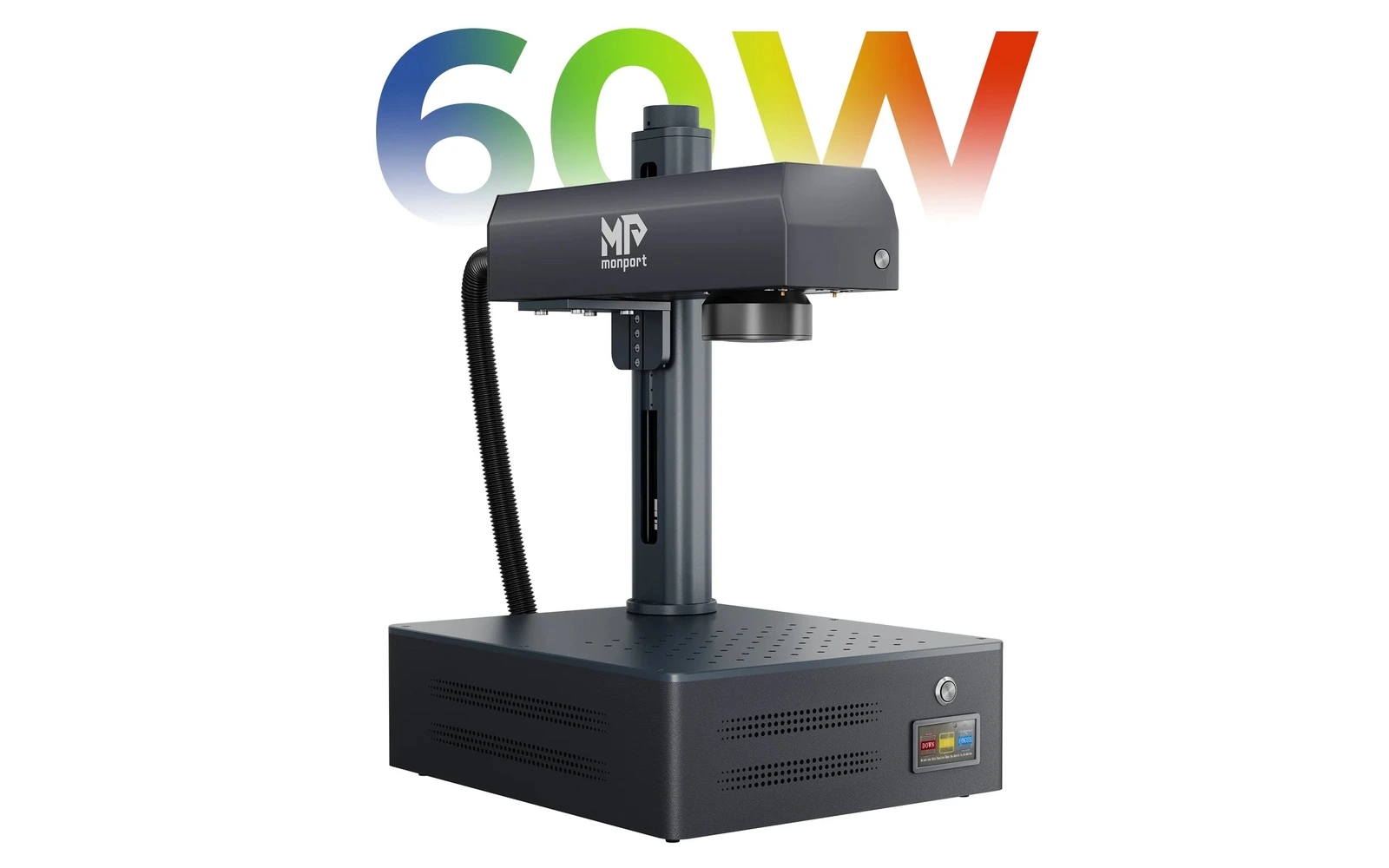 Monport GM Pro MOPA8.2
Monport · Fiber · $3,598 – $3,798
The GM Pro 60W MOPA is the most powerful version of Monport's integrated fiber: a 60W JPT MOPA source with 2 mJ of pulse energy, adjustable 2–500 ns pulse, one-touch autofocus and a 175 × 175 mm field. It covers colour marking and deeper engraving (0.10 mm listed per pass) in one compact machine. $3,598 on Monport's store in October 2026, about $670 less than the split GT 60W MOPA with autofocus.
- +2 mJ pulse energy with full MOPA pulse control: colour work and deep engraving from one machine
- +About $670 less than Monport's split GT 60W MOPA with autofocus ($4,270, Monport store, Oct 2026)
- +175 × 175 mm field, autofocus and electric lift in a 40 × 33 cm footprint
- −Only $98 more than the manual-focus GM 60W MOPA: check which version is in the cart
- −400 mm maximum Z height, against 550 mm on the split GT series
- 6
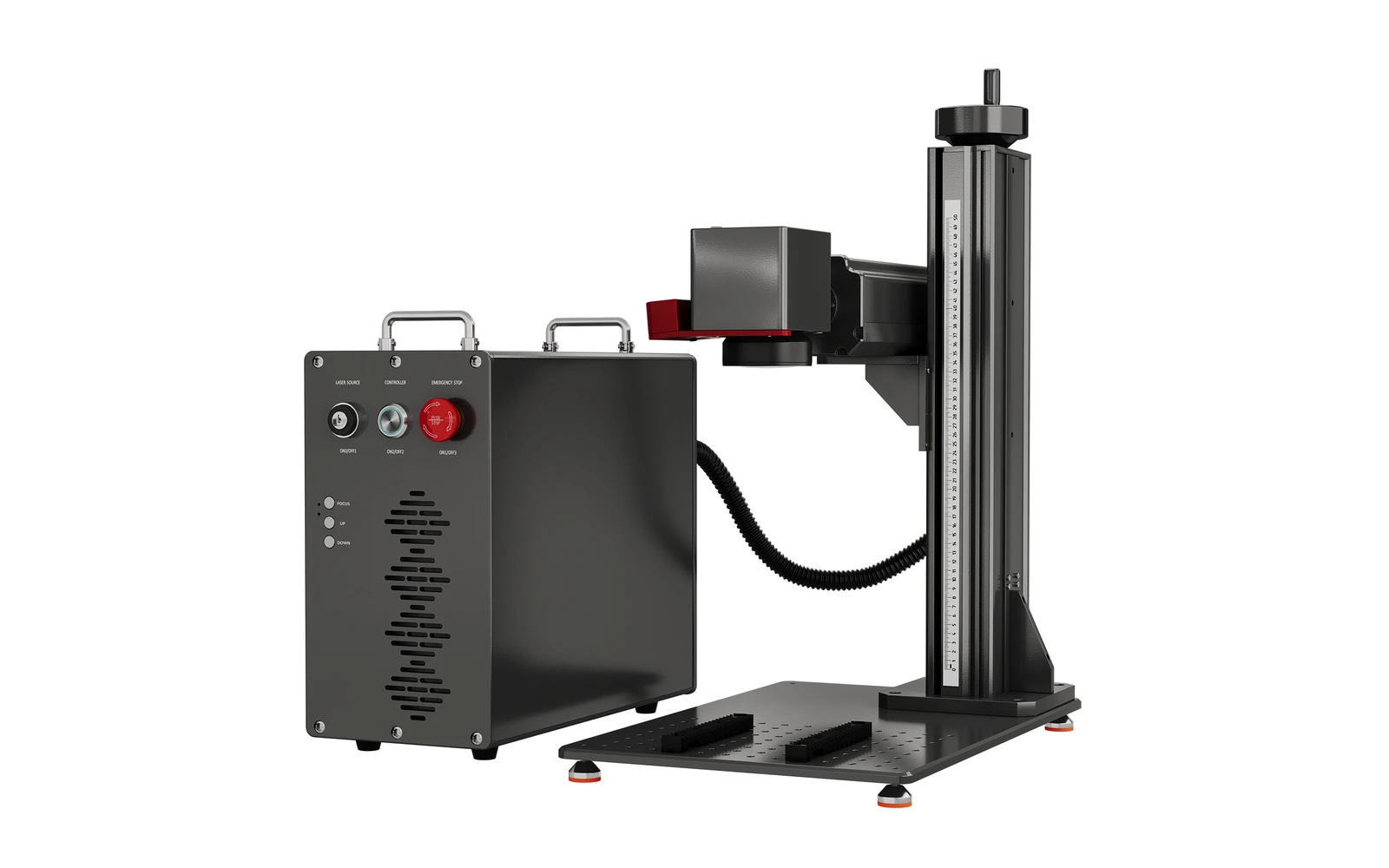 Monport GPro Vision MOPA8.2
Monport · Fiber · $5,299 – $5,499
The GPro Vision 60W MOPA adds Monport's 16 MP positioning camera and autofocus to a 60W MOPA source with a 175 × 175 mm field. MOPA pulse control opens colour marking on stainless steel and titanium and cleaner marks on plastics; Monport rates it for brass up to 2.5 mm thick. $5,299 on Monport's store in October 2026, listed for mid-October shipping. The line launched in June 2026; no independent review yet.
- +MOPA source: controlled colour on stainless steel and titanium, cleaner marks on plastics and anodized aluminum
- +16 MP camera and autofocus for placing artwork on irregular parts and laying out batches
- +Rated by Monport to cut brass up to 2.5 mm thick, in many passes
- −About $600 more than Monport's GT MOPA at the same power, which has autofocus but no camera
- −175 × 175 mm field, smaller than the entry tier's
- 7
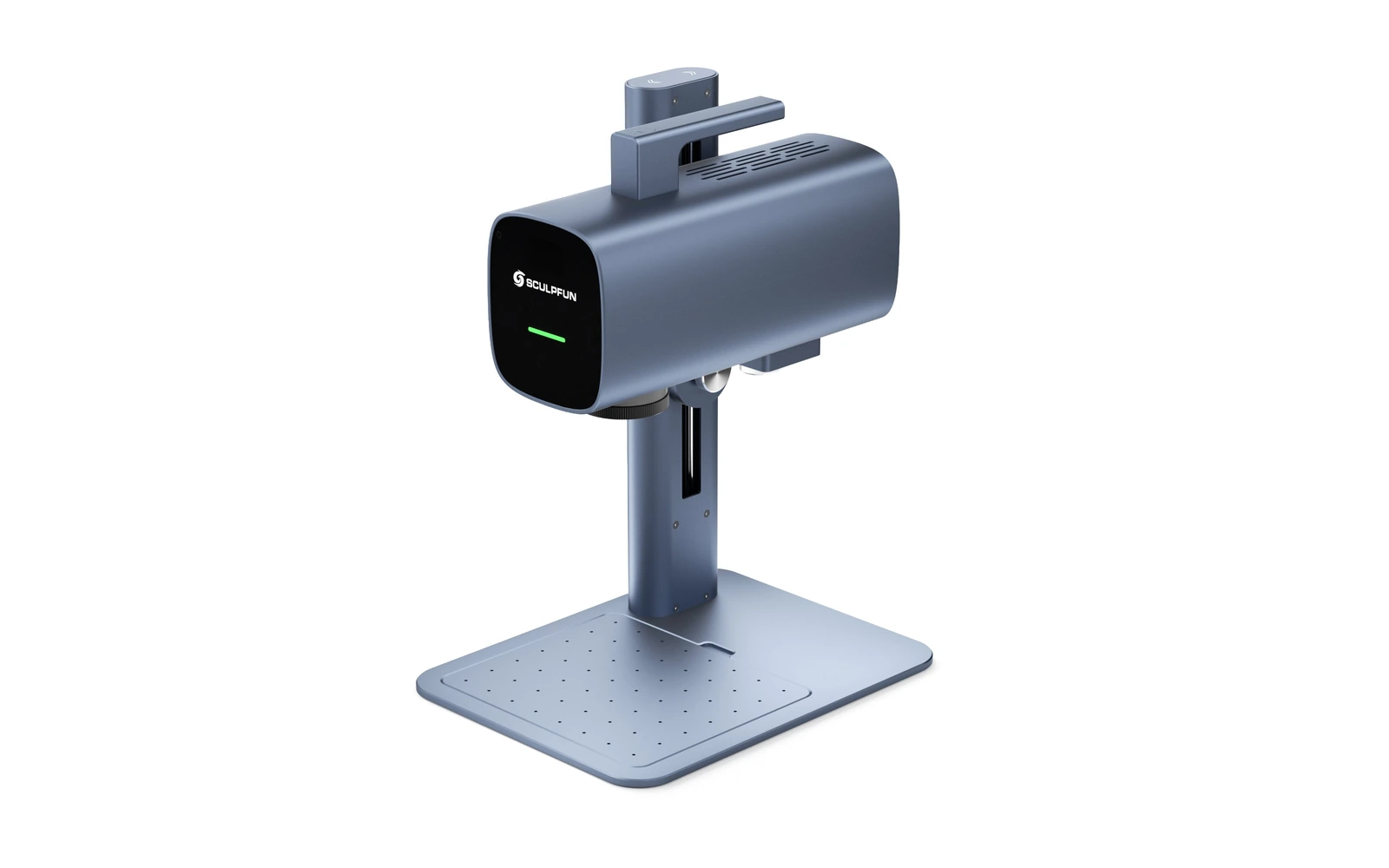 Sculpfun G208.1
Sculpfun · Fiber · $1,499
The Sculpfun G20 is a 20W 1064 nm fiber galvo on an open stand, launched in August 2026. It marks and engraves stainless, aluminium, brass, gold and titanium over a 150 × 150 mm field, with a motorized Z column, dual red-dot focusing and Wi-Fi. Sculpfun claims 10,000 mm/s, a 0.01 mm spot, engraving up to 1.5 mm deep and colour marking on stainless and titanium. No independent review yet; the open frame means you handle 1064 nm safety yourself.
- +Full 20W fiber galvo with motorized Z and dual red-dot focusing for $1,499
- +150 × 150 mm field, wider than the 110 × 110 mm lens on most entry fiber markers
- +Accepts the G9 SE slide extension (350 × 150 mm) and the RA Pro Max rotary for rings and tumblers
- −Open stand: no enclosure in the box, and 1064 nm light needs proper OD-rated glasses
- −Colour marking relies on a 30–60 kHz frequency range, not a MOPA source: expect a narrower palette
How many watts should a fiber laser have?
For marking text, logos and serial numbers on stainless, anodized aluminum and tools, 20W is enough and the cheapest entry point. 30W marks faster and engraves deeper with fewer passes, a sensible middle for jewelry and small production runs. 50 to 60W is where deep engraving, embossing, coin-style relief and cutting thin precious-metal sheet become practical. 100W and above, as on the Monport GT 100W or Gweike G6 Split 100W, targets production deep engraving and faster cutting of thin metal. More power also means more heat in the part, so fine detail needs adjusted settings rather than full power.
Lens, field size and focus on a fiber galvo
A galvo fiber marks inside a square field set by its lens: 110 × 110 mm, 150 × 150 mm, 200 × 200 mm or 300 × 300 mm are common. A larger field covers bigger plates but enlarges the spot and lowers energy density, so deep work gets slower. Most buyers are best served by a 110 or 150 mm lens, with a larger one added later if needed. Focus distance must be exact: dual red-dot pointers or a motorized Z axis, as on the Monport GPro Vision, make setup much faster than a hand crank. A camera for alignment is rare on budget units but helpful when marking existing parts.
Fiber laser prices in 2026
Compact 20W fibers cost about $900 to $1,600: Atomstack A20 Pro 1064nm, Gweike G2 20W, Sculpfun G20 and Commarker B4. 30W runs $1,600 to $2,700, 50 to 60W Q-switched sources $2,500 to $5,000 (Gweike G2 50W, Monport GT 50W), and 100W $5,000 to $7,000. MOPA versions usually add $1,000 to $2,000 at similar power. All of these are galvo markers with fields of about 220 mm or less. The kilowatt sheet-metal cutters also in our catalog, such as the OMTech FC series from $57,000, are industrial gantry machines that need assist gas, a chiller and a dedicated space.
Fiber laser software and eye safety
Most budget fibers ship with EZCAD2 or EZCAD3, which works but is dated and Windows-only. LightBurn supports many galvo controllers through its galvo-capable license, handy if you already use it on another laser. Some brands, such as xTool, provide their own app with presets. On safety, 1064 nm light is invisible and reflects off shiny metal; most desktop fibers are open, so wear OD5+ glasses rated for 1064 nm and consider a shield or enclosure if others share the room. Coated and anodized parts release fumes that need extraction, even when the smoke seems light.
Buying a used fiber laser
Fiber sources are rated for very long life, often quoted around 100,000 hours, so a used fiber is a safer bet than a used CO₂. Check the source brand and power on its label (JPT, Raycus, MAX), ask for a test mark across the full field to spot weak corners, and inspect the field lens for scratches or burns. The galvo mirrors should move without noise or jitter. Confirm the controller board is supported by EZCAD or LightBurn, and that any license file or dongle comes with the machine. Ask whether a rotary is included, since buying one later adds a few hundred dollars.
Frequently asked questions
What is the best fiber laser in 2026?
The ComMarker B4 20W ranks first in our database with an overall score of 8.5/10, starting around $1,399. The ComMarker B4 is a popular entry-level fiber galvo engraver for jewelry, tools, and metal gifts. Marks stainless, aluminum, and brass without spray. Small marking field: not a cutter for wood or acrylic.
What is the most affordable good fiber laser?
Among our top picks, the AtomStack A20 Pro 1064nm Fiber is the most affordable, starting around $889 with an overall score of 8.3/10.
How are these rankings built?
Rankings are generated from our scoring database — capability, ease of use, build quality, and value, weighted for each category. There are no sponsored placements, and scores reflect real-world performance rather than marketing claims.