Best Lasers for Cutting 2026
If cutting shapes and parts is the main job, raw cutting capability matters more than anything. These high-power diodes and CO₂ machines rank highest for cutting work.
Rankings are generated from our scoring database — no sponsored placements. Scores reflect real-world capability, not marketing claims. How we score machines
- 1
 8.6
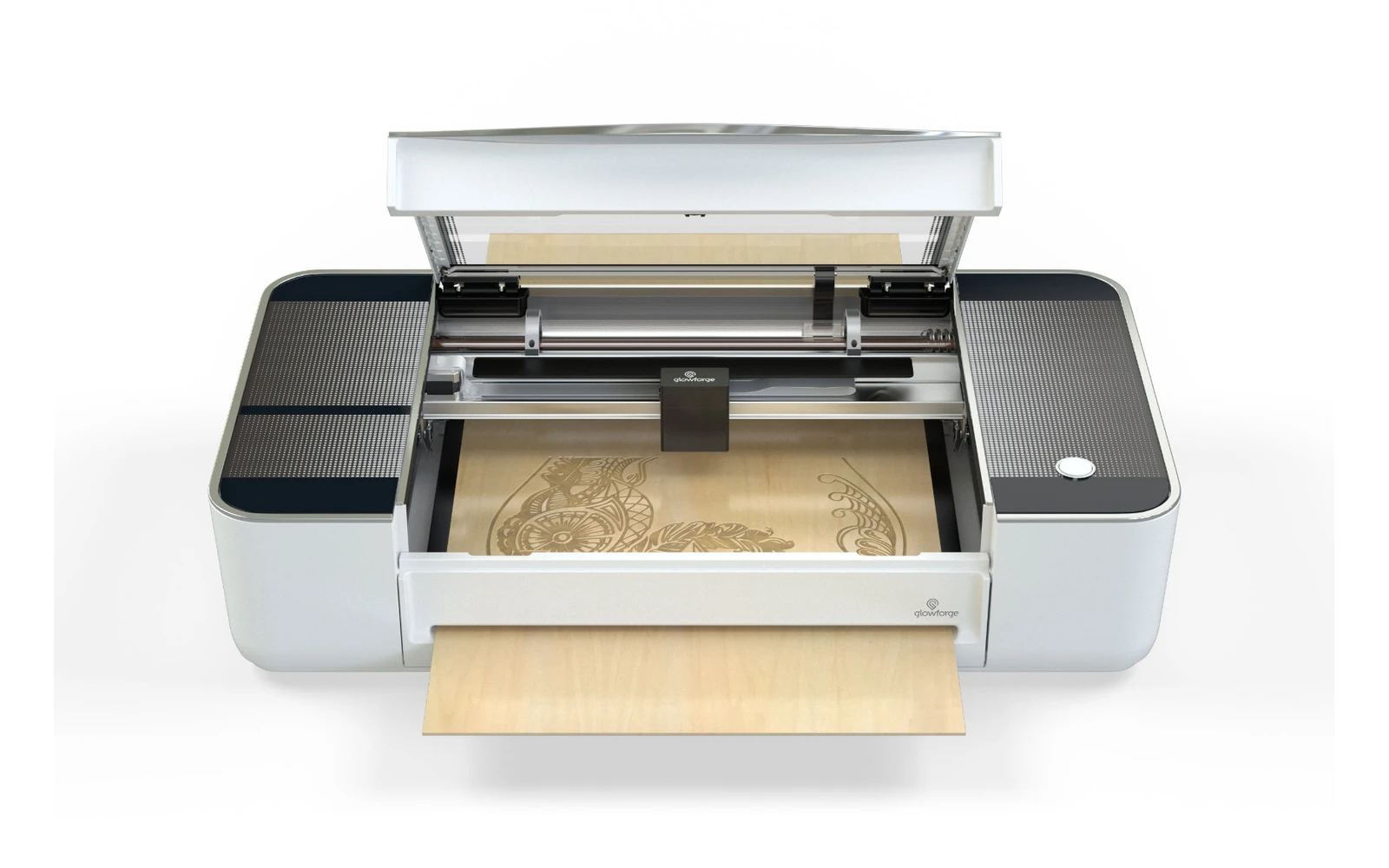
The Glowforge Pro adds passthrough slot for long materials and stronger CO₂ performance vs Aura. Still cloud-dependent with subscription pressure. Best for design-focused crafters who refuse to touch LightBurn: not for cost-sensitive makers.
- +Strong on acrylic and wood versus diodes on the same budget tier
- +Integrated cabinet helps contain the beam and everyday smoke versus open-frame diodes
- +Software listed on the profile: test your workflow (LightBurn or maker app) on scrap first
- −Ventilation to the outside is mandatory for regular cutting, not an optional upgrade
- −Tube life and replacement cost are part of the true ownership budget
- 2
 Gweike Cloud Pro8.5
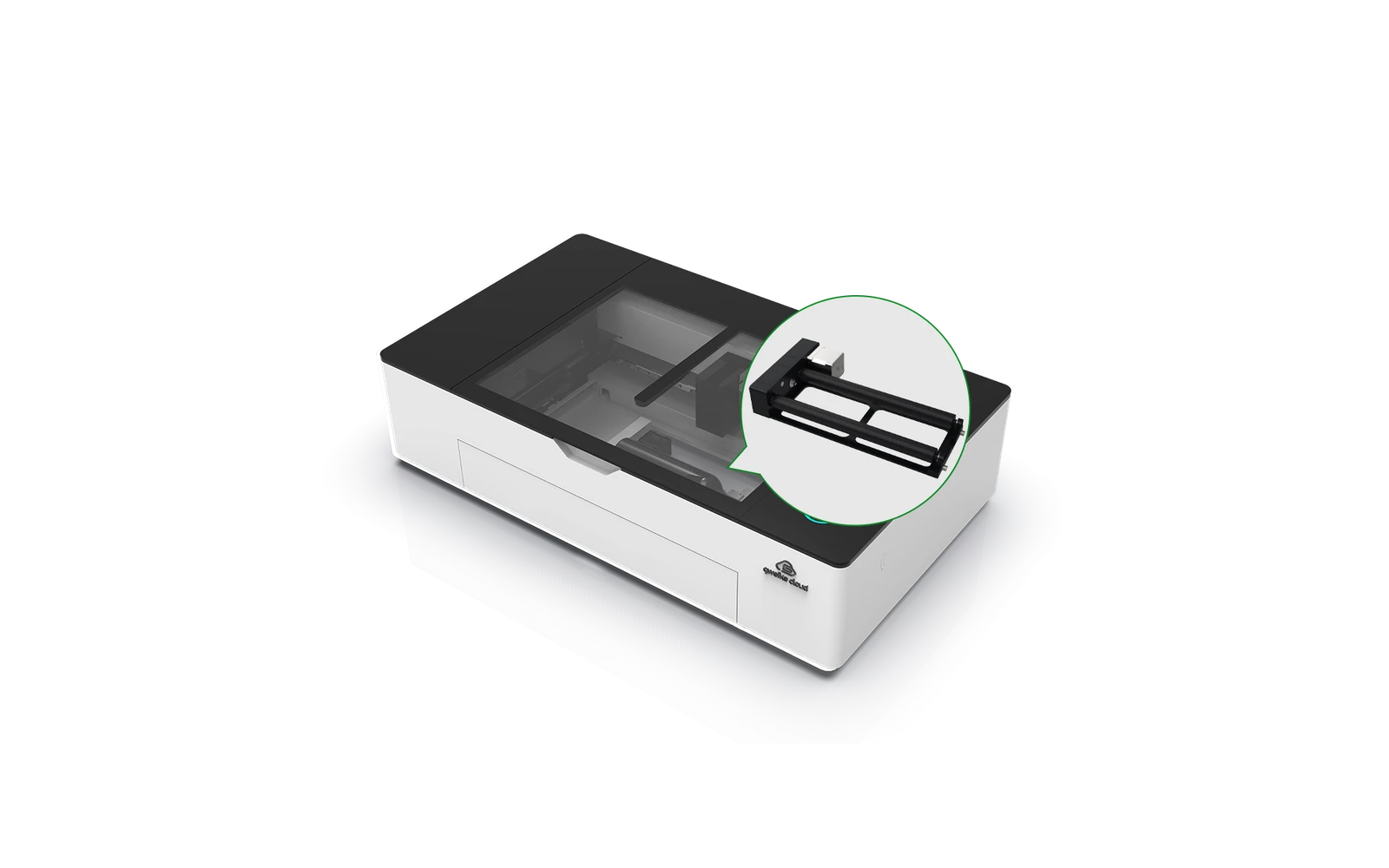
Gweike · CO₂ · $1,659 – $2,539
Gweike Cloud Pro offers enclosed CO₂ cutting with cloud features and competitive pricing vs xTool P2. Good mid-premium CO₂ if you want LightBurn and community support. Verify local warranty before buying.
- +Strong on acrylic and wood versus diodes on the same budget tier
- +Integrated cabinet helps contain the beam and everyday smoke versus open-frame diodes
- +Software listed on the profile: test your workflow (LightBurn or maker app) on scrap first
- −Ventilation to the outside is mandatory for regular cutting, not an optional upgrade
- −Tube life and replacement cost are part of the true ownership budget
- 3
 8.4
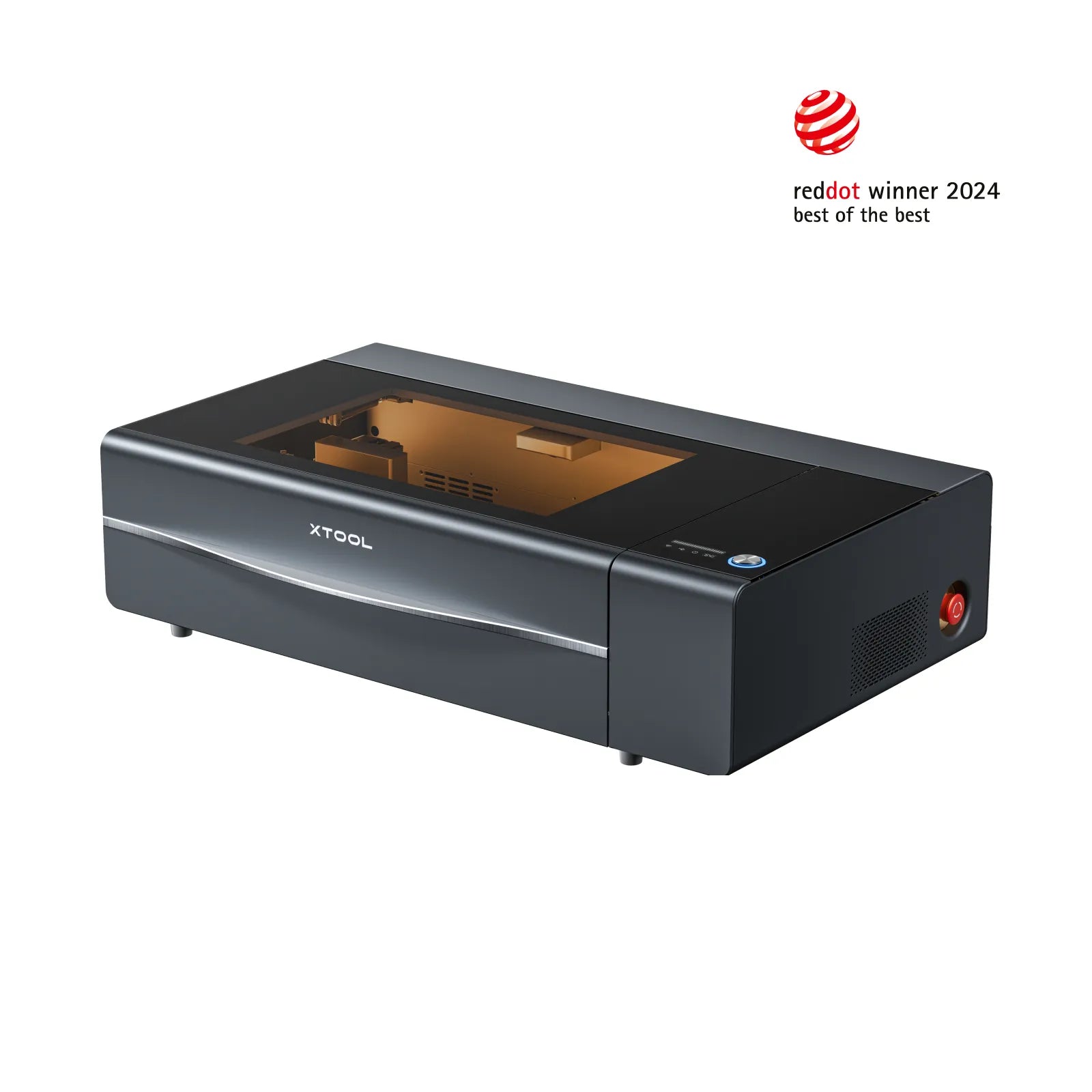
The xTool P2 is a 55W enclosed CO₂ laser with a large work area and camera alignment. It cuts acrylic and wood far better than any diode laser. Expensive, but the closest thing to a 'set up and run a small shop' desktop machine.
- +Strong on acrylic and wood versus diodes on the same budget tier
- +Integrated cabinet helps contain the beam and everyday smoke versus open-frame diodes
- +Software listed on the profile: test your workflow (LightBurn or maker app) on scrap first
- −Ventilation to the outside is mandatory for regular cutting, not an optional upgrade
- −Tube life and replacement cost are part of the true ownership budget
- 4
 xTool P2S8.4
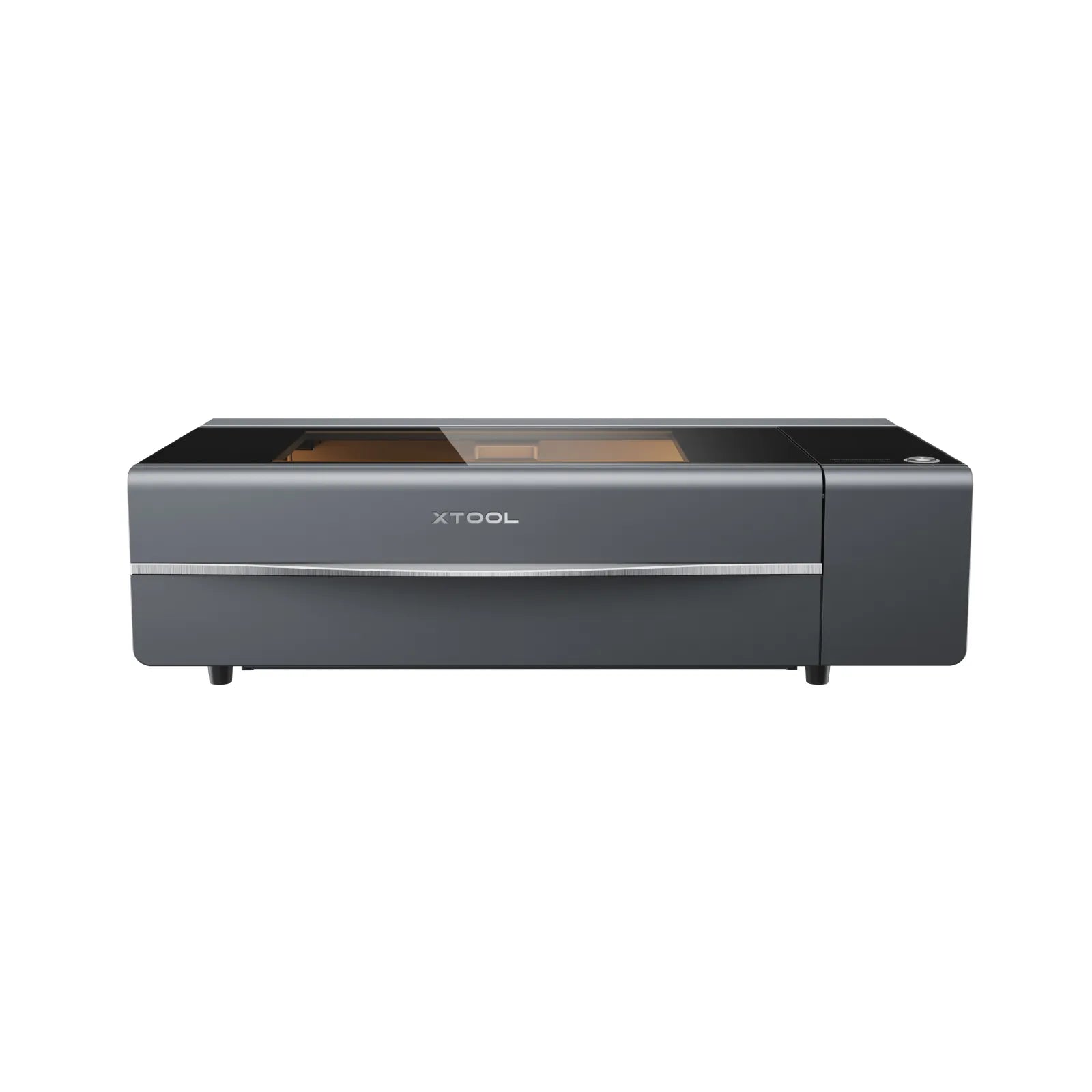
xTool · CO₂ · $2,999 – $5,069
The P2S refines the original P2 with better software and autofocus. Same 55W CO₂ class for acrylic and wood production. Still xTool's main enclosed CO₂ below the P3 flagship: choose P3 if you need 80W and automation; P2S if 55W and budget fit.
- +Strong on acrylic and wood versus diodes on the same budget tier
- +Integrated cabinet helps contain the beam and everyday smoke versus open-frame diodes
- +AutoPassthrough feeds boards up to 3,000 mm (118 in) long, and a 16 MP dual camera previews the whole bed before you start
- −Ventilation to the outside is mandatory for regular cutting, not an optional upgrade
- −Tube life and replacement cost are part of the true ownership budget
- 5
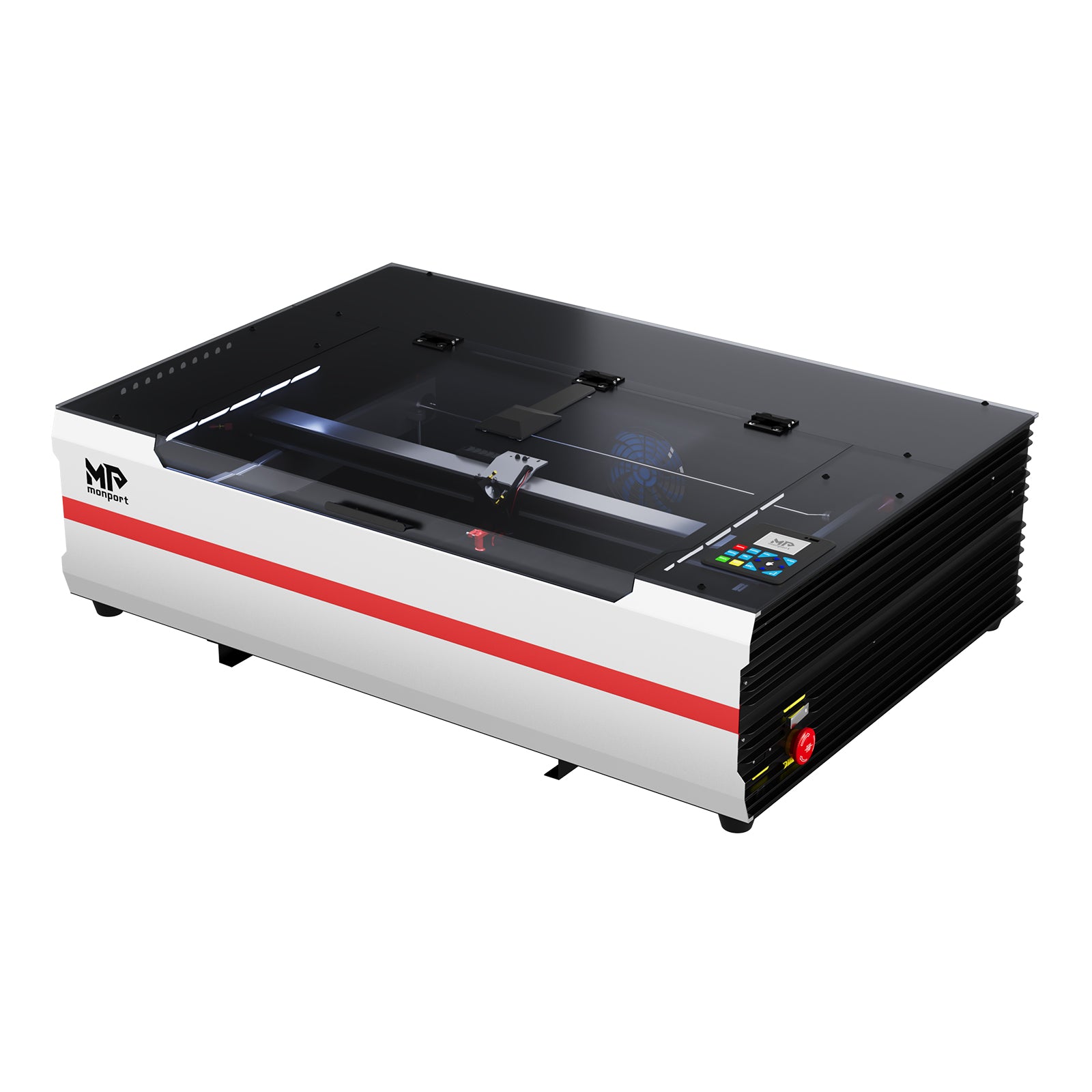 8.3
Monport sits between budget K40 machines and premium enclosed CO₂ like xTool P2. The 55W desktop models offer real cutting power with improved build quality and optional autofocus. Still needs ventilation, but closer to 'business ready' than a stock K40.
- +Strong on acrylic and wood versus diodes on the same budget tier
- +Integrated cabinet helps contain the beam and everyday smoke versus open-frame diodes
- +Software listed on the profile: test your workflow (LightBurn or maker app) on scrap first
- −Ventilation to the outside is mandatory for regular cutting, not an optional upgrade
- −Tube life and replacement cost are part of the true ownership budget
- 6
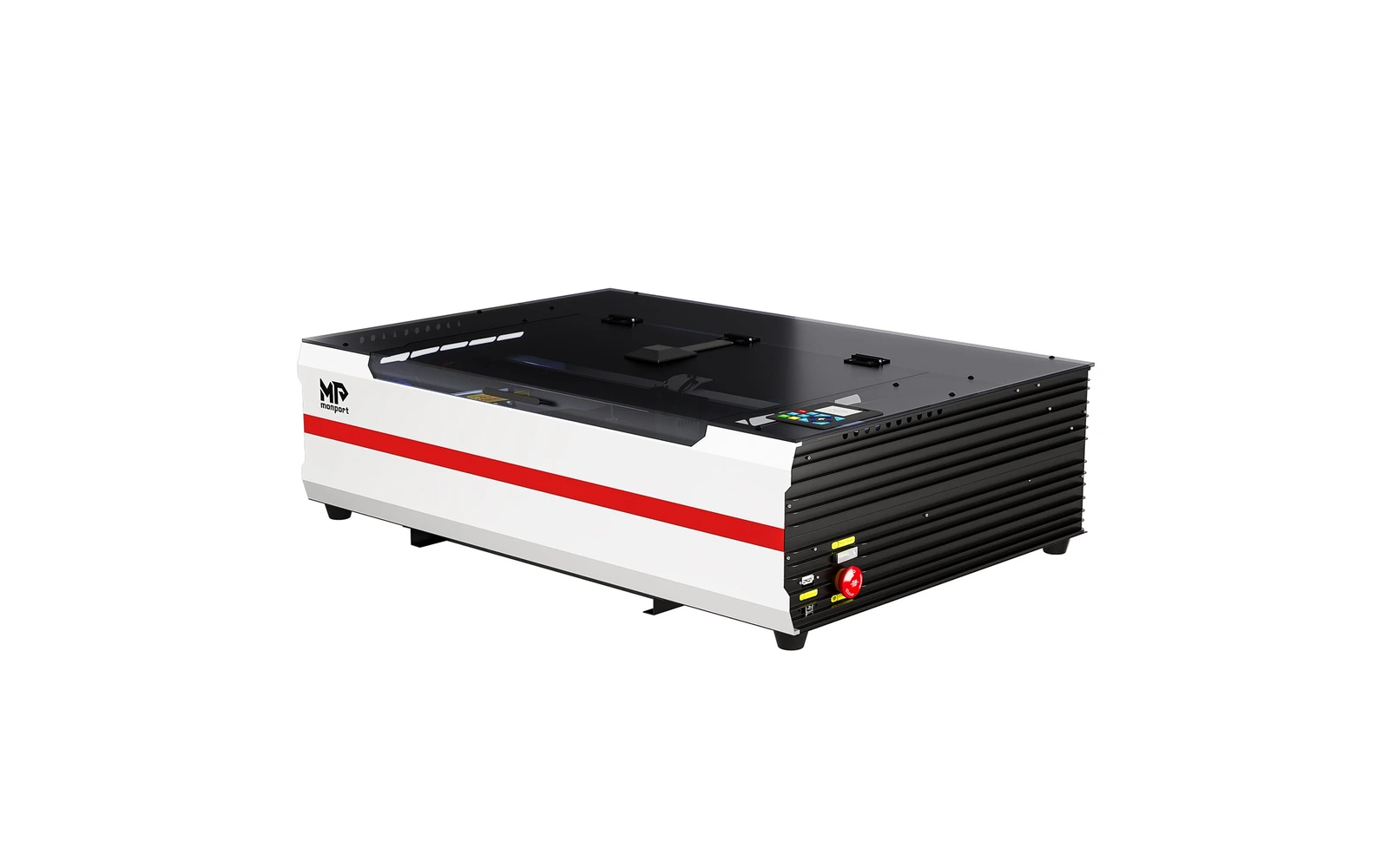 Monport Reno 65 (2026)8.3
Monport · CO₂ · $1,600 – $2,750
The Reno 65 relaunched in September 2026 with a built-in 3 L water tank, a 600 × 400 mm bed, a 640 × 7 mm front pass-through, 100 mm of Z travel and magnetic assisted focus. One 65W glass tube, three versions: Basic ($1,599.99, 500 mm/s, USB and LightBurn only), Pro ($2,249.99, 800 mm/s, Wi-Fi, offline panel, compatible with the 1W IR module) and Vision (8 MP camera, $2,749.99). In October 2026 the Pro was listed for early-October shipping and the Basic for late November, so both are effectively pre-orders; only the Vision was shown in stock. No independent review of this generation yet.
- +600 × 400 mm bed and a 640 × 7 mm front pass-through on a machine about 1 m long
- +Built-in 3 L water tank: no separate chiller or bucket, a cost most glass-tube CO₂ machines add
- +Basic version at $1,599.99 (Monport, Oct 2026): cheaper than any other 60W-plus CO₂ in our catalog
- −Magnetic assisted focus, not true autofocus: you still set the height for each material
- −Glass tube rated 4,500 h below 40% power but 1,300 h above 70%, with a 6-month tube warranty
- 7
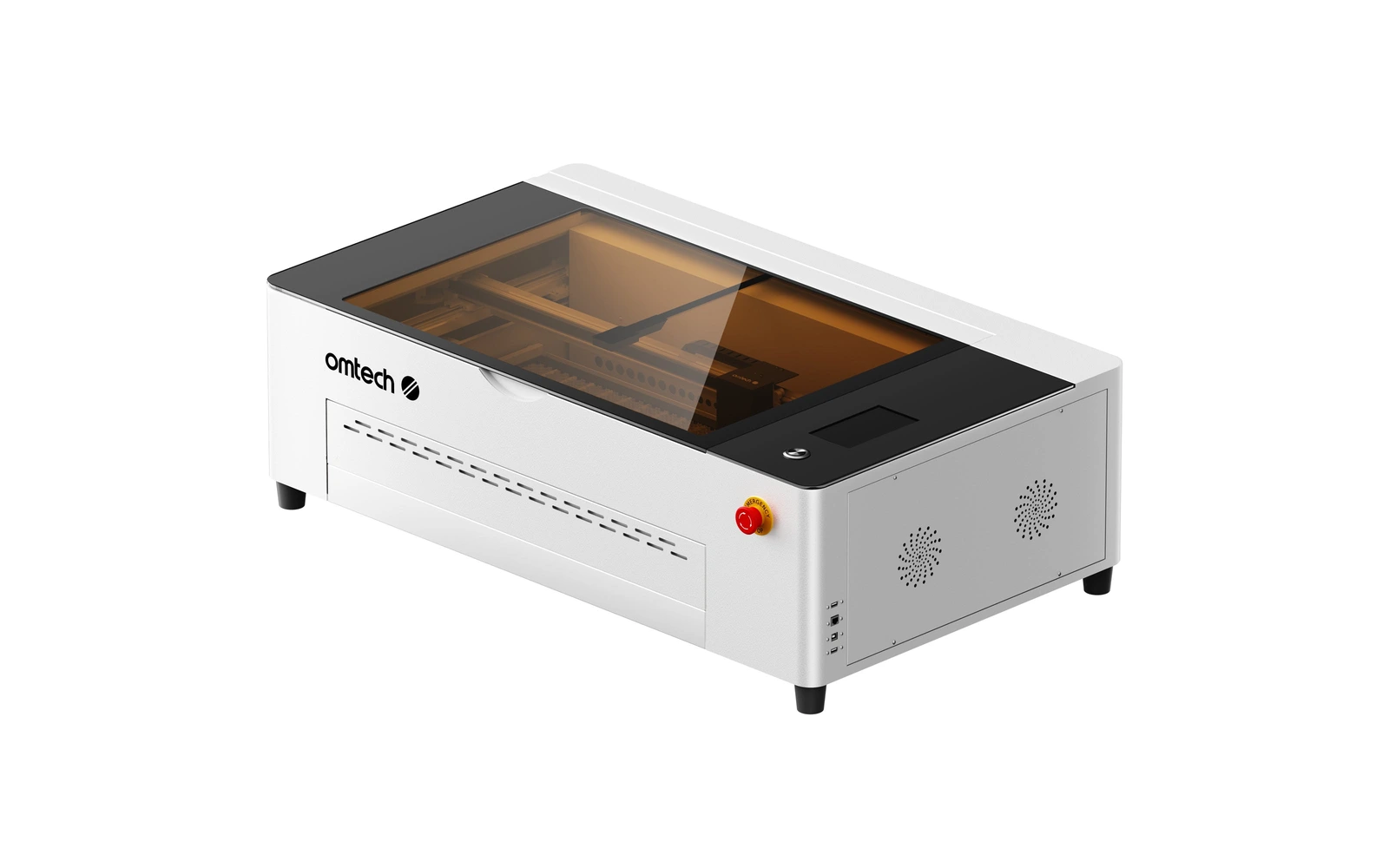 OMTech Polar 28.3
OMTech · CO₂ · $3,700
The Polar 2 70W replaces the original Polar with a much larger 710 × 360 mm bed, a 70W glass CO₂ tube cooled by an internal 4.3 L water loop, a 16 MP full-bed camera, one-touch auto-focus and a rotary in the box. It is the cutting-first, lower-cost half of the Polar 2 line; the 50W RF version engraves faster and finer. No independent long-term review yet.
- +710 × 360 mm bed: about 60% more area than the original Polar, on a desk
- +Internal 4.3 L closed water loop: no separate chiller or bucket to plumb
- +Complete package: 16 MP full-bed camera, auto-focus, air assist, exhaust fan, rotary and LightBurn key
- −Glass tube rated around 10,000 hours versus 30,000 for the RF version: plan a replacement
- −No pass-through, so long sheets must be cut down first
What really determines laser cutting performance?
Optical power is the starting point, but three other factors decide how thick and how fast you cut. Wavelength: CO₂ at 10.6 µm cuts acrylic of any color and thick wood faster than a diode of similar power, and diodes cannot cut clear acrylic at all. Beam quality: a compressed diode spot cuts deeper per watt, but the beam cone leaves angled edges on thick stock. Air assist: a strong pump of 30 L/min or more, or a compressor, clears smoke from the kerf and limits charring. The bed and focus matter too: a honeycomb or blade bed, and the option to set focus inside the material, help on thick cuts.
How thick can each type of laser cut?
Typical figures on good basswood or birch plywood with air assist, in one to three passes: a 20W diode cuts 5 to 6 mm plywood and 8 to 10 mm basswood. A 40W diode reaches around 10 mm plywood, more in many passes, with darker edges. A 40W CO₂ of the K40 class cuts about 6 mm plywood and 5 to 6 mm acrylic. A 55W CO₂ such as the xTool P2S or Gweike Cloud handles 8 to 10 mm acrylic and 10 mm plywood. 80 to 100W CO₂ machines cut 15 mm acrylic and more in one or two passes. Maximum claims usually assume soft wood and many passes; expect less on hardwood and cheap plywood.
Price and work area for a cutting machine
For cutting, bed size counts as much as power, because sheet stock comes in large formats. Open-frame 20 to 40W diodes cost $350 to $1,100 with about 400 × 400 mm areas; large frames like the Sculpfun S30 Ultra (590 × 595 mm) or the Sculpfun S70 Max and Atomstack A70 Max (830 × 800 mm) run from $450 to $3,000. Desktop CO₂ cutters at $1,600 to $5,000 offer 500 × 300 to 710 × 360 mm, often with a pass-through slot for longer pieces. The xTool P3 reaches 915 × 458 mm at 80W. Check whether a riser kit exists if you plan to cut or engrave thick blanks.
Common pitfalls when buying a laser for cutting
Maximum cut claims are usually best cases on soft basswood with many passes; look for single-pass figures on plywood. Thick diode cuts are slow: 10 mm in several passes can take many times longer than on a 55W CO₂. Cutting produces far more smoke than engraving, so a weak fan becomes the bottleneck. An aquarium-style air pump is fine for engraving but weak for thick wood. Fire risk rises with cutting: flare-ups happen on plywood and MDF, so stay with the machine and keep an extinguisher close. Plywood and MDF glues vary widely; buy laser-grade sheets for predictable results.
Diode or CO₂ for a cutting-focused workshop?
If you mostly cut wood under 6 mm and engrave from time to time, a 20 to 40W diode is cheaper to buy and to run, and easy to set up in a garage. If acrylic signs, earrings or cake toppers in clear or colored acrylic, or regular 6 to 12 mm wood, are part of the work, a 50 to 60W CO₂ pays for itself in time saved and cleaner edges. For large signs or furniture parts, look at bed size first: an 80W CO₂ like the xTool P3 or a 90W OMTech cabinet. Leather and fabric cut well on both; CO₂ leaves less soot on light-colored materials.
Frequently asked questions
What is the best laser cutter in 2026?
The Glowforge Pro ranks first in our database with an overall score of 8.6/10, starting around $2,999. The Glowforge Pro adds passthrough slot for long materials and stronger CO₂ performance vs Aura. Still cloud-dependent with subscription pressure. Best for design-focused crafters who refuse to touch LightBurn: not for cost-sensitive makers.
What is the most affordable good laser cutter?
Among our top picks, the Monport Reno 65 (2026) is the most affordable, starting around $1,600 with an overall score of 8.3/10.
How are these rankings built?
Rankings are generated from our scoring database — capability, ease of use, build quality, and value, weighted for each category. There are no sponsored placements, and scores reflect real-world performance rather than marketing claims.