Best UV Lasers 2026
UV lasers excel on heat-sensitive plastics, glass, and ceramics with minimal thermal damage. Every UV machine in our database, ranked by overall score.
Rankings are generated from our scoring database — no sponsored placements. Scores reflect real-world capability, not marketing claims. How we score machines
- 1
 8.4
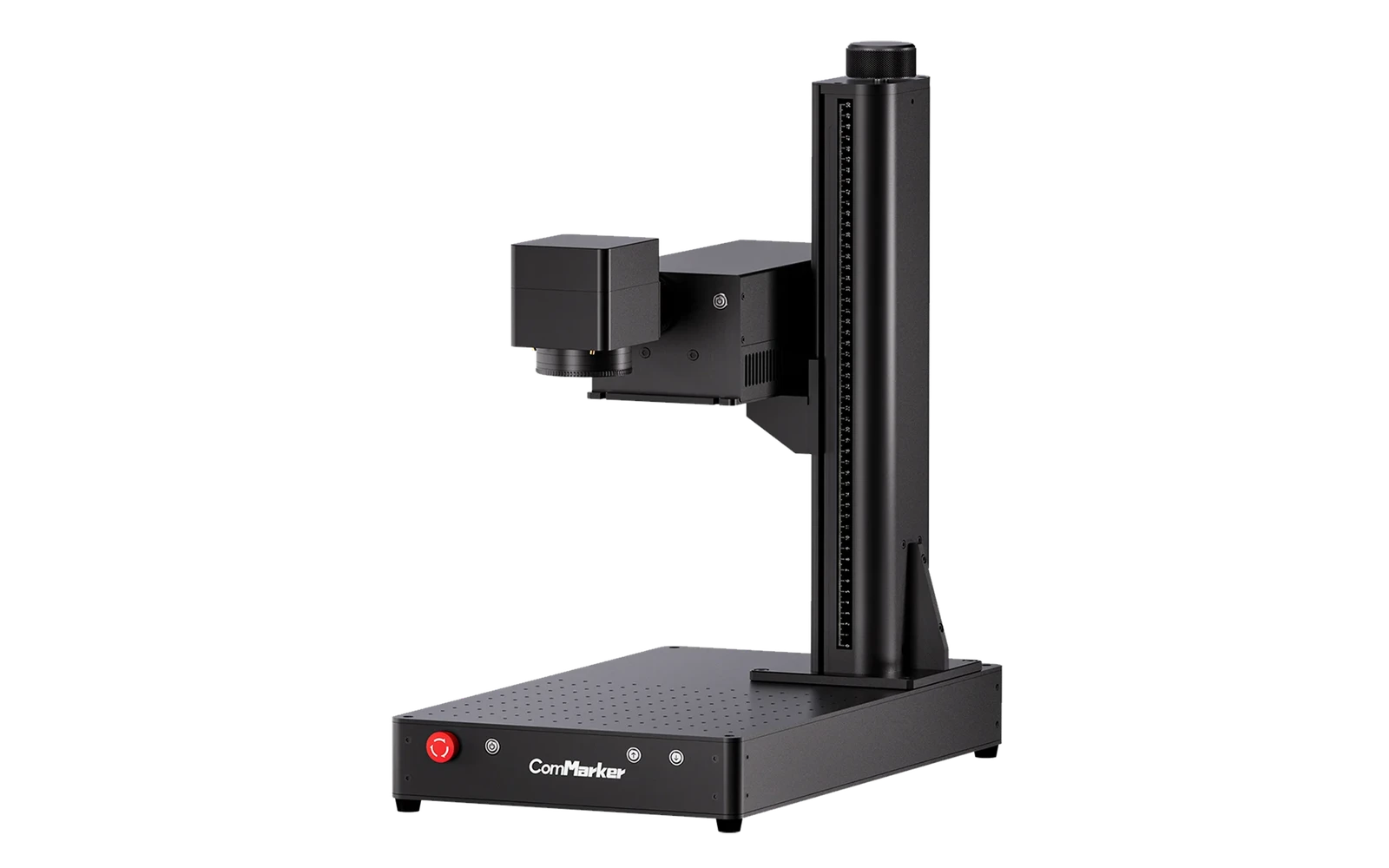
ComMarker Omni 1 is the more compact UV line for makers entering glass and plastic marking. Same caveats as all UV: material testing, eye protection, and realistic speed expectations.
- +3W UV: cold marking on glass and heat-sensitive plastics
- +Software listed on the profile: test your workflow (LightBurn or maker app) on scrap first
- −Clear cast acrylic and thick production cutting still favor CO₂, not diode power alone
- −Confirm optical wattage on the listing before you buy
- 2
 xTool F2 Ultra UV8.3
xTool · UV · $4,299 – $5,959
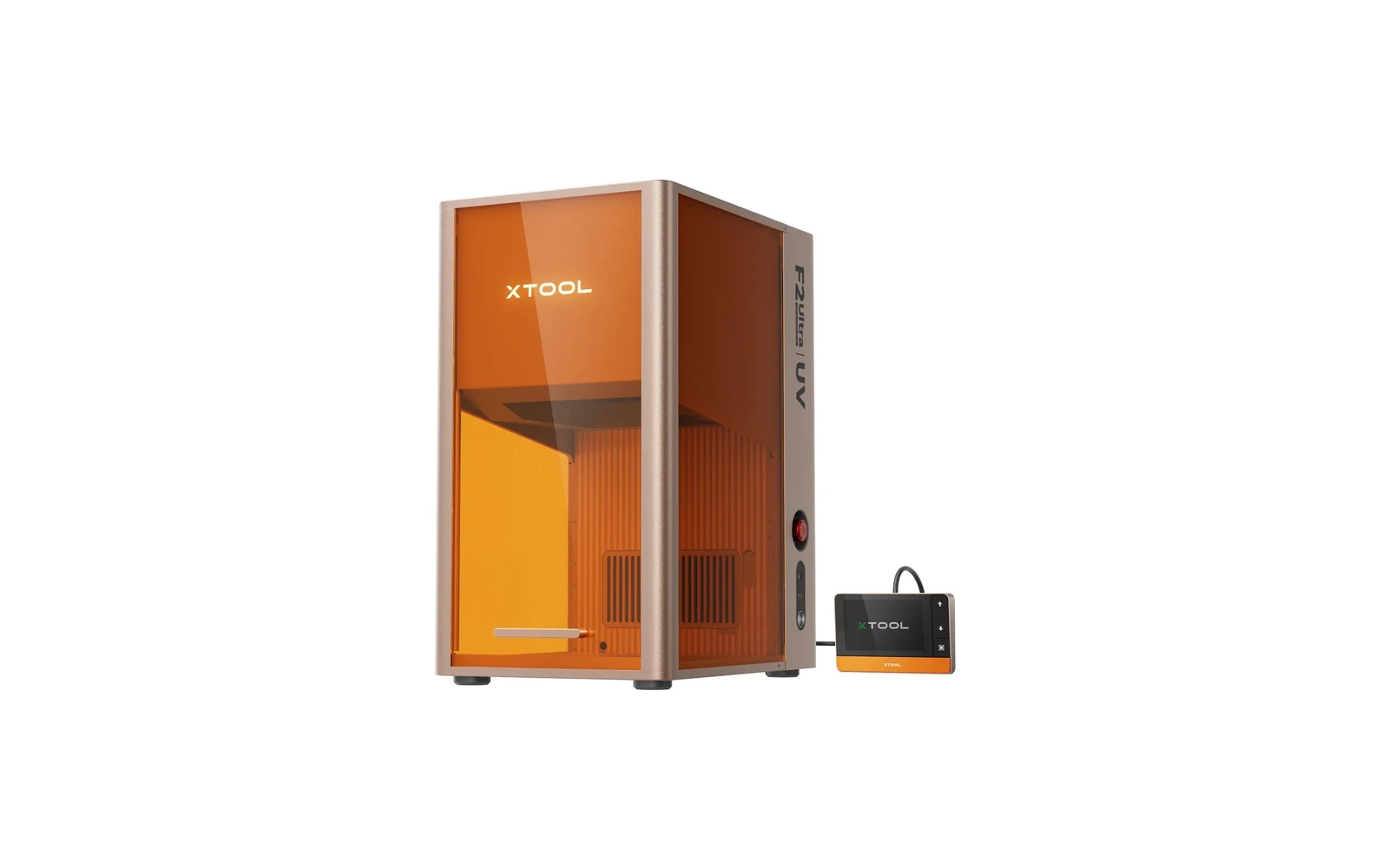
The F2 Ultra UV is the UV version of xTool's F2 Ultra: a single 5W 355 nm UV source on a galvo, in the same enclosed body, with a 200 × 200 mm field and two 48 MP cameras. Cold processing marks glass, crystal, plastics, ceramics and heat-sensitive materials without burnt edges, and a second lens engraves 3D images inside crystal blocks up to 70 × 70 mm. It is slow for deep engraving and not built for cutting. Not to be confused with the F2 Ultra, which pairs a 60W MOPA fiber with a 40W diode.
- +Cold 355 nm processing: clean marks on glass, plastics and heat-sensitive materials without burnt edges
- +3D inner engraving in crystal blocks up to 70 × 70 mm, with a second lens and AI conversion of photos to 3D in xTool Studio
- +200 × 200 mm field and two 48 MP cameras for batch placement, in an enclosed body
- −Slow for deep work: a reviewer needed about 6 hours and 256 passes for a shallow brass coin
- −$4,299 for a single UV source, while the F2 Ultra MOPA costs the same
- 3
 Monport UV Pro7.9
Monport · UV · $3,190 – $3,390
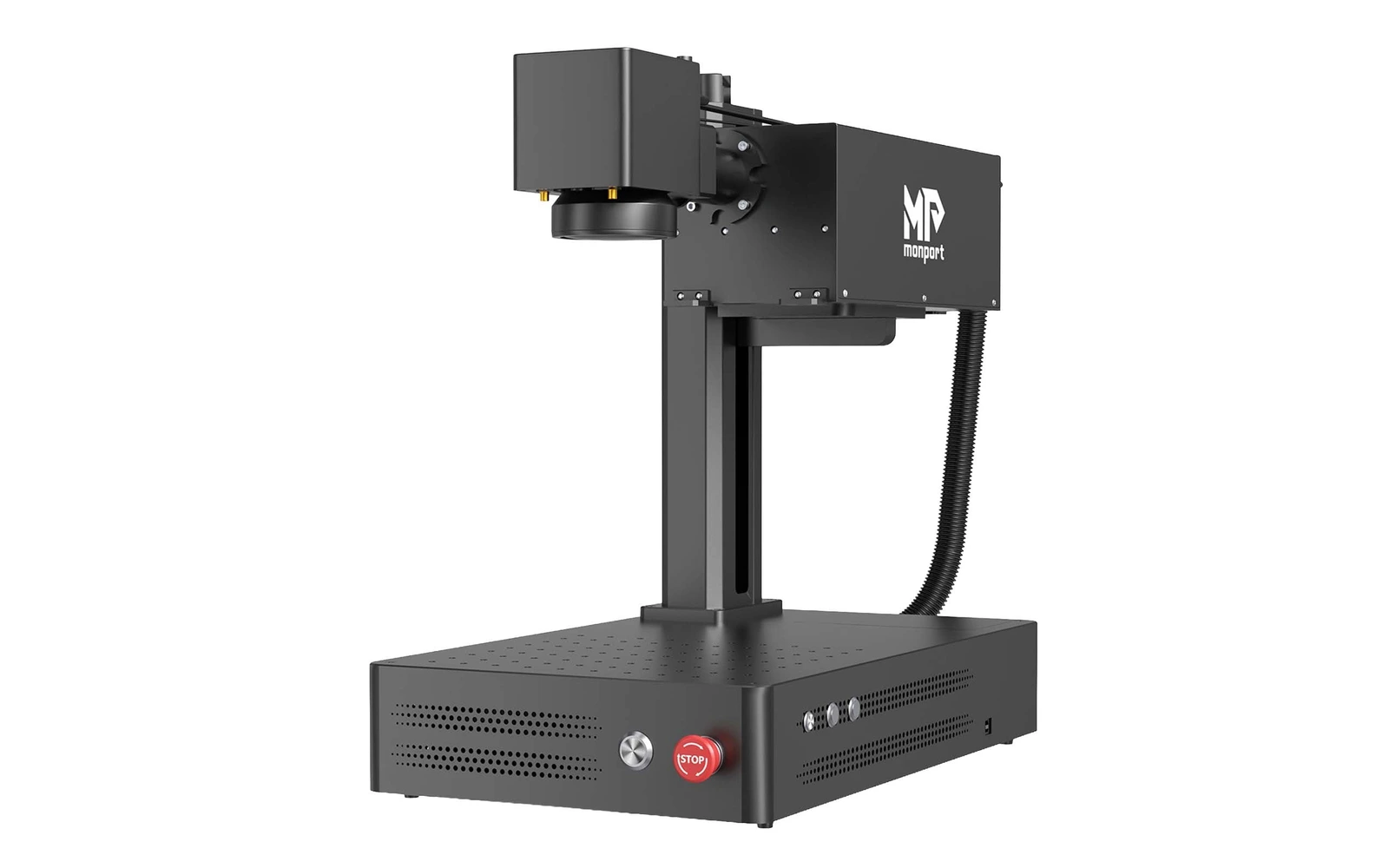
The UV Pro 6W is the entry tier of Monport's 3D inner-engraving UV galvo, listed in September 2026: 355 nm, 10,000 mm/s, 10–150 kHz, a 70 × 70 mm lens for 3D work (Monport lists a 150 × 150 mm processing area), an electric Z lift, a foot pedal and a separate water chiller in the package. $3,190 on Monport's store in October 2026 and available immediately. Manual focus, no camera, no enclosure; no independent review yet.
- +3D engraving inside crystal and glass, with a 5 × 5 × 8 cm K9 test block and the 70 × 70 mm lens in the box
- +Water chiller included at $3,190 (Monport, Oct 2026)
- +355 nm cold marking: clean, unburned marks on plastics, glass and heat-sensitive parts
- −Manual focus (electric Z lift with dual red dot): no autofocus and no camera
- −Open galvo with a Class 4 UV beam: glasses are supplied, an enclosure is not
- 4
 Sculpfun V127.9
Sculpfun · UV · $5,499
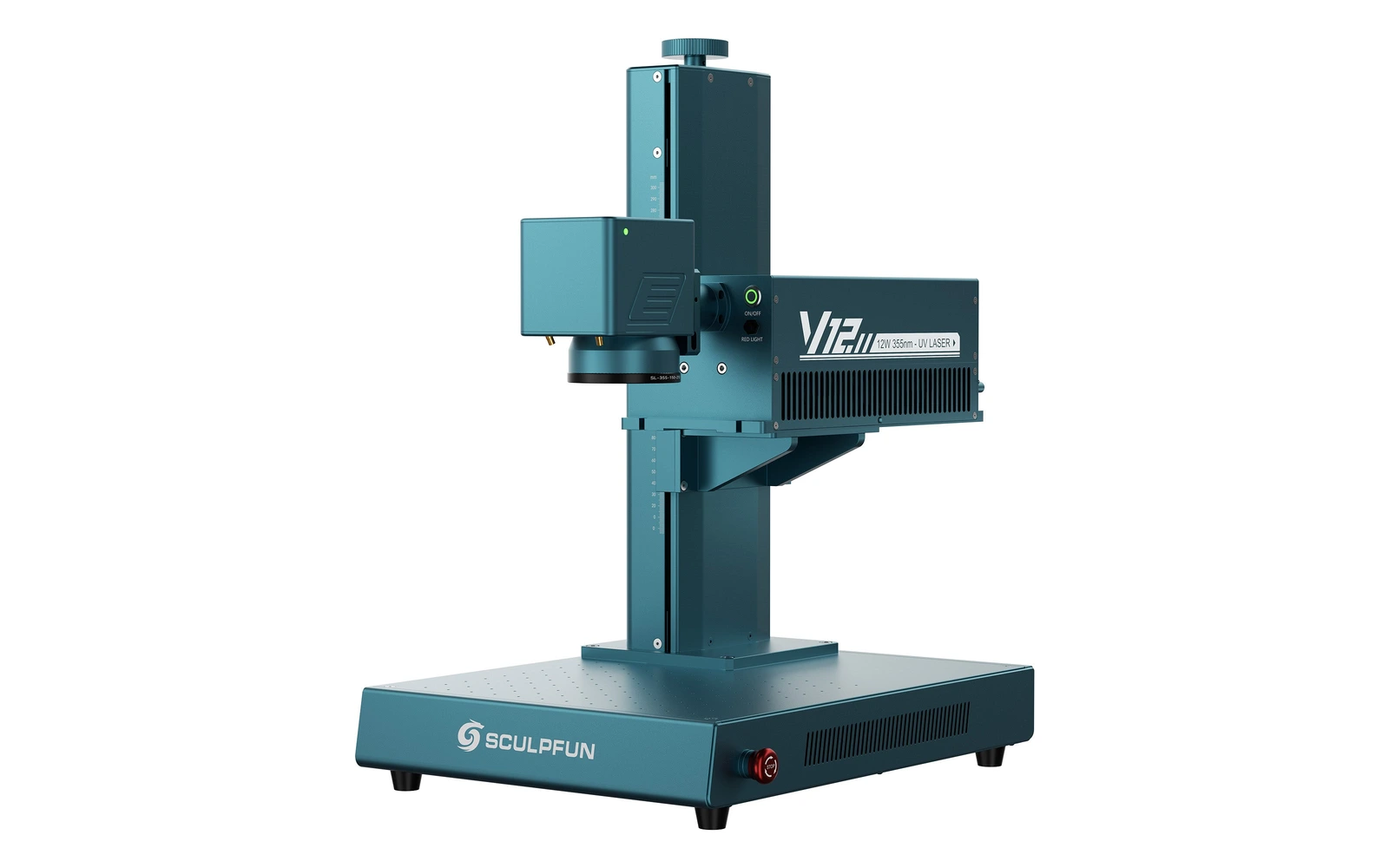
The Sculpfun V12 is a 12W UV galvo launched in August 2026, the big brother of the 5W V5. It ships with a 70 × 70 mm lens for fine work and 3D engraving inside crystal, and a 200 × 200 mm lens for everyday marking, on a motorized Z column with dual red-dot focusing. UV marks plastics, glass, metals, wood and paper with little heat. At $5,499 and 26.7 kg it is a business machine; no independent review yet.
- +Two field lenses in the box: 70 × 70 mm for fine work and crystal, 200 × 200 mm for everyday marking
- +Motorized Z column with dual red-dot focusing and a preset button for each lens
- +355 nm cold marking handles plastics, glass and clear acrylic that fiber and diode lasers struggle with
- −$5,499 and 26.7 kg: a business purchase, $2,300 more than the 5W V5
- −Sculpfun's own figures disagree (10,000 mm/s in the spec list, 15,000 mm/s on the product images), and the 0.0019 mm spot is a marketing number
- 5
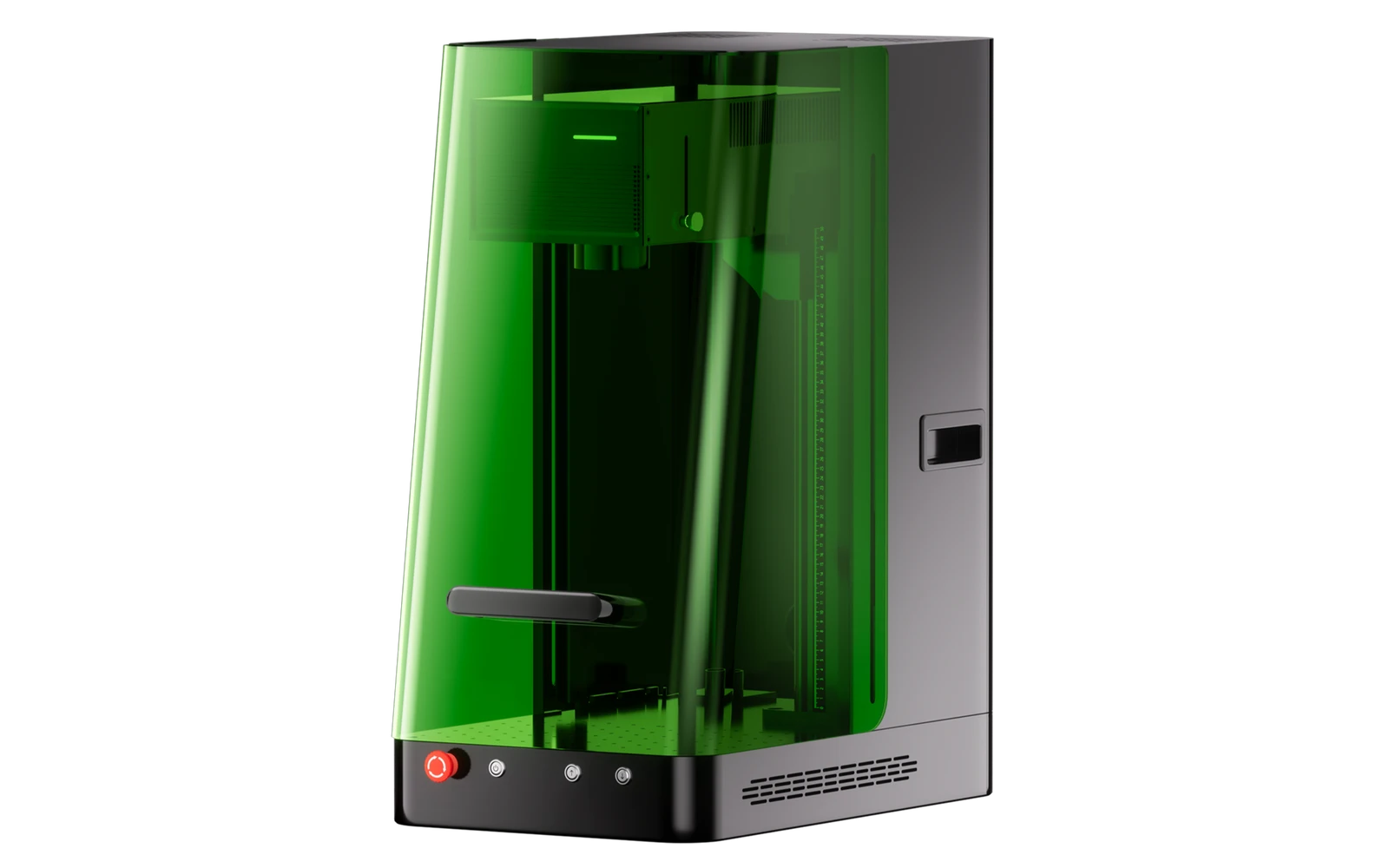 ComMarker Omni X UV7.8
ComMarker · UV · $3,599 – $7,059
ComMarker Omni X uses UV wavelength for cold marking on glass, some plastics, and delicate materials without as much heat damage as fiber or CO₂. Slower than fiber on metal: different tool for different materials.
- +Class 1 enclosure with OD 5+ shielding, door sensor and safety key: no goggles needed in normal use
- +ComMarker claims 99.72% dust isolation inside the enclosure, useful when engraving plastics in a shared room
- +LiDAR autofocus and a 235 mm maximum processing height for tall objects
- −$300 more than the open-frame Omni XE for the same laser options
- −32 kg and 515 × 320 × 655 mm: heavier and taller than the Omni XE (20 kg)
What is a UV laser engraver good at?
At 355 nm, UV light is absorbed by many materials that infrared and blue light handle badly, and it marks with very little heat, which is why it is called cold marking. It gives crisp marks on plastics such as ABS, polycarbonate and silicone without melting, frosts the surface of glass and crystal, marks ceramics, and engraves paper and leather without burnt edges. Typical uses are electronics labels, lab and medical plastics, glassware personalization and fine jewelry detail. UV is not a tool for cutting wood or acrylic sheet, and on metal it only marks the surface.
Why UV laser watts are not comparable to other lasers
A 5W UV source is not weak. Because the light is absorbed so efficiently and the spot is very small, 3 to 6W of UV handles most marking jobs, and 10 to 12W, as on the Sculpfun V12, mostly adds speed and a little depth. Do not compare UV wattage with diode or fiber numbers. What matters more is the quality of the source, its pulse frequency range, its cooling (air or water) and the field size: 150 × 150 mm is common, 200 × 200 mm on the xTool F2 Ultra UV and Sculpfun V12, which also offers a small 70 mm field for fine work.
How much does a UV laser cost?
UV is the most expensive desktop source per watt. Discontinued 3W units like the Commarker Omni 1 now sell second-hand; new, it started around $1,500. Current 5 to 6W machines cost $3,200 to $4,300: the Monport UV Pro 6W, Commarker Omni XE and Omni X 6W, Creality Falcon T1 5W UV and xTool F2 Ultra UV. 10 to 12W models, like the Sculpfun V12 at about $5,500 or the 12W Commarker Omni X, run $5,000 to $7,000. A rotary, enclosure or fume extractor adds several hundred dollars on top.
Who should buy a UV laser rather than a fiber?
Choose UV if your products are mostly plastic, glass, ceramic or delicate materials: phone cases, electronics labels, cosmetics packaging, wine glasses and acrylic awards. Choose fiber if most of your work is metal: it is cheaper and faster on stainless, aluminum and brass. For a mix, many sellers pair a UV with a diode or fiber machine rather than forcing one source onto everything. Note that 3D images inside a crystal block are made with dedicated subsurface engraving machines, usually green lasers, not with desktop UV galvos, which only mark the surface.
What to check before buying a UV laser
UV sources are sensitive to heat and dust: check the cooling design and how long the warranty covers the source itself, not just the frame. Plastics still release fumes when marked, so extraction is required. Glasses must be rated for 355 nm, and an enclosure is safer since the beam is invisible. Ask for sample marks on your exact material, because results on plastics depend on pigments and additives. Software is usually EZCAD or LightBurn's galvo mode, or the brand's own app on xTool. Some models, like the LaserPecker U1 and Monport UV Pro 10W, are announced but not shipping yet.
Frequently asked questions
What is the best UV laser in 2026?
The ComMarker Omni 1 UV ranks first in our database with an overall score of 8.4/10, starting around $1,499. ComMarker Omni 1 is the more compact UV line for makers entering glass and plastic marking. Same caveats as all UV: material testing, eye protection, and realistic speed expectations.
How are these rankings built?
Rankings are generated from our scoring database — capability, ease of use, build quality, and value, weighted for each category. There are no sponsored placements, and scores reflect real-world performance rather than marketing claims.